Features
AI Image & Video Generators
116 tools
Explore AI generators for portraits, product photos, visual styles, and video. Choose a workflow, compare supported models, then create in Ofrai.
Start with these AI tools
Open image and video workflows directly and see how each one works.
116 features found
Glamour & fashion
12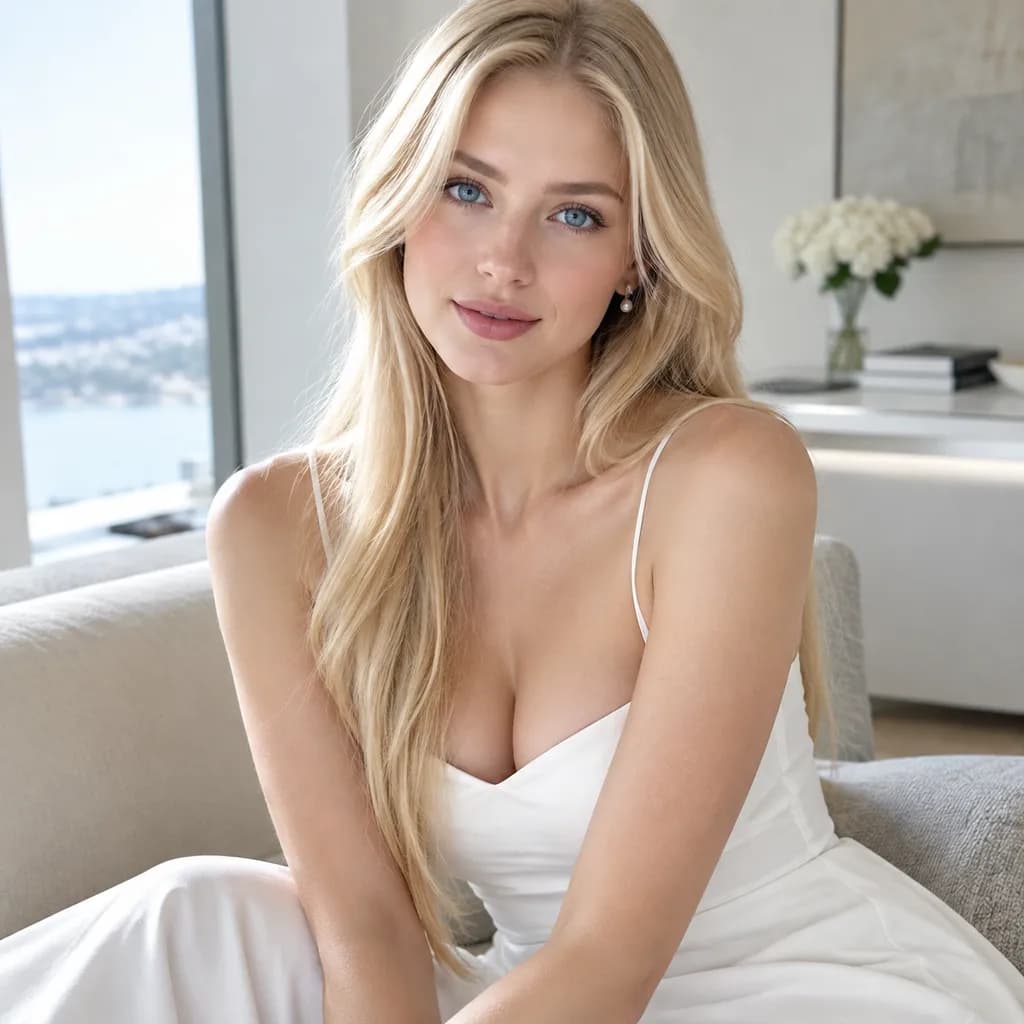
AI Sexy Girl Generator
An AI sexy girl generator produces glamorous portraits of adult women — fully clothed, editorial in tone, and built from lighting and wardrobe direction rather than nudity. On Ofrai you write the brief in Image Studio, pick an image model, and iterate on wardrobe, pose and camera until the frame looks like a campaign still. Consent and age boundaries apply to every subject.
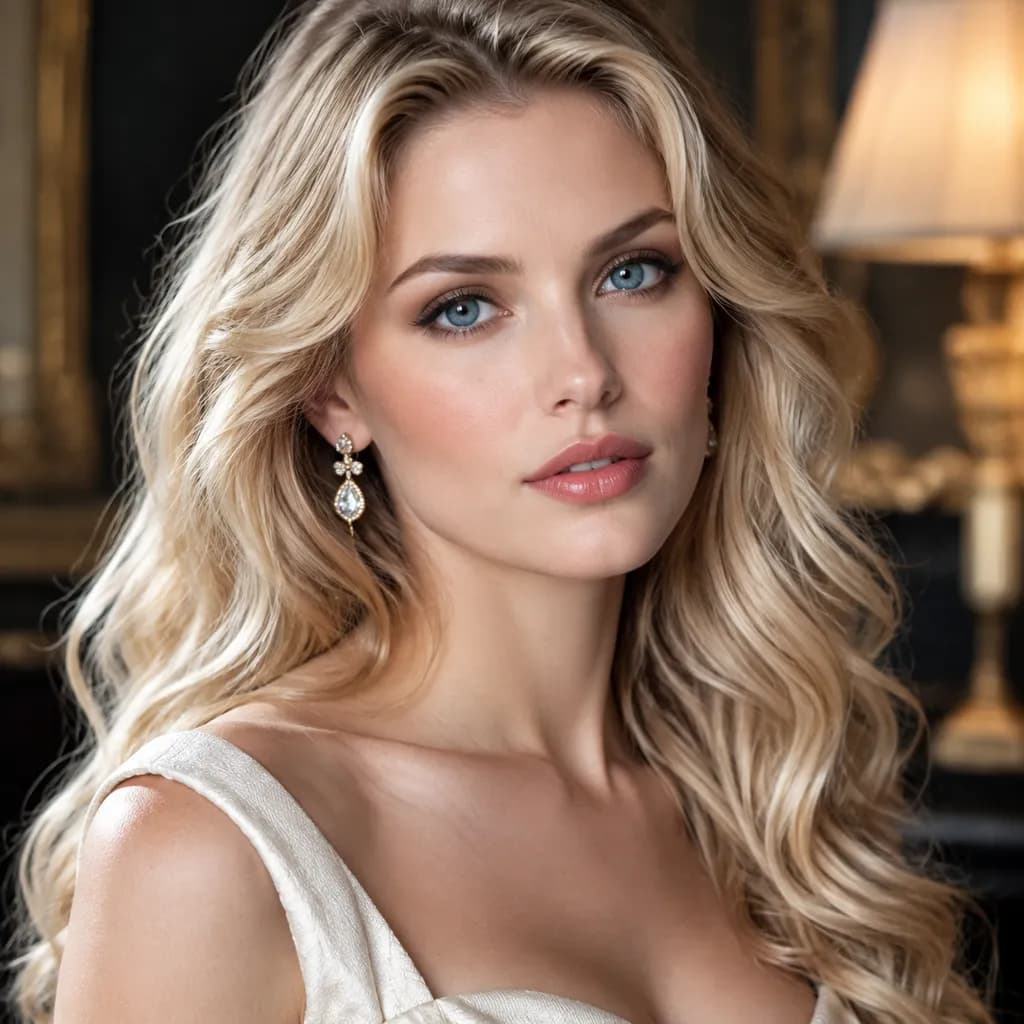
AI Girl Generator
An AI girl generator earns its keep when the third image still resembles the first, which is why face consistency matters more than any single hero render. On Ofrai you open Image Studio, pick a model from nano-banana-pro, gpt-image-2, flux-2, and seedream-5, and write a subject block you can reuse: age range, face features, hair, and wardrobe, kept identical across every variation. You change only the environment, lighting, and camera between renders. That way a wardrobe set, a lookbook, or a series of social portraits comes out of one prompt skeleton instead of ten unrelated people.
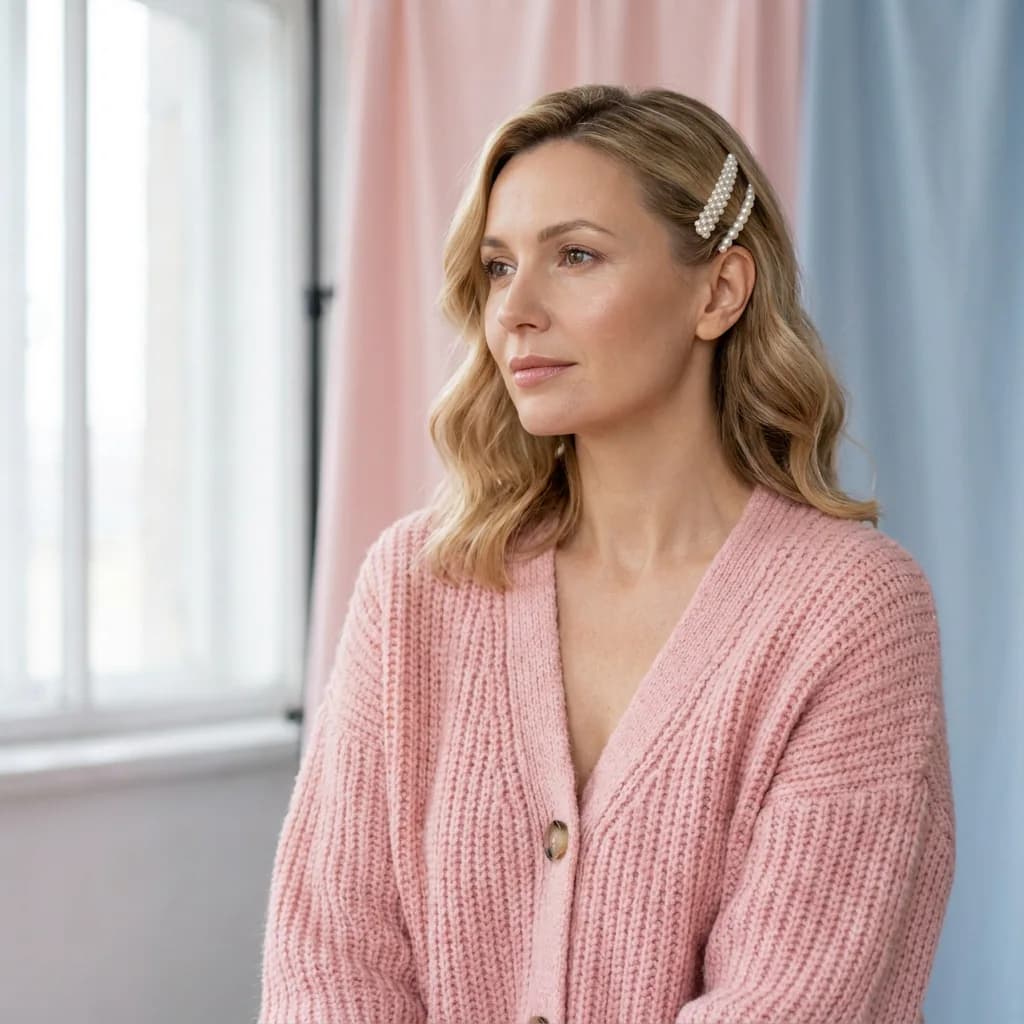
AI Soft Girl Portrait Generator
An AI soft girl portrait generator creates gentle, softly lit portraits of adult women — diffused window light, warm muted colour, low contrast and a shallow-focus background. In Ofrai you write the mood and the styling together, then upload one approved frame as a reference so a whole series stays on the same person. The style rewards restraint rather than spectacle.
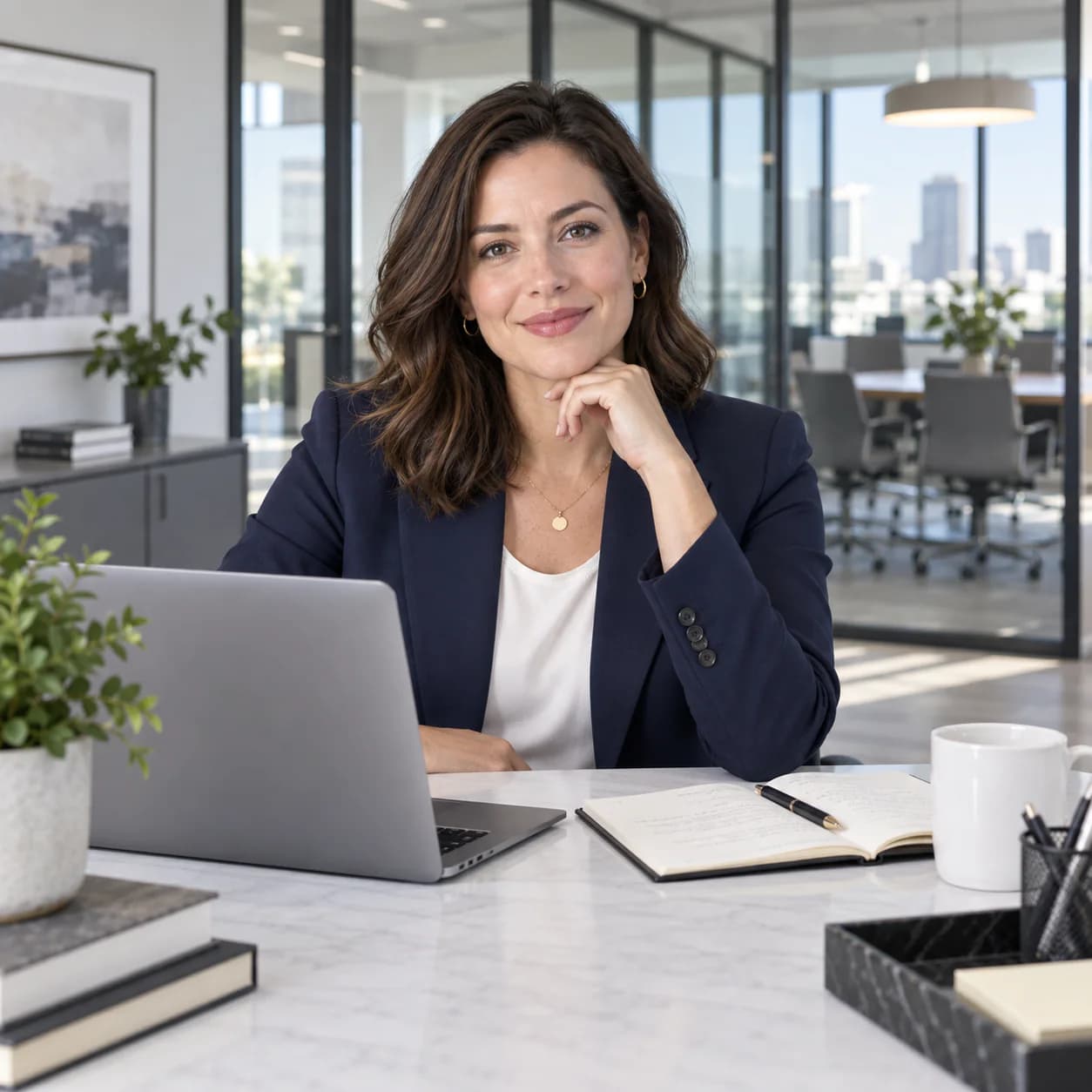
AI Office Lady Generator
Upload a photo of yourself or an adult who has agreed to the edit. Try a business-casual outfit for a profile or lookbook, then compare the portrait with your original. This page generates one 3:4 image per run and shows the cost before you start.
AI Fashion Model Generator
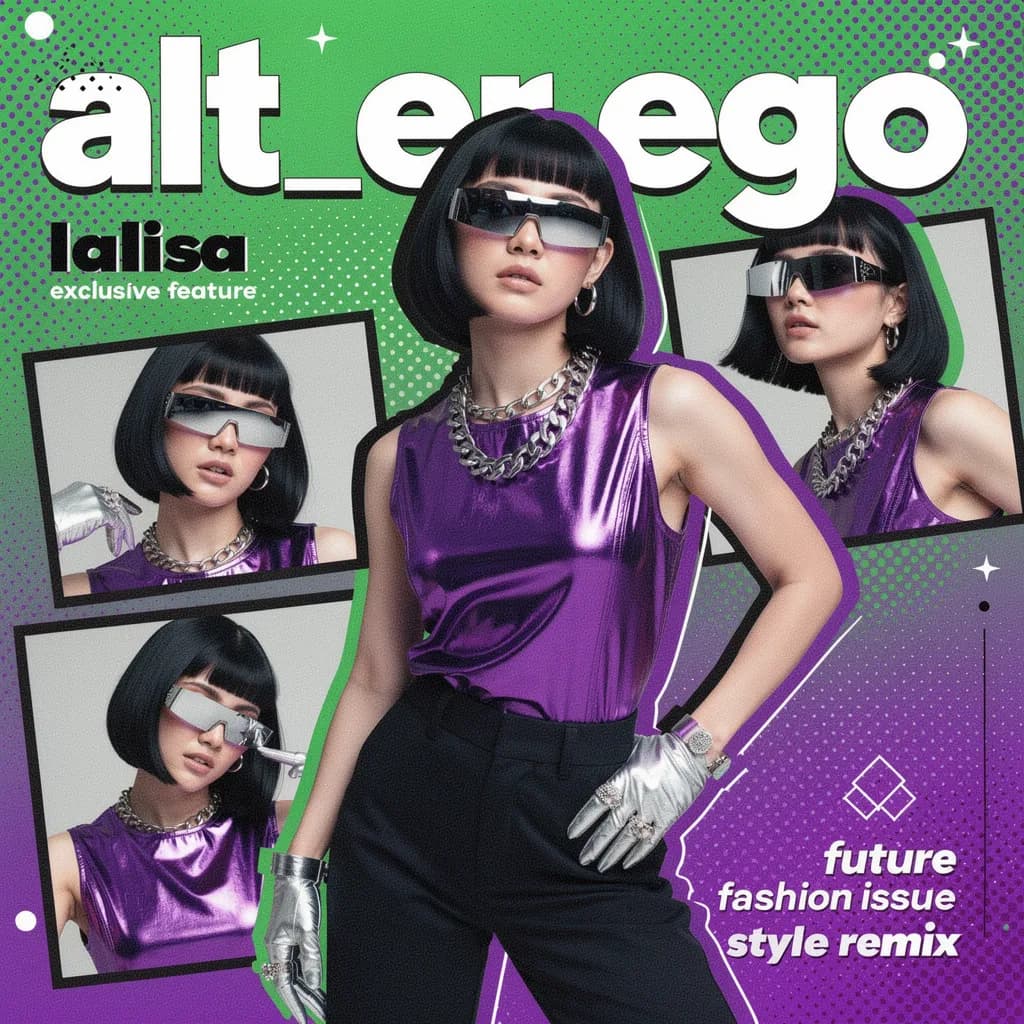
An AI fashion model generator lets you cast a virtual model and produce a full lookbook without a real shoot or a studio. That consistency is the whole job: the garment must read correctly, the cast must stay recognisable, and lighting must be uniform across the set. Plan the cast first, then generate garment by garment.
AI Flight Attendant Generator
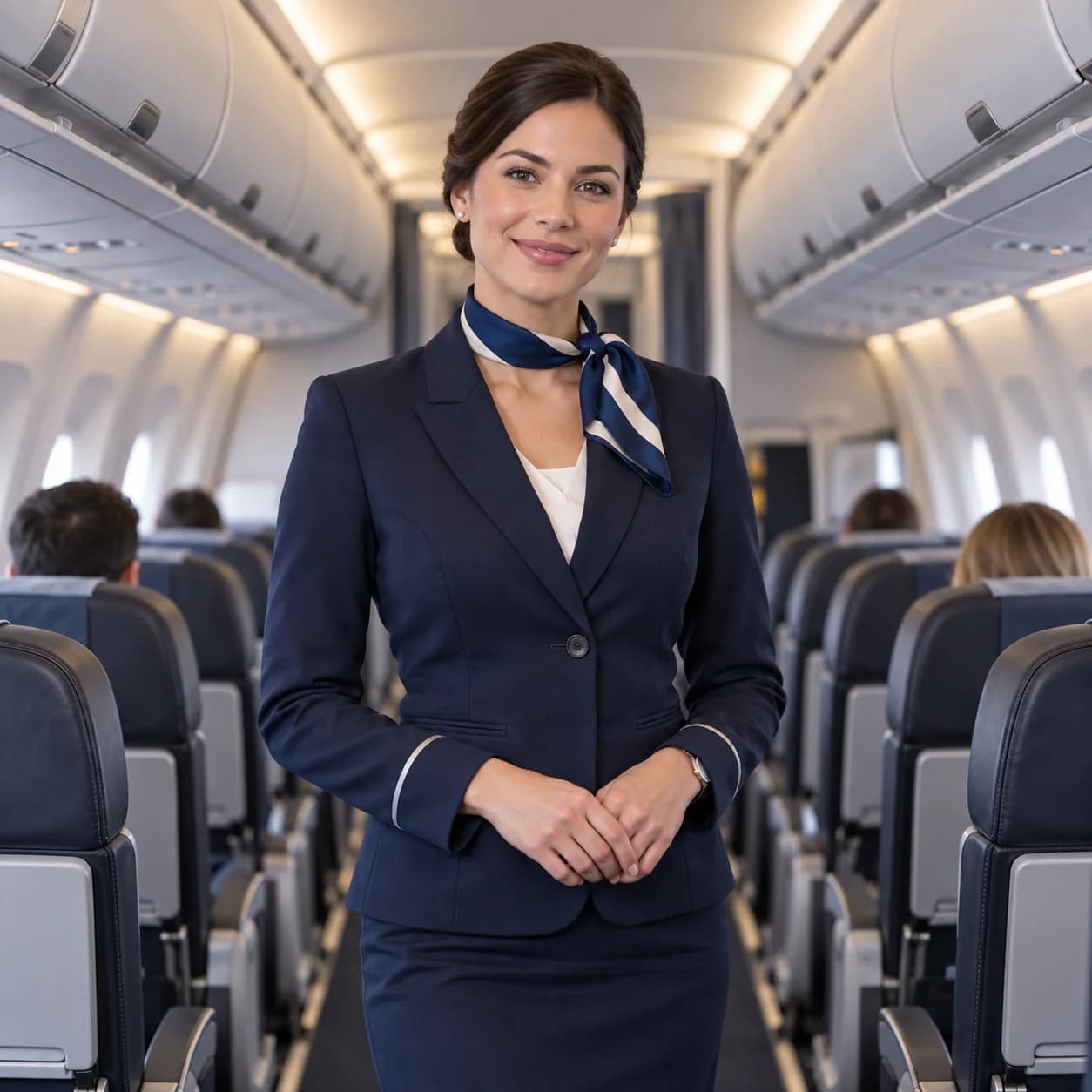
Create a fictional cabin crew portrait in a jetway, aircraft cabin, or on an airport ramp. Open an editable prompt in Ofrai Image Studio, adjust the uniform and lighting, and check the credits before generating. Eligible new accounts can use their welcome voucher for one qualifying GPT Image 2.5 image.
AI Influencer Generator
An AI influencer generator builds a synthetic creator whose face, styling and visual world stay recognisable across an entire content calendar. You approve one master frame, reuse it as the reference for every later image, and change only one variable at a time — wardrobe, location, or camera. On Ofrai the whole sequence runs inside Image Studio against the same credit balance, with the library keeping each approved frame addressable by hand.
AI 3D Sexy Woman Generator
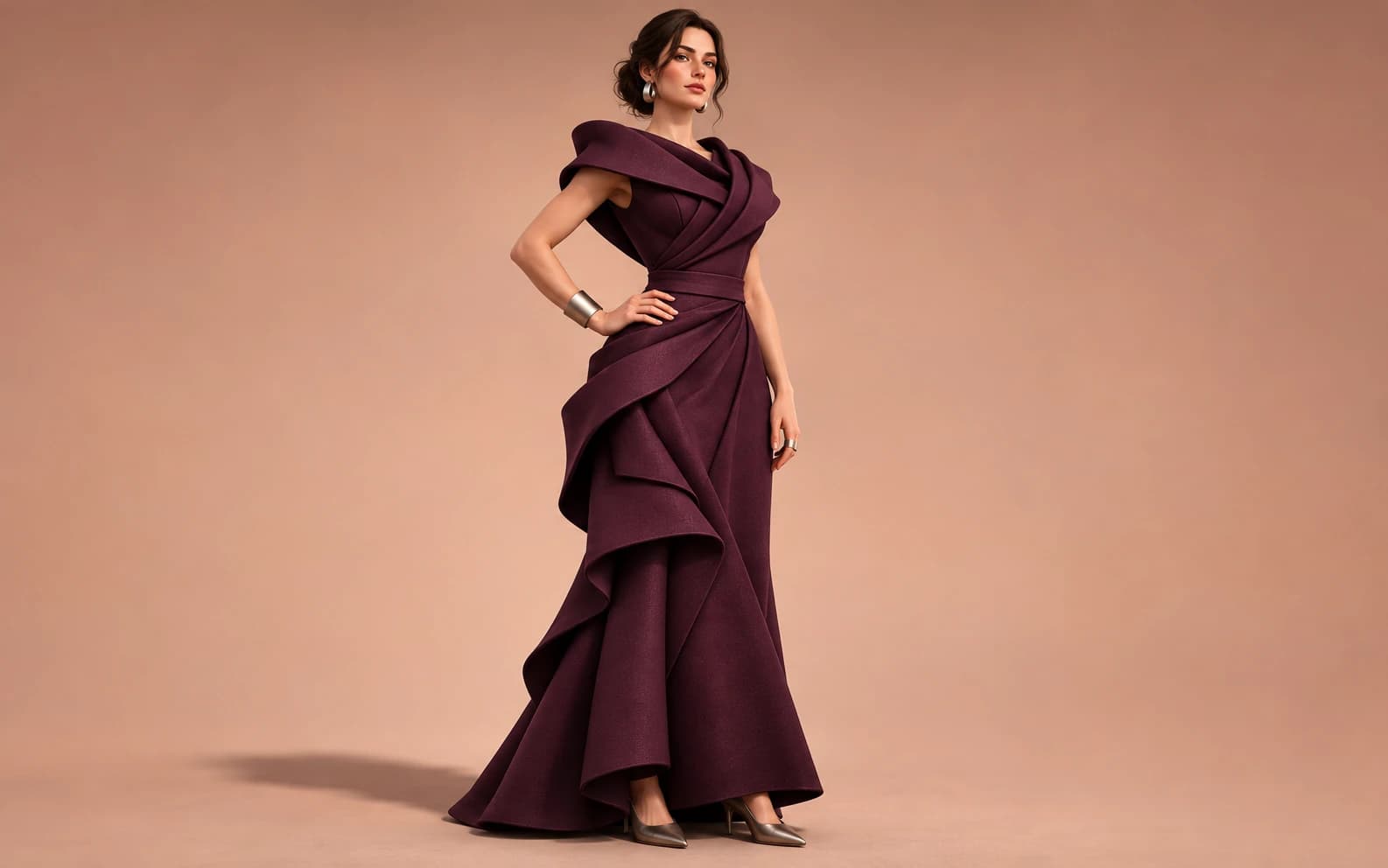
Create a 3D-looking still of a fictional adult fashion character. In Ofrai Image Studio, direct the outfit, material, pose and lighting, then compare the rendered image with your brief. The result is a flat image with a sculpted look, not a rigged 3D model or an explicit scene.
AI Bikini Generator
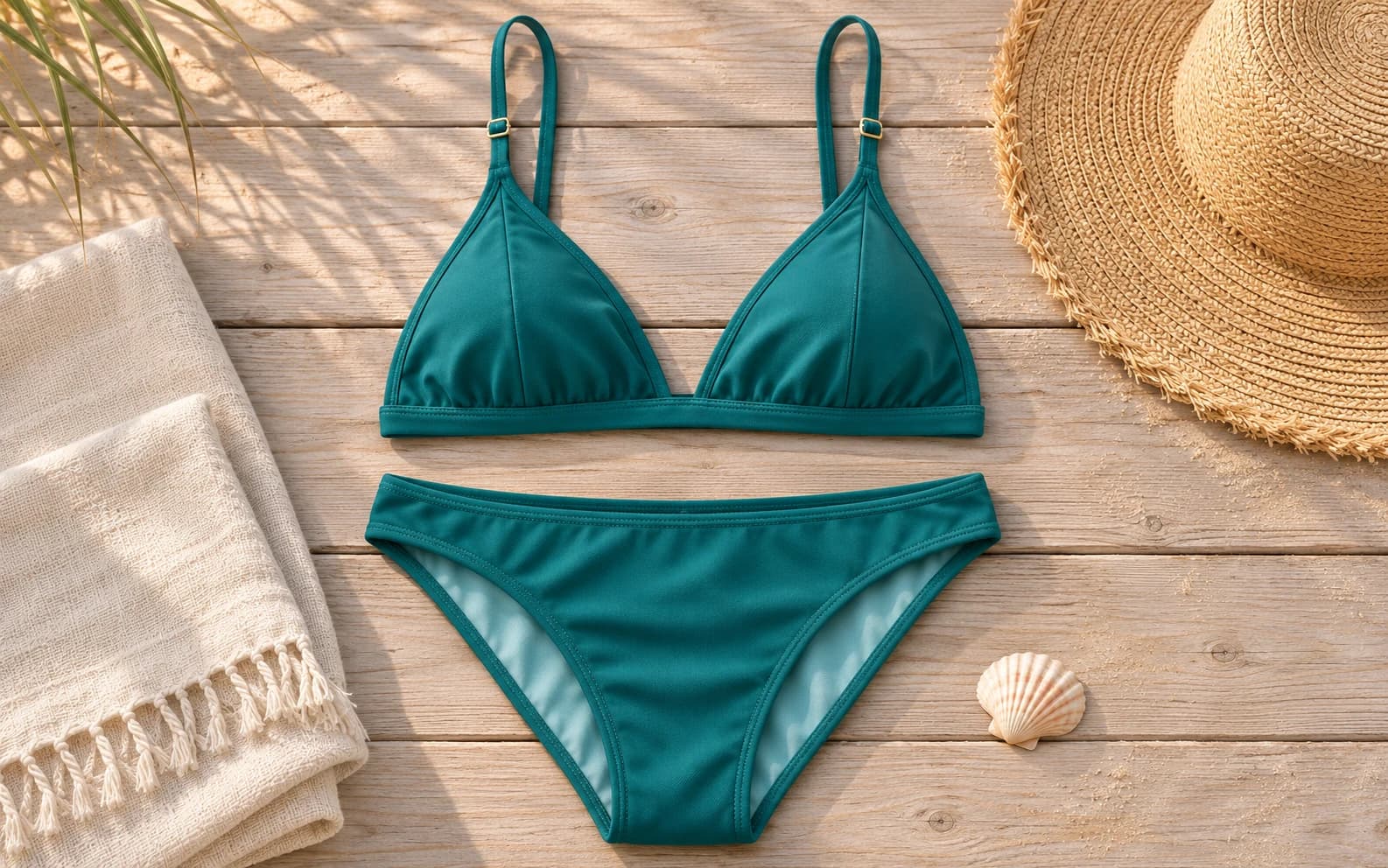
Use Image Studio to sketch a swimwear concept as a product flat lay. Describe the garment, fabric, colour and setting, then generate a styling reference. The image is an illustration of a design idea, not proof of how a real swimsuit fits or performs in water.
AI Spicy Image Generator
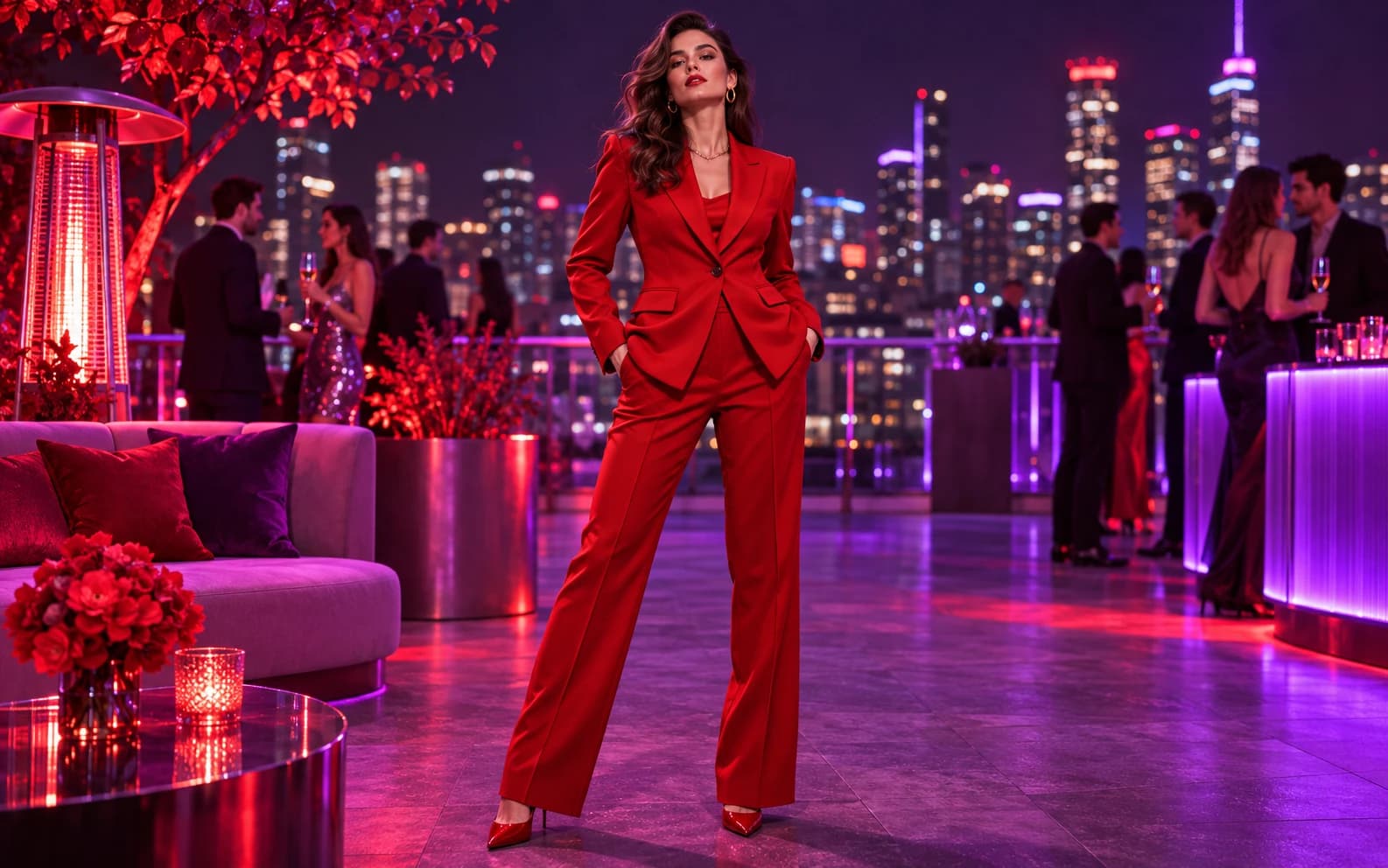
Here, spicy means bold colour, dramatic light and confident fashion direction for a fictional adult. Use Image Studio to create a fully clothed editorial image. This page does not offer explicit or pornographic generation, and a named real person's likeness is out of scope.
Naughty AI Image Generator
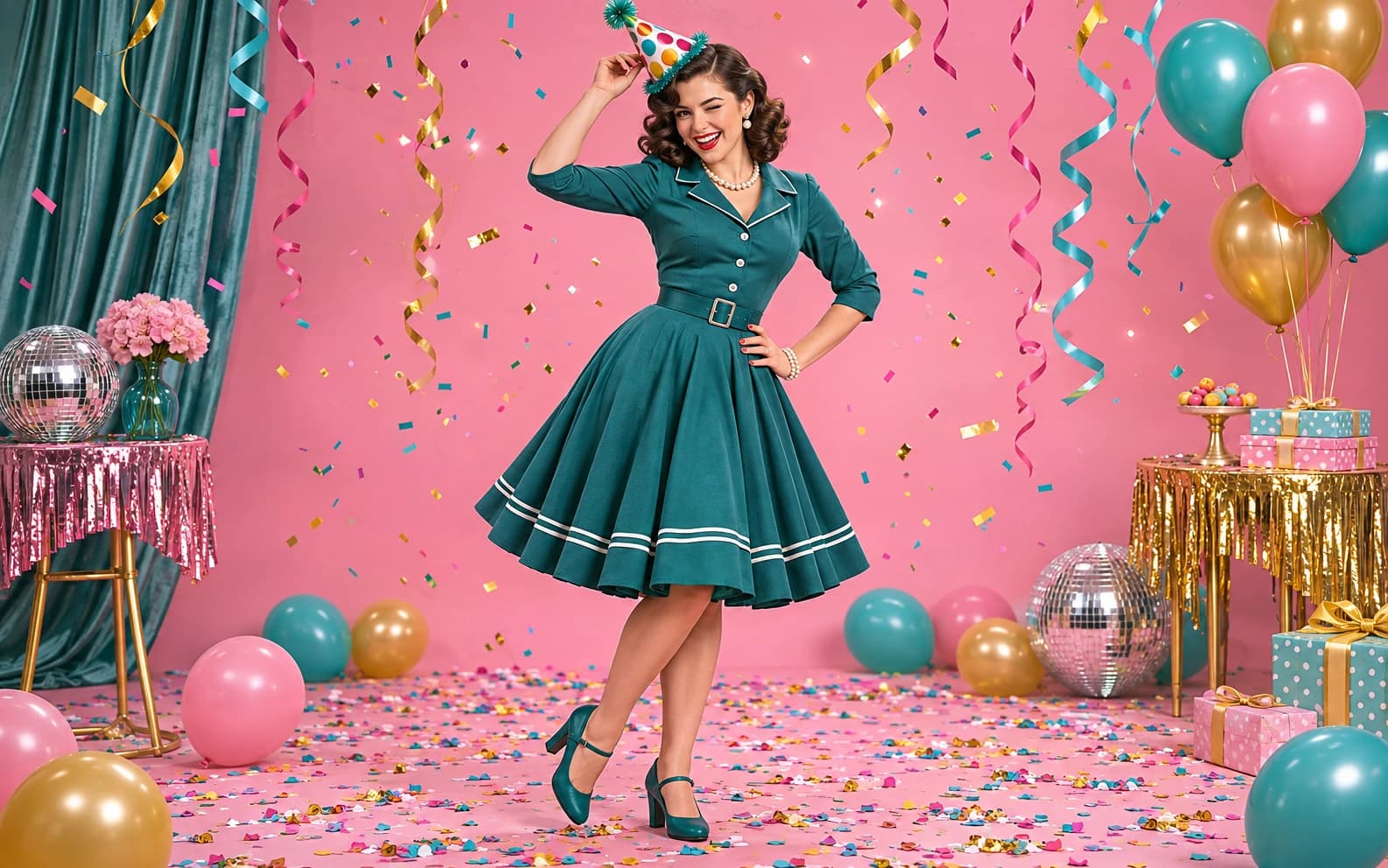
Make a playful portrait with a mischievous expression, surprising prop or cheeky party styling. Ofrai Image Studio creates a new image from your brief; this page is for fully clothed fictional adults and does not support explicit imagery.
AI Celebrity-Style Images: Fictional Red-Carpet Portraits
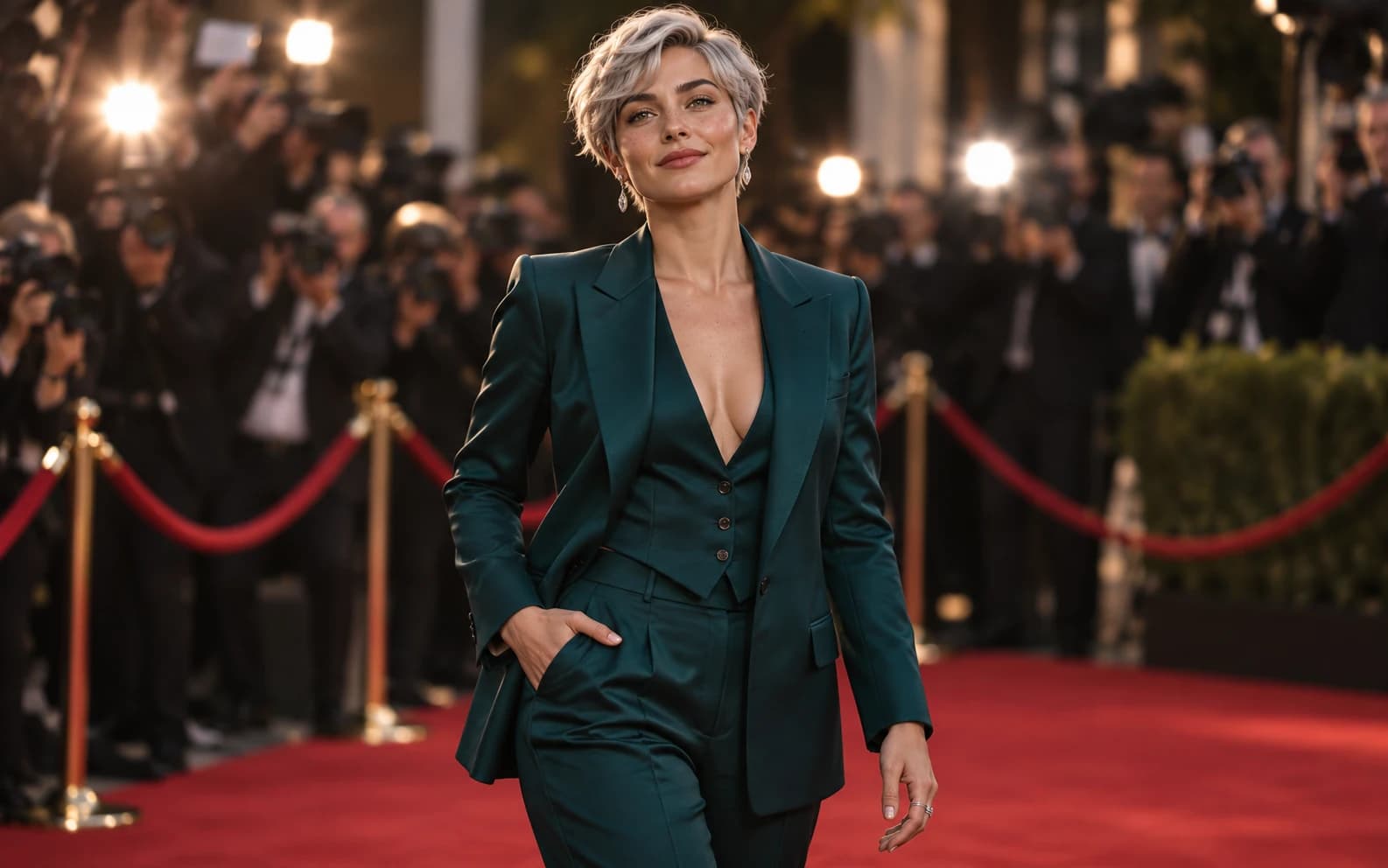
Create a fictional adult character in the visual language of a red-carpet portrait with Ofrai Image Studio. This workflow does not recreate a real celebrity's likeness or make an unauthorized photo with one. Describe an original person, wardrobe, venue and lighting, then review the generated image as a piece of invented editorial art.
People & portraits
18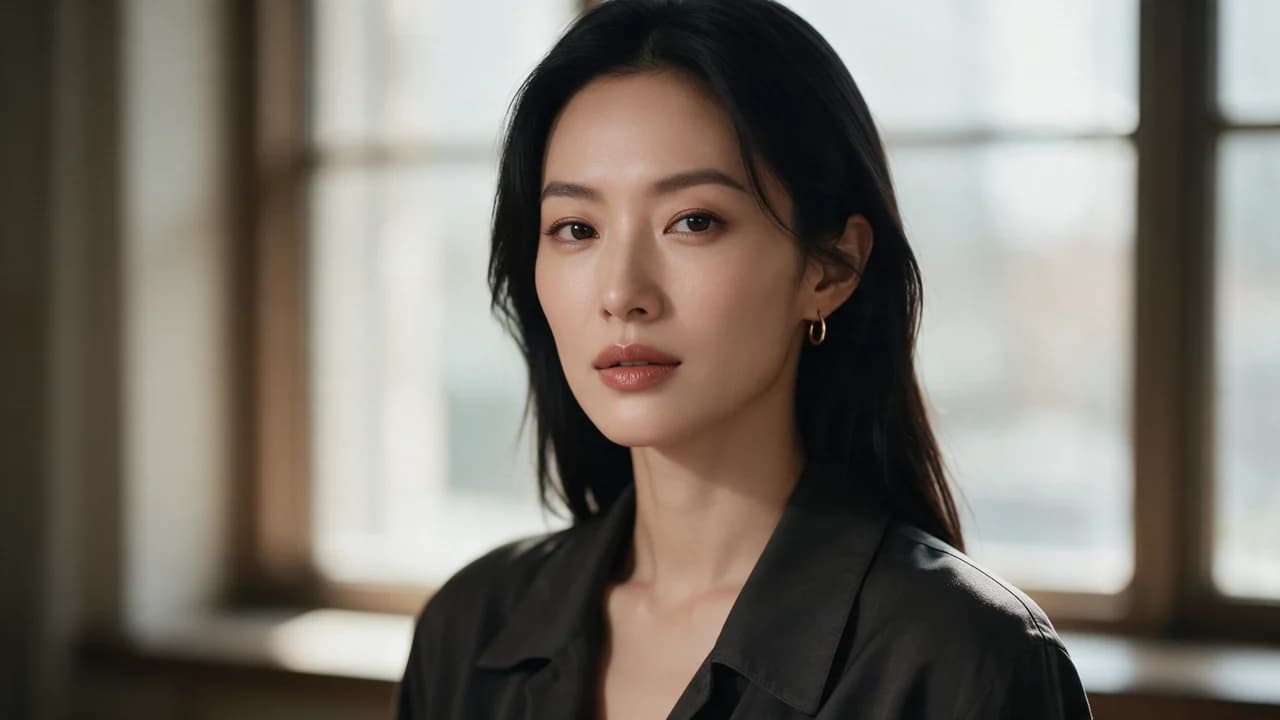
AI Portrait Generator
An AI portrait generator handles everything from a LinkedIn headshot to a cinematic character face, and the difference between a usable portrait and a strange one is mostly description quality. Open Image Studio on Ofrai, choose a live model, and describe the person, the lens, the light, and the expression separately. Age reads better than ethnicity does, emotion reads better than mood words, and lighting has more effect on perceived quality than resolution does.
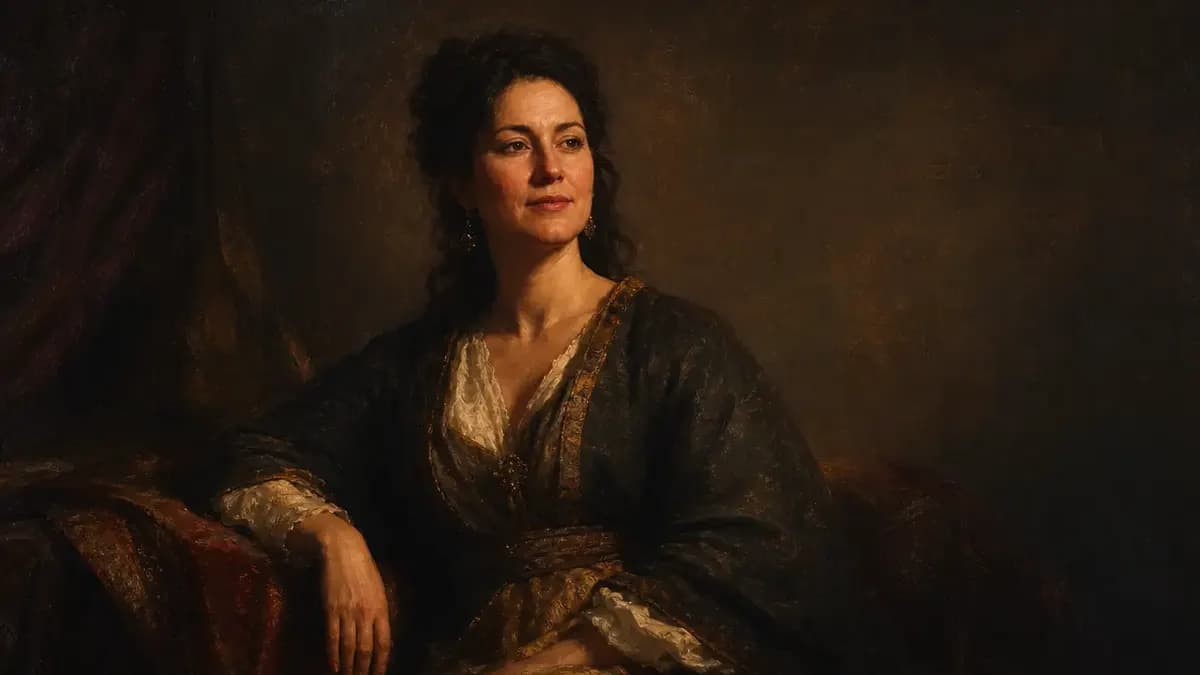
AI Classical Portrait Generator
An AI classical portrait generator paints subjects in the manner of Old Master portraiture — seventeenth to eighteenth century costume, directional lighting, dark neutral grounds and a visibly painted surface. Describe the sitter, the period and the school, then generate in Ofrai Image Studio. Period accuracy depends on naming the century and the materials, because a modern collar or a wristwatch survives unless you explicitly forbid it.
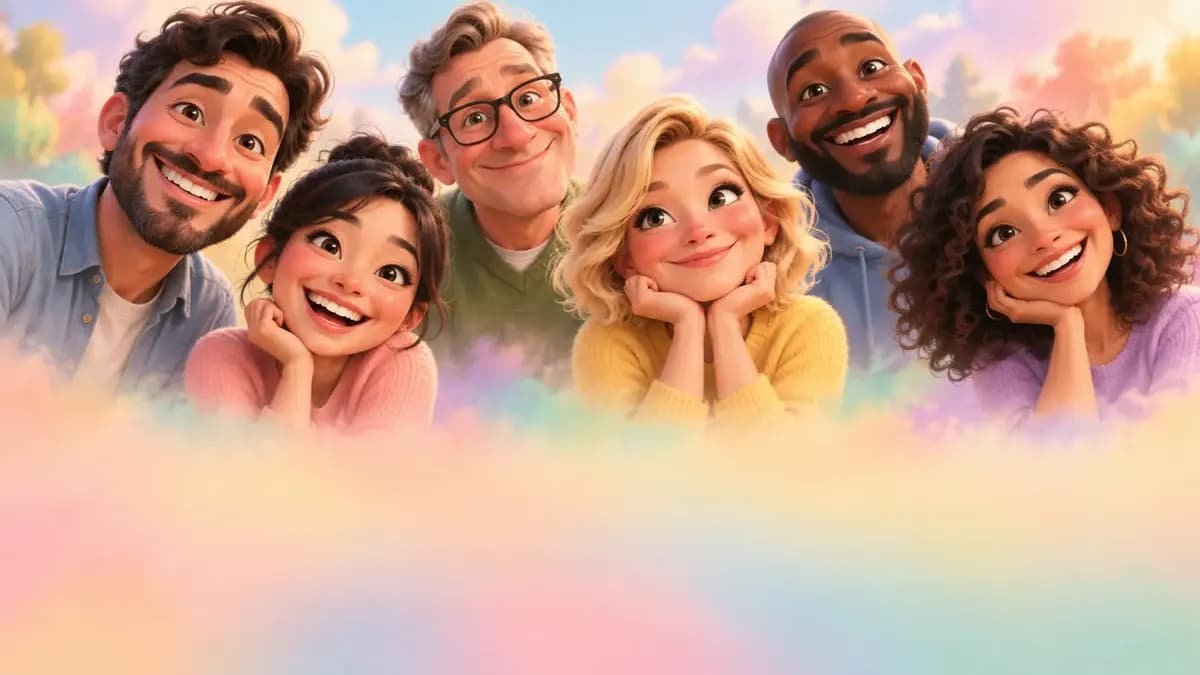
AI Caricature Generator
An AI caricature generator turns a photograph into a drawn likeness where specific features are exaggerated rather than everything being made small and cute. Upload a front-facing photo, describe which features to push — heavy brows, a wide nose, round cheeks, a strong jaw — and generate in Ofrai Image Studio. Exaggerate two features, not six: a caricature stops reading as a person once everything is enlarged at once. For silly reaction shots without drawn exaggeration, use the funny photo generator; for mascot stickers, use chibi.
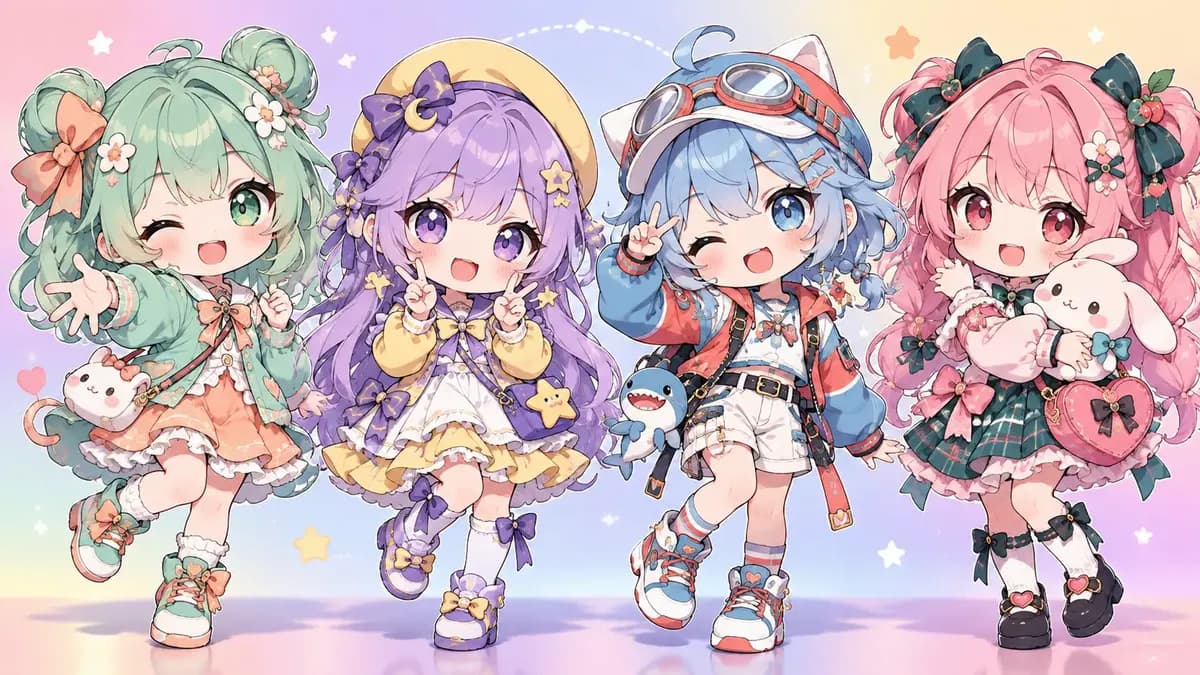
AI Chibi Character Generator
An AI chibi character generator designs original characters with a large head, small body and readable costume — the proportion that makes a mascot, sticker and game sprite work. Describe the character or upload a reference for the costume, state the head-to-body ratio, and generate in Ofrai Image Studio. The most common failure is a drifting ratio, so lock the proportion in words and repeat it at the end of the prompt.
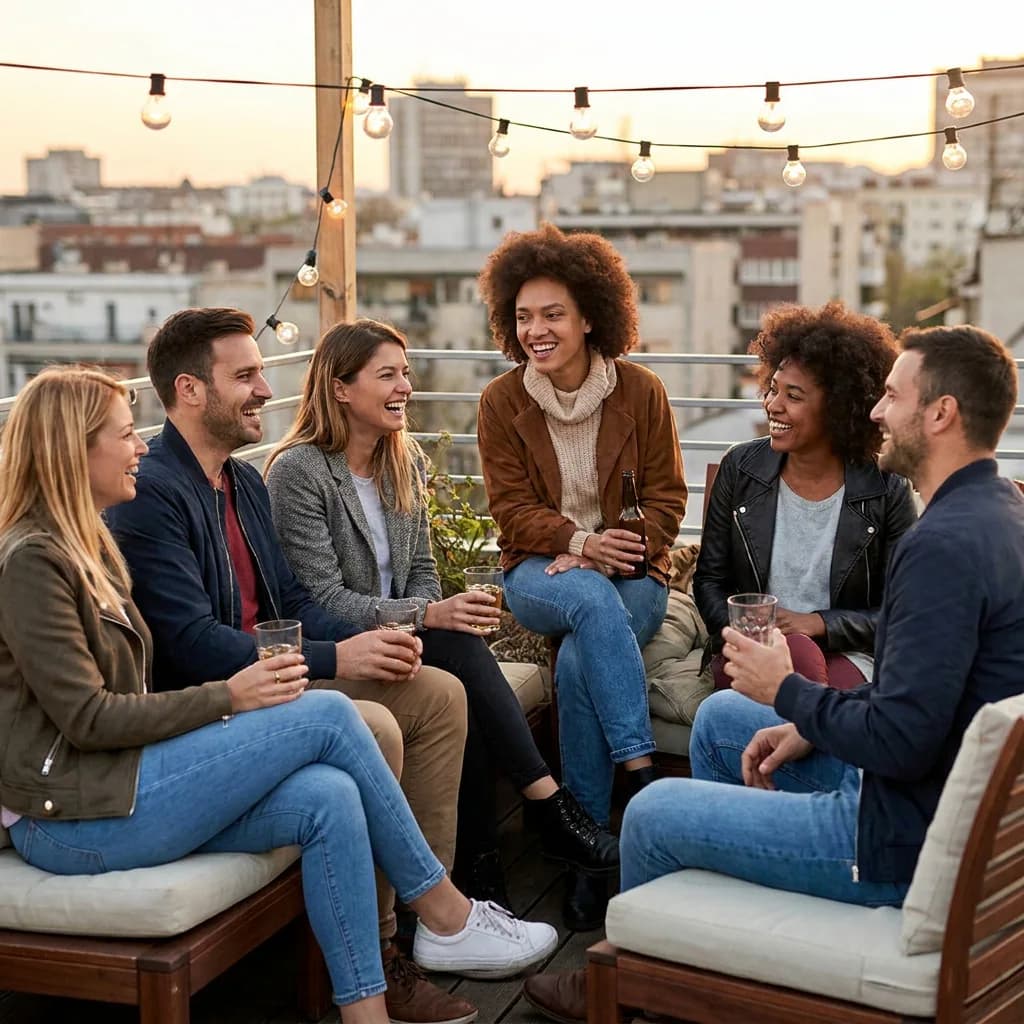
AI Group Photo Generator
An AI group photo generator has to solve the two problems that ruin every multi-person render: faces that disagree with each other, and lighting that treats each person separately. On Ofrai you open Image Studio, choose from gpt-image-2, nano-banana-pro, flux-2, and seedream-5, and describe the group as one lit subject rather than a list of people. The workflow is the same for three friends and for a twelve-person team portrait: set a single light direction, assign each person a distinct silhouette, and keep the prompt free of per-person detail that the engine will render inconsistently.
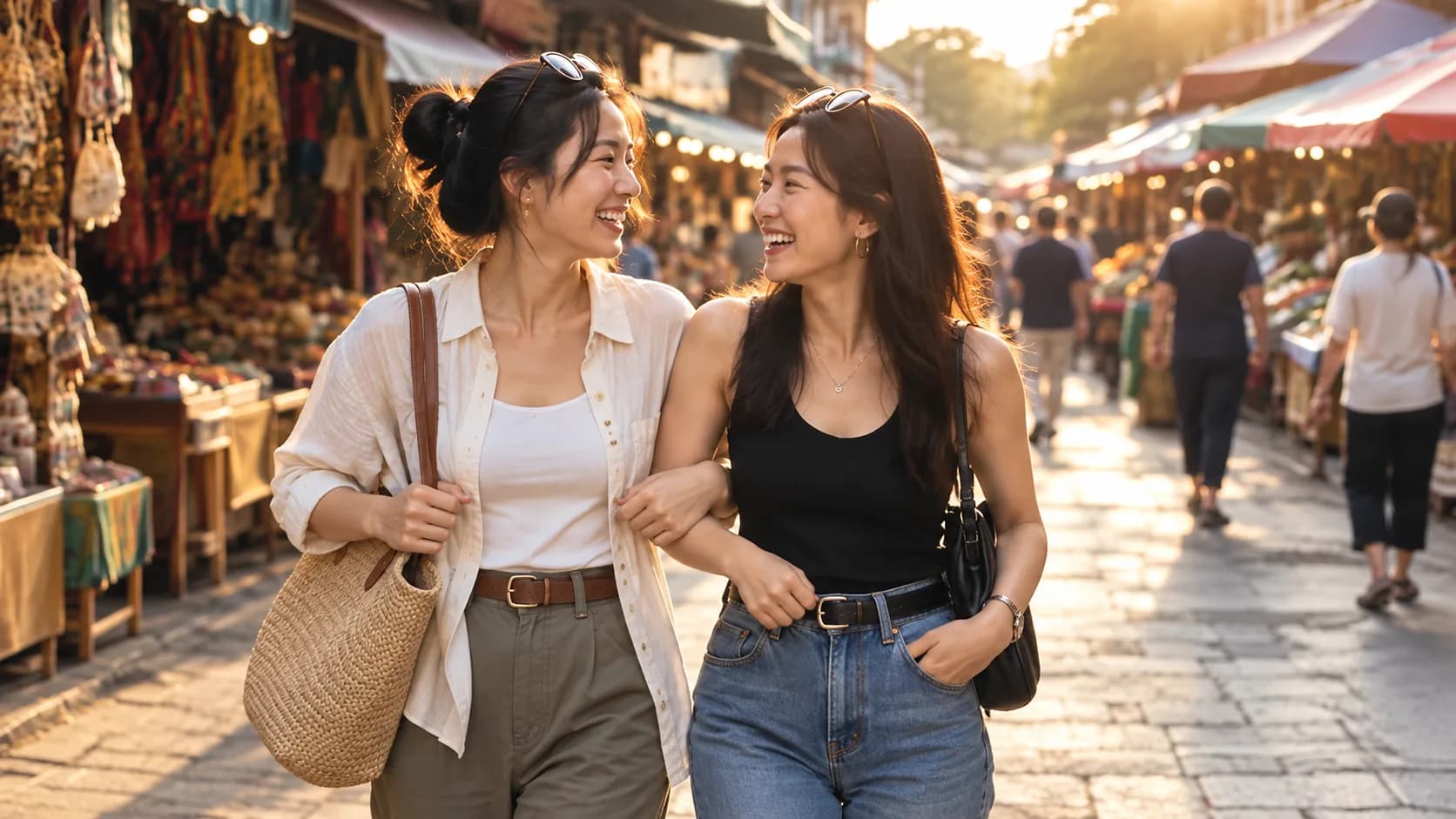
AI Friendship Photo Generator for Two Friends
This friendship photo generator starts with two uploaded reference photos, one for each adult friend, and brings them into a shared scene. Use your own photos or images you have permission to upload. This guided page makes one 4:3 image per run using a compatible model selected from the live catalog; its cost appears before generation. The two friends will feel closer when their eyelines, light direction, shared prop, and hand positions belong to the same moment. The references guide the result but cannot guarantee identical faces. Compare every output with both originals before sharing it. Need three or more people? Use the group photo generator.
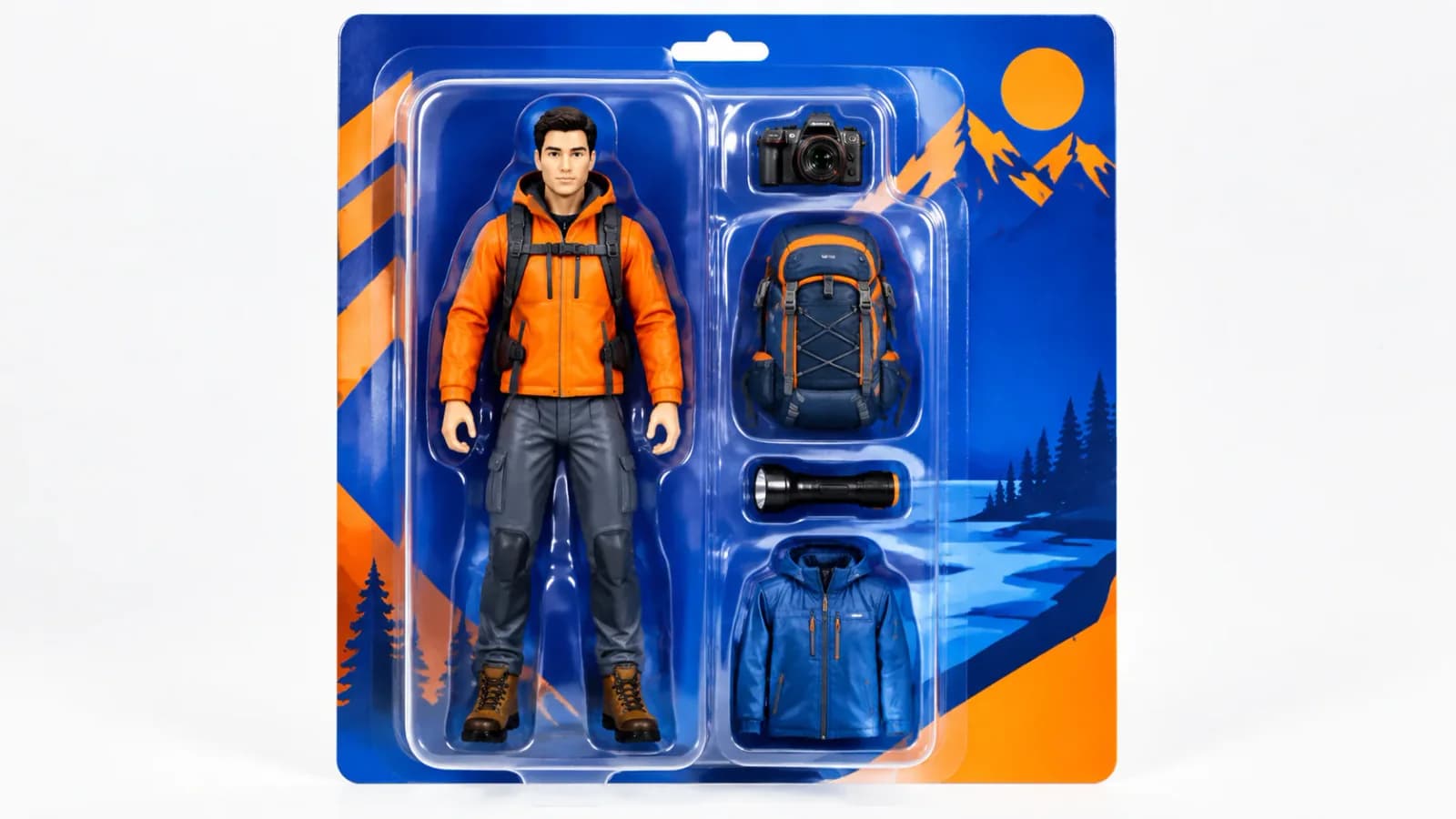
AI Action Figure Generator
An AI action figure generator turns one photo or a short text brief into a collectible-style figure shot in retail packaging: blister tray, backing card, sculpted accessories and an acrylic display base. Upload the reference into Ofrai Image Studio, choose the engine that matches your source material, and generate. Lock the sculpt and composition on a fast model first, then spend credits on a hero engine for the final frame, and keep every variant in the same library for reshoots.
AI Avatar Generator — Consistent Faces
An AI avatar generator earns trust when the same person appears across a dozen images without drifting. On Ofrai that means running identity through nano-banana-pro, which holds facial structure across repeated generations, then using gpt-image-2 for frames that need readable text and flux-2 for cheap exploration of crop and background. The core technique is an identity block — a fixed sentence describing the person that you paste unchanged into every prompt — plus a reference image you keep and reuse. Everything else is layout.
AI Character Sheet Generator
An AI character sheet generator has to solve a harder problem than a good portrait: one design has to survive being shown from four angles, at two scales, and with several expressions. On Ofrai you lock the design first with nano-banana-pro, which holds structure across generations, then use gpt-image-2 for annotation labels and flats, flux-2 for cheap layout tests, and seedream-5 when the style is illustrated rather than rendered. The key move is to generate the views separately and assemble the sheet, because asking one generation for a full turnaround is where most attempts fail.
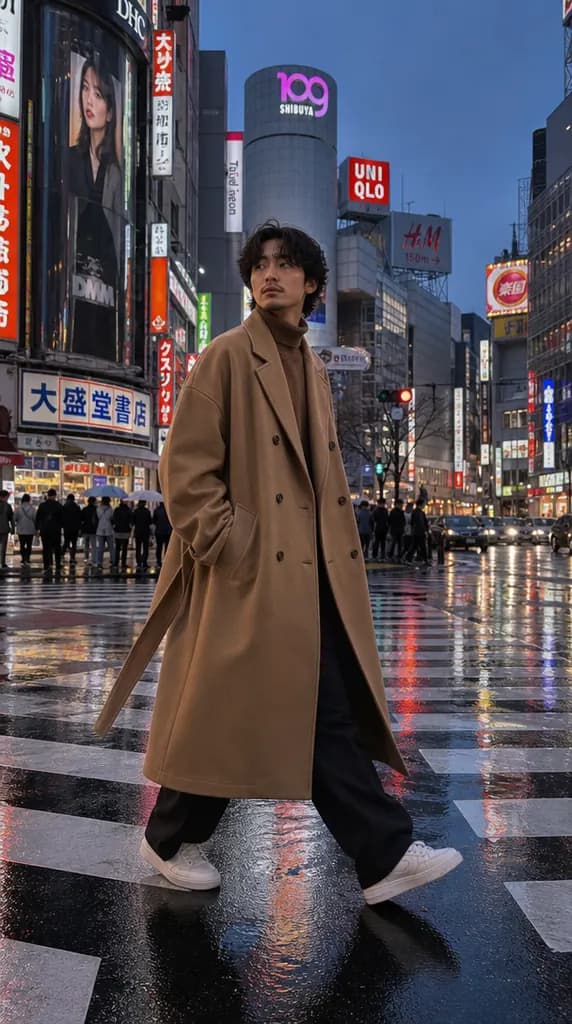
AI Clothes Changer
Upload a full-body or half-body photo and describe a different outfit. An editing model keeps the face, pose and background and redraws the clothes — useful for styling ideas, lookbooks and trying a product on a model before a shoot.
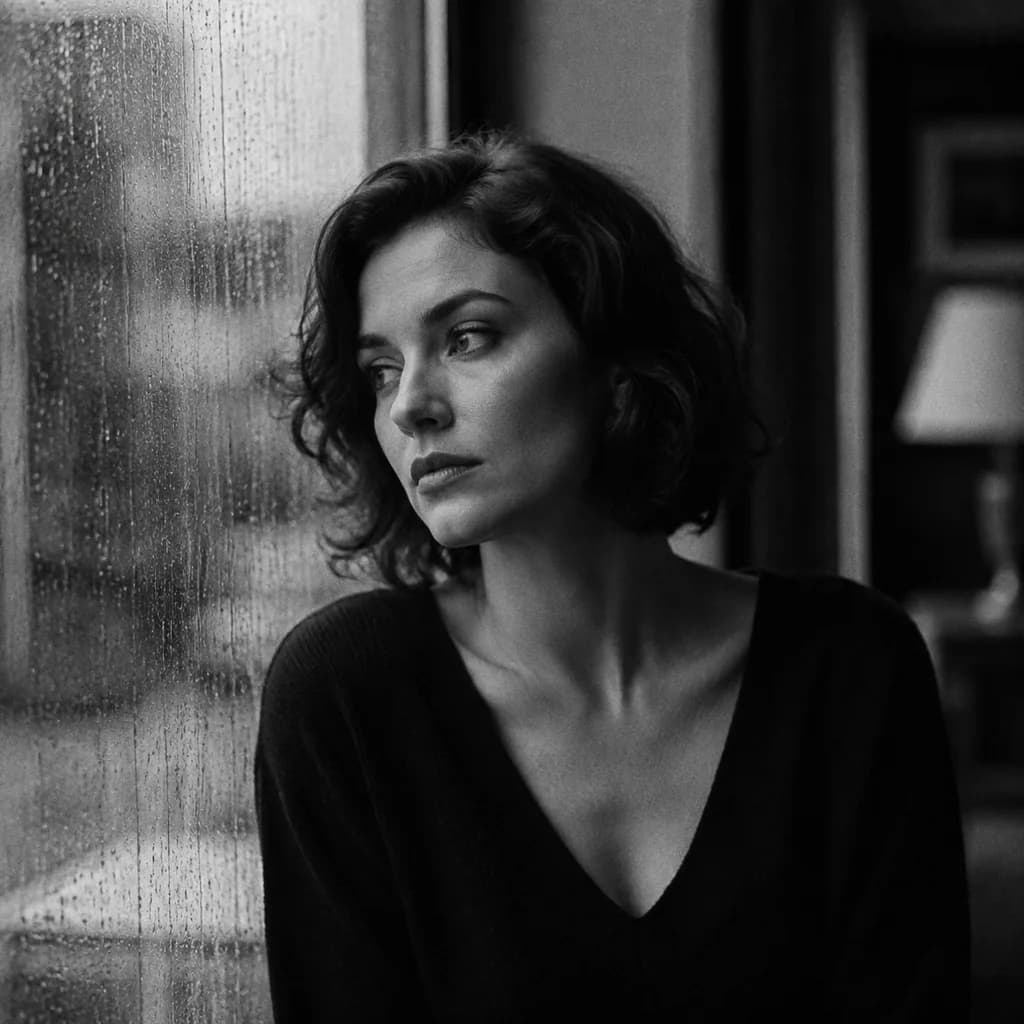
AI Hairstyle Changer
See a new haircut or hair colour on your own photo before you commit. Upload a clear portrait, describe the style, and an editing model redraws the hair while keeping your face and the rest of the picture.
AI Headshot Generator
Upload a clear selfie and get a studio-style headshot back: neutral background, business clothing, soft light, head and shoulders. It is a quick way to a professional profile photo when a photographer is not an option.
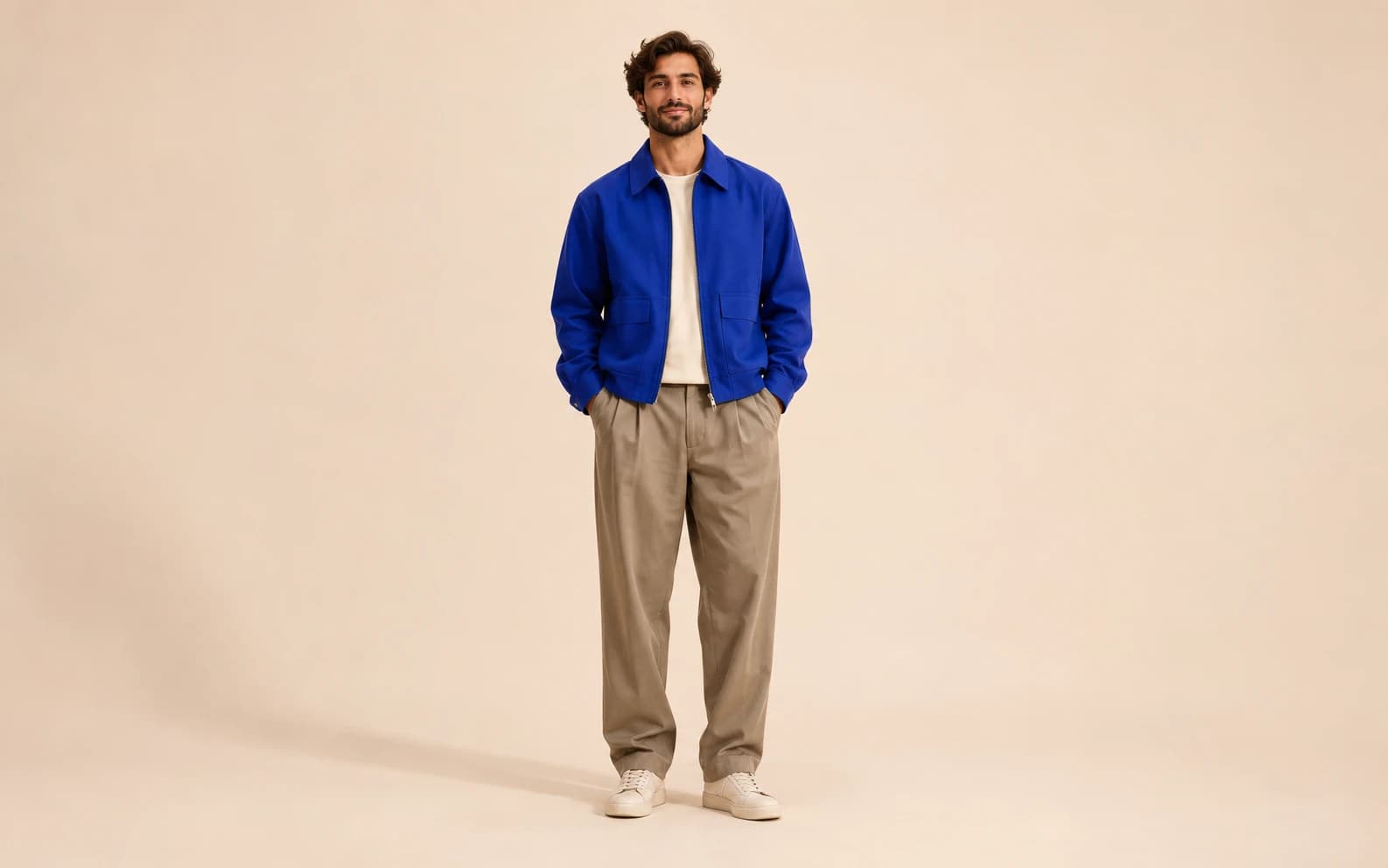
AI Body Image Generator
Create a full-body image of an original adult character in Ofrai Image Studio. Describe the outfit, pose, background and camera distance so the whole figure stays in frame. The result is a generated portrait concept, not an exact representation of a real person's body.
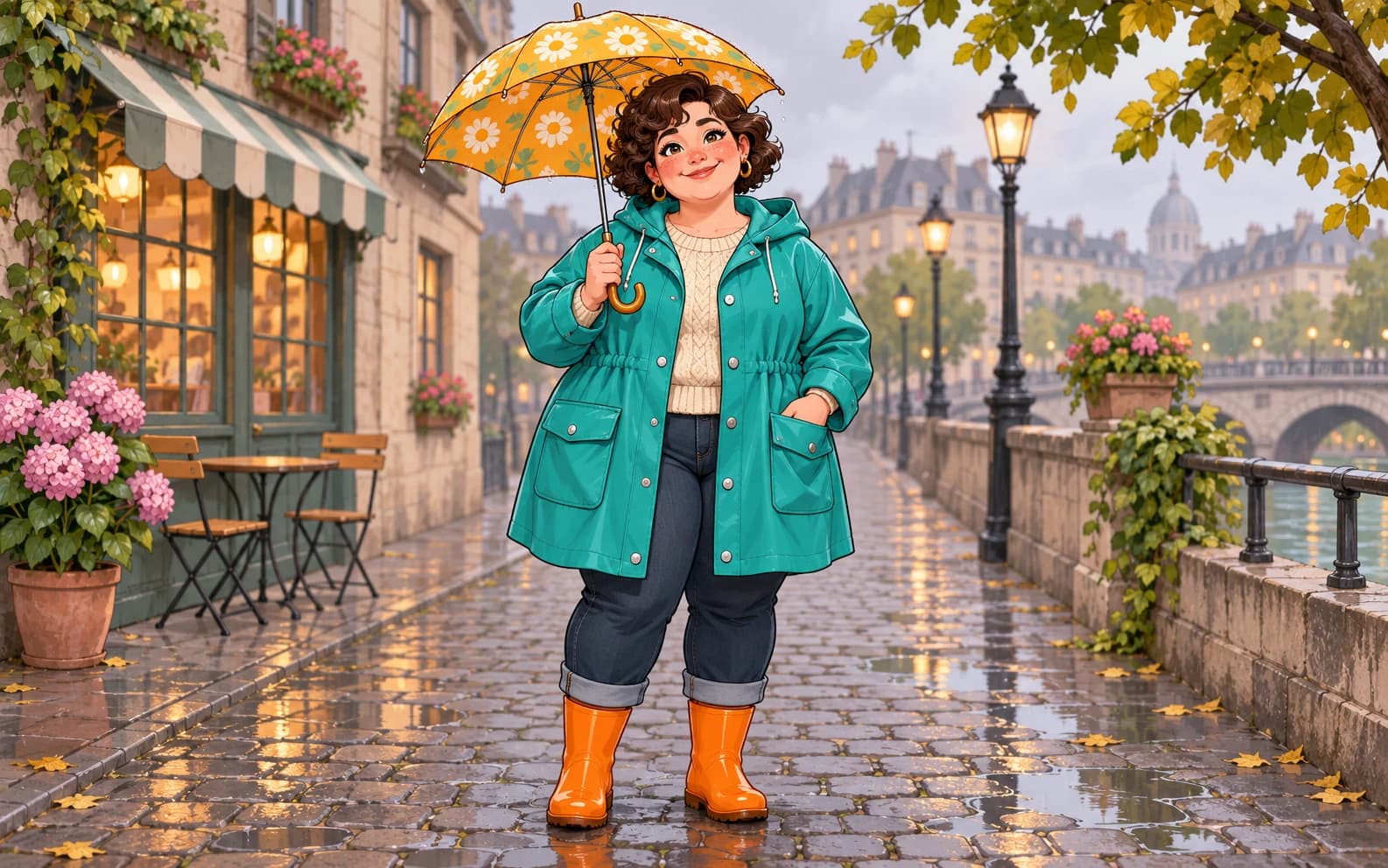
AI Chubby Character Generator
Build an original, rounded character for an illustration, game pitch or story in Ofrai Image Studio. Give the character a personality, costume and scene rather than reducing them to body shape. The generated picture is a starting design, not a reusable rig or a consistent character model.
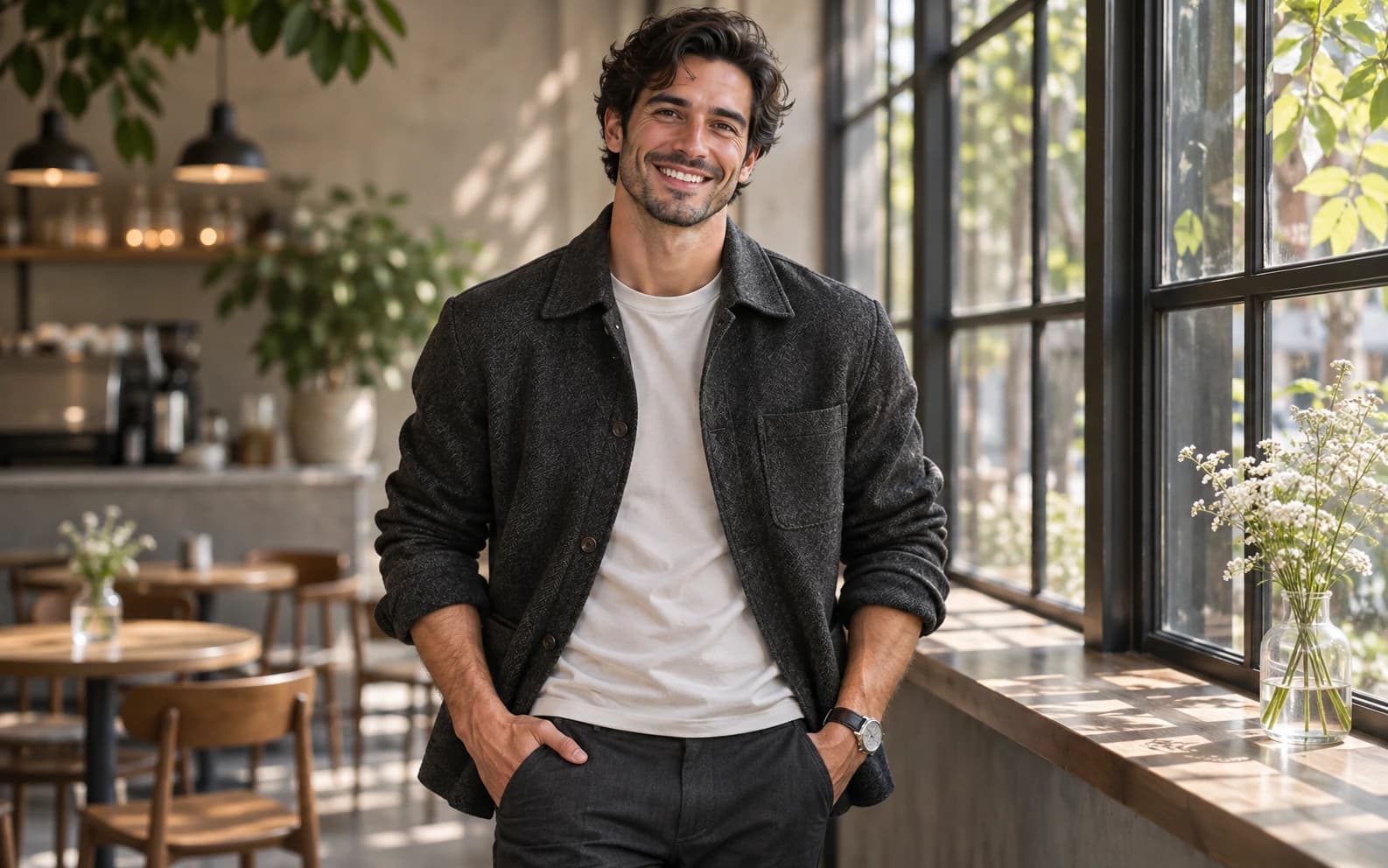
AI Handsome Man Generator
Create an original adult male character portrait in Ofrai Image Studio. Describe the styling, expression, setting and light you want instead of asking for a copy of a real person. Use the result for a moodboard or fictional character concept after checking the details.
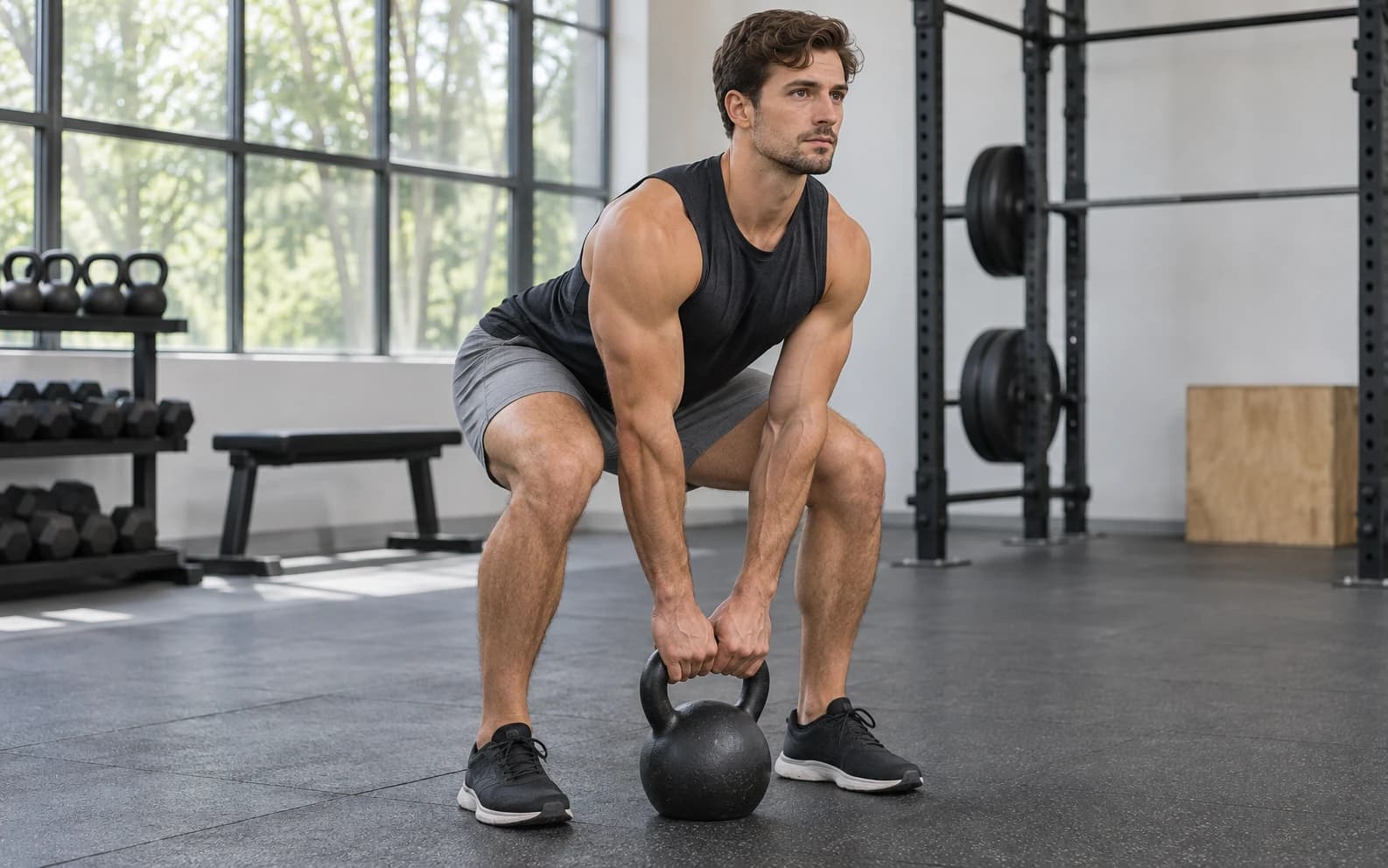
AI Muscle Generator
Visualize an original adult athlete or fitness scene in Ofrai Image Studio. Describe the exercise, clothing, camera angle and level of muscularity you need for a concept image. It cannot show what a real person would look like after training or certify exercise technique.
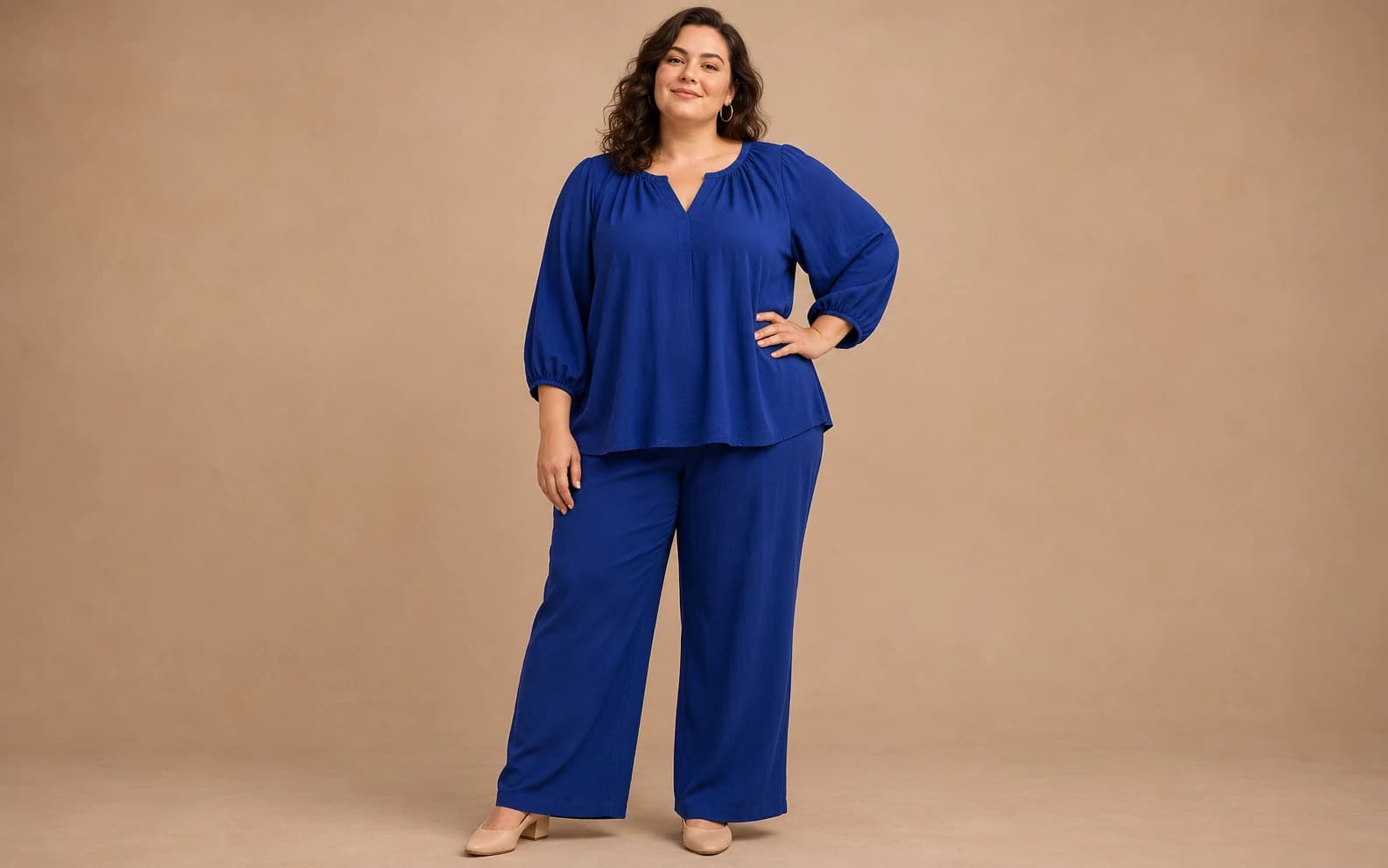
AI Fat Filter
Use this as a prompt-led body-shape illustration workflow for fictional adults or photos you have permission to edit. Image Studio generates a new image from your description or reference; it is not a one-tap filter, a medical prediction or a reliable picture of a person's future body.
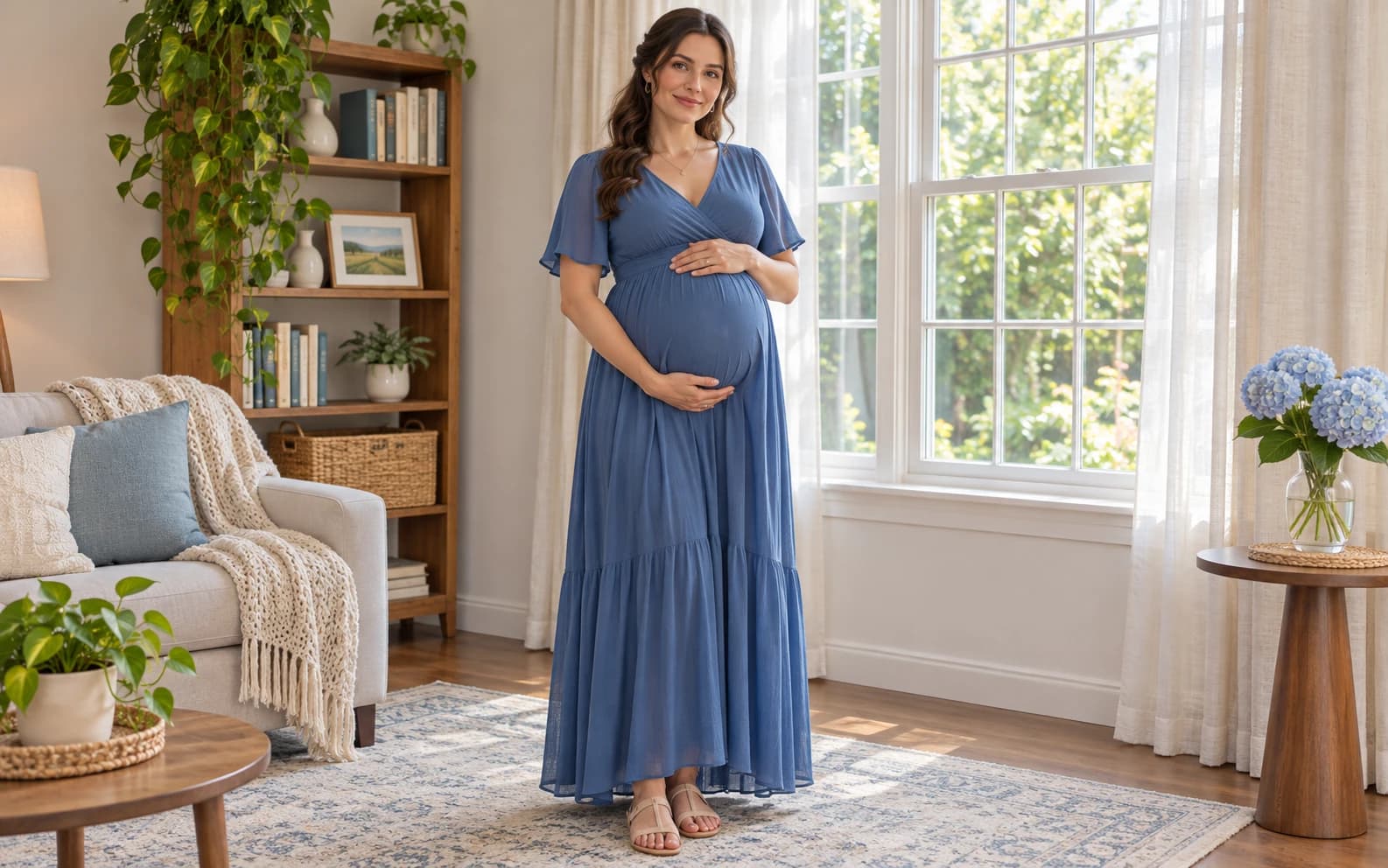
Pregnant AI Generator
Create a maternity portrait concept for a fictional adult or an approved reference photo. Describe clothing, setting, light and a comfortable pose, then review the result in Image Studio. A generated image is a visual idea, not a record of a real pregnancy or a medical forecast.
Animals
7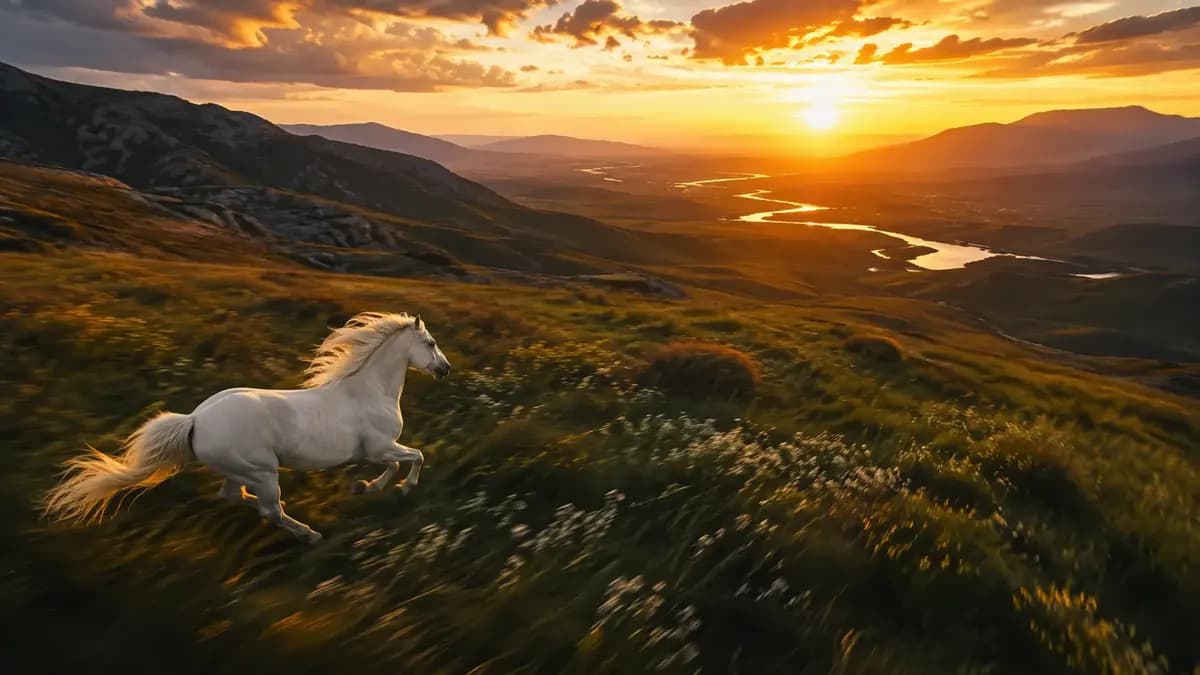
AI Animal Generator for Pet Photos and Wildlife
Create a pet portrait or wildlife image in Ofrai Image Studio. Describe the species, coat markings, pose, and setting, or start from a photo with a model that accepts references. Check the estimated credit cost before generating and compare each result with the original if the animal needs to be recognizable.
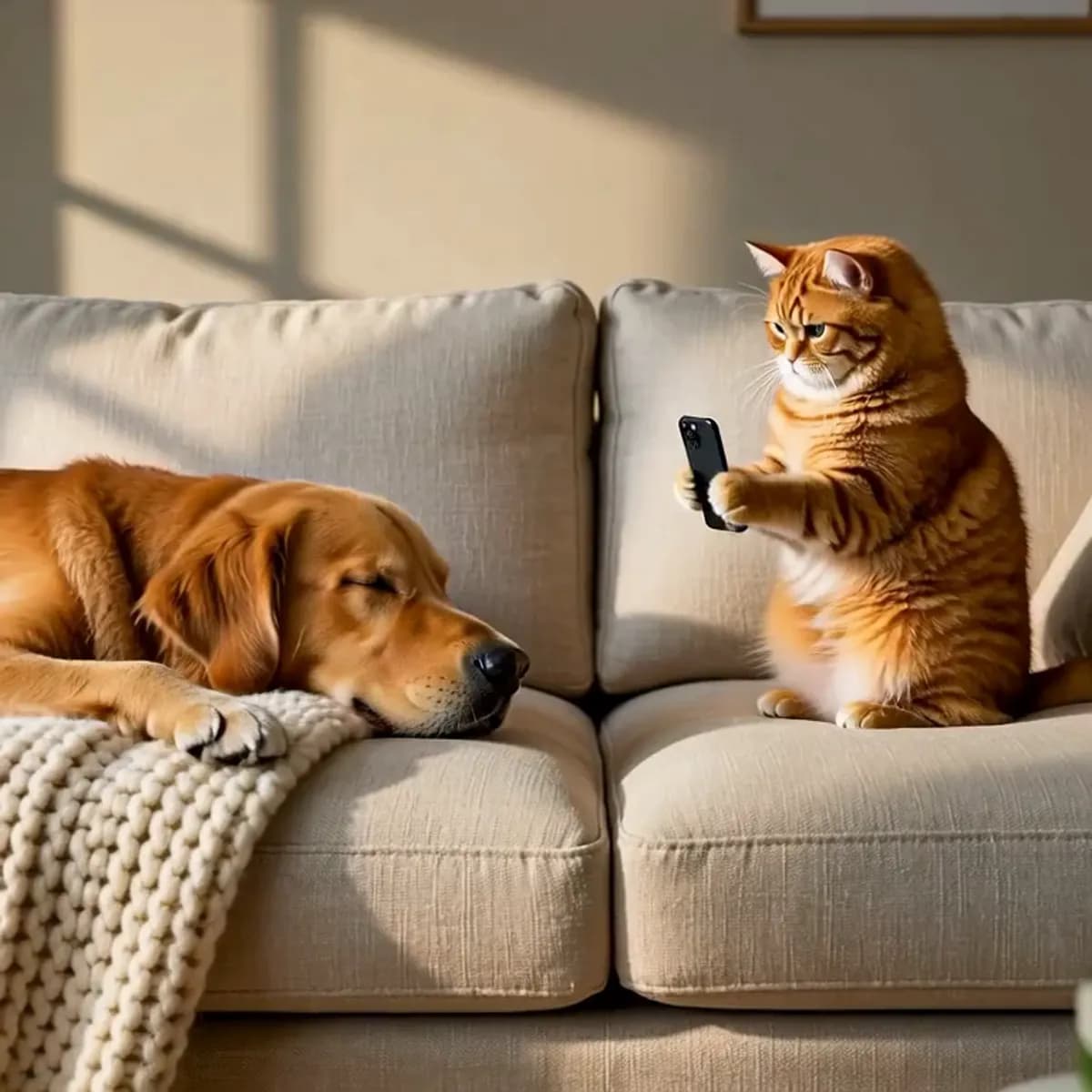
AI Animal Video Generator
An AI animal video generator adds believable motion to a still you already trust: breathing, a step, a head turn, and a camera move that follows the subject. Start in Image Studio and lock a clean frame, then send that frame into Video Studio as an image-to-video start so the animal's identity never drifts. Choose the engine by camera complexity, keep clips short, and treat every long or complex scene as several shots rather than one take.
AI Pet Portrait Generator
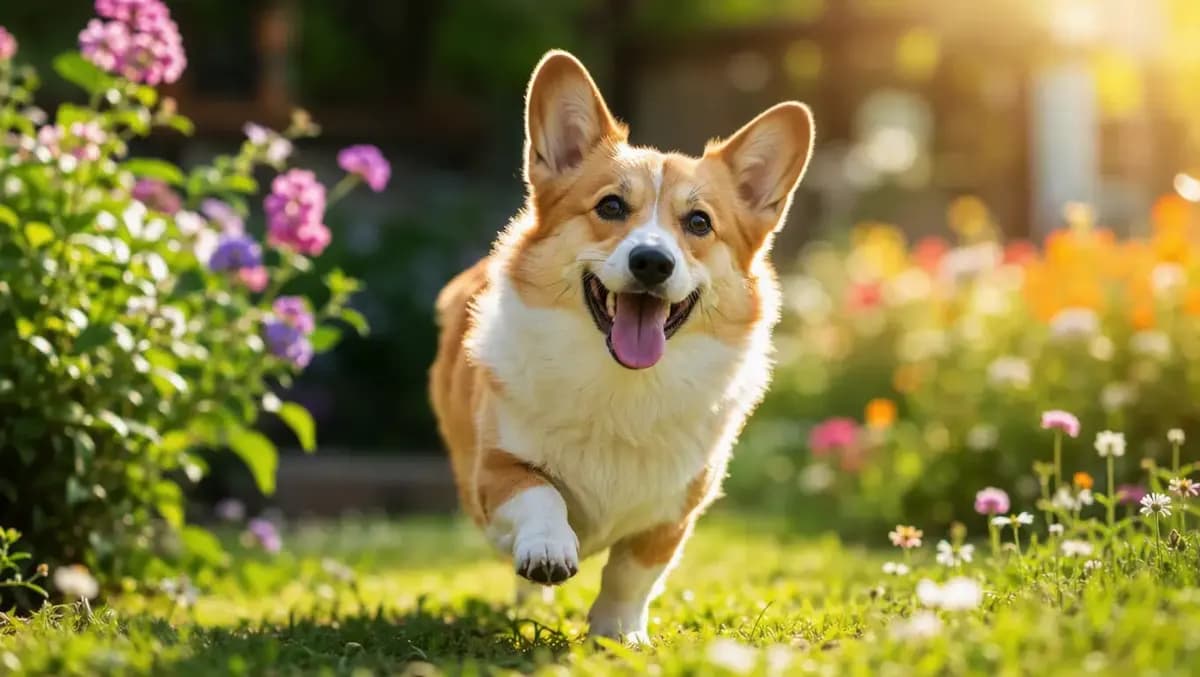
An AI pet portrait generator creates studio-style photographs of cats, dogs, and small animals at eye level, with breed-appropriate coats, markings, and proportions. Open Image Studio on Ofrai, choose a live model, and either describe the animal in text or upload a reference photo and ask for a portrait treatment. The details that make a pet image believable are fur direction, eye catchlight, and ear and whisker geometry — not adjectives about cuteness, which is why the prompts here describe anatomy.
AI Fantasy Creature Generator
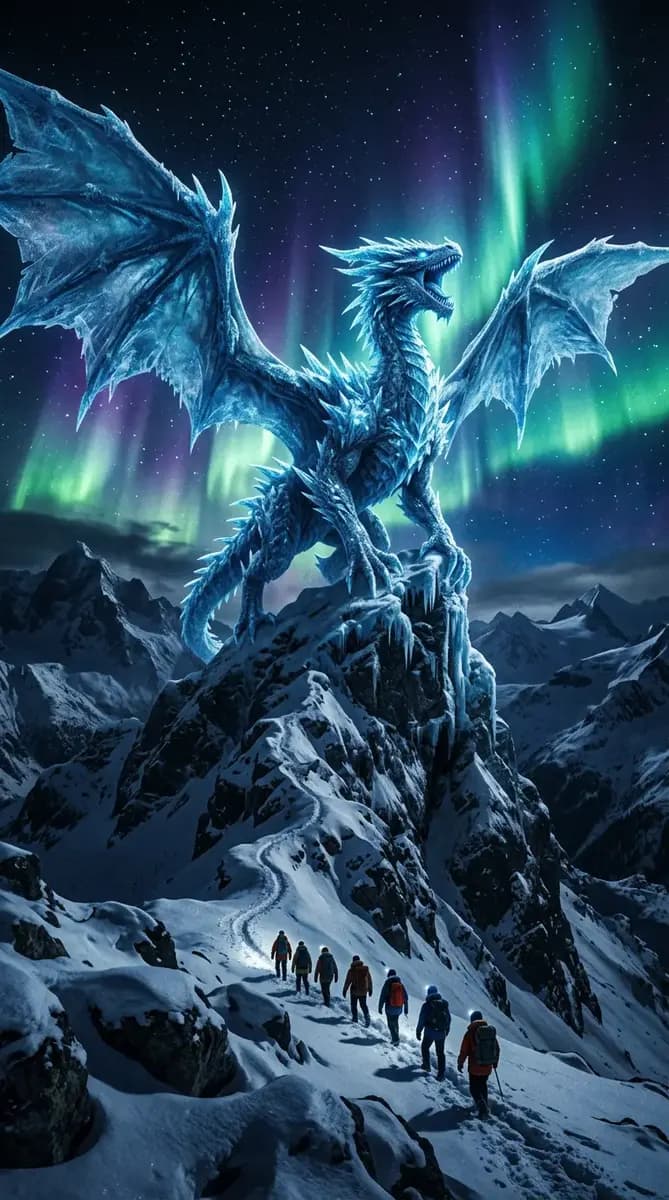
An AI fantasy creature generator turns a written biological brief into dragons, spirits, and beasts that hold up under scrutiny. The method is simple and old-fashioned: skeleton first, silhouette second, surface third. Most disappointing creature images fail at the silhouette stage, where the design reads as an indistinct dark mass the moment it leaves the canvas.
AI Furry Video Generator
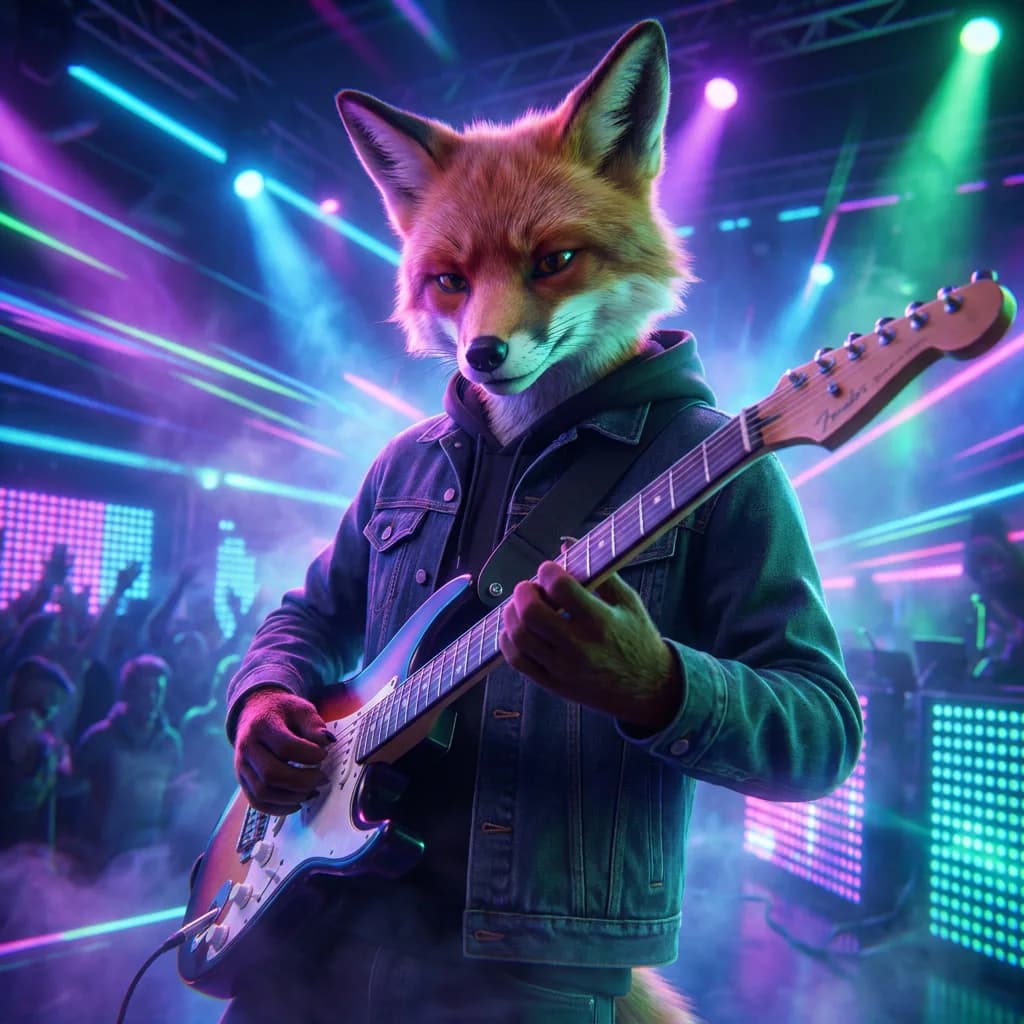
Plan a short clip of an original anthropomorphic character in Ofrai Video Studio. The model picker shows which video models are available to your account, their supported input modes and settings, and the credit estimate before you generate. Describe the character, one action, and a camera move. If a selected model accepts a starting image, an approved character still can guide the look, but review every frame for changes in markings, costume, and face.
AI Lion Image Generator
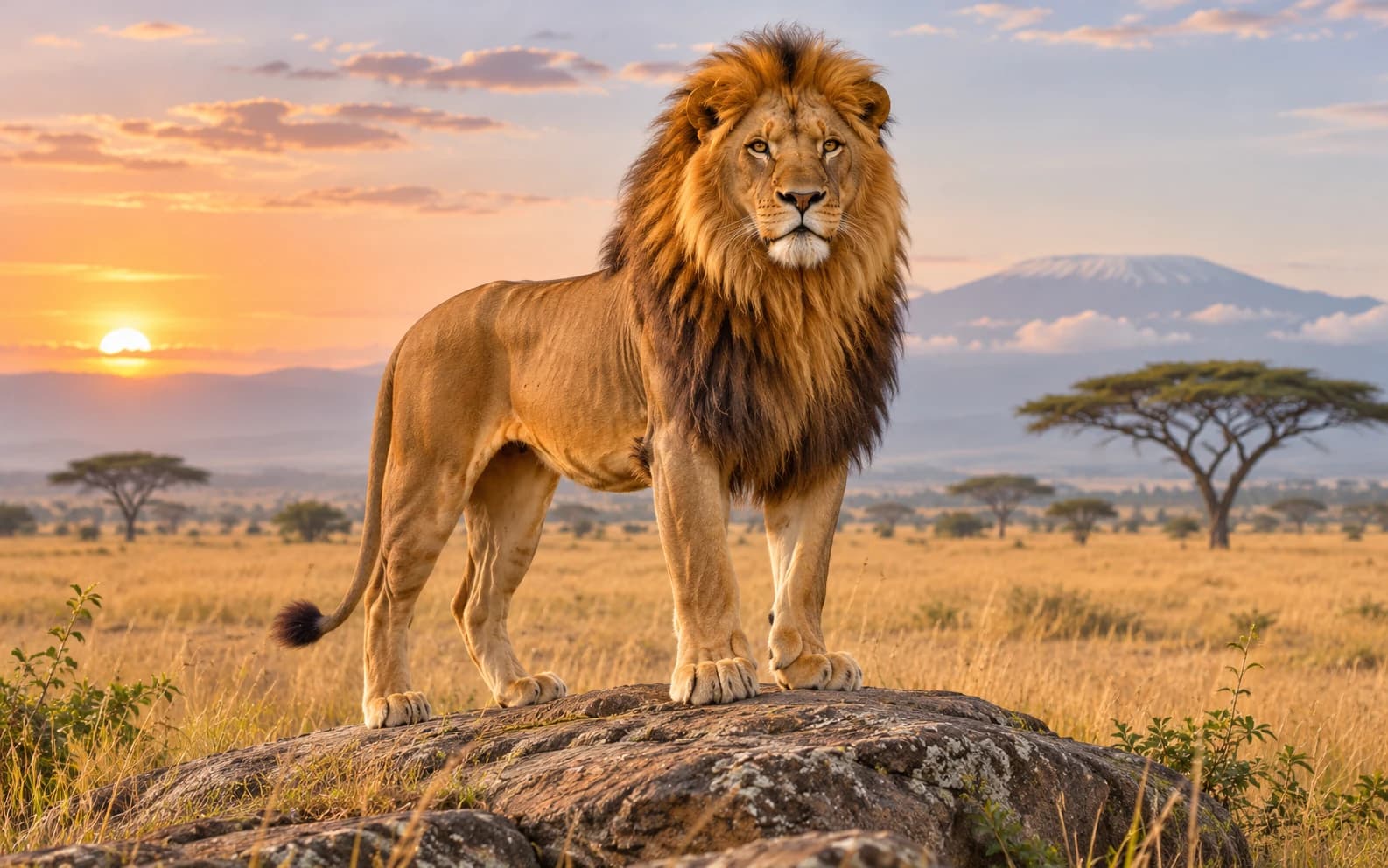
Build a lion image for a story, poster or nature-inspired moodboard in Ofrai Image Studio. Choose a believable habitat or an illustrative direction, then inspect the mane, paws and background. The picture is generated artwork, not a photograph of a real animal.
AI Turtle Image Generator
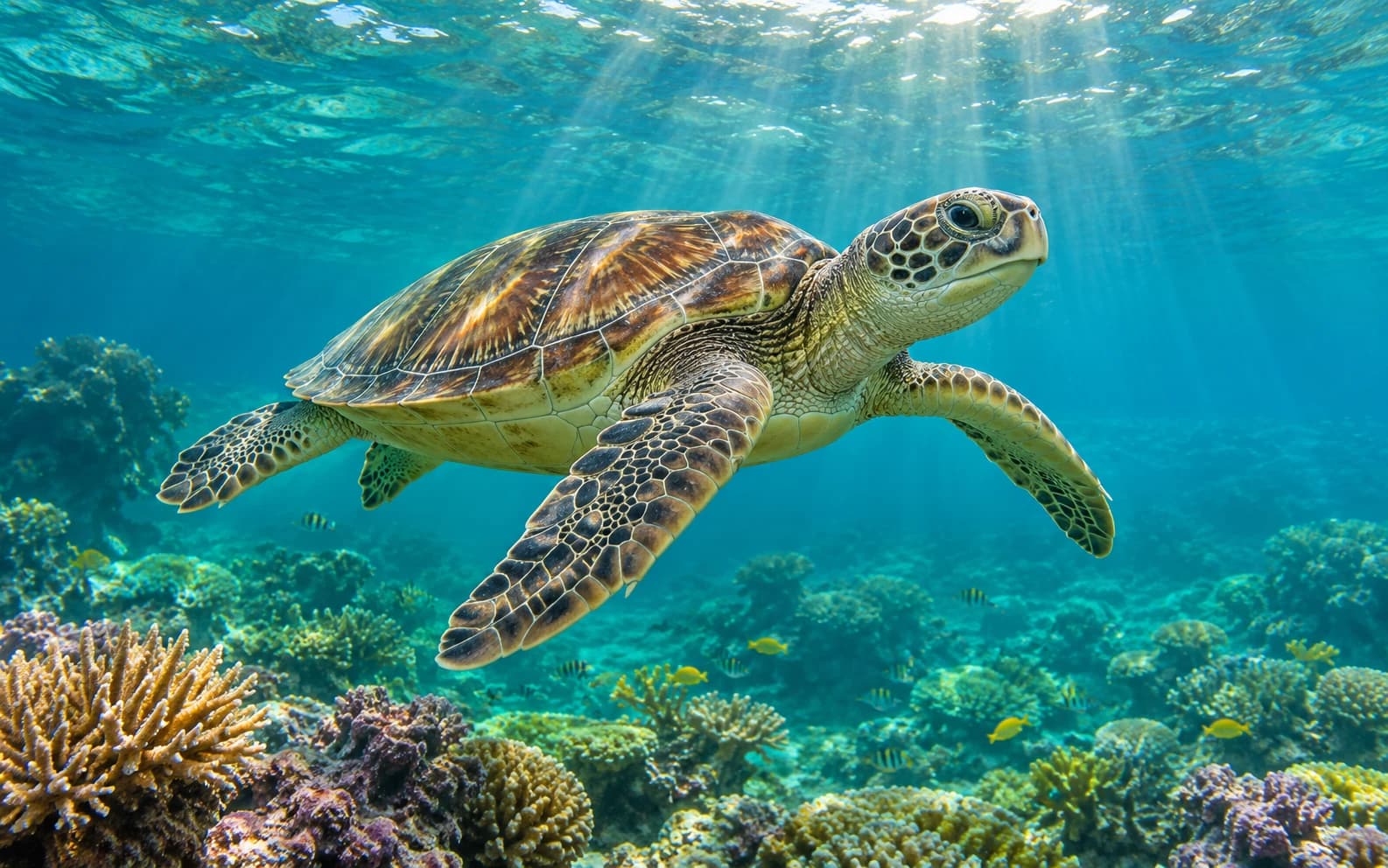
Make an original turtle image for a story, poster or ocean-themed design in Ofrai Image Studio. Decide whether the subject is a sea turtle or a land turtle before choosing the habitat and style. The result is generated artwork, not a wildlife photograph or species identification.
Photo styles
15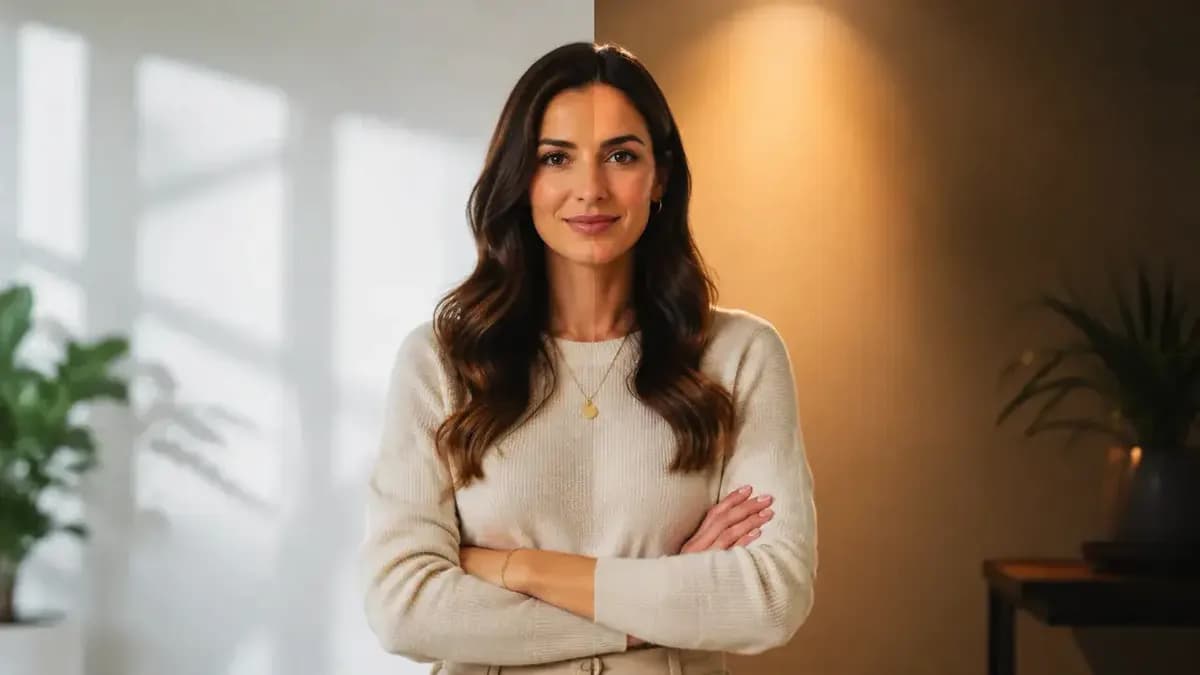
AI Photo Editor
Upload an image you have permission to edit, then describe one change and the details you want to keep. An image-to-image model generates a new version, so compare the face, lettering, and edges with your source before using the result.
AI Image Enhancer
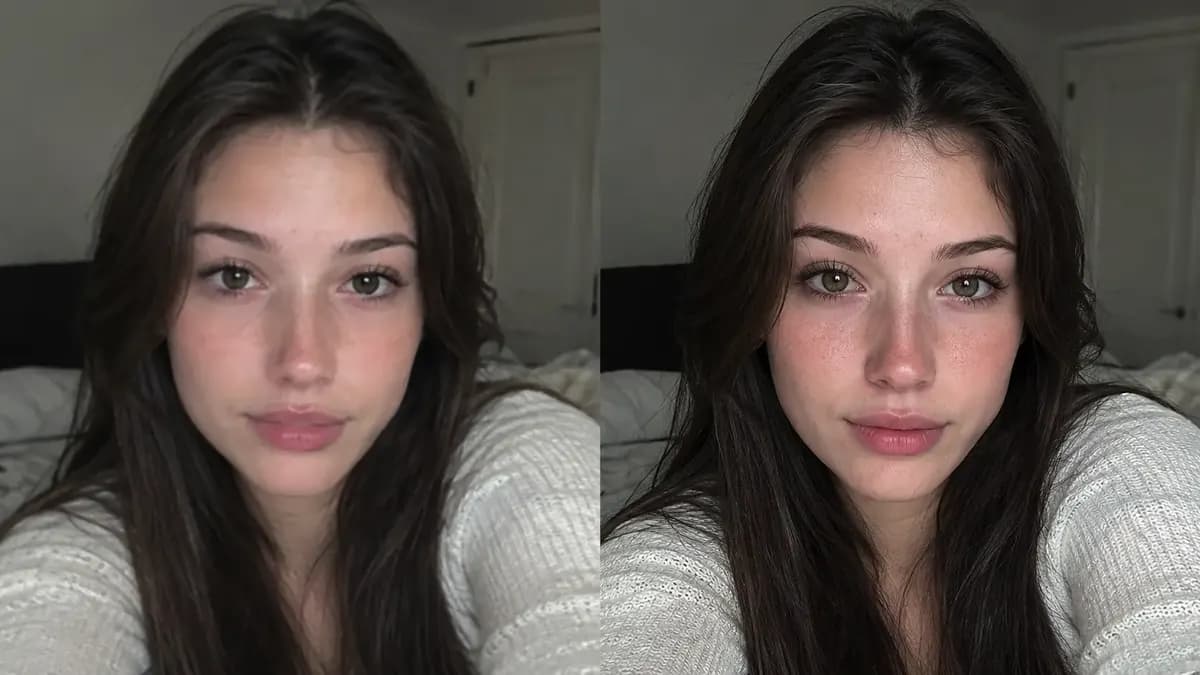
An AI image enhancer is judged on two separate things: whether it makes an image cleaner, and whether it makes it larger. Those are different operations with different failure modes. Upscaling reconstructs plausible detail at higher resolution, while restoration removes noise, compression artefacts, and softness without repainting your subject. On Ofrai you upload the original into Image Studio, run it through nano-banana-pro, gpt-image-2, flux-2, or seedream-5 with an edit instruction, and compare before-and-after at 100 percent zoom before you accept the result.
Photo to video
Upload a photo, describe the movement, and create a short video.
AI Black And White Photo Generator
An AI black and white photo generator converts an image into monochrome while preserving tonal range — deep blacks, luminous highlights, skin that still reads as skin. Generate in the aspect ratio you will print in, because monochrome hides exposure mistakes but not framing mistakes.
AI Instant Film Photo Generator
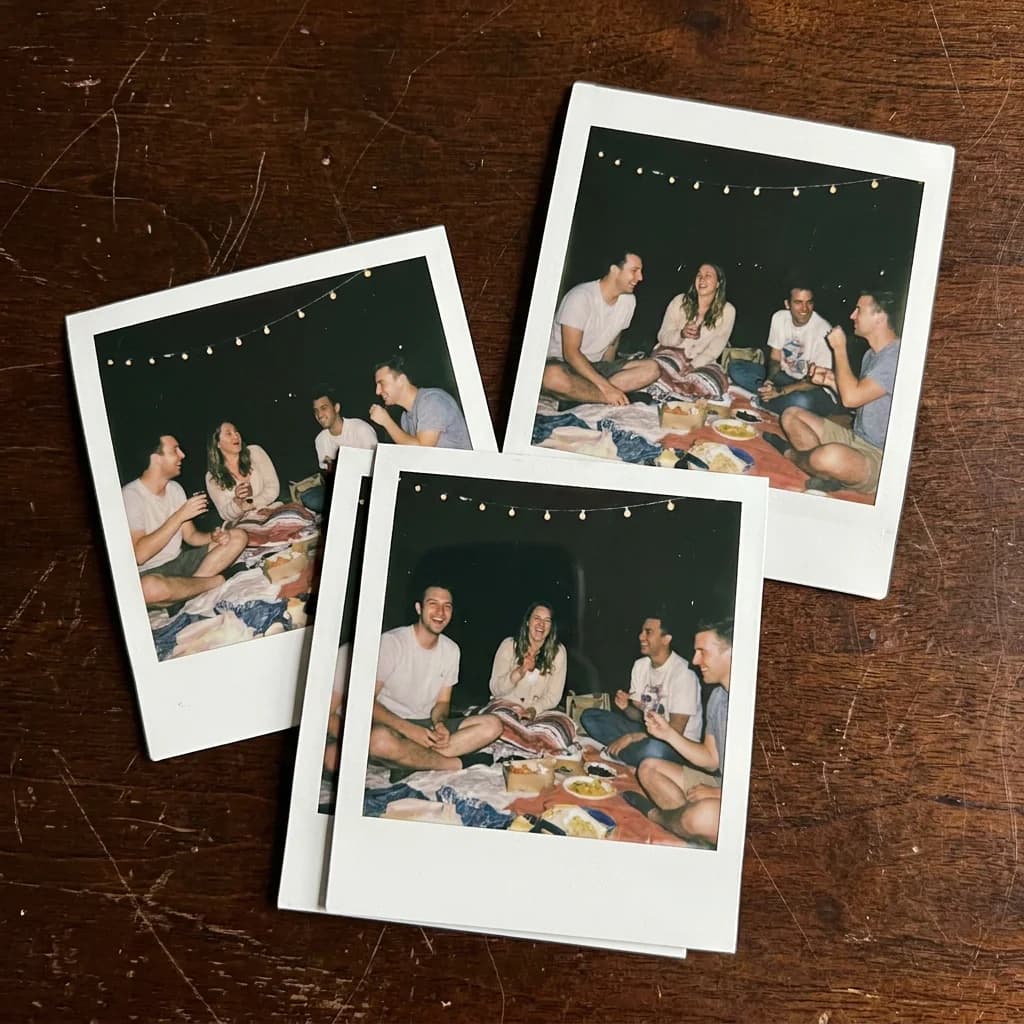
An AI instant film photo generator has to sell the medium, not just add a filter. Real instant film has a hot centre, a vignette that eats the corners, colour bleed at the highlights, an uneven flash falloff, and a date stamp that sits in a fixed corner. On Ofrai you write those physical facts into the prompt in Image Studio, pick from gpt-image-2, nano-banana-pro, flux-2, and seedream-5, and generate at the frame's native square ratio. Grain and halation happen in the render; the white border and date imprint are usually easier and cleaner to add afterwards.
AI Luxury Photo Generator
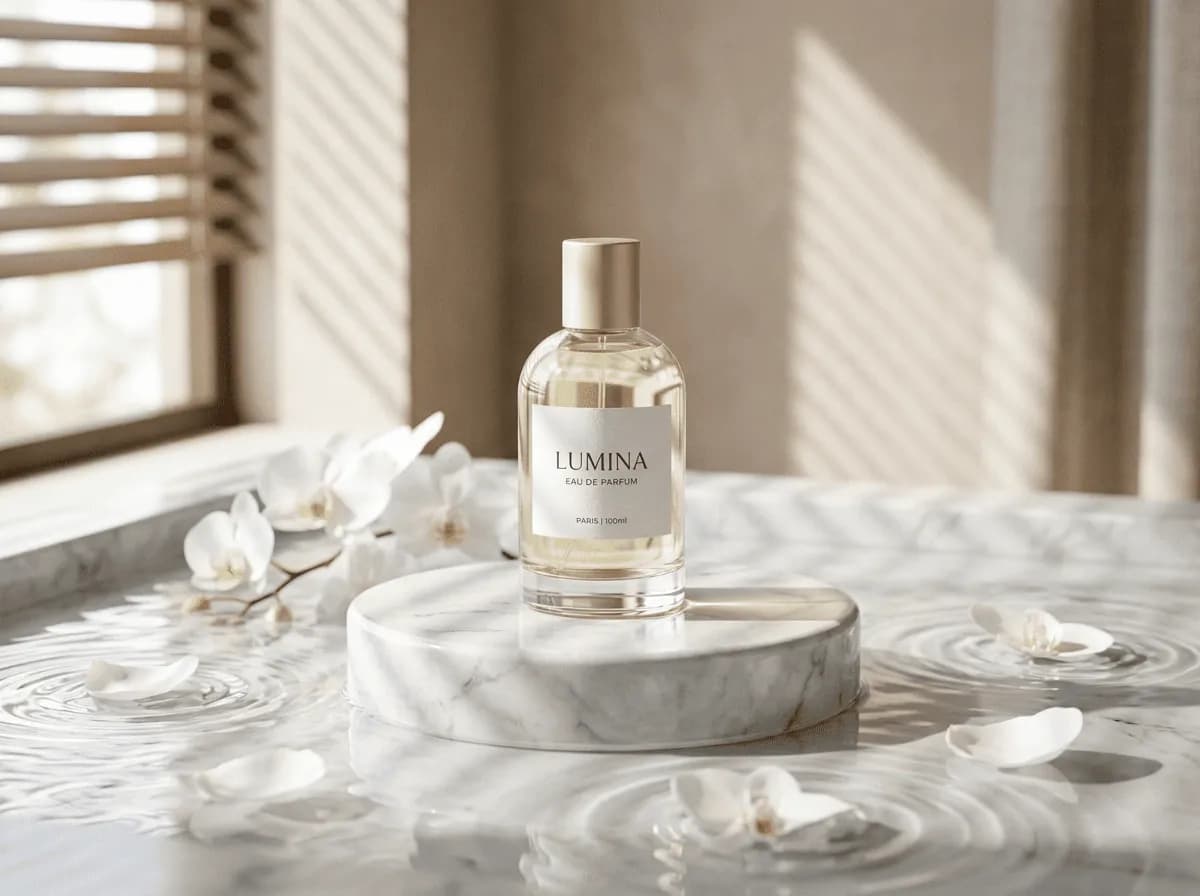
An AI luxury photo generator has to make expensive objects read as expensive, and that depends on how light behaves on the surface rather than on adjectives like premium or high-end. On Ofrai you open Image Studio with nano-banana-pro, gpt-image-2, flux-2, and seedream-5 and write prompts built around materials: polished metal, bevelled glass, heavy silk, brushed leather. Describe the reflection shape and the size of the specular highlight, keep the product in a clean studio, and the luxury register follows from the rendering rather than from the styling.
AI Minimalist Photo Generator
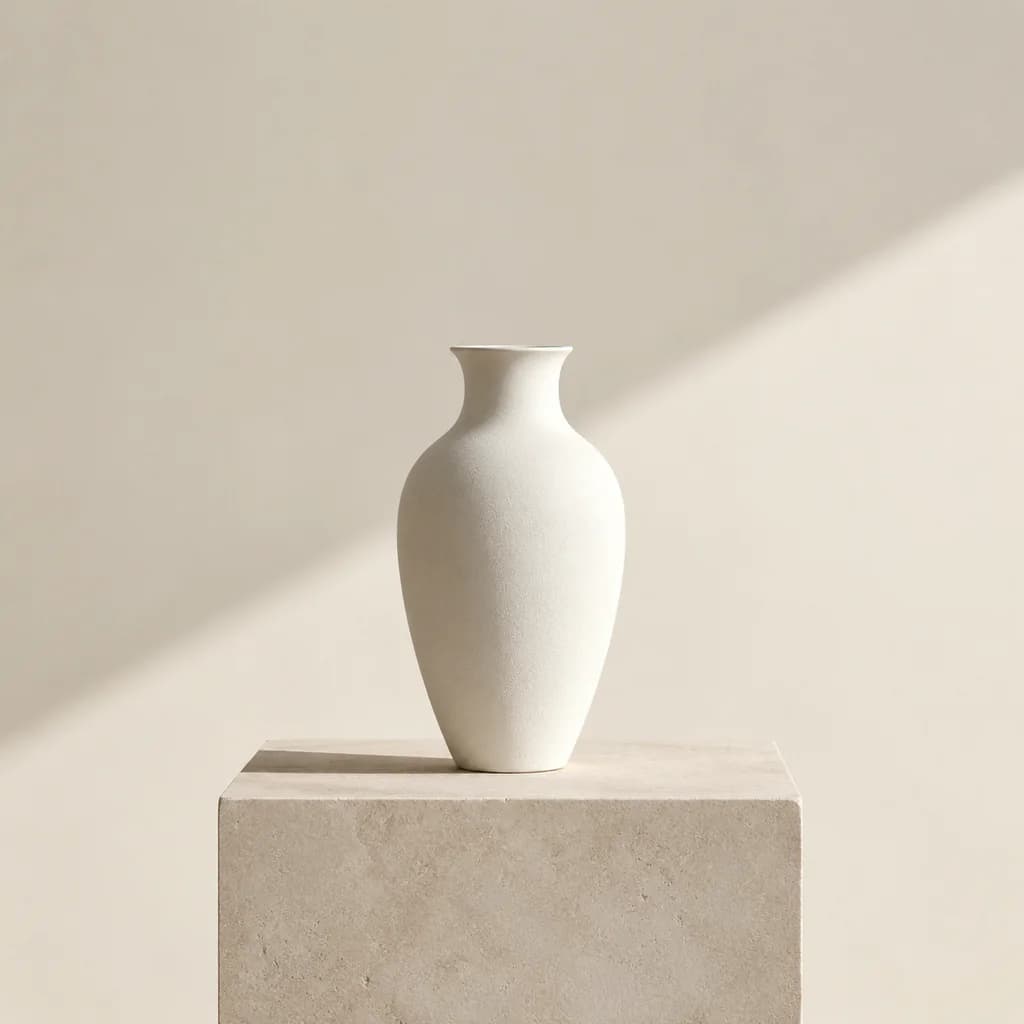
An AI minimalist photo generator works by removing everything that competes: one subject, a quiet surface, at least a third of the frame left empty, and soft directional light instead of hard contrast. On Ofrai you open Image Studio, choose a live model, write one sentence of composition, then iterate on ratio, surface, and lighting words. Every generation draws on the same credit balance you use for text and video, and finished frames stay in your library so you can re-run a variant set without leaving the page.
AI Old Money Photo Generator
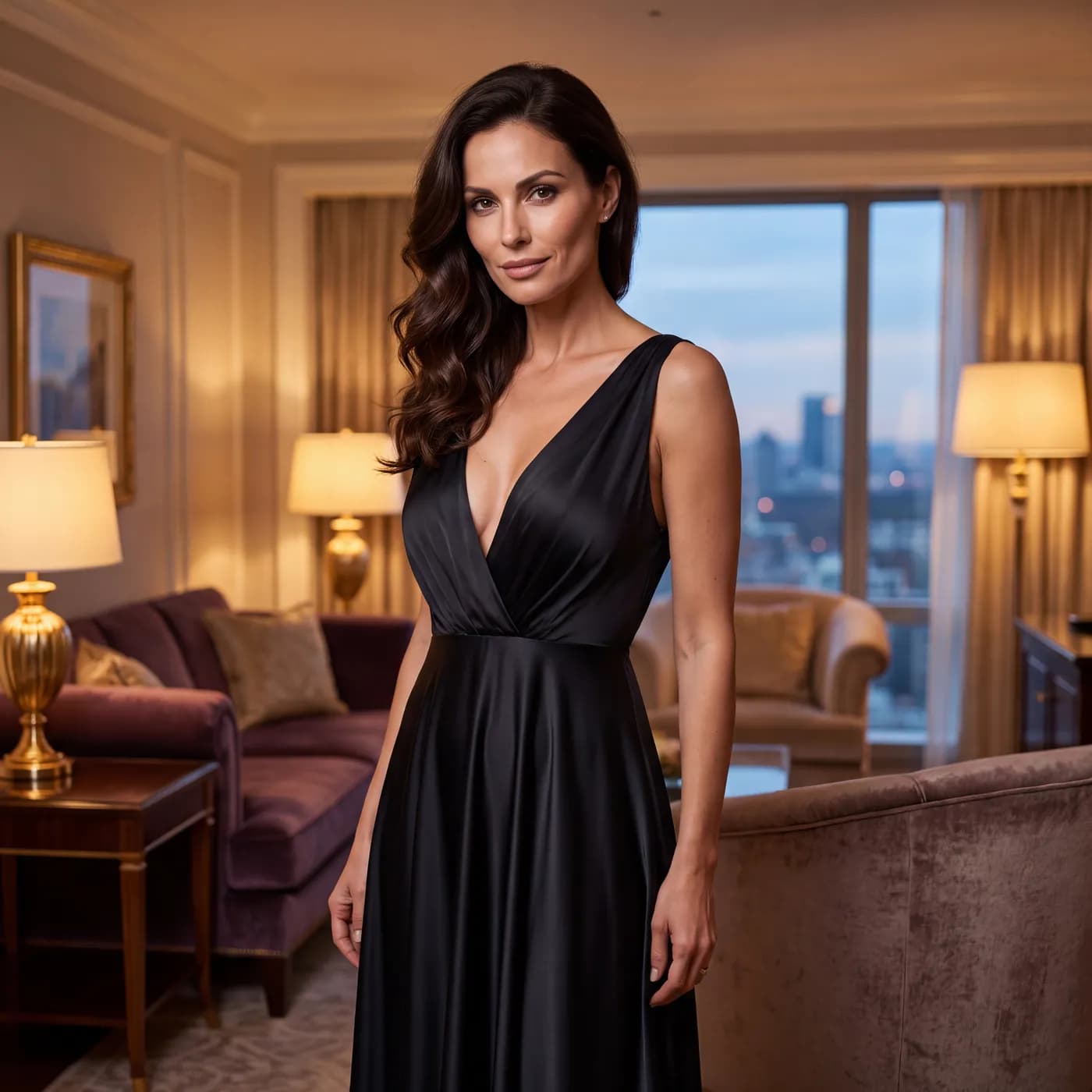
An AI old money photo generator produces images built on understated wealth: heavy fabrics, muted colour, old architecture, and a subject who looks like they have never had to explain themselves. Open Image Studio on Ofrai, pick a live model, and describe the wardrobe, the light, and the setting. The aesthetic depends far more on restraint than on price tags, so the prompts here focus on fabric weight, absence of logos, and the low warm light of estates and country houses.
AI Oil Painting Generator
An AI oil painting generator renders images with the physical signatures of oil paint: loaded brushstrokes, glazed shadows, warm underpainting showing through, and canvas weave at the edges. On Ofrai you open Image Studio, choose a live model, and describe the painterly behaviour you want rather than the medium alone. You can generate from scratch, or supply a reference photo and ask for a painted interpretation. Every run uses the same credit balance as text and video, so style exploration is affordable.
AI Silhouette Generator
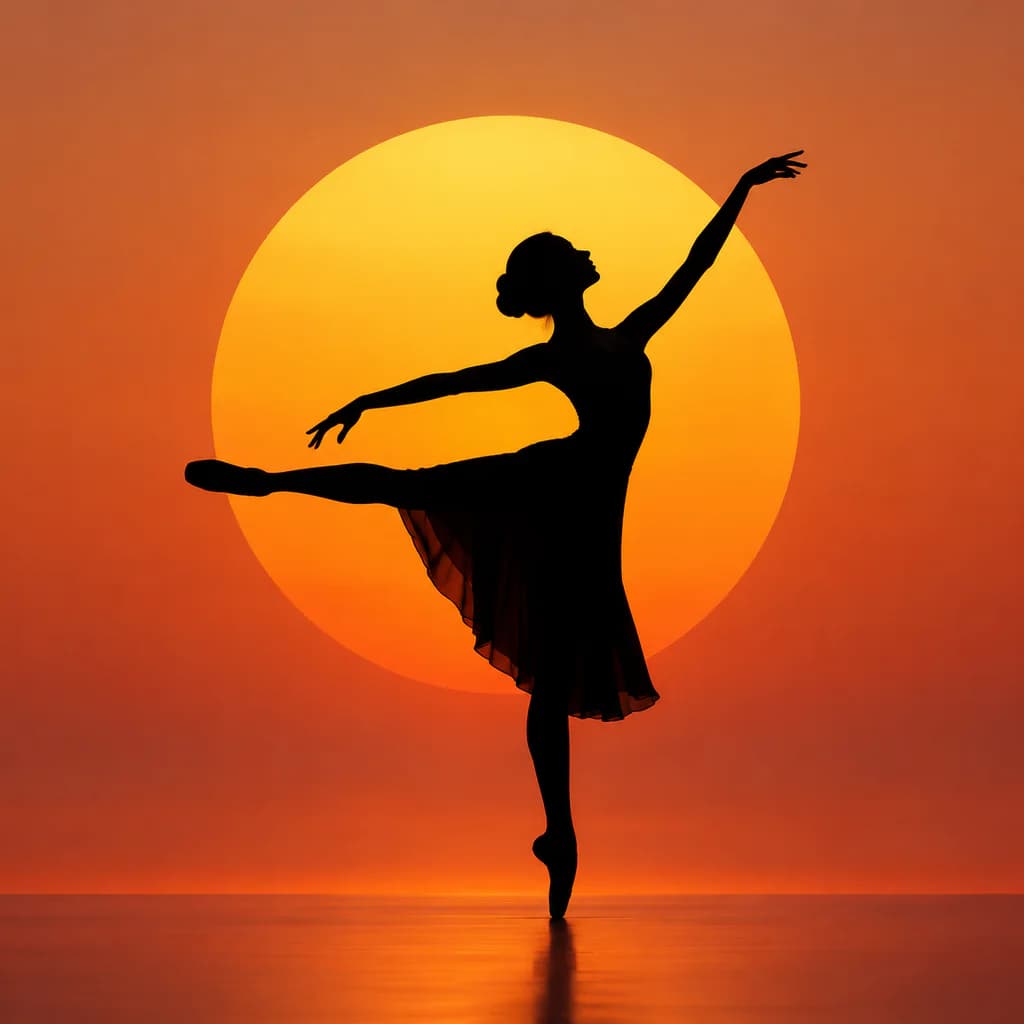
An AI silhouette generator produces the backlit, shape-first images used in profile art, sunset portraits and shadow-puppet style work — solid dark subjects against a bright sky or window, where the outline does all the storytelling. In Ofrai you describe the pose and the backlight, then generate or edit from a reference photo. Because detail is hidden, these are among the most reliable images to generate.
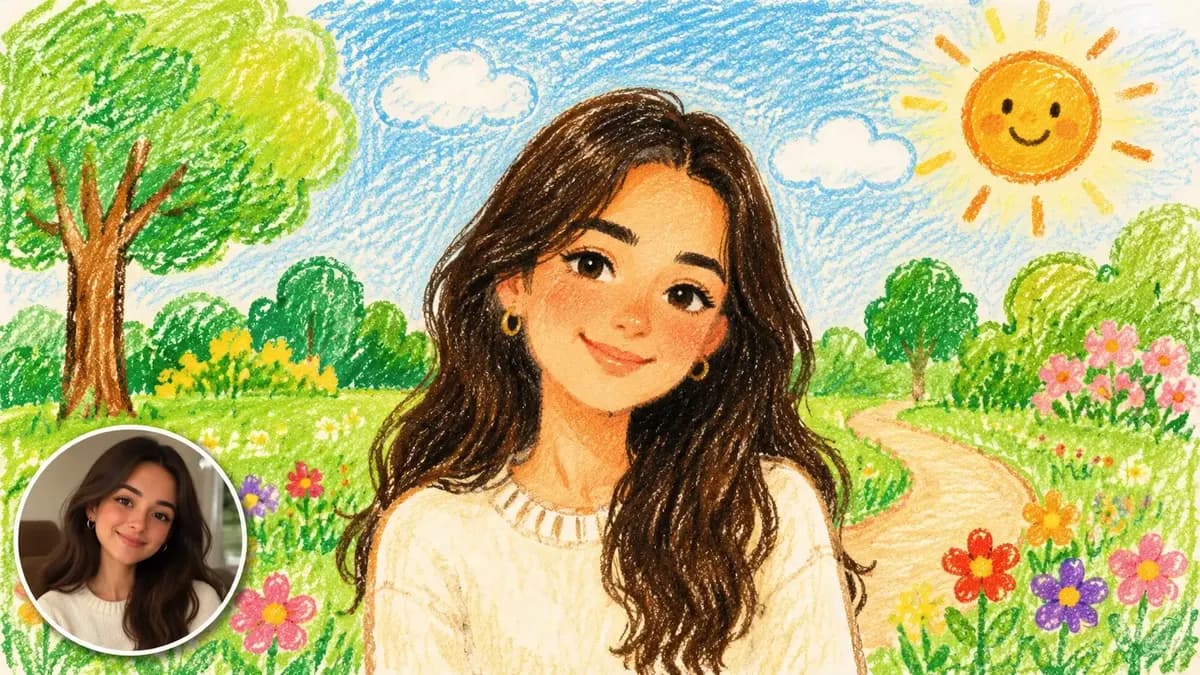
AI Crayon Drawing Generator
An AI crayon drawing generator turns a photo, a sketch, or a one-line idea into a childlike wax-and-crayon illustration in under a minute. Ofrai's Image Studio runs four live engines on a single credit balance, so you can test a cheap draft, move the same prompt to a stronger engine, and keep every version in your library. Upload a reference, describe the scene, set the ratio, generate, then upscale the winner for print. Crayon jobs hinge on three things: one clear subject, a named paper surface, and deliberate stroke direction.
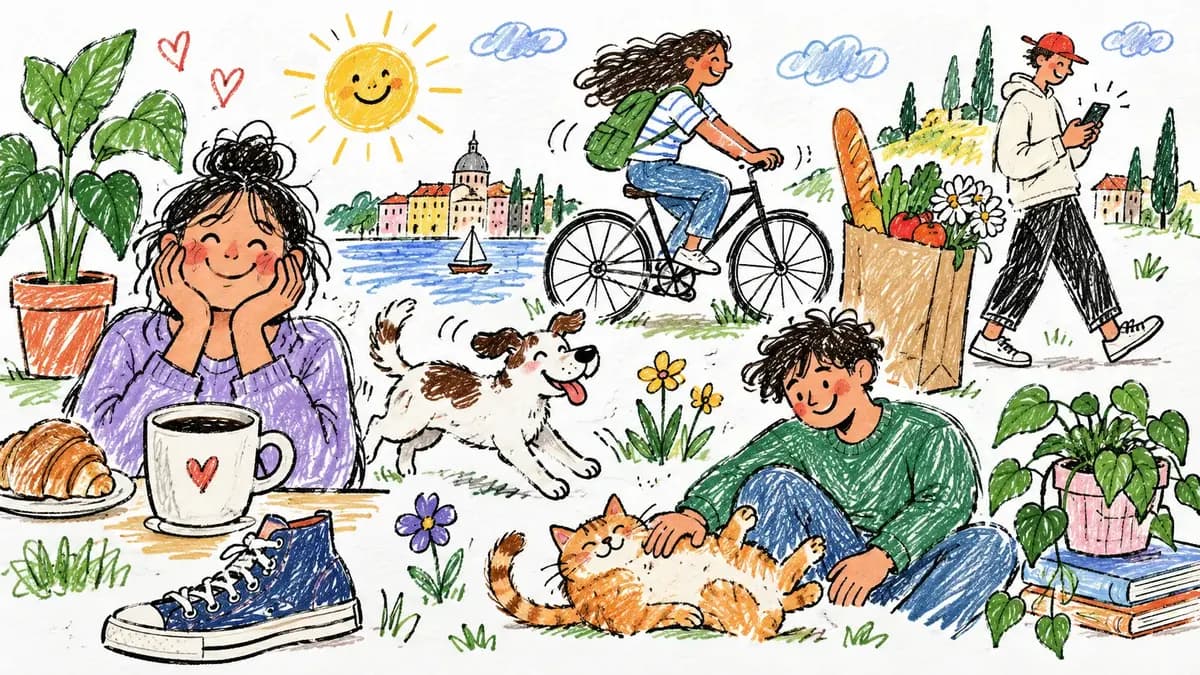
AI Scribble Drawing Generator
An AI scribble drawing generator takes a rough hand sketch — a napkin doodle, a child’s drawing, a phone note — and returns the same composition as finished art, keeping the shapes and layout you actually made. In Ofrai you upload or describe the sketch, choose how literal the output should be, and generate variants without learning a drawing tool.
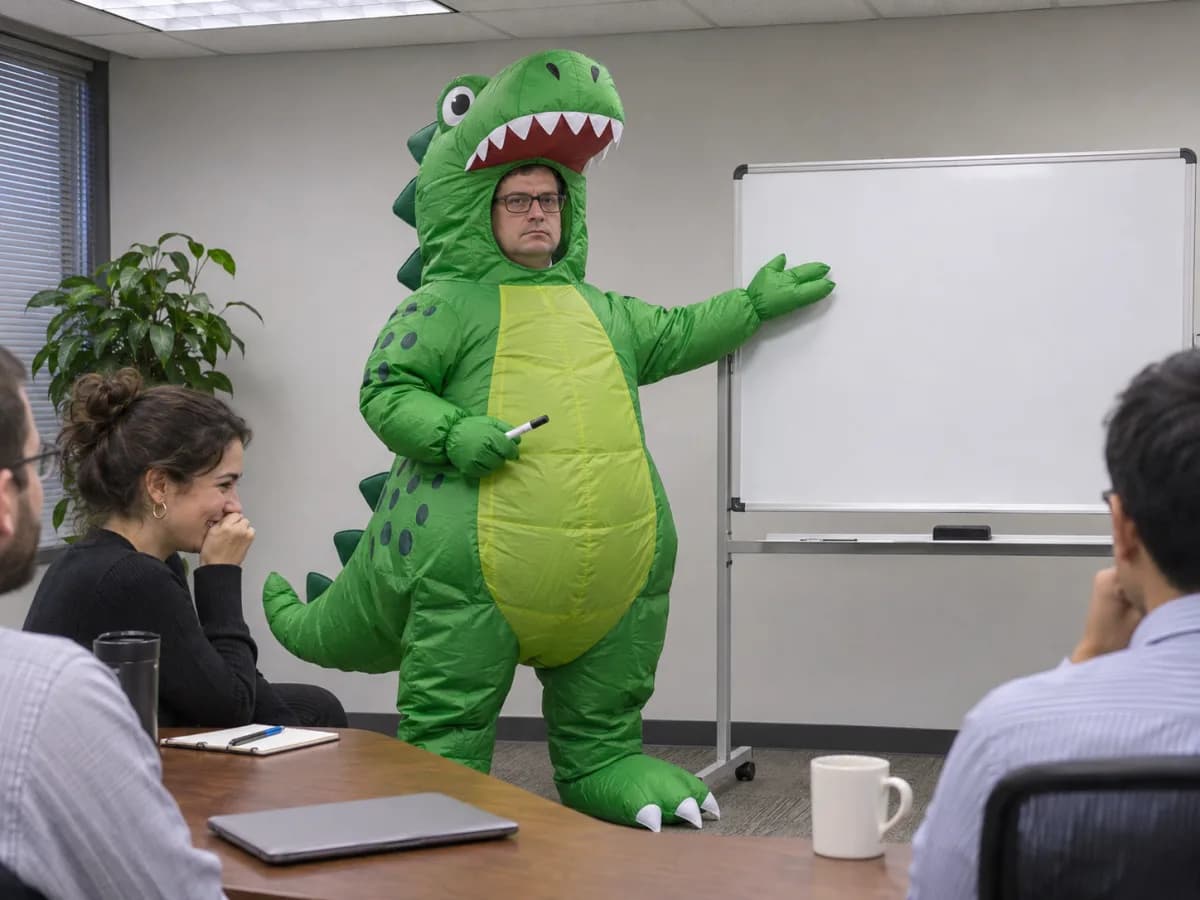
AI Funny Photo Generator
Open the office dinosaur prompt to make a scene from text. To edit a photo, try the rubber duck prompt with a photo you have permission to use. Check the credit estimate in Ofrai Image Studio before generating.
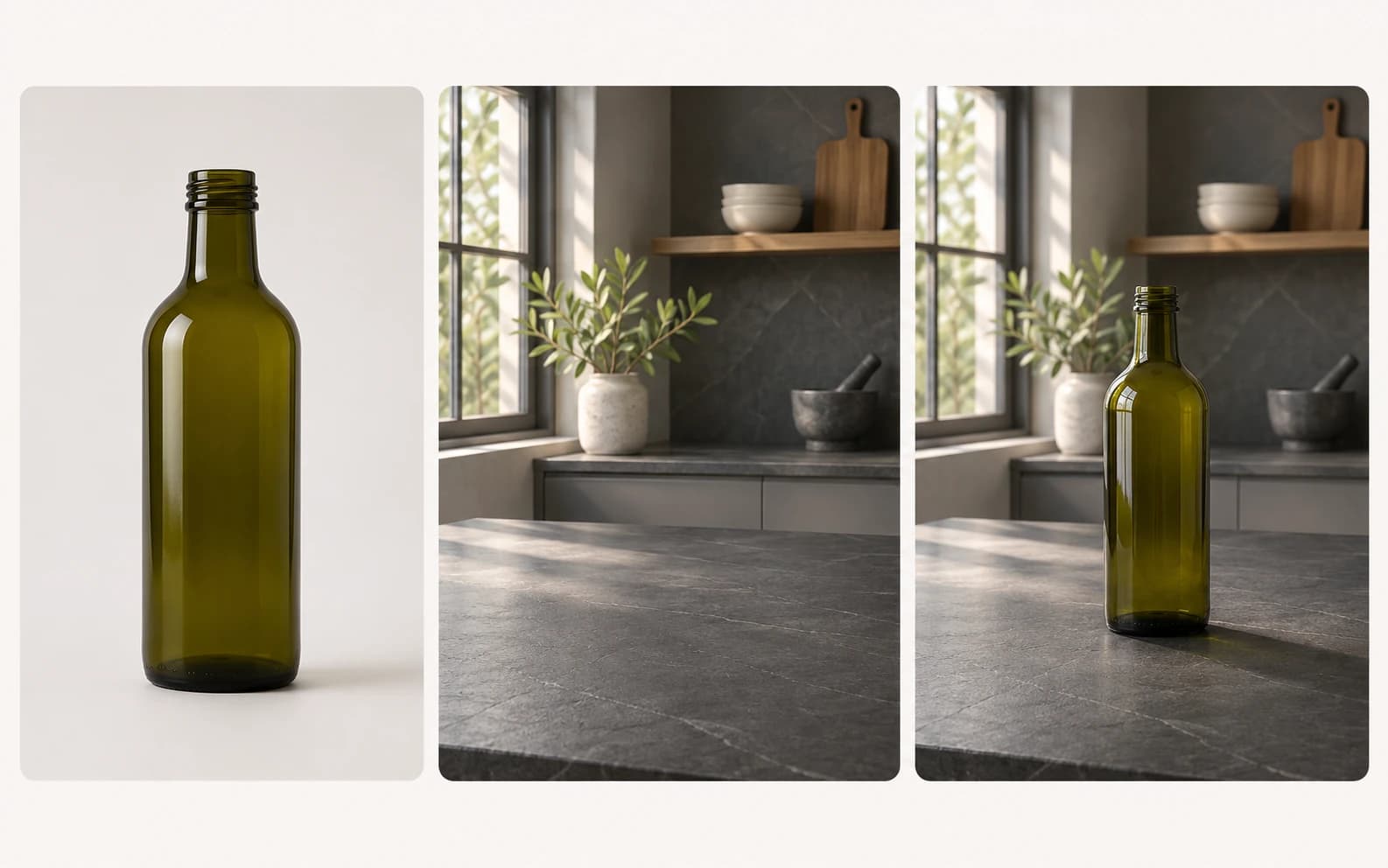
AI Image Combiner Tool
Use Ofrai Image Studio to explore a composition from two reference images: a product and a room, an authorized portrait and a setting, or two visual directions. Upload references to a model that accepts them, explain the role of each image, and inspect the result for changed details. Available reference slots and generation costs depend on the selected model and settings.
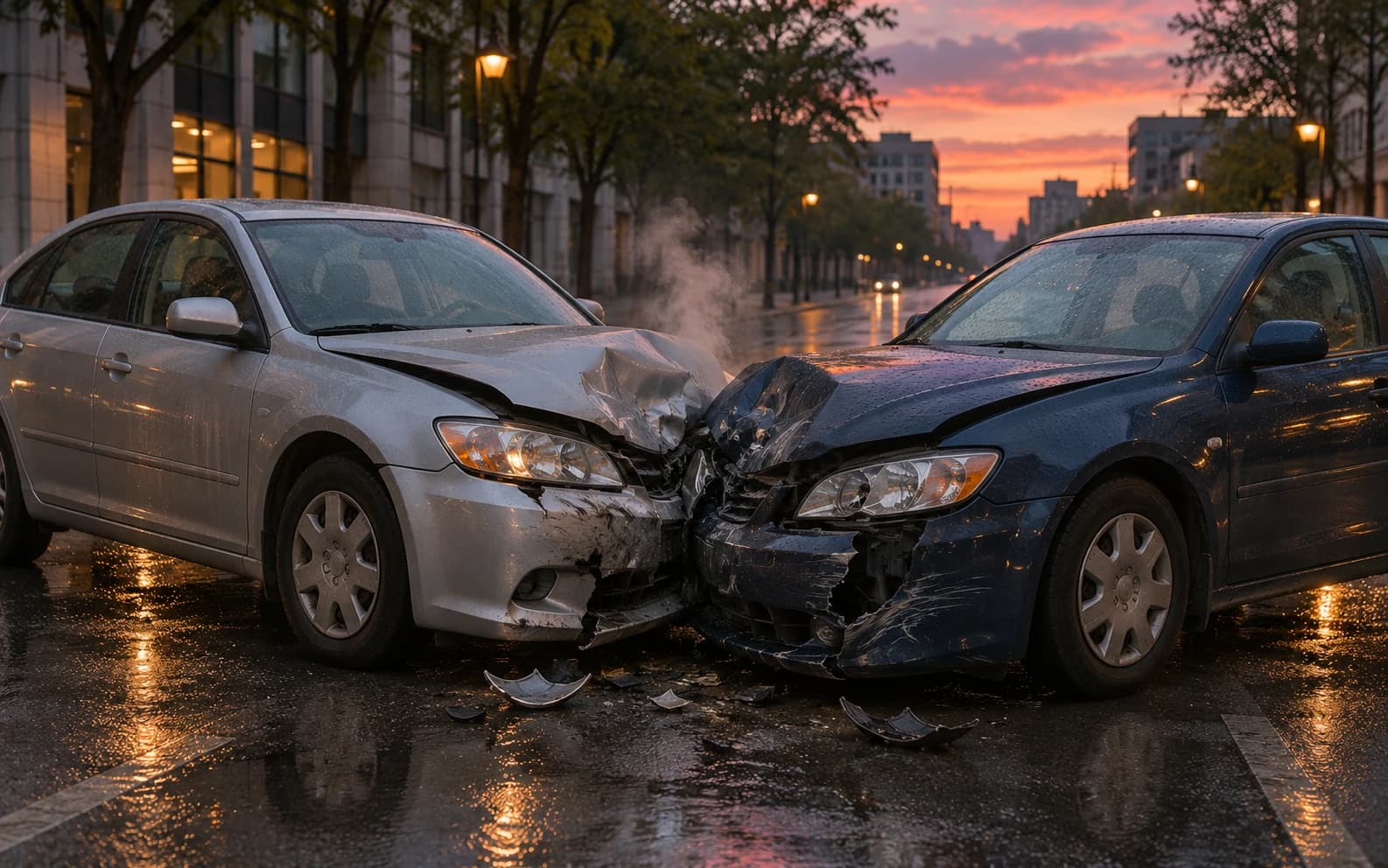
AI Car Crash Image Generator
Sketch a fictional vehicle collision for a storyboard, safety presentation or film moodboard. Ofrai Image Studio can generate an illustrative scene from your written brief. The image is not a reconstruction of a real crash and should never stand in for evidence.
Art styles
17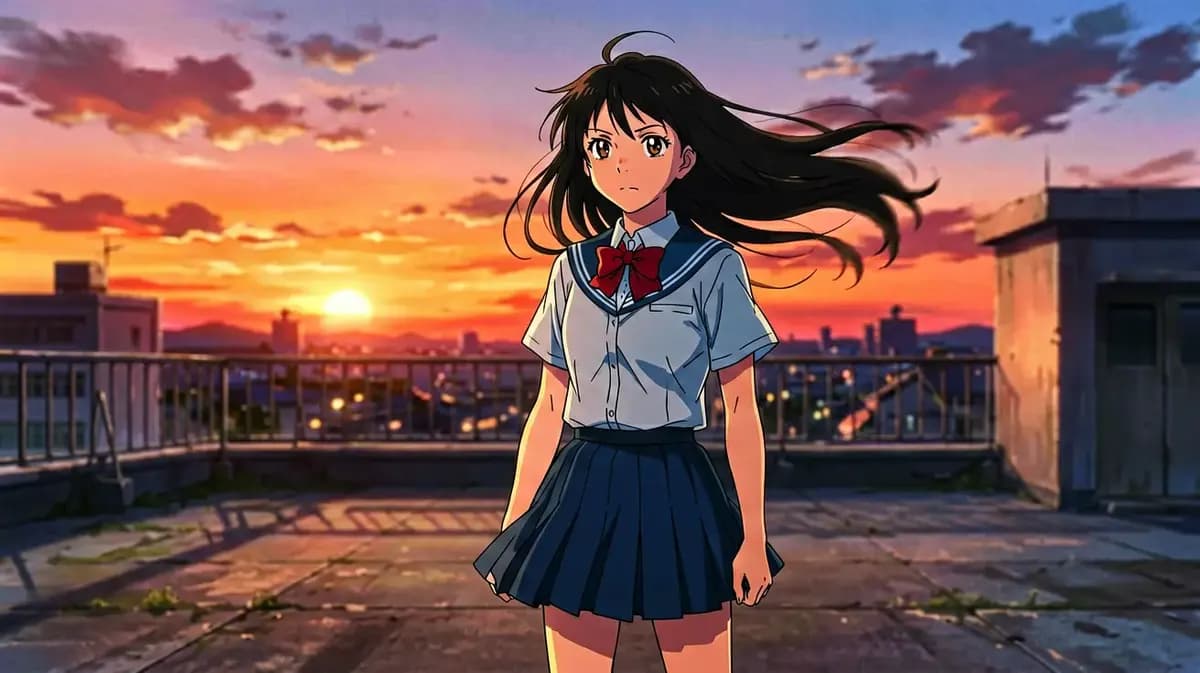
AI Cozy Anime Art Generator
An AI cozy anime art generator builds warm, lived-in illustrated scenes: lamplight, rain on a window, steam over a cup, a room that feels inhabited. Describe the character, the room, the weather and the hour, then generate in Ofrai Image Studio. Cozy is a lighting and texture problem more than a drawing style — soft warm key light, low contrast, and at least one small sign of human habit in the frame.
AI Anime Video Generator
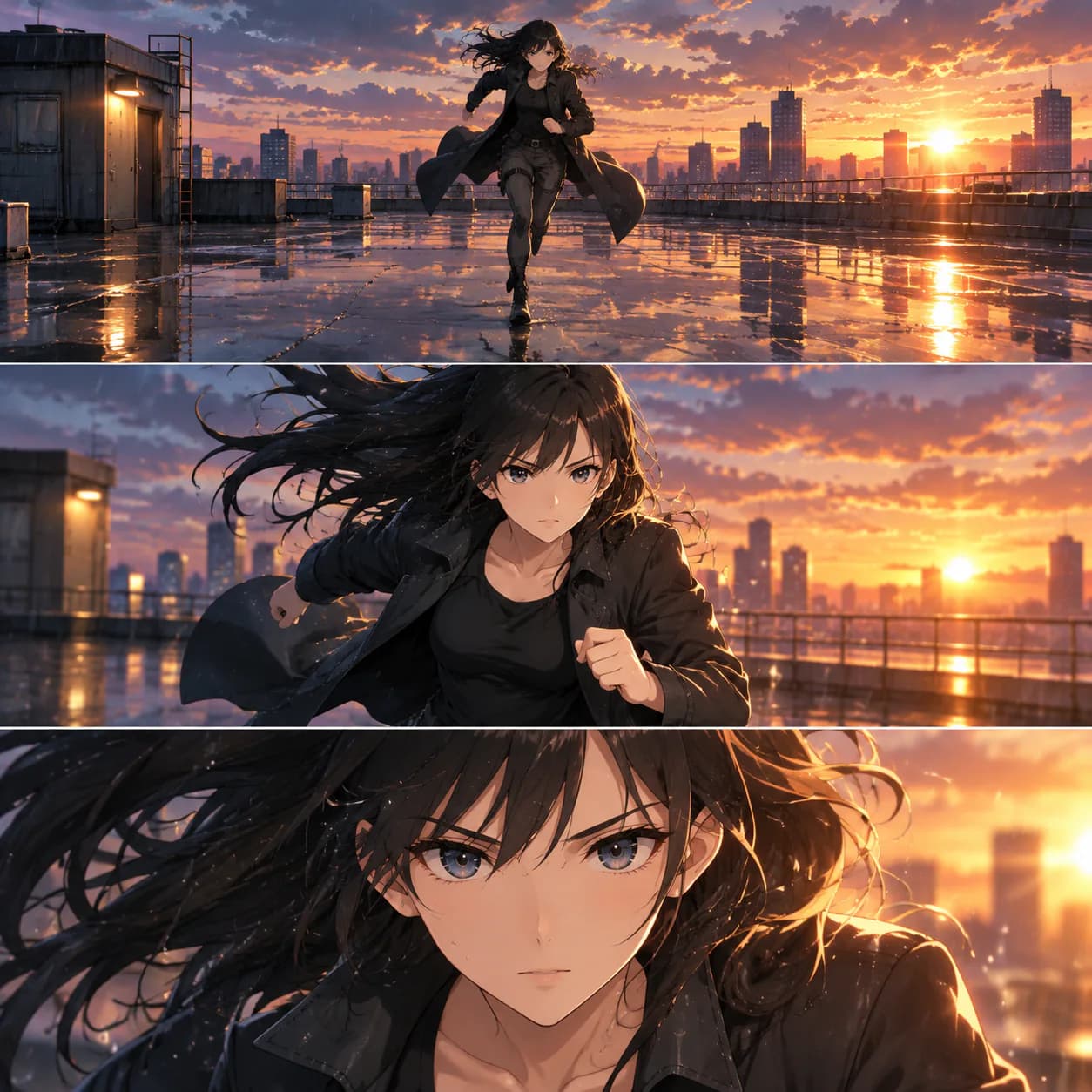
An AI anime video generator turns key art or a text brief into anime motion — hair in the wind, a held pose breaking into a cutscene beat, dramatic speed lines. The reliable method is anchor-frame first: design the character as a still in Ofrai Image Studio, then animate that frame in Video Studio so line weight, eye style and costume survive the motion. Shoot it as a series of short cuts, because anime style reads through editing far more than through long continuous takes.
Cyberpunk AI Art Generator
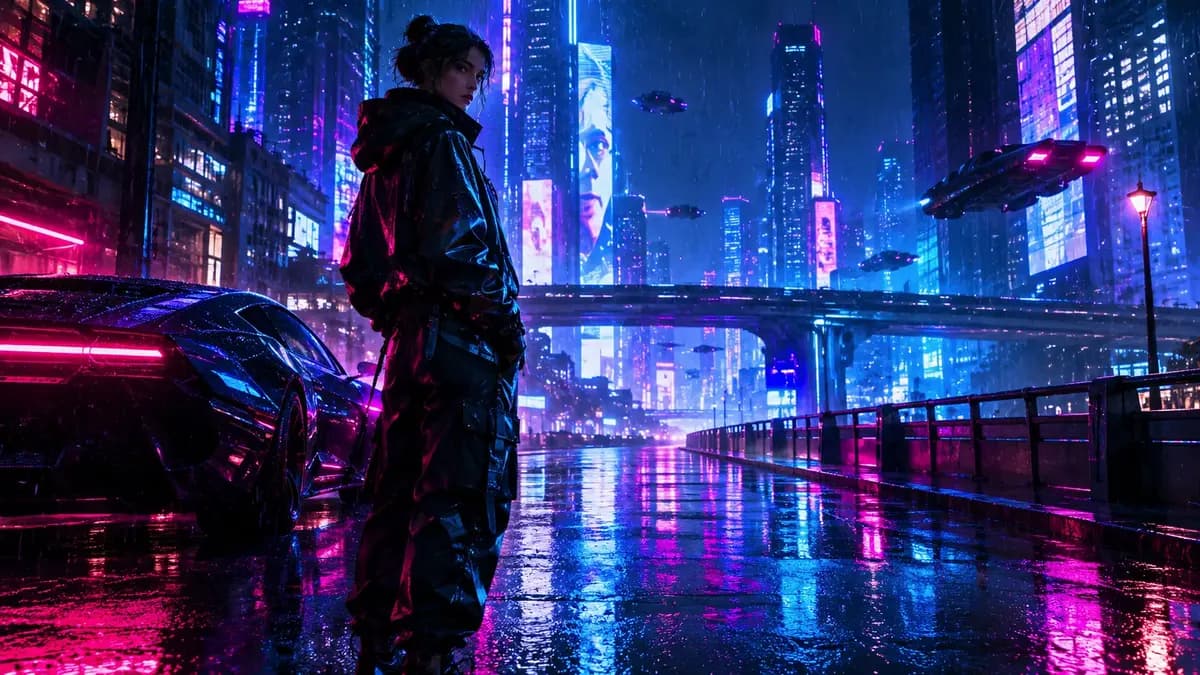
A cyberpunk AI art generator earns its name on three things: a constrained neon palette, one dominant light source per shot, and atmosphere that occupies real depth. Ofrai's Image Studio gives you four engines for exactly that — flux-2 to block composition cheaply, nano-banana-pro for hardware and reflective surfaces, gpt-image-2 when your sign typography has to be readable, seedream-5 for stylised poster treatments. Write the prompt as an environment first and a person second, and the results stop looking like generic neon soup.
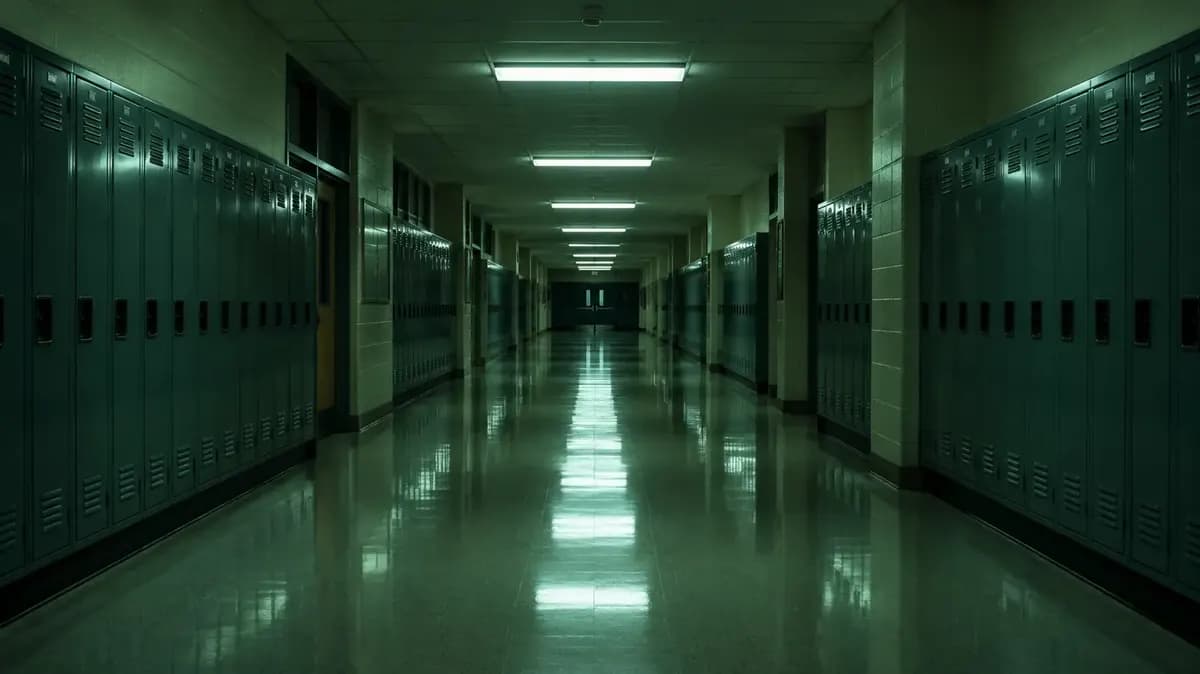
AI Liminal Space Image Generator
Generate an empty school hallway, a mall after closing, a motel corridor or a midnight pool. Open any of the four prompts in Ofrai Image Studio. For the hallway shown here, try changing the lighting while keeping the camera and green locker rows in place.
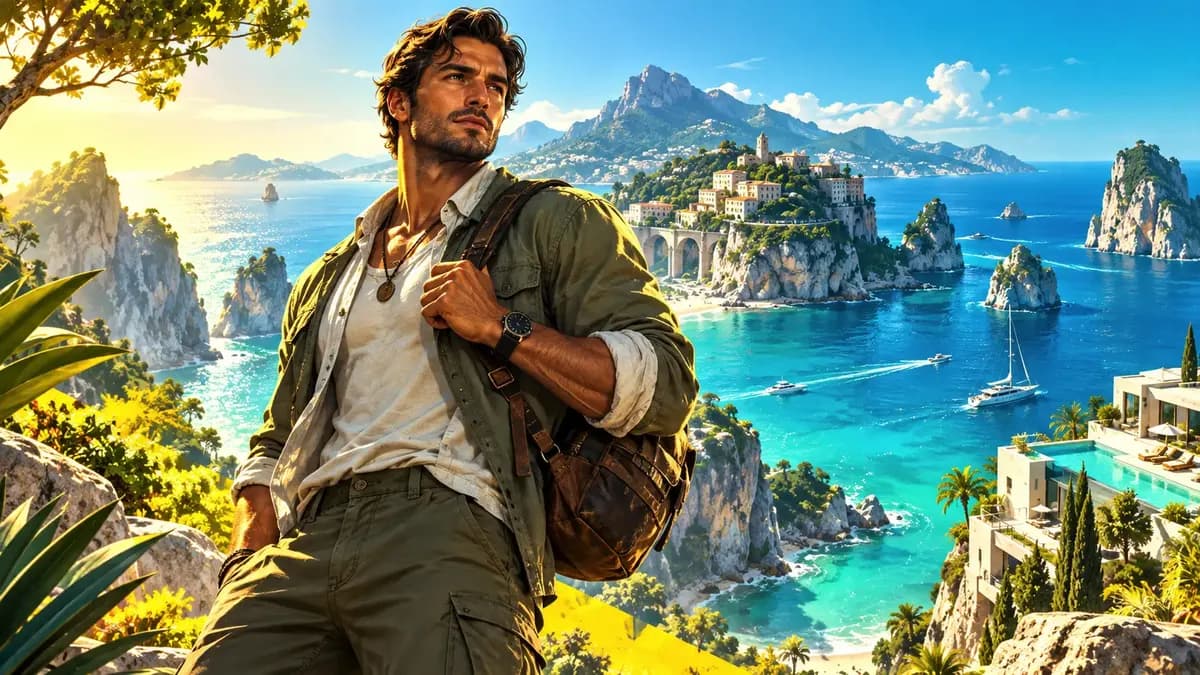
AI Game Cover Art Generator
A good AI game cover art generator hands you a square or portrait key art that still reads at thumbnail size, not a scene that only works full screen. On Ofrai you open Image Studio, choose between nano-banana-pro, gpt-image-2, flux-2, and seedream-5, and write one prompt that fixes the subject, the focal point, and the light direction. You generate a batch at the store ratio, keep the frames where the silhouette survives, then re-render only those winners on a higher-fidelity model. One credit balance covers all of it, and every render stays in your library.
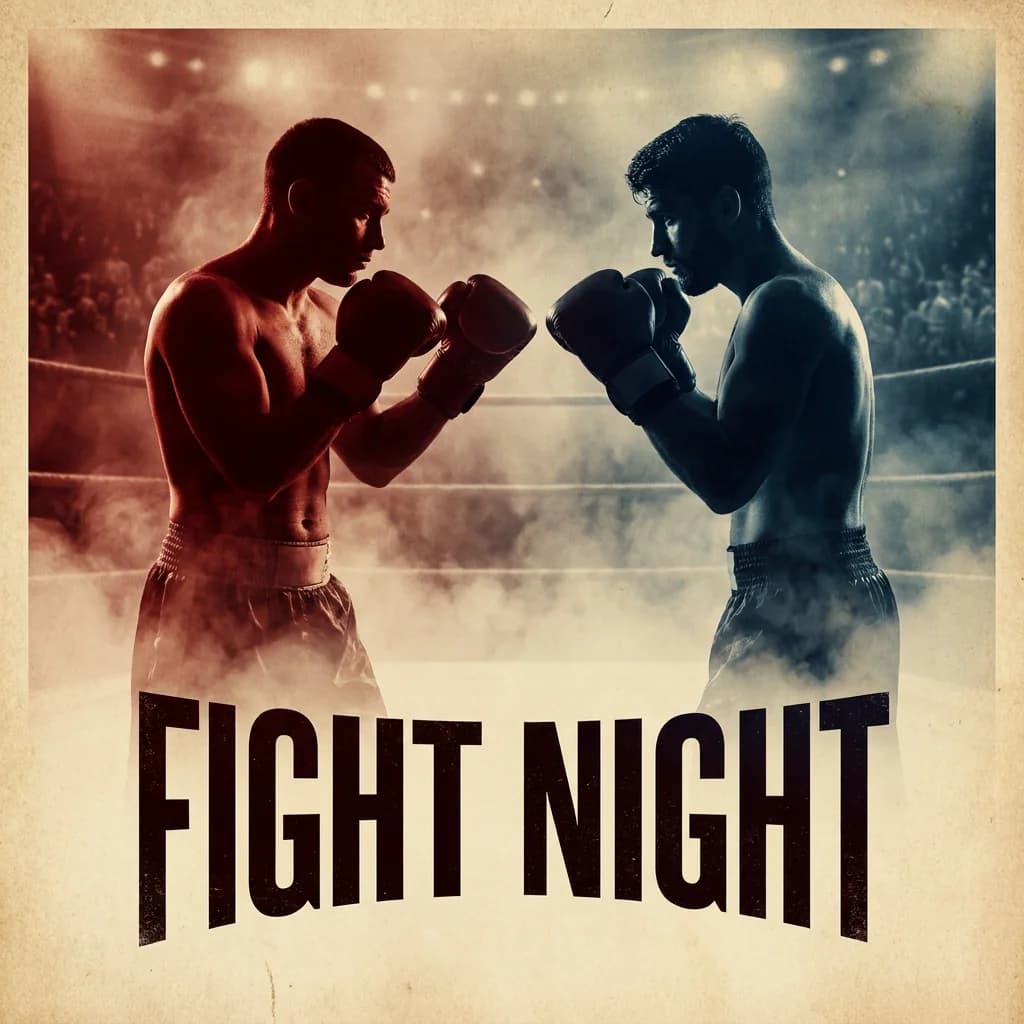
AI Fight Poster Generator
An AI fight poster generator builds two-fighter event artwork with readable silhouettes, dramatic lighting, and clear space for a title, date, and venue. Generate the artwork clean, then typeset the event information in a design tool — generated text is unreliable, and a poster lives or dies on readable typography. Plan the layout first, then prompt the fighters.
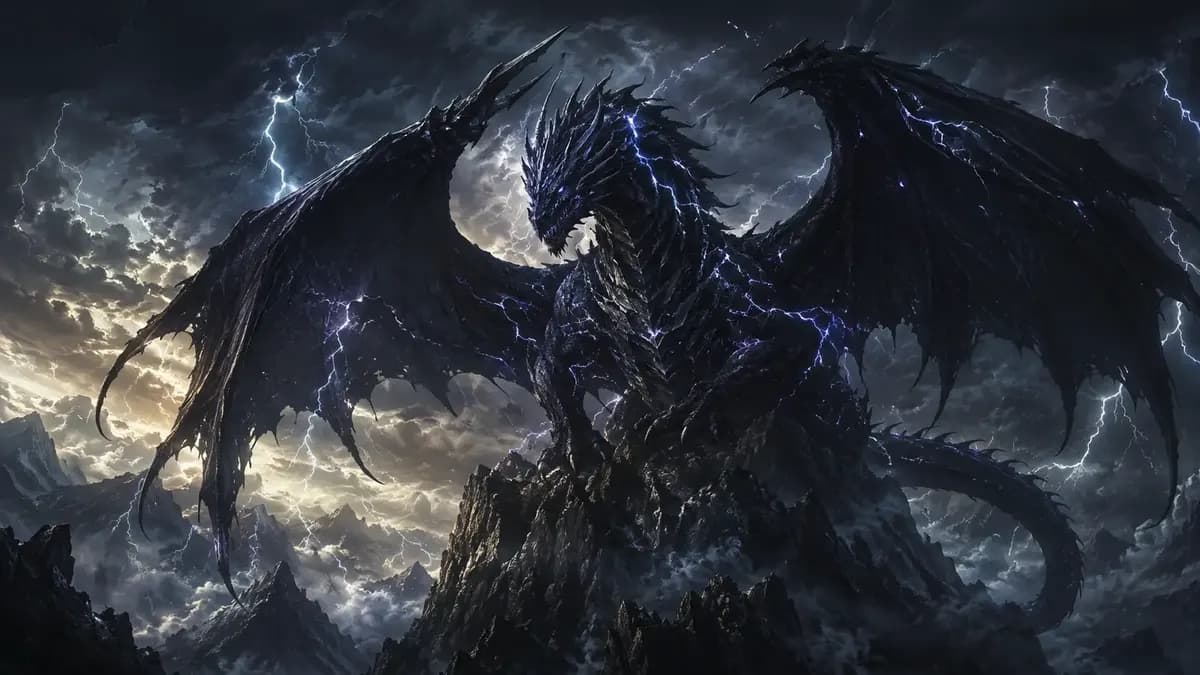
AI Creature Wallpaper Generator
An AI creature wallpaper generator builds an invented animal, spirit, or machine from a description, sized for the screens you actually use. Ofrai's Image Studio runs four engines on one credit balance, so you can sketch cheaply, then render the 4K final on a stronger model. Describe the creature, place it deliberately, choose a ratio that matches your phone or monitor, and the result lands in your library ready to crop or animate. The best wallpapers are composed for the gap between app icons, not just for the screen.
AI Cozy Winter Wallpaper Generator
Cozy winter wallpapers fail on one axis: they read cold. The genre needs warmth that comes from firelight and close, heavy materials, not from raising the temperature of the whole scene. On Ofrai you can draft compositions cheaply on flux-2, render finals on nano-banana-pro for textile and firelight detail, use gpt-image-2 when you want readable signage or a cabin interior with structure, and seedream-5 for illustrated and painterly treatments. Match the aspect ratio to your screen first, because a warm scene cropped square loses the room it was built around.
AI Cartoon Generator
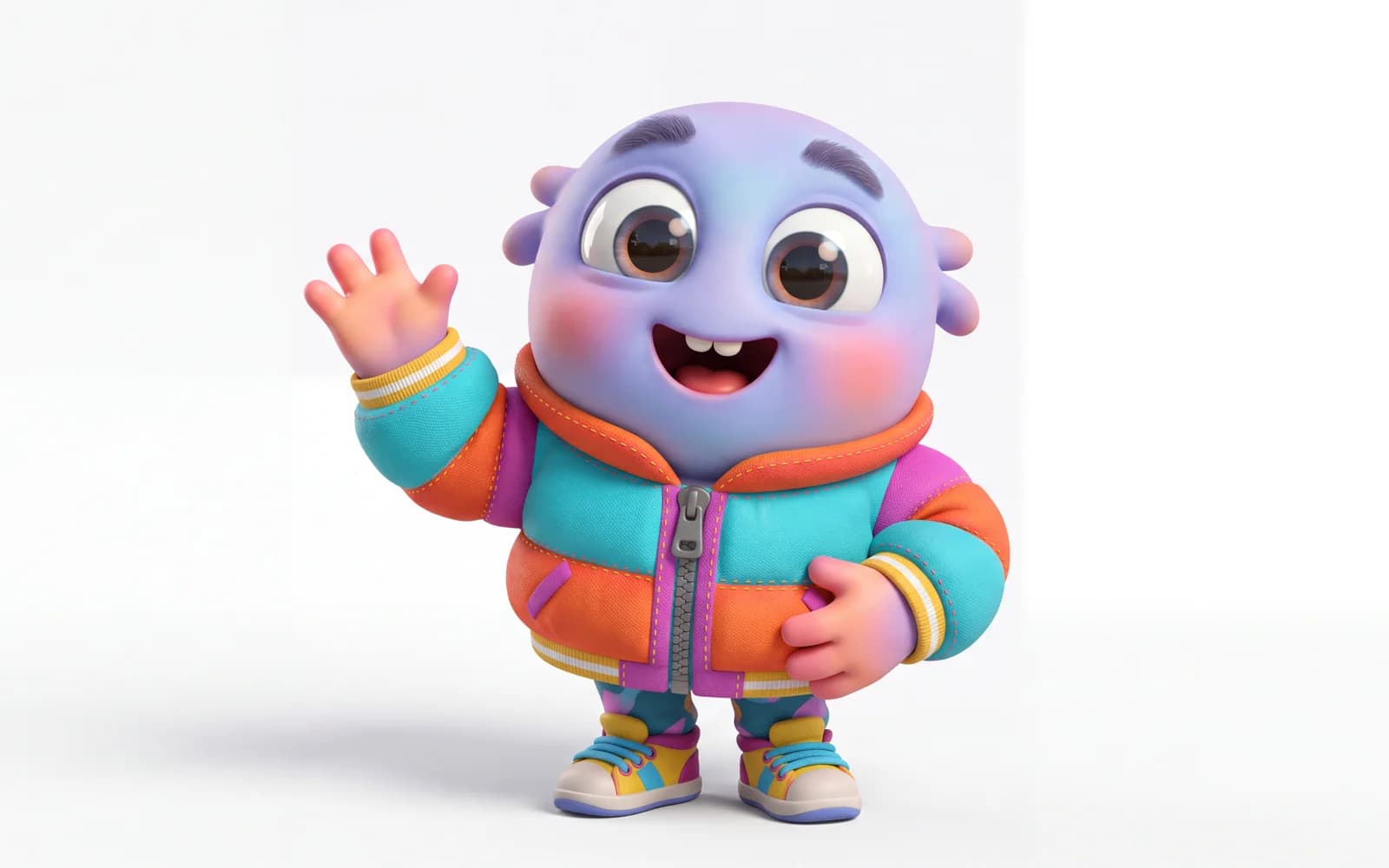
Describe a character or a scene and get a cartoon illustration back — flat vector, picture-book, comic or mascot style. Ofrai runs the prompt on the image model you pick, with the credit price shown before you generate.
AI Album Cover Generator
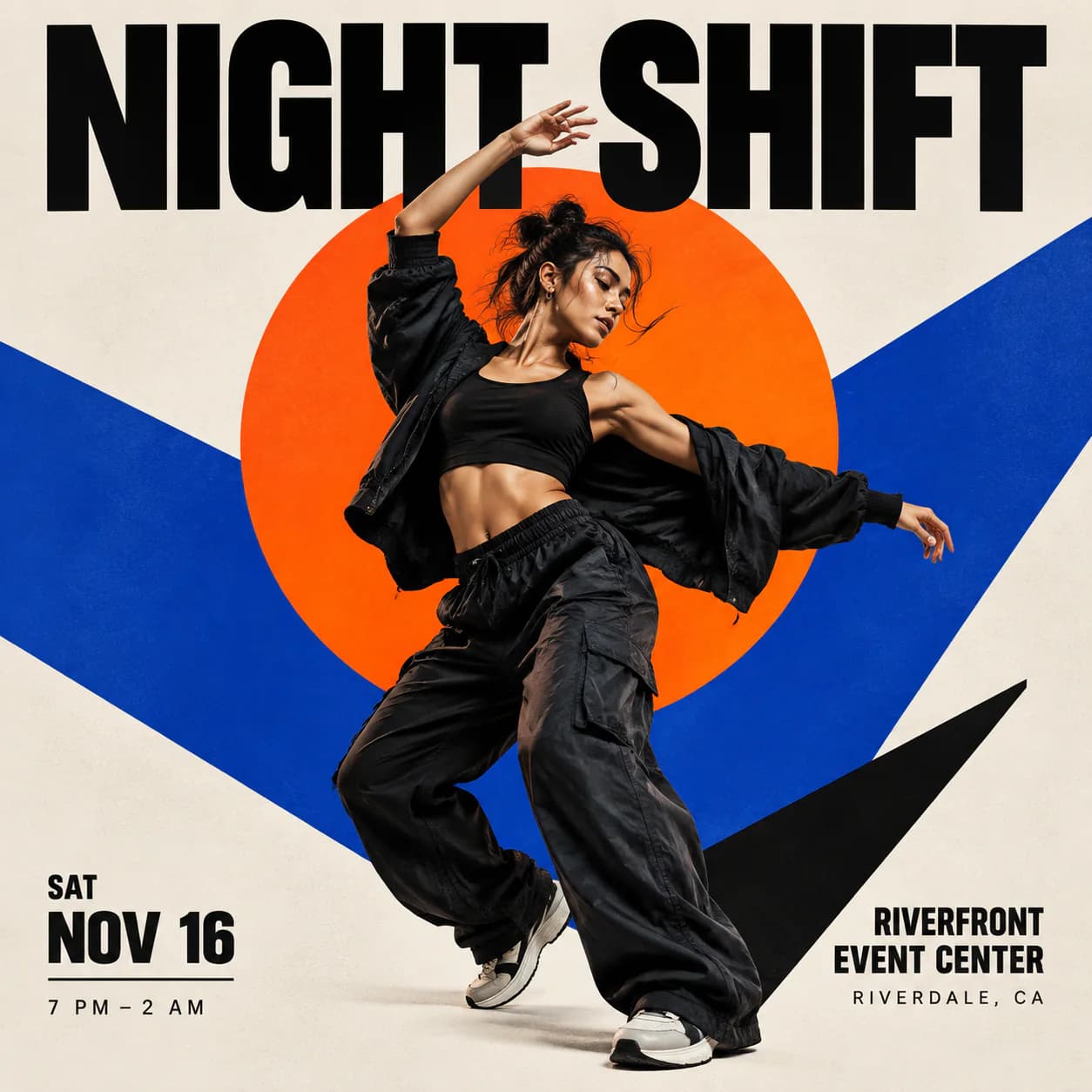
Describe the sound and the mood, add the artist and title, and get square cover art back — the format Spotify, Apple Music and Bandcamp expect. Generate several directions cheaply, then refine the one that fits.
AI Storyboard Generator
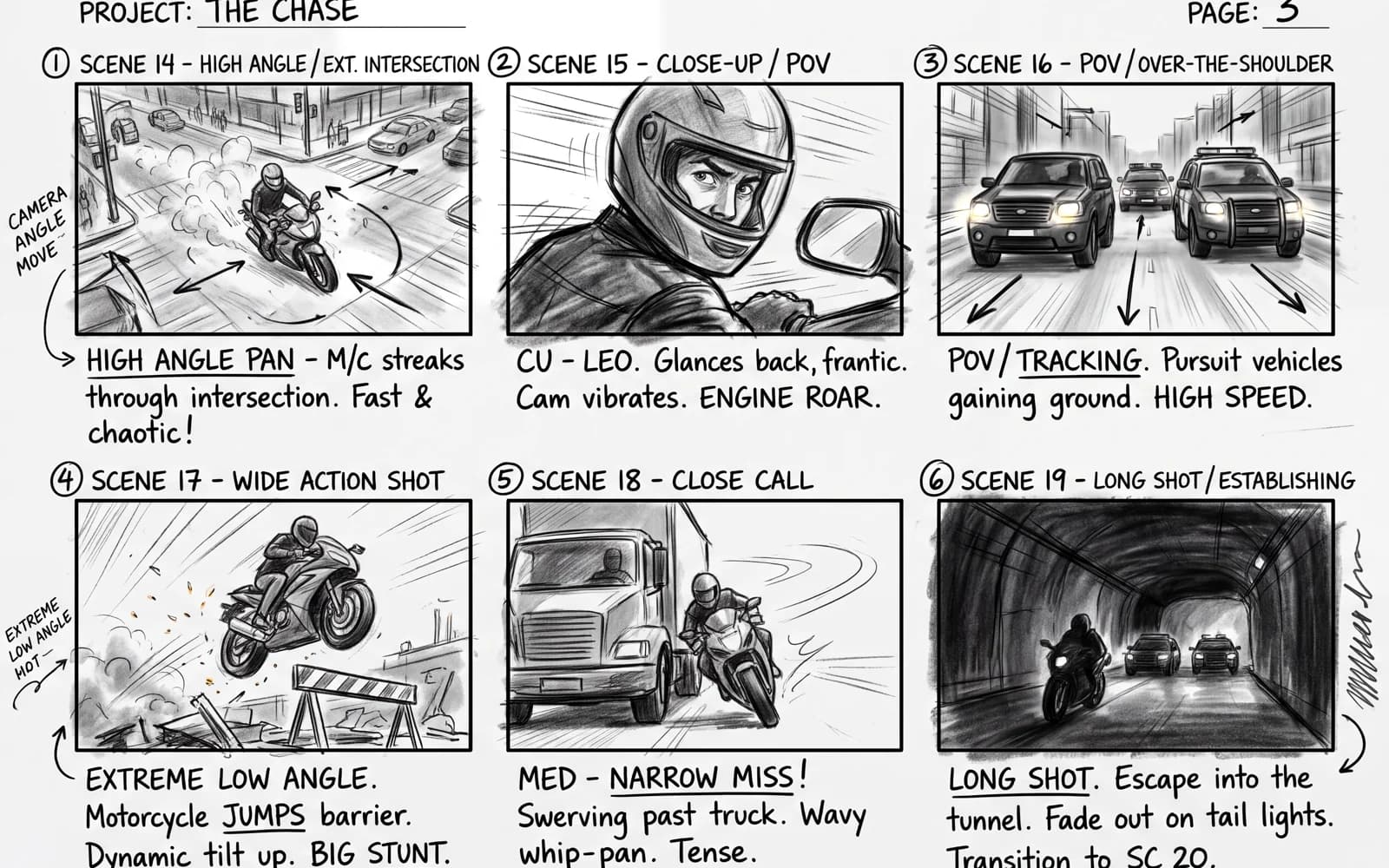
Plan a video before you spend on it. Generate one image per shot — wide, medium, close-up — with the same characters and location, review the sequence, and send the approved frames to Video Studio as starting images.
AI Papercraft Generator
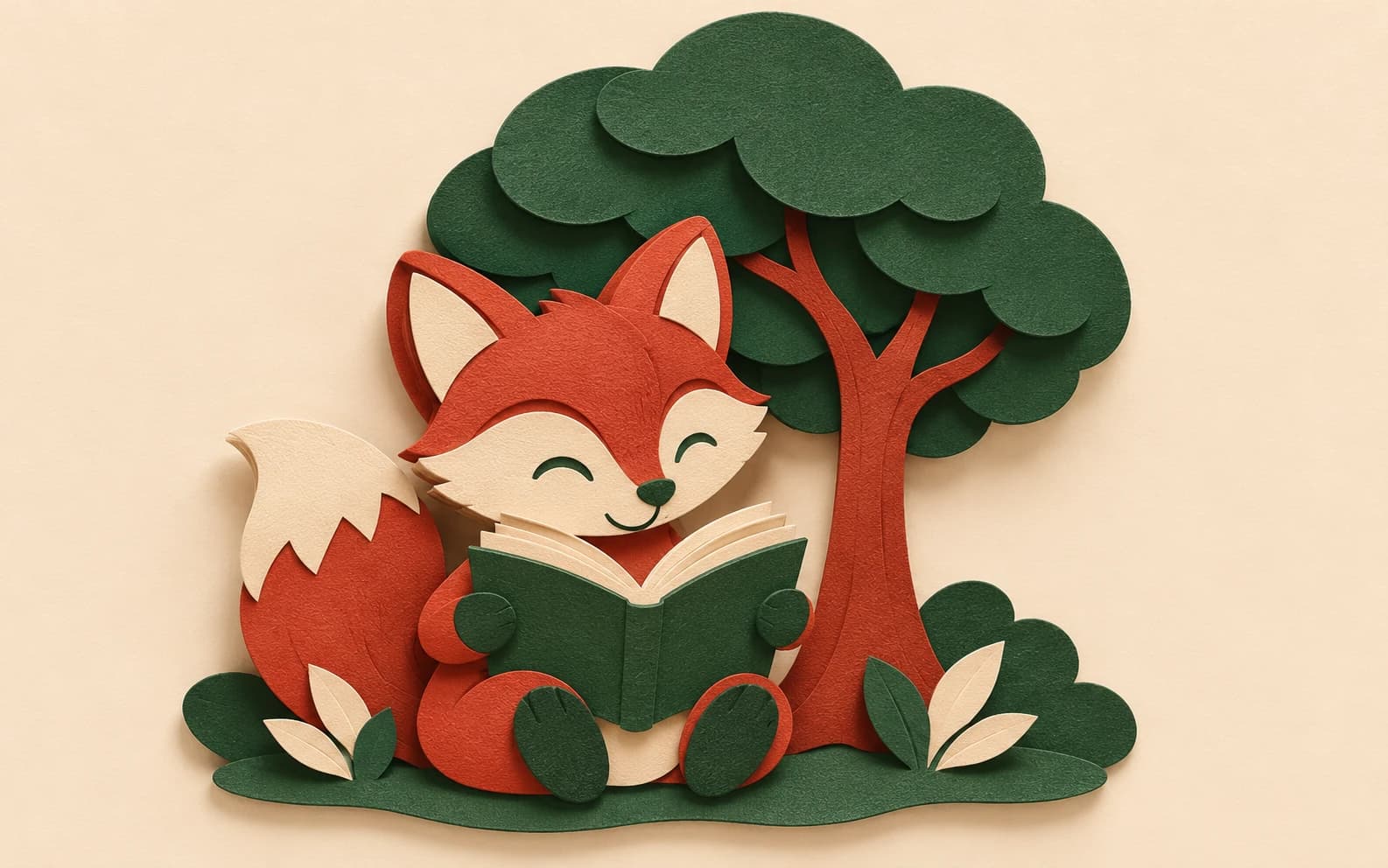
Turn a subject into a cut-paper illustration in Ofrai Image Studio. Describe the paper layers, colours and shadows you want, choose an image model, and generate a visual concept you can refine. This workflow makes artwork that looks like papercraft; it does not produce a measured fold-and-cut template.
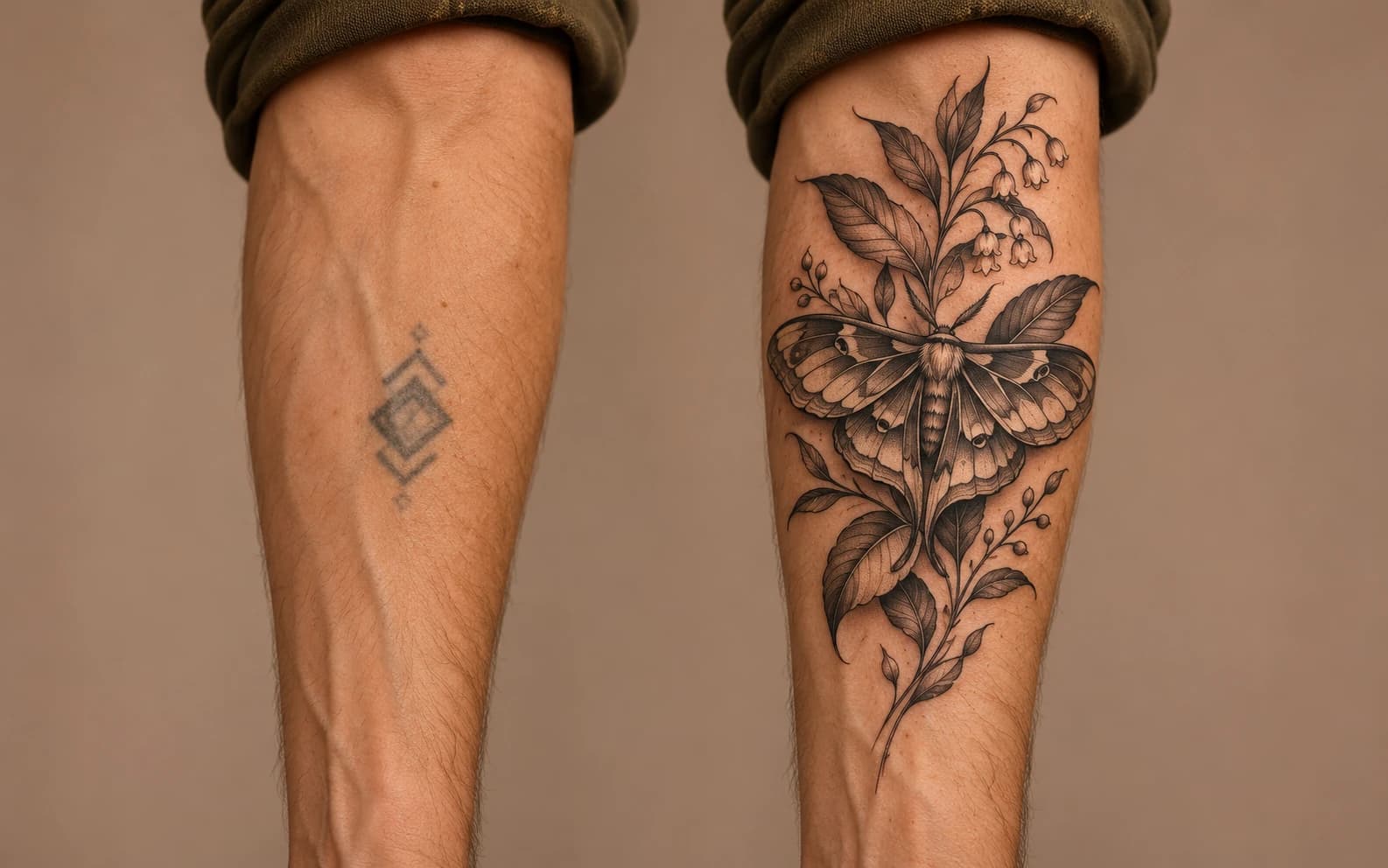
AI Cover Up Tattoo Generator
Visualize a possible cover-up over a tattoo you own or have permission to photograph. Upload the image in Ofrai Image Studio, describe the replacement motif and generate a visual mockup. Only a tattoo artist can assess whether the old ink can actually be covered on skin.
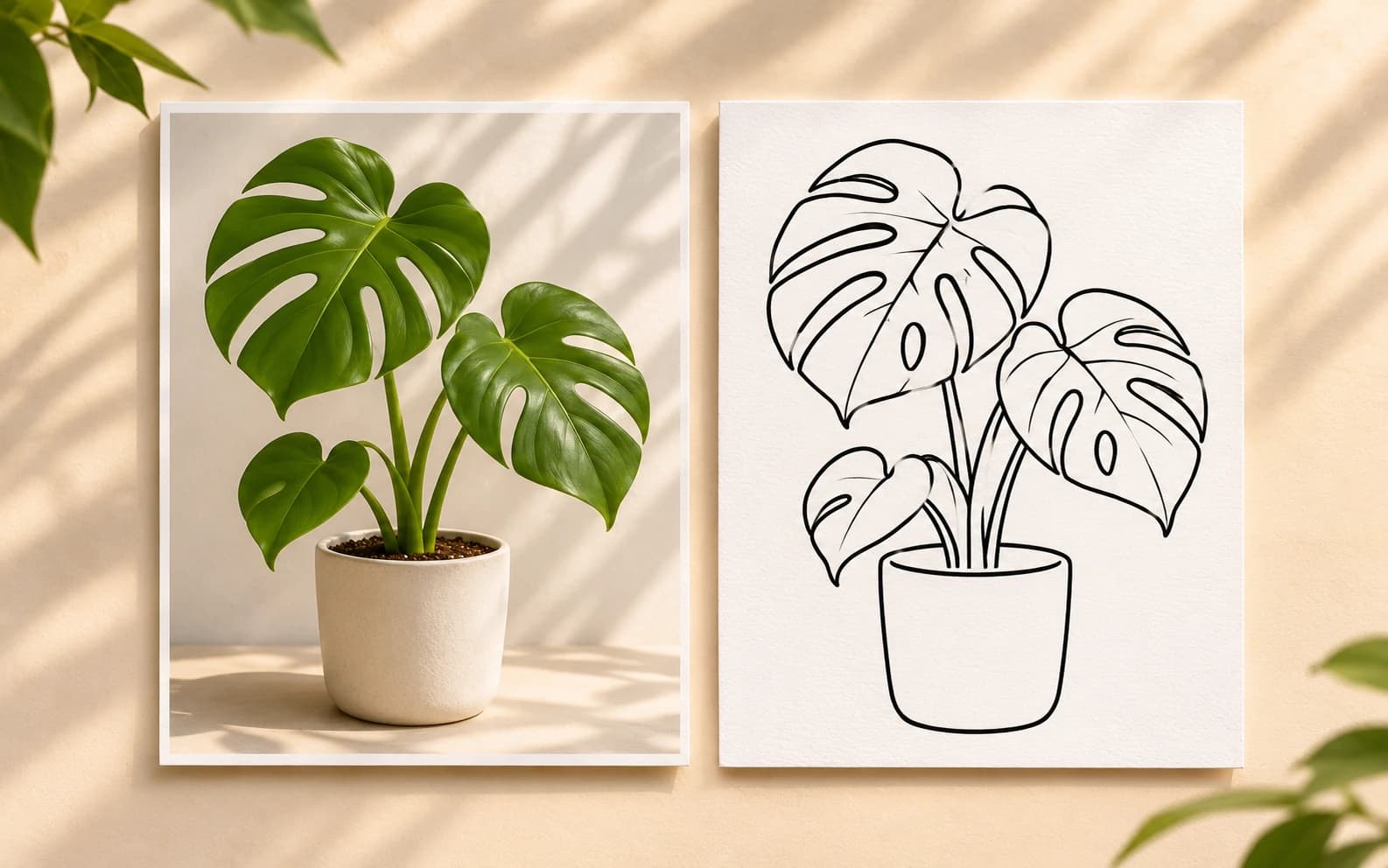
AI Trace Image Generator
Create a trace-style drawing from an image you own or are allowed to use. Upload the reference in Ofrai Image Studio and ask for simplified outlines, a clean background and the detail level you need. The output is a generated raster image, not a pixel-exact trace or editable vector path.
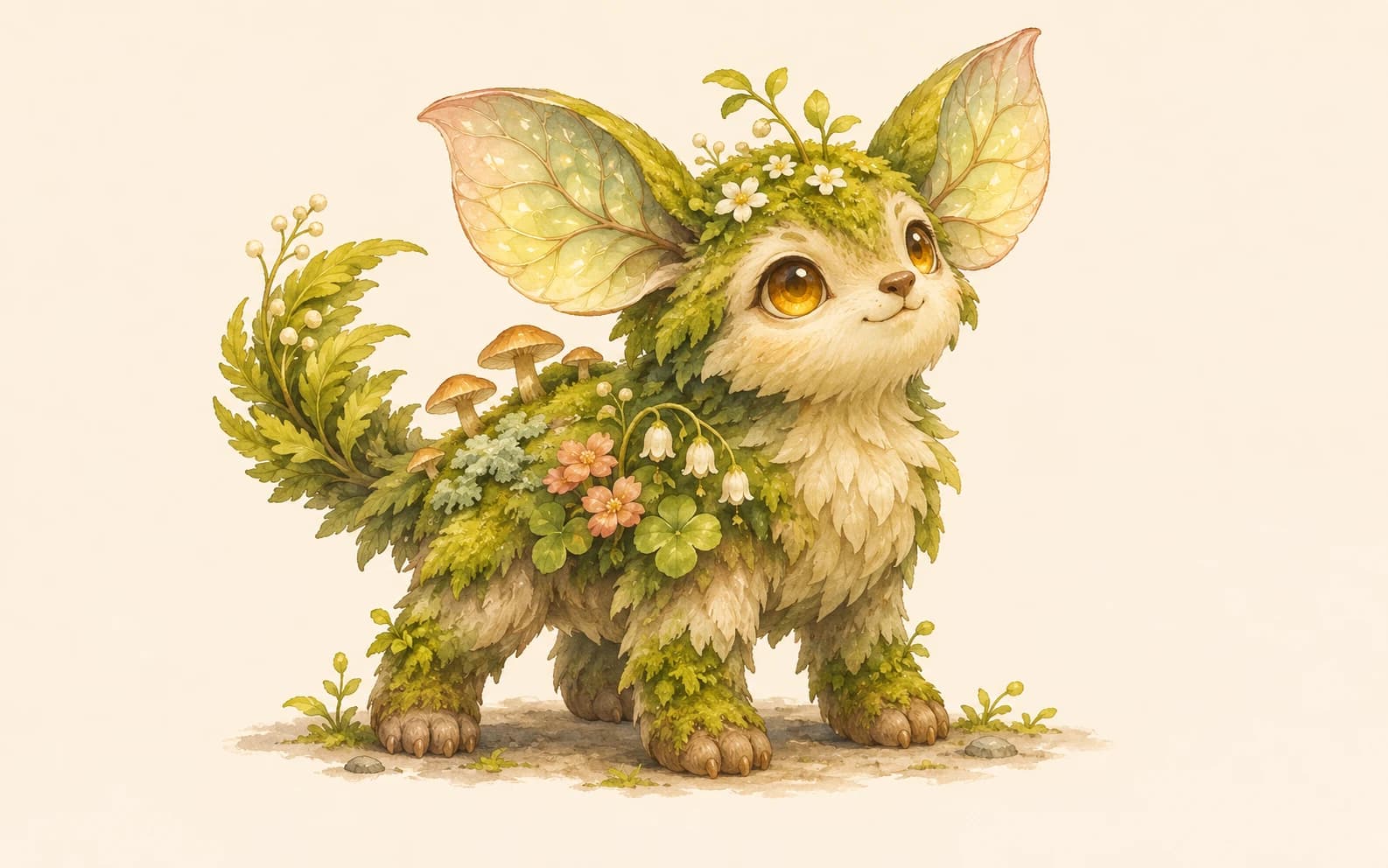
AI Fakemon Image Generator
Explore an original creature idea in Image Studio using silhouette, habitat and material cues. This page is for independent fan-creature concept art; it is not affiliated with any game franchise. Avoid protected characters, logos and assets in your prompt, then review the result before publishing.
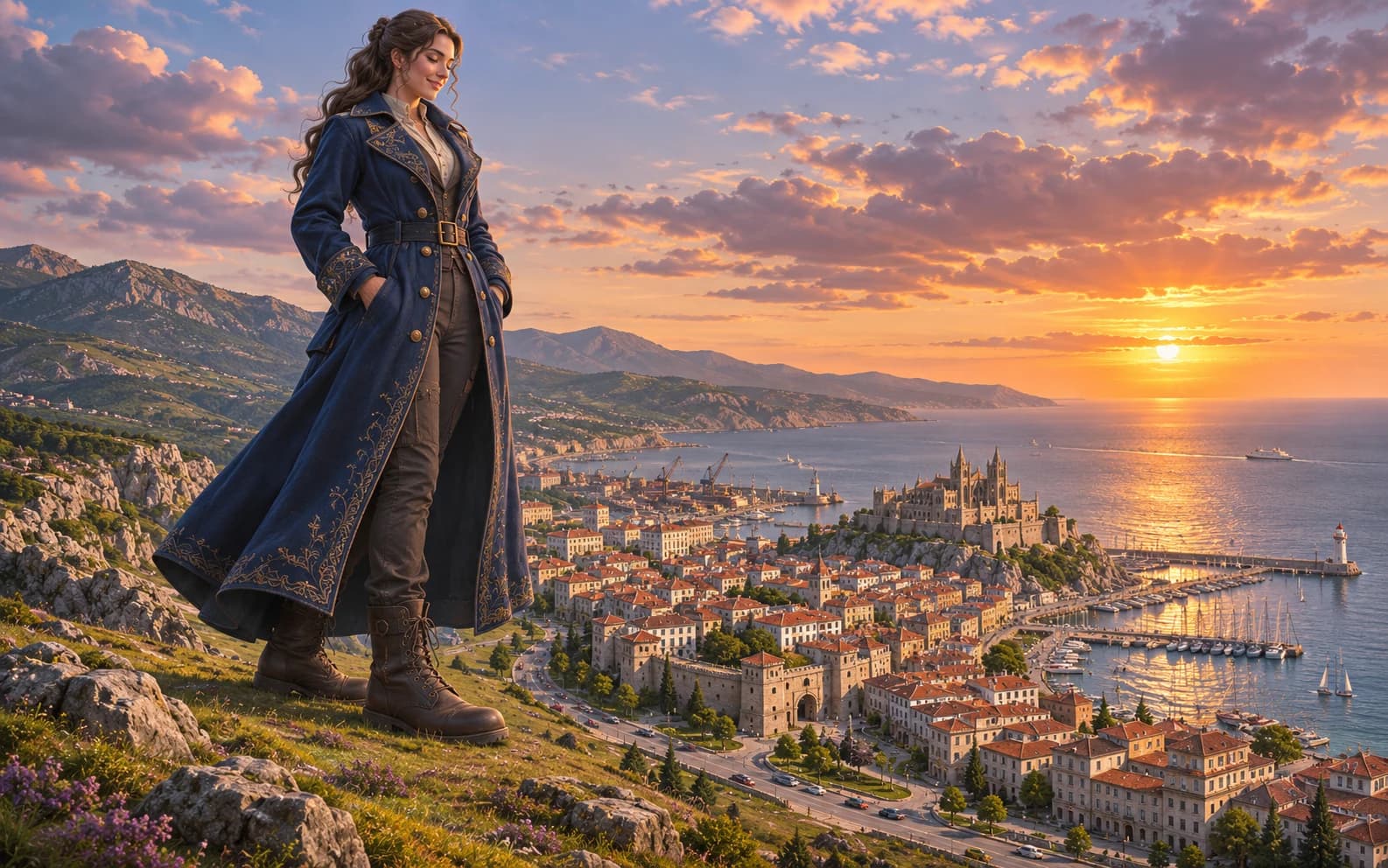
AI Giantess Image Generator
Compose an original fantasy image of a giant adult character among smaller buildings or landscapes. Define scale with architecture, perspective and light rather than relying on the word giant alone. This workflow creates a still image, not a 3D scene or animation.
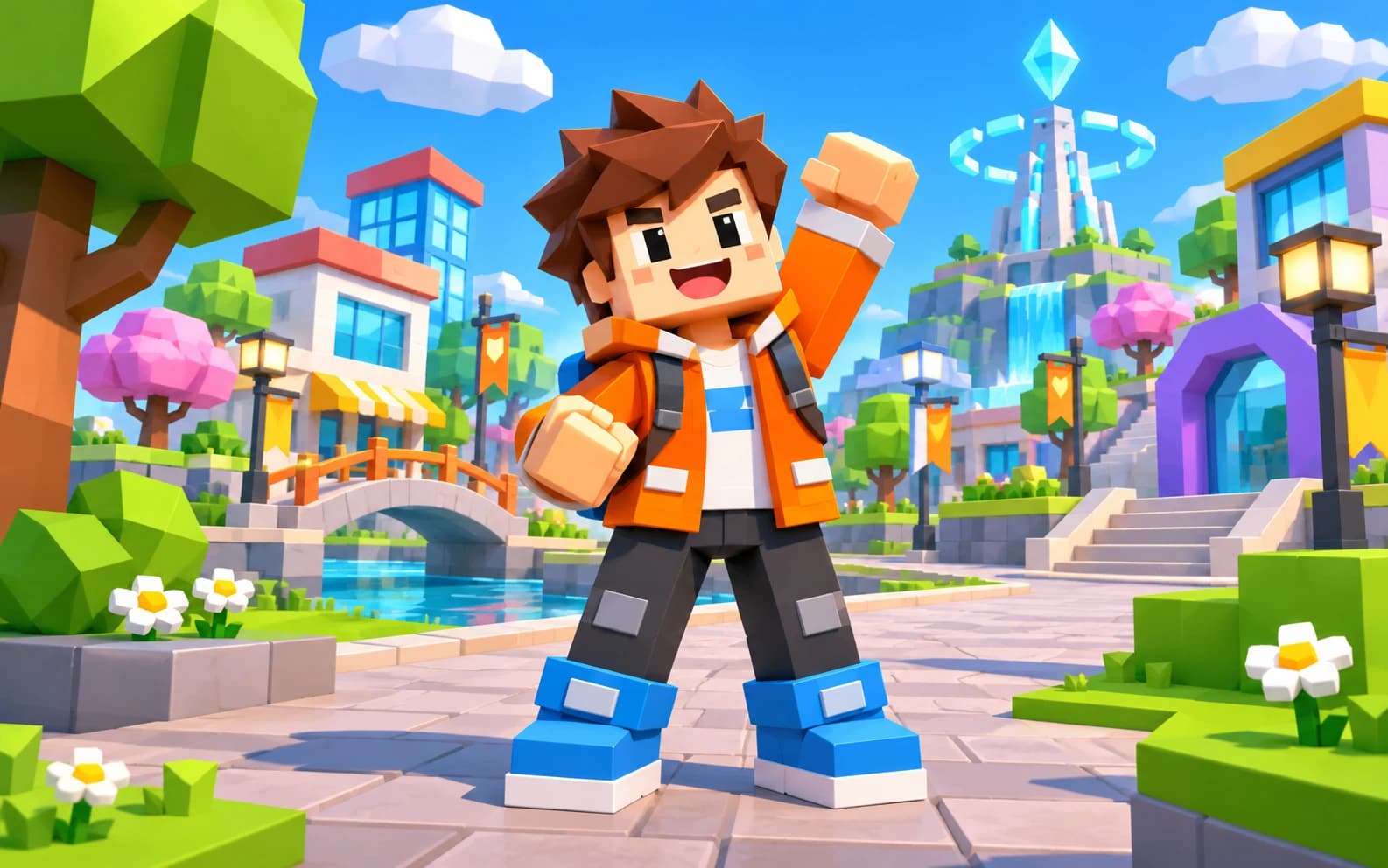
Roblox AI Image Generator
Use Image Studio to sketch an original blocky avatar or game scene with geometric shapes and a playful palette. Ofrai makes an image concept; it is not affiliated with Roblox and does not create an import-ready avatar, game item or official asset.
Design & product
23GPT Image 2.5 Guide for Text and Edits
GPT Image 2.5 is the branch of the GPT Image family built for literal instruction following: text inside the image, layout you specify, and edits that respect what you handed it. On Ofrai it runs in Image Studio alongside nano-banana-pro and flux-2, on the same credit balance. The engine rewards a different prompt style from the rest of this page's models — it wants numbered constraints, quoted copy, and explicit statements about what must be legible — and this guide covers that style plus the failure modes specific to it.
ChatGPT Image Generator
A ChatGPT image generator is useful for one reason: a chat model writes you a specific, structured brief before anything is rendered. On Ofrai you get that workflow without a second subscription — describe what you need in plain language, take the expanded brief into Image Studio, and render it on gpt-image-2, nano-banana-pro, or seedream-5. The conversation does the thinking; the image engines do the drawing; one credit balance covers both. The result is far more specific than typing five keywords into an empty prompt box.
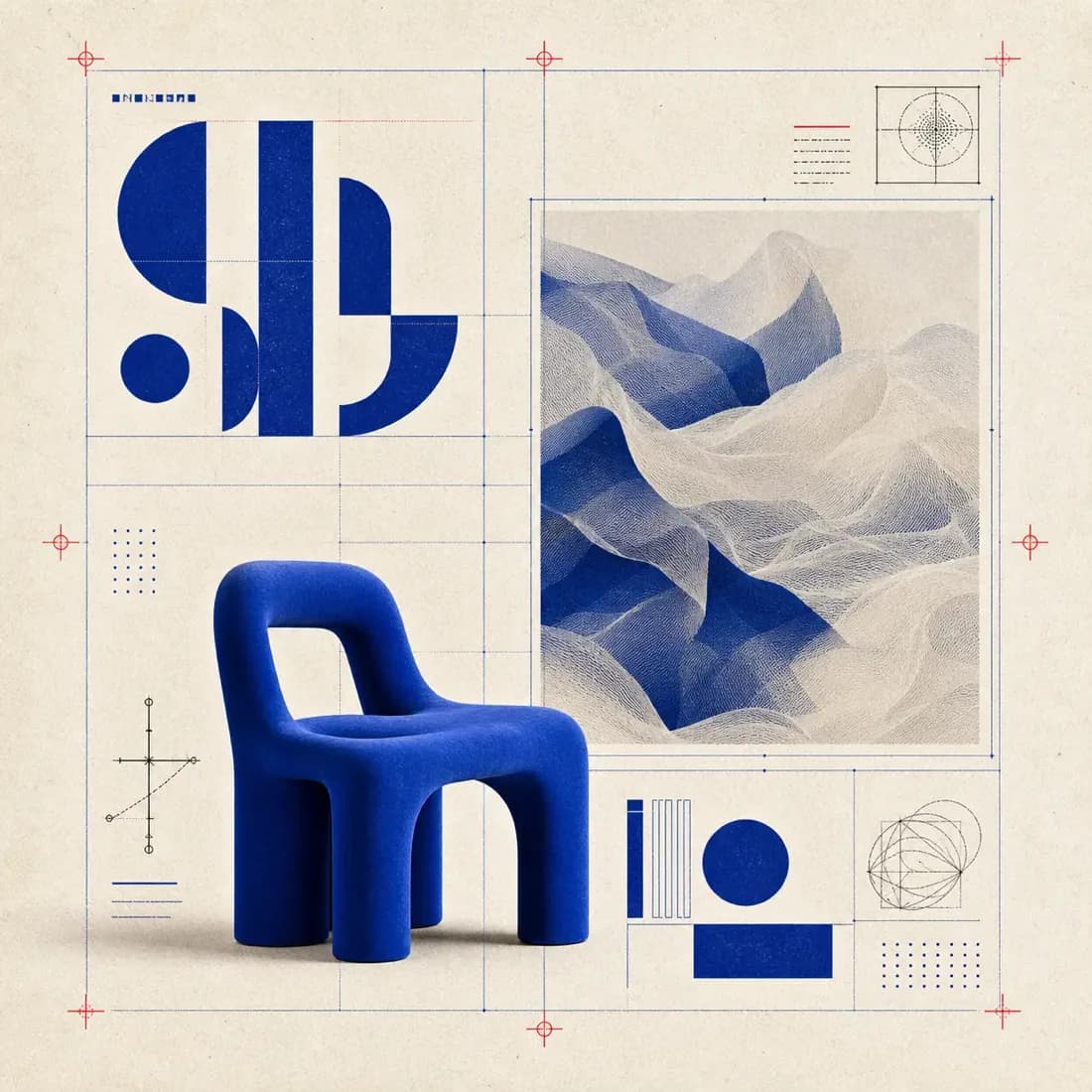
All-in-One AI Image Generator
Create an image from a text prompt, then try the same brief on another model. Start with the skincare concept below to see how placement, light and room for a headline affect a campaign image. For an existing photo, choose a model that accepts a reference and describe the specific edit. Image, video and text share one Ofrai credit balance.
AI Poster Generator
Describe your event or campaign and enter a headline in Ofrai's poster tool to generate a visual concept. To make a text-free background instead, edit the generated prompt before submitting. Check the selected model's credit estimate before generating. Review any headline in the result character by character; add or correct dates, URLs and other exact details in a design editor before publishing. For boxing face-offs use the fight poster page; for small-screen covers use the thumbnail generator.
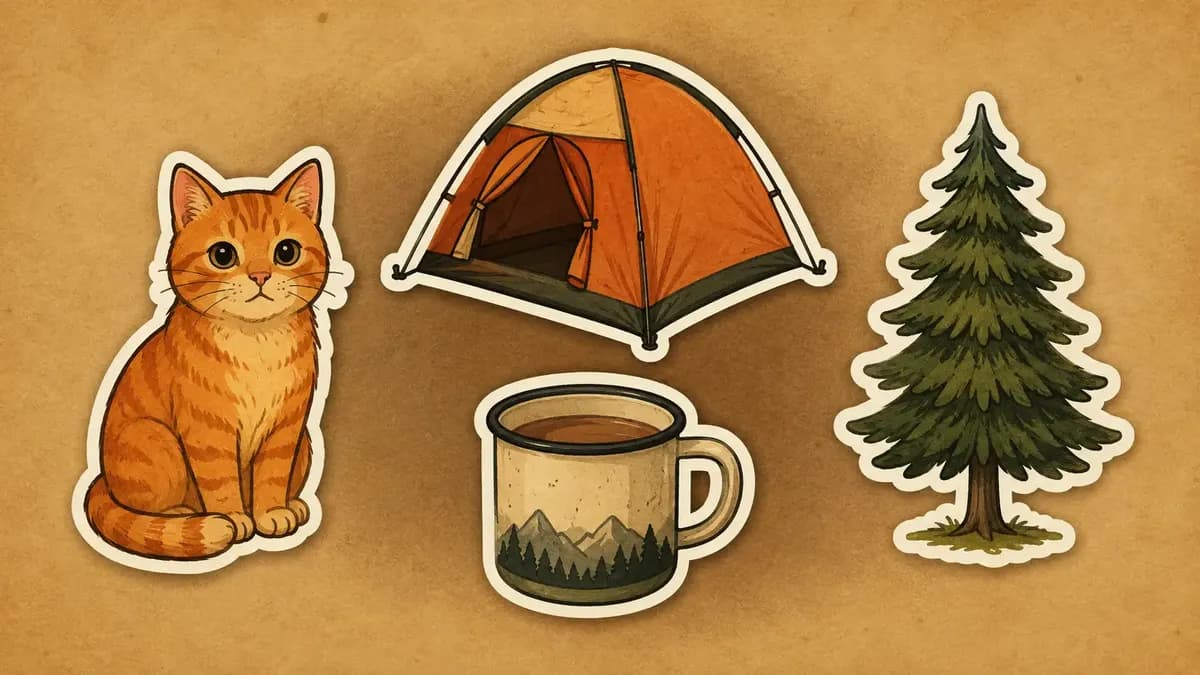
AI Sticker Generator
Use Ofrai to draft sticker artwork from a description or a reference image, then prepare the finished sticker for print or digital use in a design tool.
AI Product Photo Generator
Upload a photo of your product, choose a backdrop and lighting, and check the estimated credits before generating a new shot.
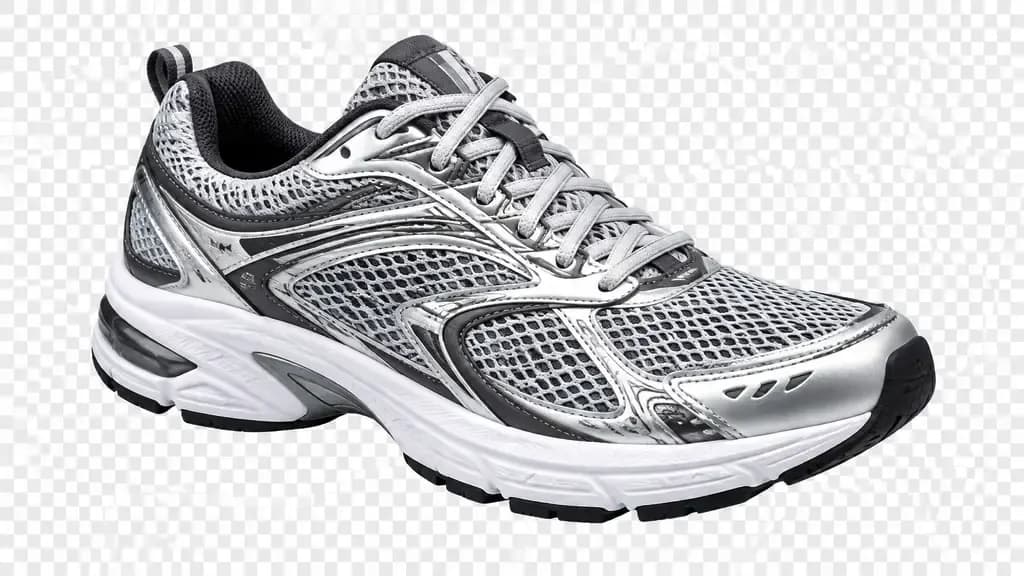
AI Product Cutout Generator
Use an image model that accepts reference photos to try a clean white background or an isolated product. Check the edges, label and file format before publishing.
AI Packshot Generator
An AI packshot generator produces the standardised product images an online catalogue needs: the product centred, edges clean, the background tone consistent across every shot, and a shadow that sits correctly on the surface. On Ofrai you open Image Studio, choose a live model, describe the product, surface, and lighting rig, and generate. Once the hero shot is right, the same prompt with a changed camera angle produces a consistent secondary set, and all frames run on the credit balance you already use for text and video.
Ecommerce Product Listing Images
Plan a marketplace gallery with a main image, colour variants, a scale reference, and detail shots. Start from a real product photo, then review each generated image for accurate colour, proportions, and current marketplace requirements.
AI Transparent Product Assets
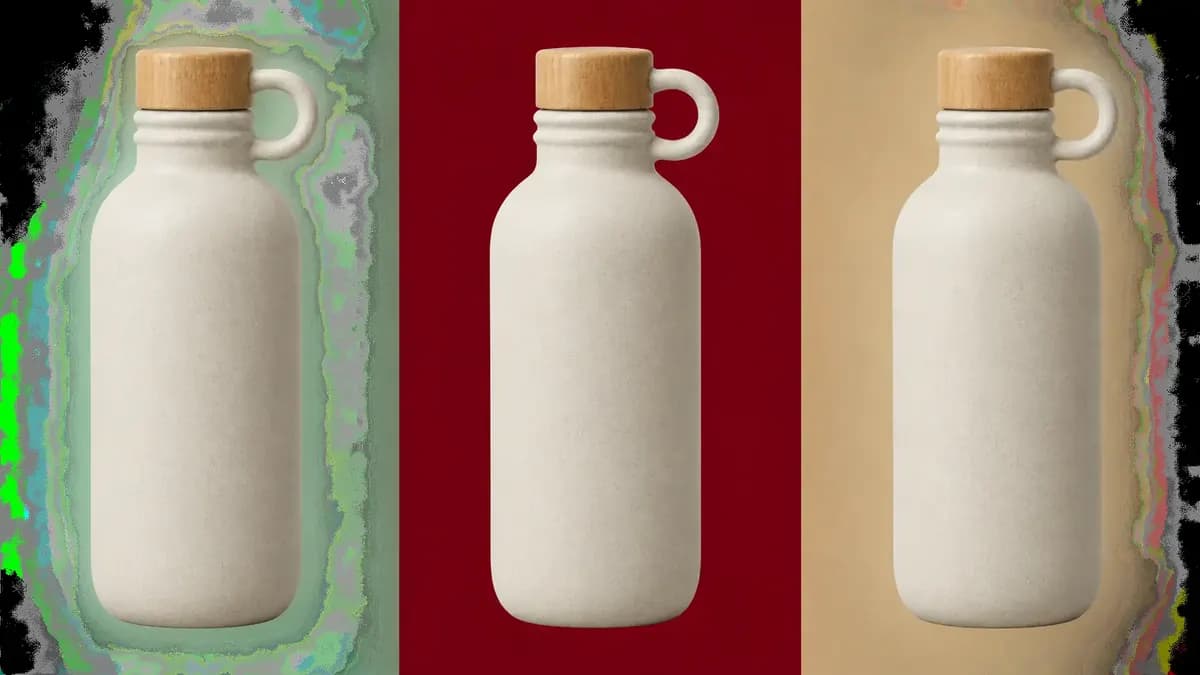
A transparent product asset is a cutout with an alpha channel. You can use Ofrai to draft the isolated product, then inspect the downloaded file before placing it on a new background.
AI Logo Generator
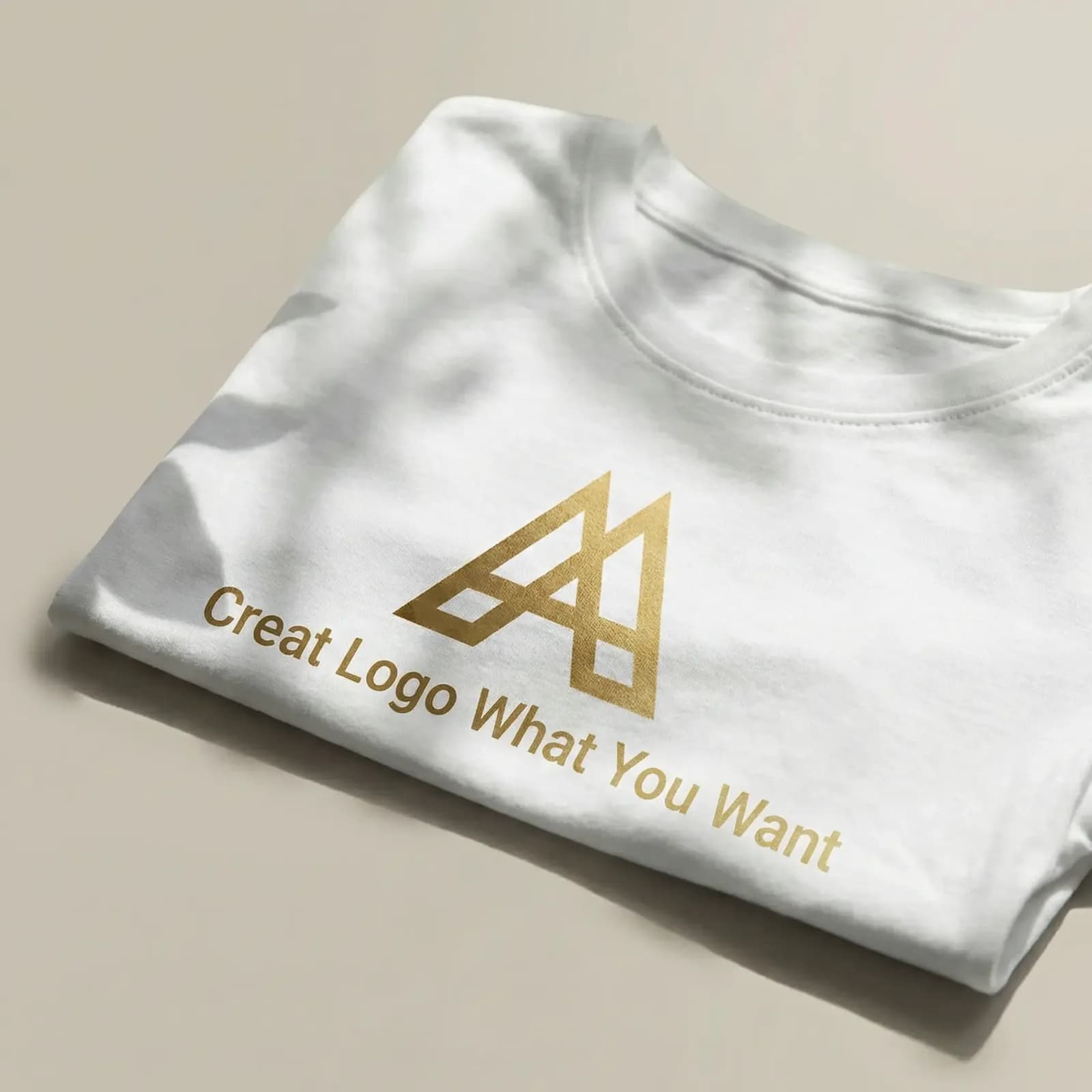
An AI logo generator gives you strong concepts and a weak production file, so the workflow matters more than the tool. On Ofrai you use Image Studio with nano-banana-pro, gpt-image-2, flux-2, and seedream-5 to explore wordmarks, monograms, and icon marks, then convert the winner into real vector geometry. Generators are genuinely good at ideation and at pictographic marks; they are unreliable at letterforms, grid discipline, and small-size legibility. Plan for a tracing or redraw step rather than hoping the first render ships.
Qwen Image 3 Guide for Layouts and Text
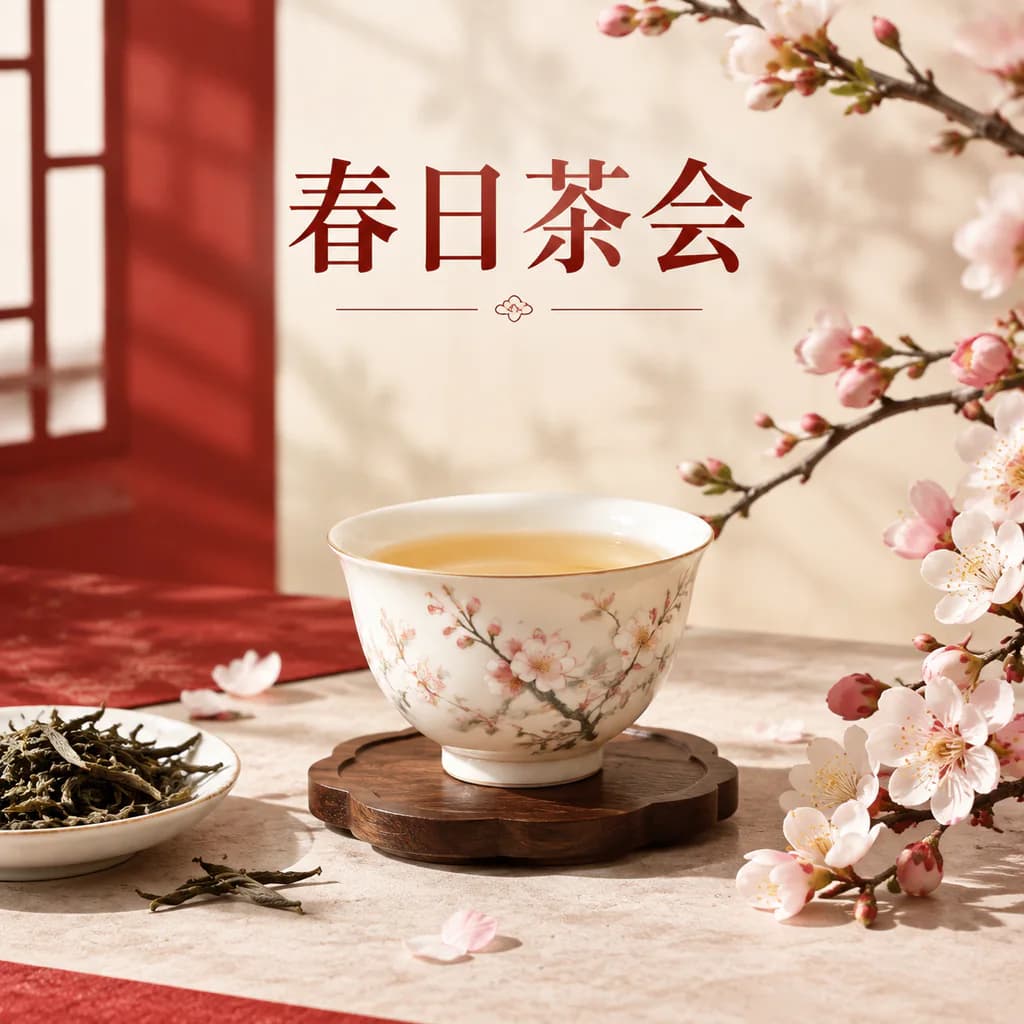
The Qwen Image 3 branch is known for two things practitioners notice immediately: it follows layout instructions closely, and it handles Chinese-language text in images without turning it into invented glyphs. On Ofrai it runs in Image Studio next to gpt-image-2 and flux-2 on one credit balance, which makes routing simple — send structured layouts and bilingual signage here, send English-heavy editorial typography to GPT Image 2, and use flux-2 for cheap photographic exploration. This guide covers the prompt patterns that work, and where the branch still needs help.
AI Thumbnail Generator
An AI thumbnail generator produces cover images built for the size they will actually be judged at — a YouTube recommendation tile roughly 210 pixels wide, or a vertical cover competing in a short-form feed. You describe the subject, the expression and the lighting, generate at the delivery ratio, then add your own type in an editor. On Ofrai this runs in Image Studio, with the same credits you use for the rest of your pipeline.
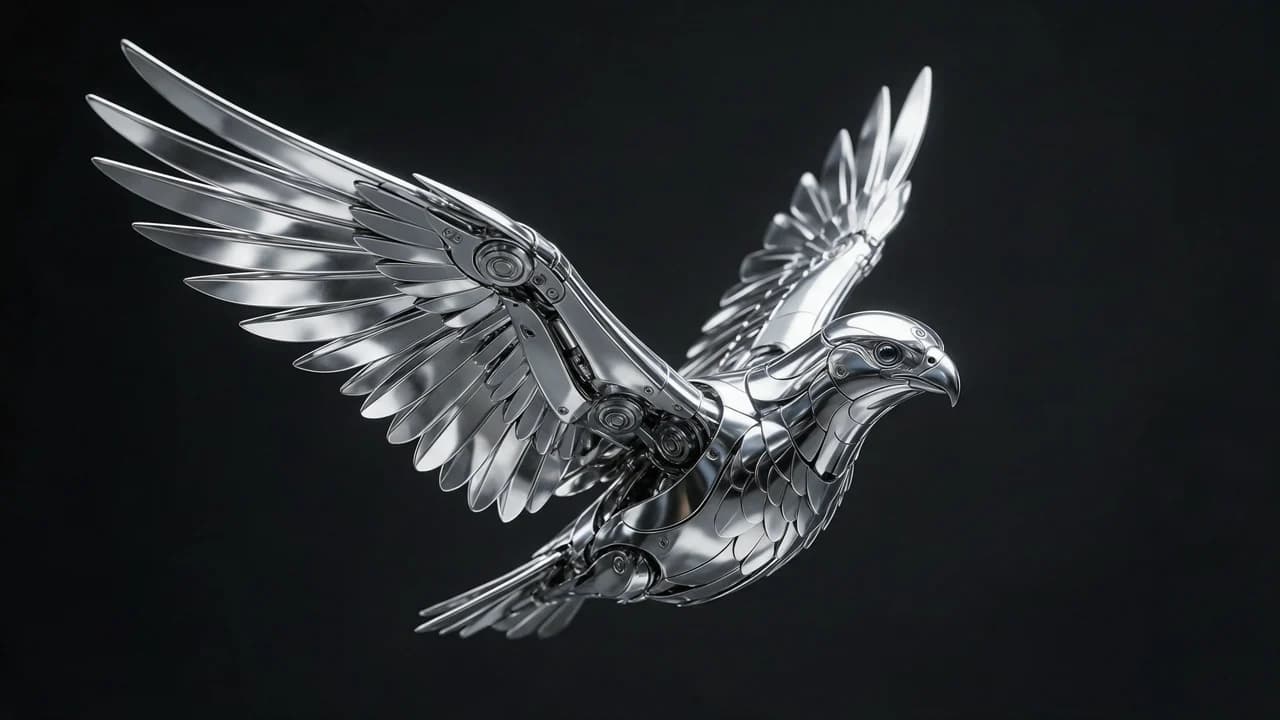
Flux Kontext Max For Precise Image Editing
Flux Kontext Max on Ofrai is an instruction-driven image editing engine: you supply an existing image and describe what should change, and it rewrites that specific region while preserving the subject, pose and framing of the original. It is the right tool when you already have a frame you like and need a controlled change — a new outfit, a different time of day, a cleaned background — rather than a completely new scene.
AI Product Background Generator
Upload your product photo and choose a background: white studio, sunlit stone or a dark campaign set. Edit the prompt before generating. You can also describe a portrait background; compare faces and product details with the original.
AI Banner Generator
Describe the product, the message and where the text goes, and get a wide banner image back — a website hero, a sale banner, a channel header. Ofrai's text-capable image models can set a short headline in the image for you.
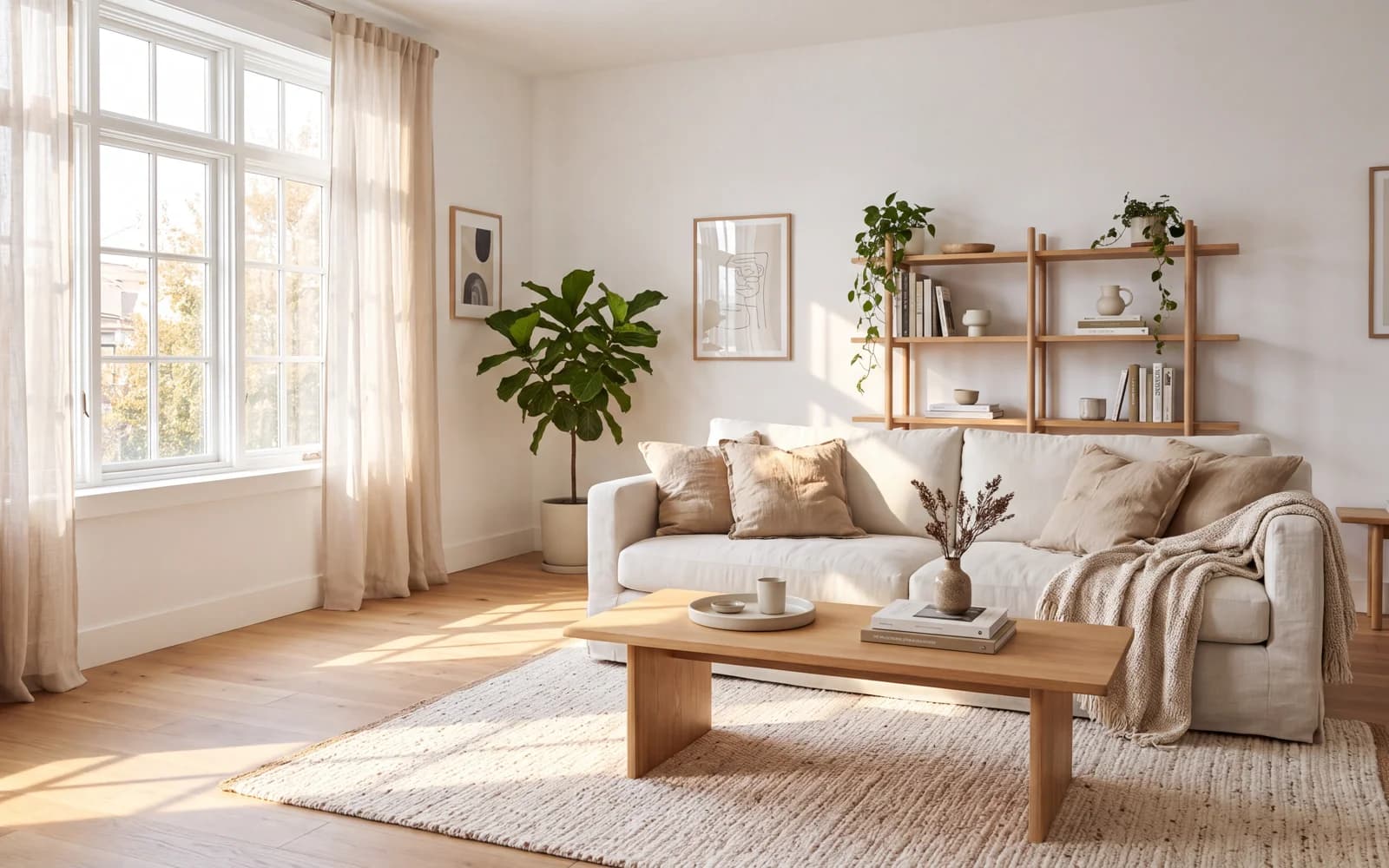
AI Interior Design Generator
Picture a room before you buy anything. Describe a space from scratch, or upload a photo of your own room and ask for a new style while keeping the walls, windows and layout. It is a fast way to compare design directions.
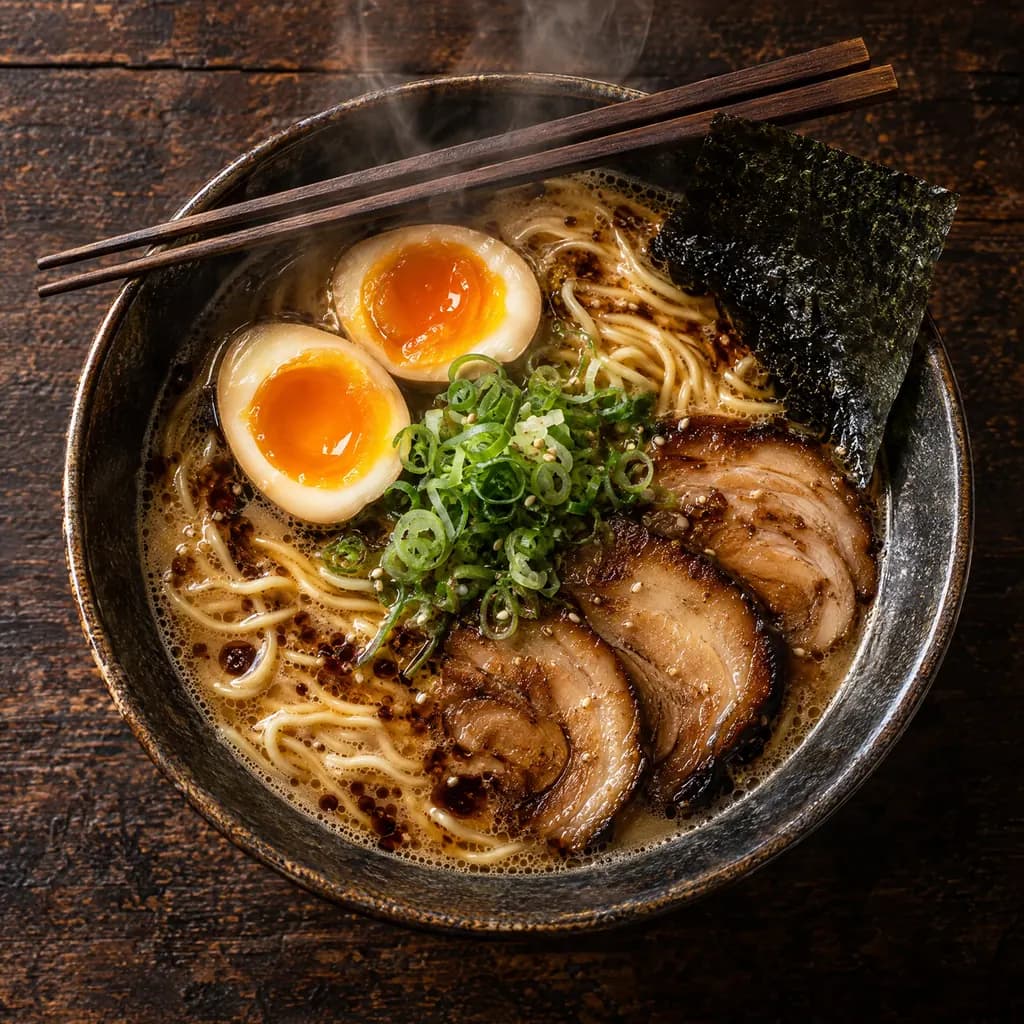
AI Food Photo Generator
Describe a dish, the angle and the light, and get an editorial food photo back. Use it for menu concepts, social posts and recipe headers, or upload your own dish photo and give it a better background and light.
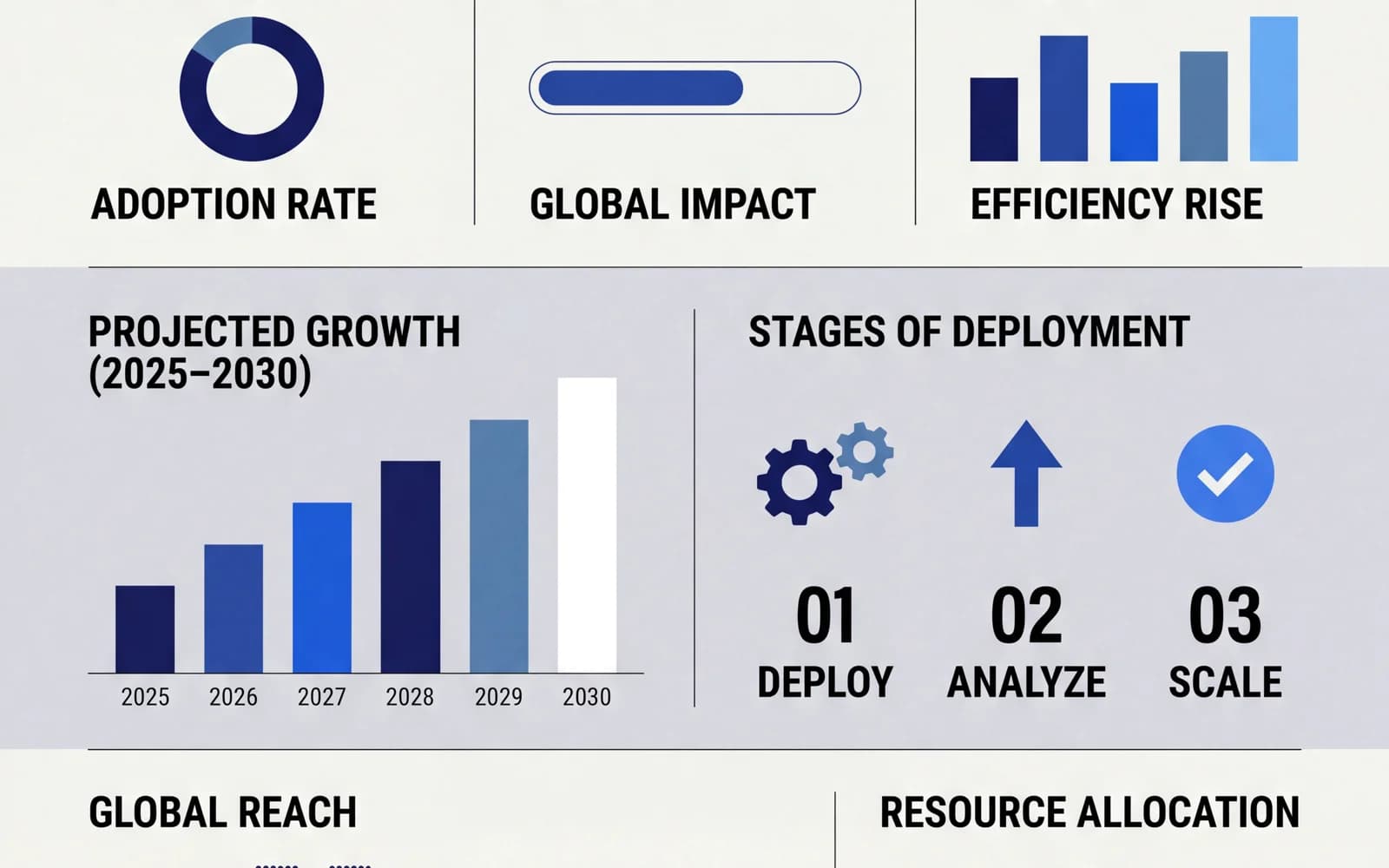
AI Infographic Generator
Give a title and three to five short points, and get a designed infographic back — numbered steps, icons and labels laid out for social posts, slides or a blog. Ofrai's GPT Image models handle the text well enough to use as a first draft.
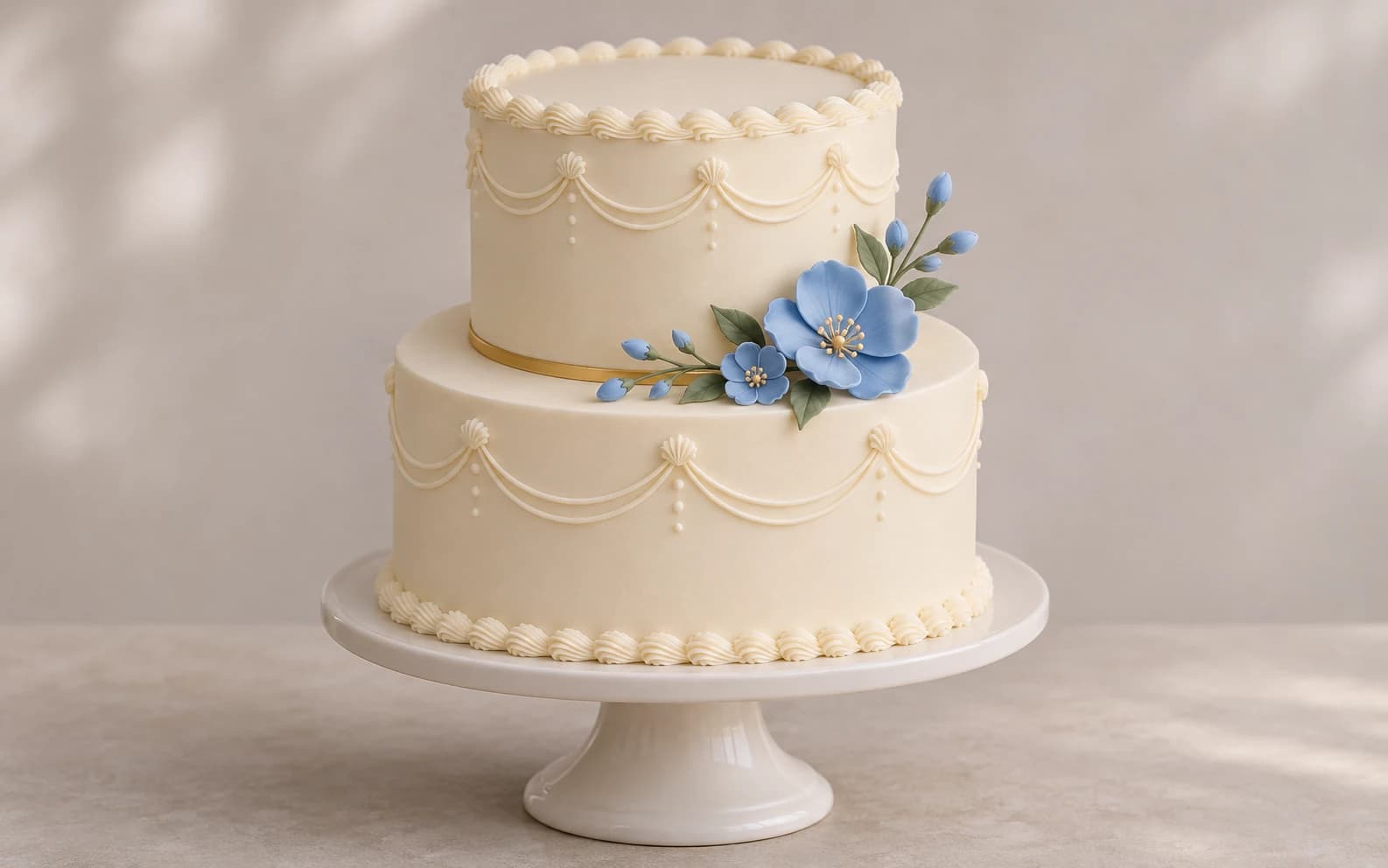
AI Cake Generator
Use Ofrai Image Studio to turn a cake brief into a visual reference. Describe the occasion, shape, tiers, frosting and decorations; then compare a few images before you discuss the design with a baker. The result is a concept image, not a recipe or a guarantee that the cake can be built exactly as shown.
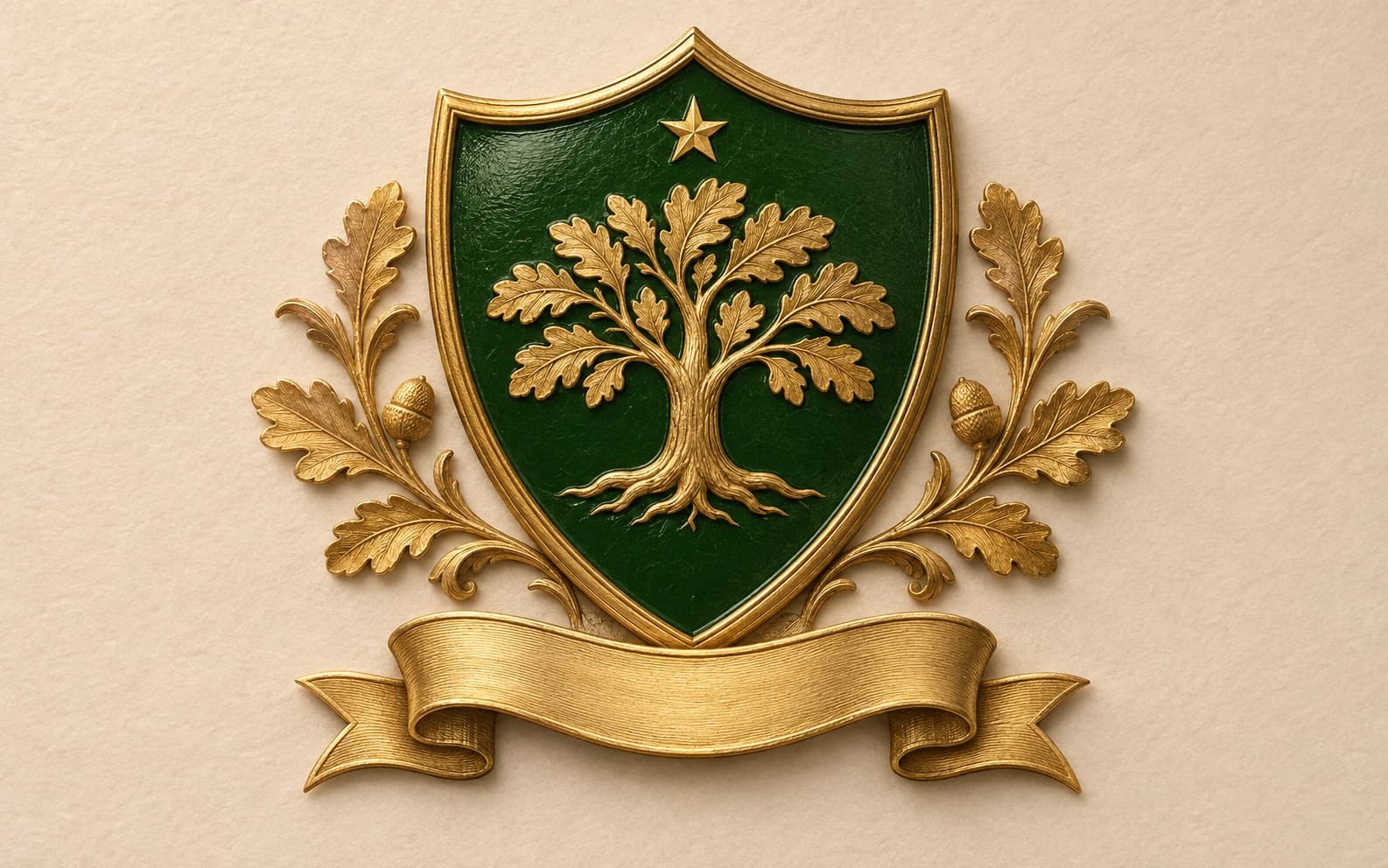
AI Family Crest Generator
Create an original, heraldic-style emblem for an invitation, reunion or personal project. Describe a shield, a small set of symbols and a colour palette, then generate and refine a concept in Ofrai Image Studio. This page designs new artwork; it does not research your ancestry or identify a historical coat of arms.
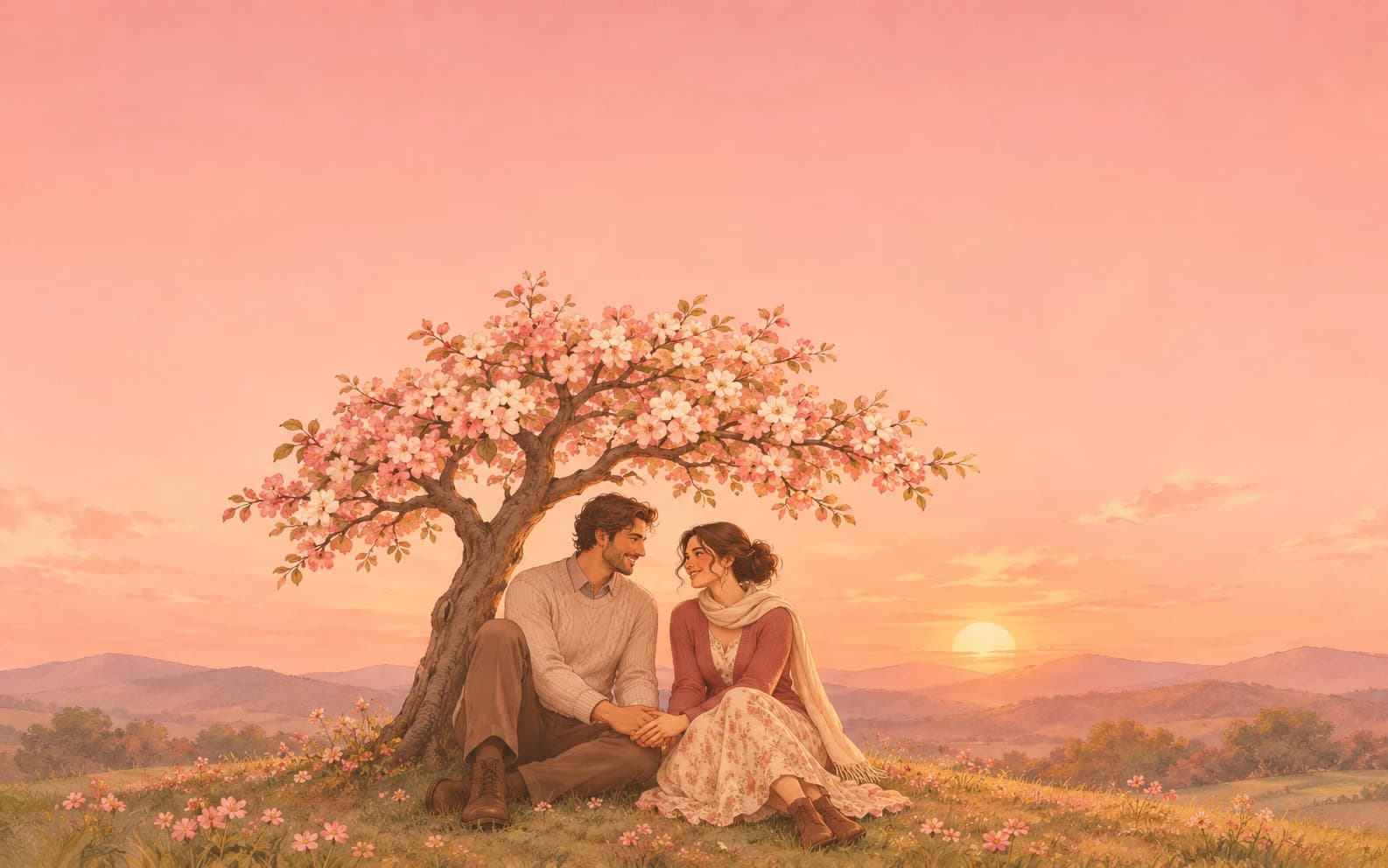
AI Love Image Generator
Make a romantic illustration, anniversary card concept or quiet scene featuring original adult characters. Ofrai Image Studio lets you describe the people, setting and mood, then refine the composition. Add any exact names or messages in a design tool after generating the image.
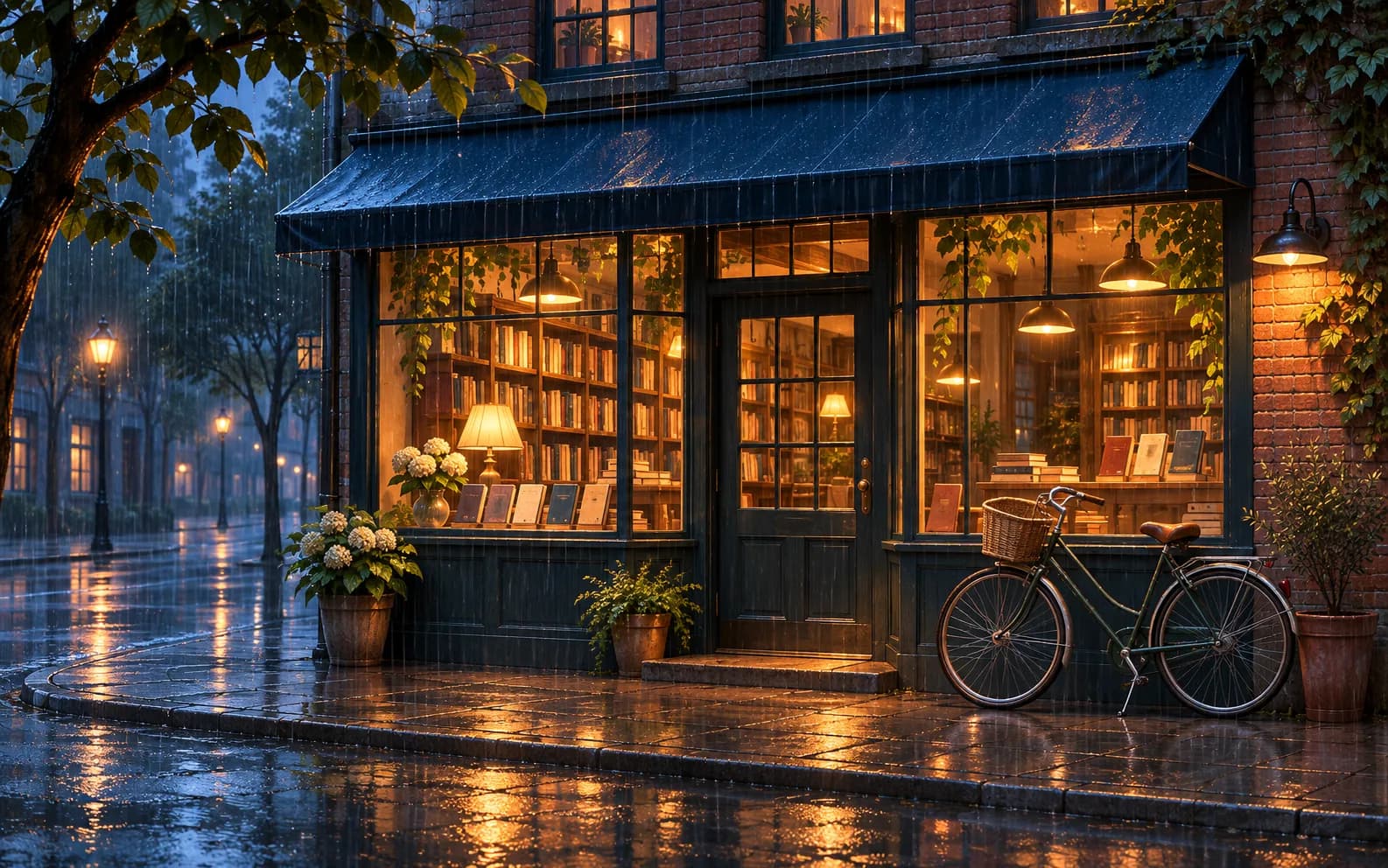
Free AI Image Generator
Describe an original image and create it in Ofrai Image Studio. Eligible accounts may receive a welcome voucher for one GPT Image 2.5 still at no credit cost. The studio shows whether your selected model and settings qualify before you generate; other images use credits.
Video
23
Wan 3.0 Video Guide for Motion and Camera Work
The Wan 3.0 branch of video models is a practical choice on Ofrai when your shots need controllable motion, clear subject adherence, and predictable duration behaviour rather than maximal cinematic flourish. Video Studio here also carries gemini-omni, seedance-2-5, and sora-2 on one credit balance, so you can route around a failure instead of fighting it. This guide covers how to write motion prompts that do not repeat what a reference frame already shows, how to animate an approved still, and where this branch still needs help.

Best AI Long Video Generator
The best AI long video generator for production work is not the one with the longest single clip — it is the one you can break a sequence into shots you can actually fix. On Ofrai you work in Video Studio: storyboard each beat as a still in Image Studio, confirm framing and wardrobe, then animate shot by shot with seedance-2-5, sora-2, gemini-omni, or veo-3. Every model draws on the same credit balance, and a longer duration or higher resolution changes the cost per shot, so the practical win comes from planning the edit before spending anything.
AI Short Video Generator
An AI short video generator produces the vertical clips that dominate social feeds: five to fifteen second sequences built from two or three shots, with a strong first frame and a subject that stays consistent between them. On Ofrai you generate or upload the opening still, animate it in Video Studio, and cut the result in any editor. Nothing leaves the platform between the still and the motion.
AI Realistic Video Generator
An AI realistic video generator turns a written shot description into footage that reads as captured rather than drawn, including correct motion, depth and lighting over several seconds. On Ofrai you write the brief in Video Studio, choose a model that matches the shot, and use an uploaded still as the frame the clip grows from. Every render sits in your library, ready to extend into a longer sequence.
AI Motion Transfer Video Generator
AI motion transfer takes the movement from one video and applies it to a character from another source, so a performance you already have can play out as your own character without re-shooting it. You supply a driving clip for the timing and a character image for the appearance, and Ofrai's video engines re-time the body frame by frame. That makes it practical for choreography, sports drills, martial arts and product motion where the move matters more than the face.
AI Dance Transfer For Choreography Reuse
AI dance transfer takes a choreographed routine you already have — filmed, licensed, or performed once as a reference — and makes your own character perform it. Because the engine reads timing rather than copying pixels, the same 16-count phrase can be reused for content in any look, any outfit, any setting. On Ofrai this runs in Video Studio with reference-driven models, using the same credit balance as the still images behind it.
AI Object Replacement Video
Use Ofrai Video Studio to replace a bottle, sign or prop in footage you already have. Choose a model that accepts source video and add a clear reference of the new object if that model supports it. Video generation uses credits. Check the estimate before generating, then review the result for changes to movement, lighting and shadows.
AI Outfit Swap Video
AI outfit swap video changes what a person is wearing in a clip they have already shot, keeping their face, body and movement intact while the wardrobe becomes something new. That makes it a production shortcut rather than a gimmick: shoot one take in a neutral outfit and a neutral set, then produce as many looks as the campaign needs from the same performance. Ofrai runs it in Video Studio with the same credits used for images.
AI Photo Dance Video Generator
AI photo dance video takes one still photograph and animates it into a short dancing or groove clip — no filming, no choreography reference, no second camera. You pick a portrait with a readable pose, describe the movement energy and the setting, and Ofrai's image-to-video engines build the motion frame by frame from that frame. It is the fastest way to turn a portrait into vertical social content.
AI Product Swap Video
AI product swap video replaces the product in a shot you already have while keeping the camera move, lighting, and background locked. You shoot one clip per scene, then generate a variant per SKU from that same take — which turns a reshoot budget into a generation budget.
AI Virtual Try-On Video
AI virtual try-on video puts a garment on a moving figure so you can judge drape, fall, and movement before committing to a studio booking. One reference image becomes a motion preview across colours, sizes, and cuts — the cheapest way to kill a bad fit early.
Seedance 1.5 Pro on Ofrai
Seedance 1.5 Pro is a video generation model in the Seedance family, available on Ofrai when the catalog lists it live. It handles text-to-video and image-to-video with strong subject adherence, and it sits between Seedance 2 and the current Seedance 2.5 in cost and motion quality.
AI Product Video Generator from a Photo
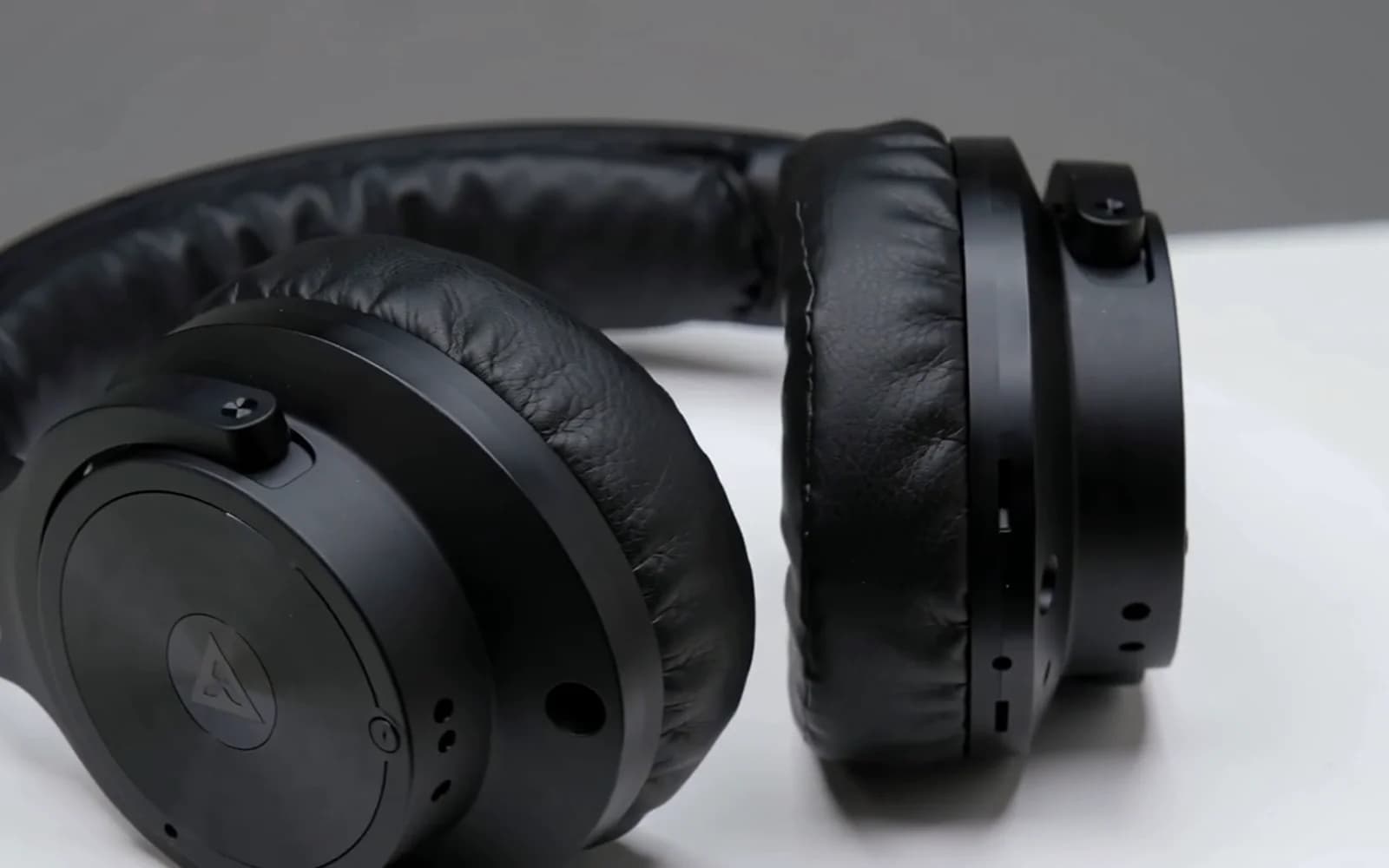
Upload a product photo to make a short showcase clip for your store or social posts. Choose an orbit, push-in or light sweep and check the estimated credits before generating.
AI Commercial Generator
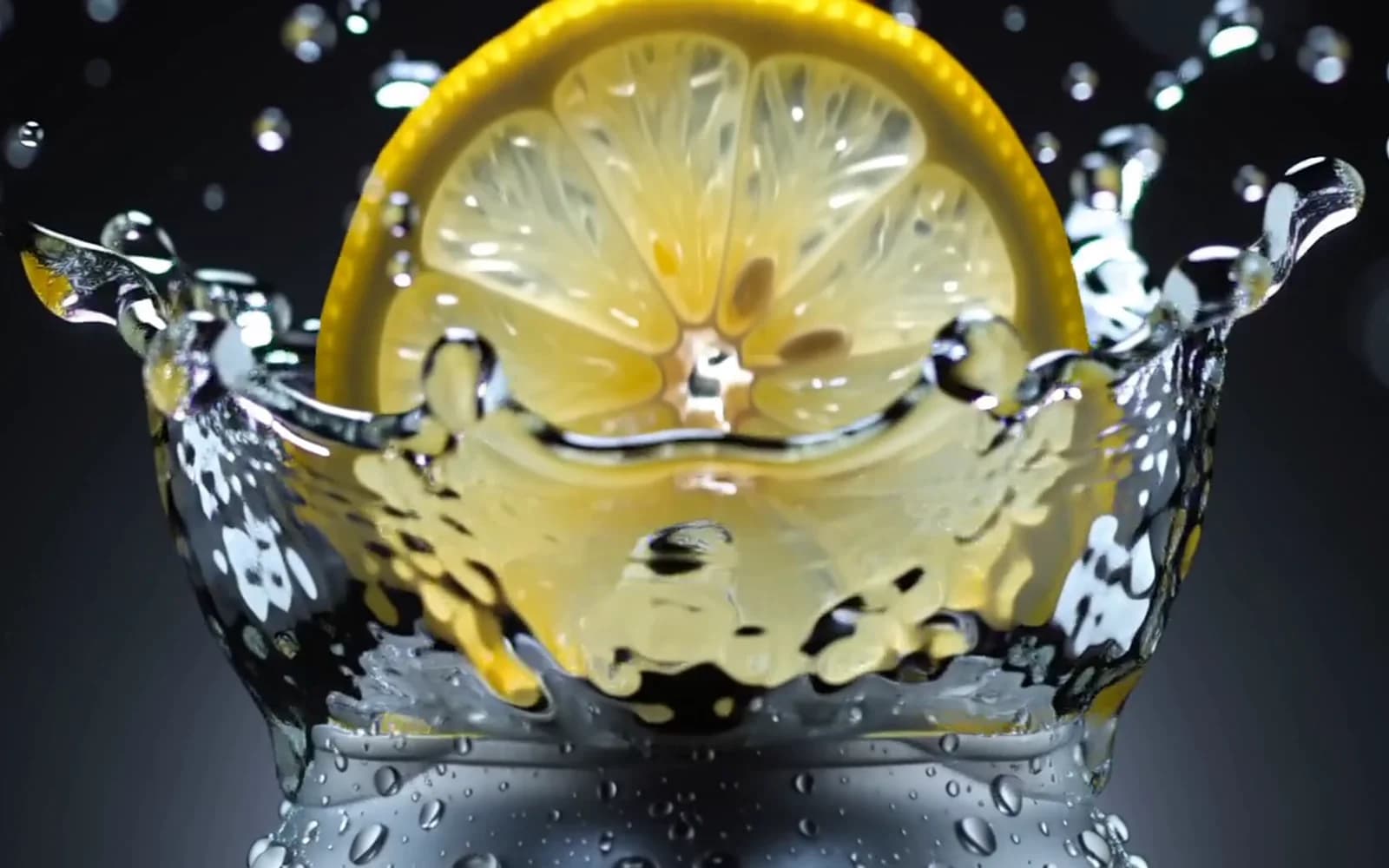
Make a product reveal or a close-up for your next video ad. Watch the examples, try a prompt in Video Studio, and cut your generated clips together with your logo and music.
Cinematic AI Video Generator
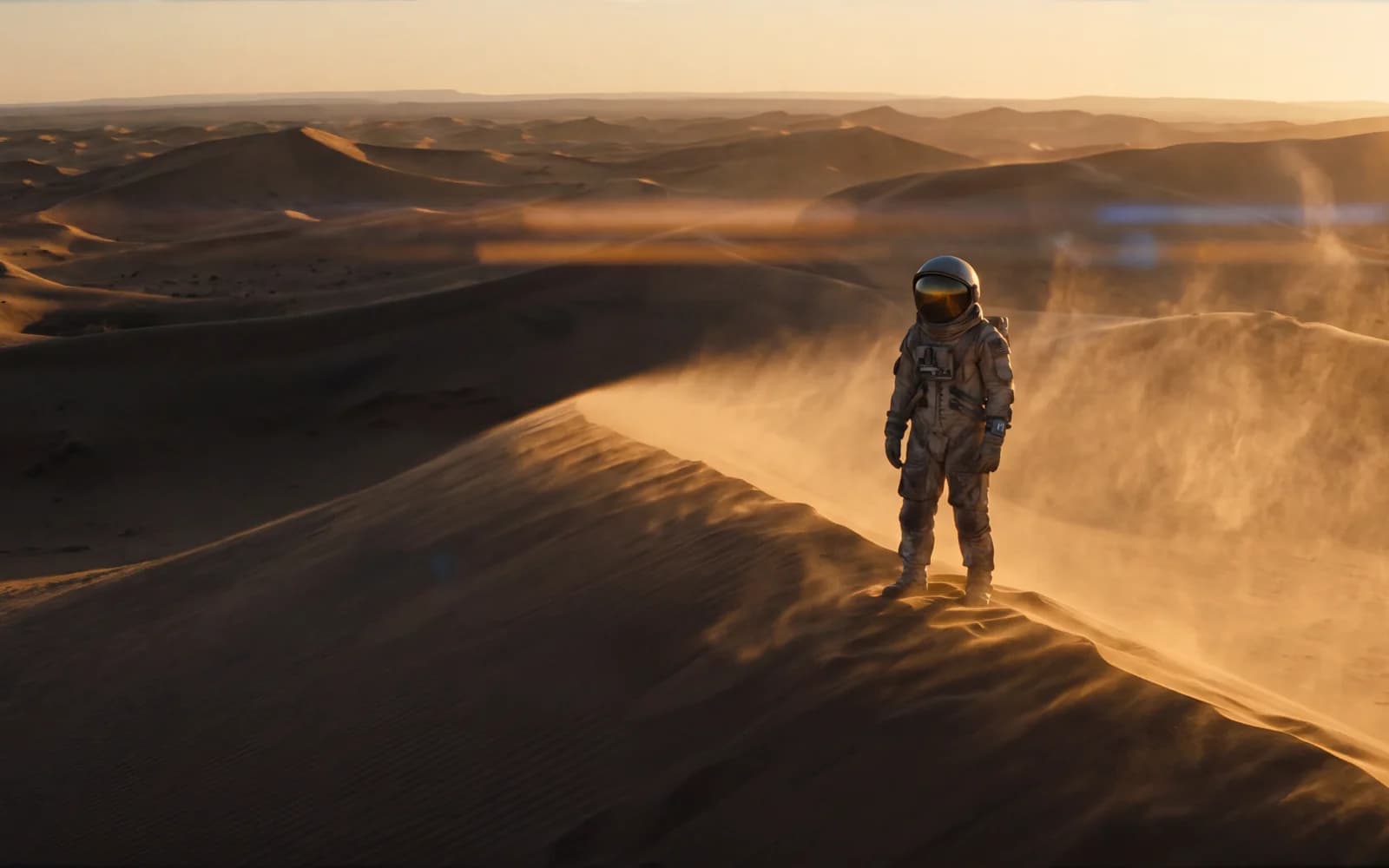
Write a shot the way a director would — lens, camera move, light, pace — and get a clip that looks like it came from a film. Ofrai gives you Veo 3.1, Sora 2 and Seedance 2.5 in one studio, so you can render the same shot on more than one.
AI Animation Generator
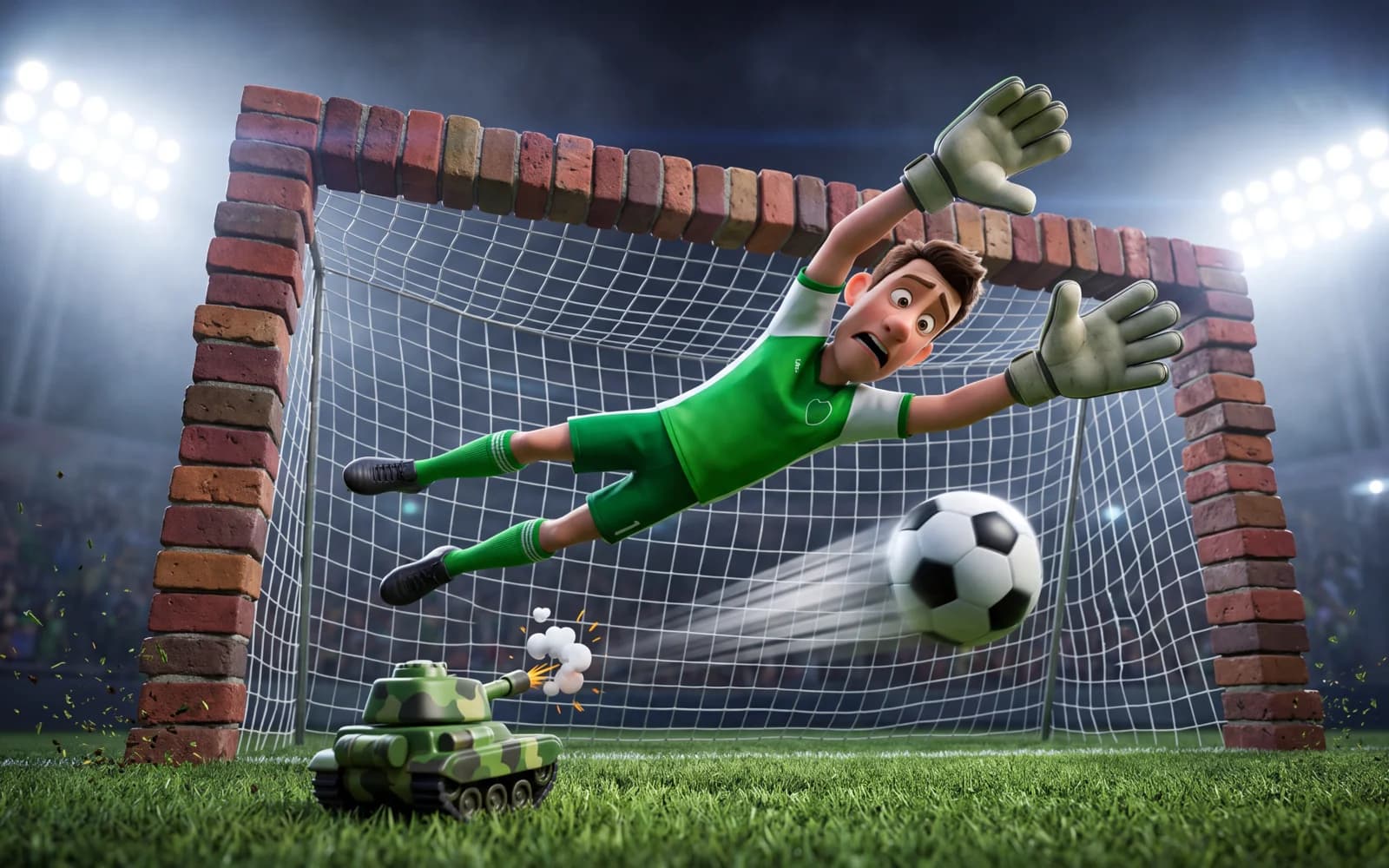
Describe a scene in an animation style — 3D cartoon, flat 2D, claymation, paper cut-out — and get a short animated clip. Or animate a character image you already made. For anime specifically, use the anime video generator.
AI Gay Video Generator
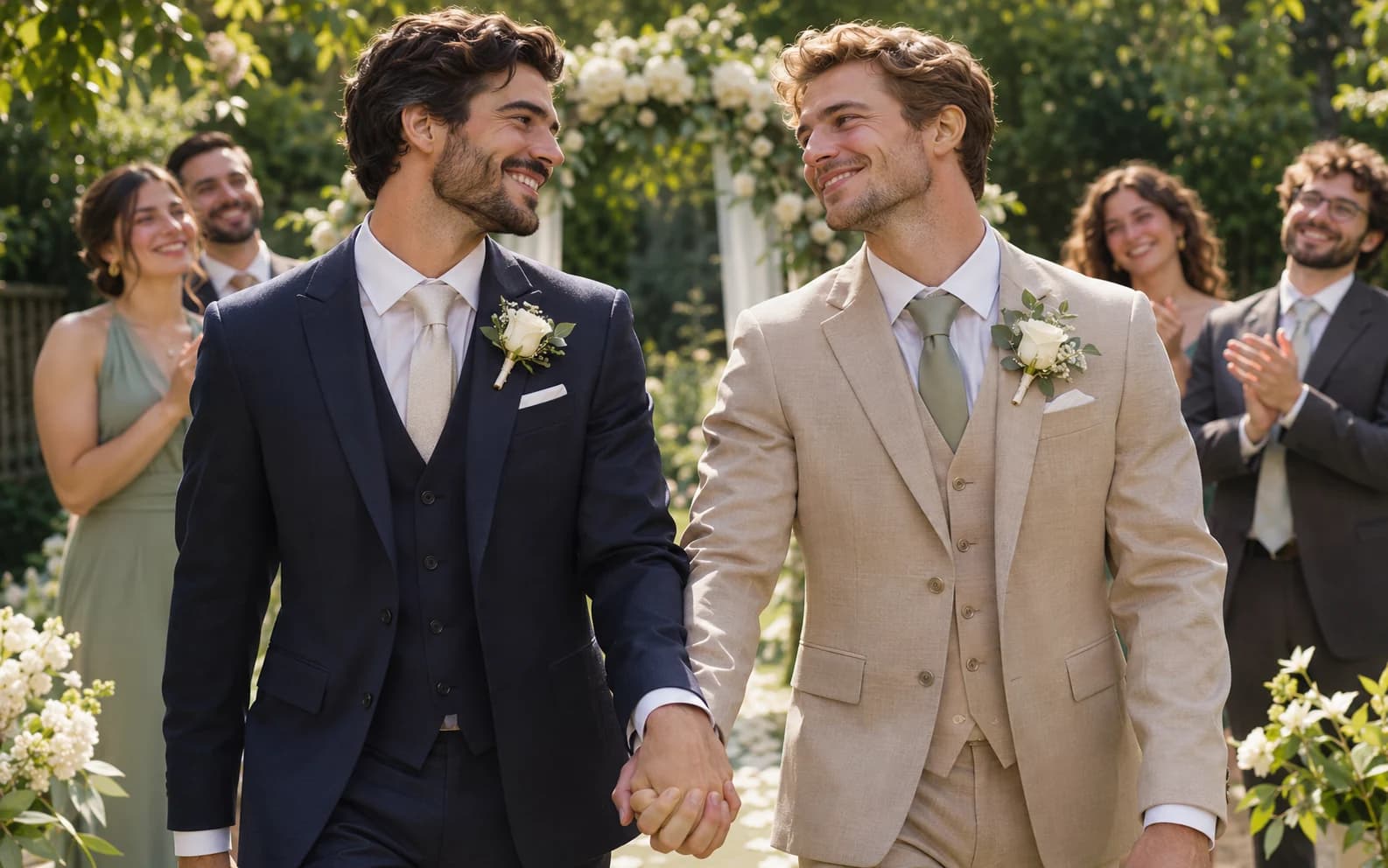
Create a short LGBTQ+ story or celebration scene featuring original adult characters in Ofrai Video Studio. Describe one shared moment, the setting and a simple camera move. The result is a generated clip, so review faces and continuity before sharing it.
AI Sexy Girl Video Generator
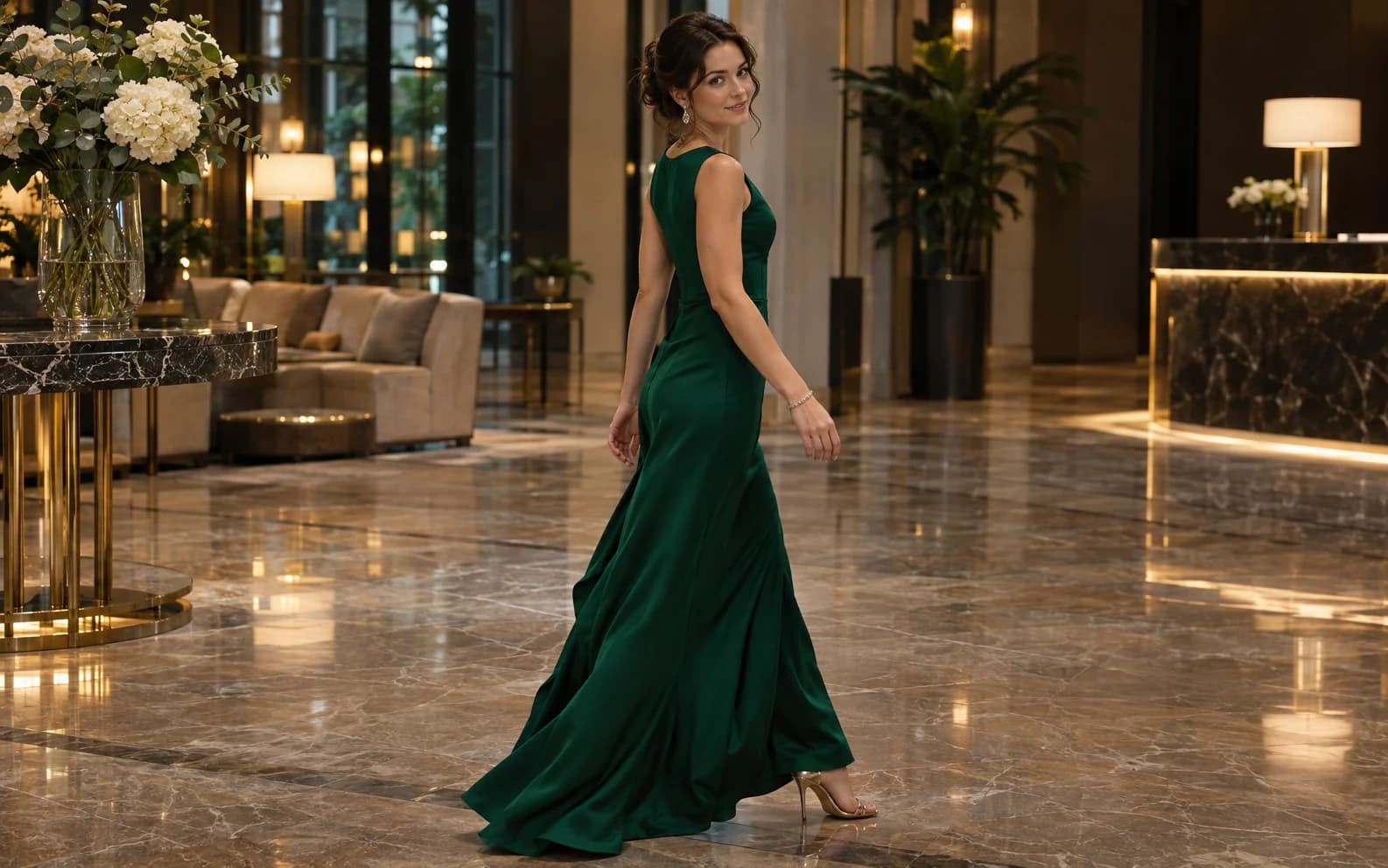
Build a short glamour or fashion clip featuring a fictional adult woman. Choose an outfit, location and one natural movement in Ofrai Video Studio. This page is for clothed, non-graphic visual storytelling, and the generated frames need review before use.
- Features
Twerking Video Generator
Explore a short dance-video concept with a fictional adult performer in Ofrai Video Studio. Describe the wardrobe, rehearsal space, rhythm and one movement phrase. The result is a generated clip, not motion capture or a verified choreography tutorial.
AI Tamil Video Generator
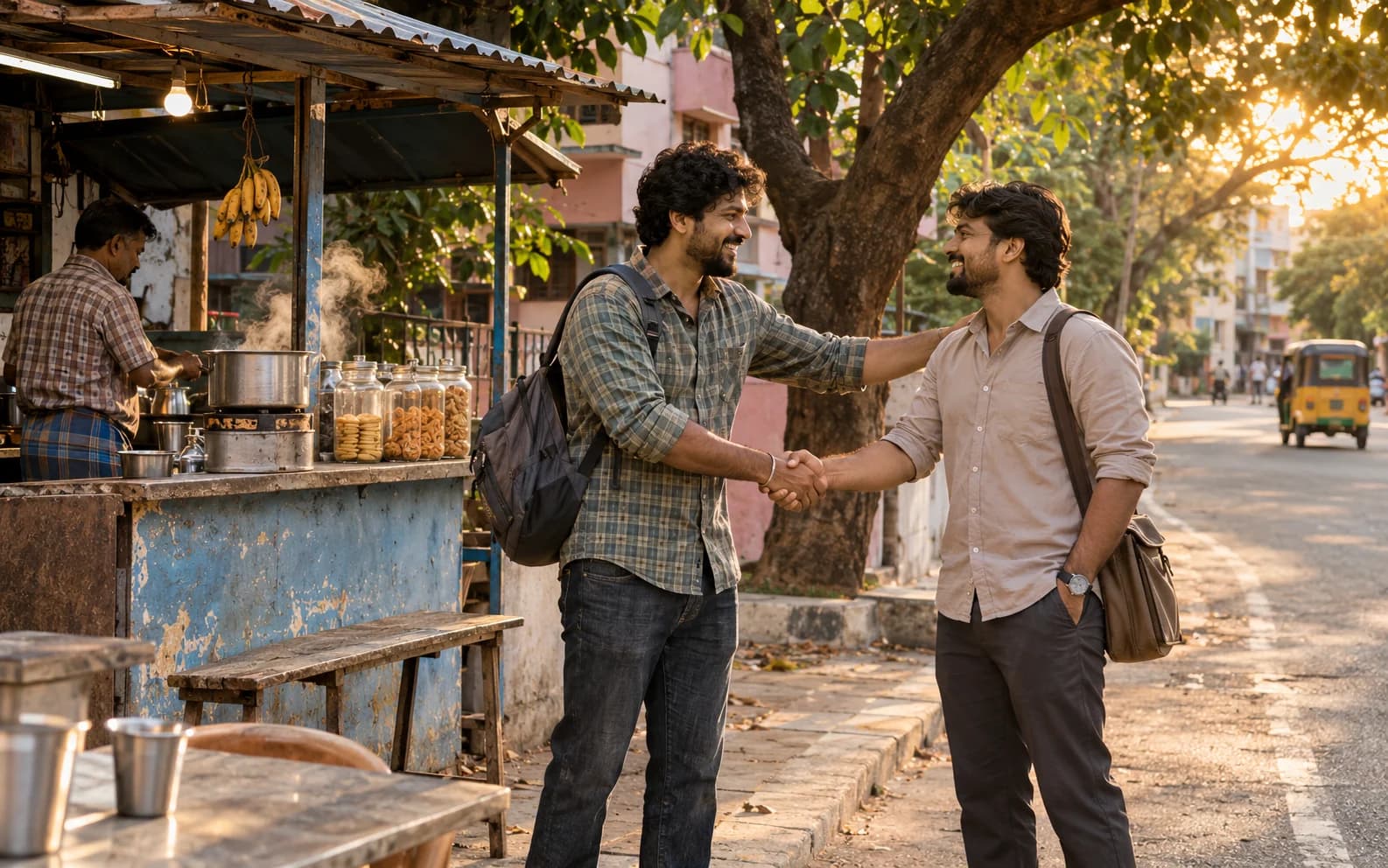
Develop a short visual scene for a Tamil-language story, campaign or music concept in Ofrai Video Studio. Describe the place, people, action and camera rather than relying on a generic cultural label. Add and verify Tamil speech or subtitles separately; this page does not promise automatic language-accurate audio.
AI Telegram Video Generator
Create a short clip you can prepare for a Telegram channel or chat. Ofrai Video Studio generates the video from your prompt or supported starting image; you review and download it, then post it to Telegram yourself. Ofrai does not publish directly to your channel from this page.
Mobile AI Video Generator
Open Ofrai Video Studio in a mobile browser to create a short clip from a prompt or an eligible image. A vertical frame and one clear action make the result easier to review on a phone. This is the web studio, not a separate native mobile editing app.
All in One AI Video Generator
Use Ofrai Video Studio as one place to prepare a prompt and choose among the video models available to your account. Generate a short shot, review it, then try another model or refine the brief. This workflow does not assemble a complete multi-shot film automatically.