Video
Sora 2
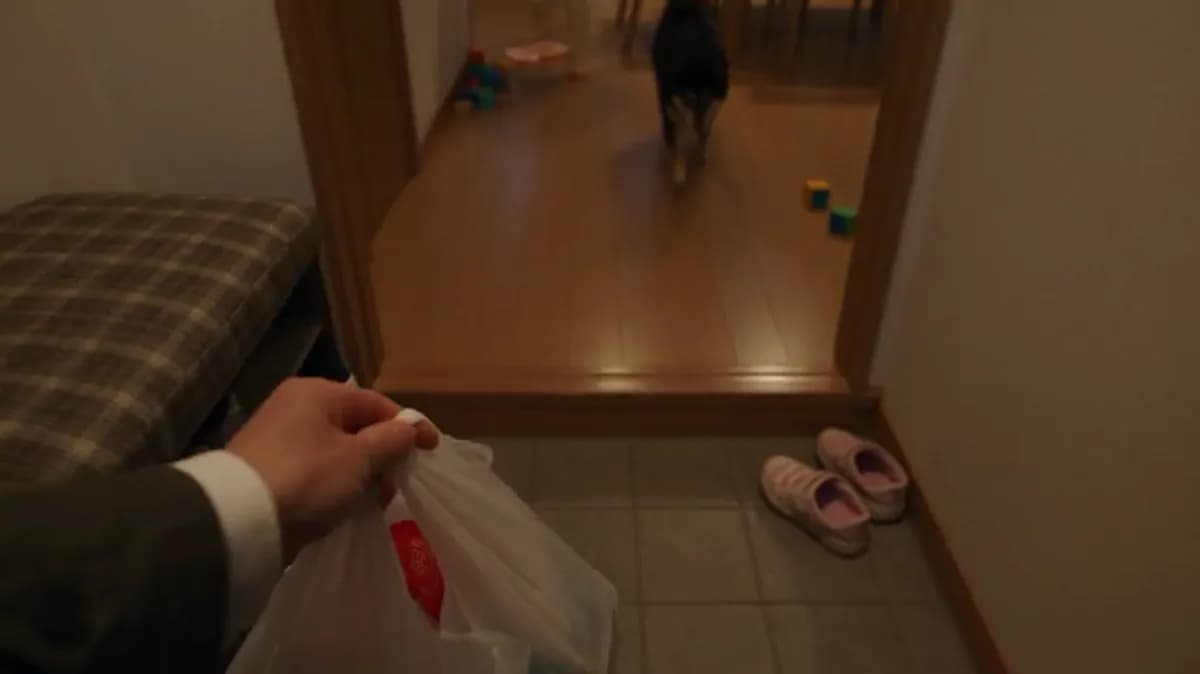
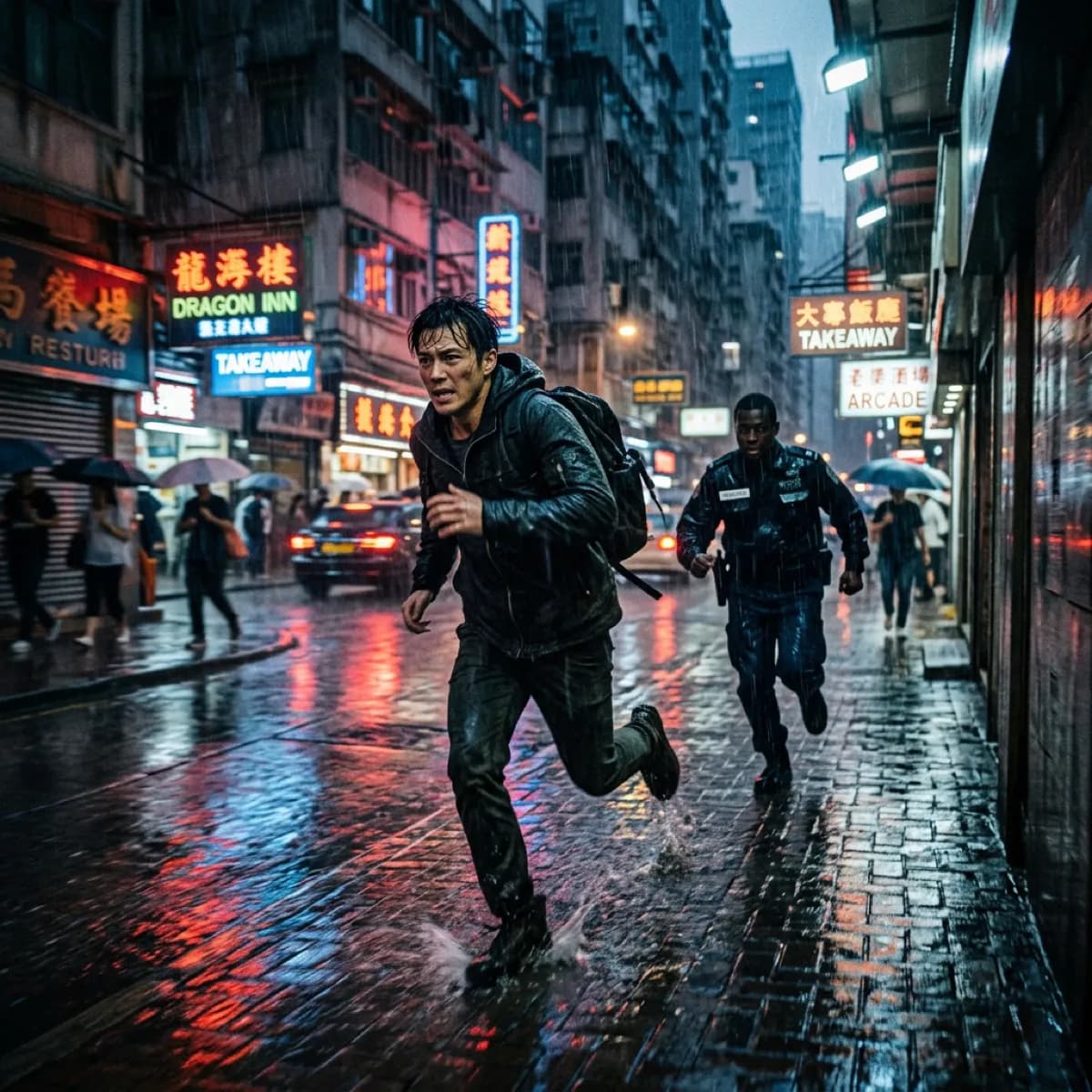
Longer takes with cinematic composition.
Available on Ofrai — chat, images, and video in one place with shared credits.
Example prompts
Choose an example to load its prompt and recommended settings into the Sora 2 creator above.
How it works
Create with Sora 2 in three steps
- 01
Choose your inputs
Keep Sora 2 selected, then add a prompt and any supported reference assets.
- 02
Set the output
Choose the aspect ratio, resolution, and available Video options before generating.
- 03
Generate and refine
Review the result, adjust the prompt or settings, and generate another version from the same place.
The Sora 2 entry on this site maps to the Sora 2 endpoint, and the first thing its reference tells you is what it does not have: there is no resolution parameter. The documented surface is text-to-video, image-to-video, and character reference, with duration limited to exactly three values — 4, 8 or 12 seconds — and an aspect ratio that takes only 16:9 or 9:16.
That is a much narrower control surface than the other models described on this site, and narrowing is usually a bad thing until you know what it was spent on. Here it was spent on `@username`. You can reference a previously created character directly inside the prompt by their username, retrieve those usernames from a personas API, and cite several in one request. Identity continuity is not achieved by describing a face more carefully; it is achieved by pointing at a stored character.
Everything else follows from reading the reference literally.
What Sora 2 covers, and what it does not
The reference describes a single endpoint, a video generation model, with three documented capabilities: text-to-video, image-to-video, and character reference. Generation is asynchronous and returns a task ID that you query for the result, which is the standard pattern across these models and nothing more. The notable part is the absence of parameters rather than the presence of ones.
There is no resolution field, so requests here carry no quality tier of their own — the framing and the geometry you get are what the endpoint produces, and asking for a different pixel density is not a request this API expresses. There is no separate audio parameter either. If your pipeline expects to set output resolution per request, as the Doubao and Veo entries both allow, you will find that assumption does not carry over to this endpoint, and it is better to discover that in planning than at export.
For an endpoint this restricted, the discipline that pays off is treating the prompt and the character references as the whole job, because they are genuinely almost the whole job.
Two aspect ratios and three durations, and how to plan around fixed lengths
Aspect ratio accepts 16:9 for landscape and 9:16 for vertical, and nothing else — no square, no traditional ratios, no ultrawide. Duration accepts 4, 8 or 12 seconds, with no default stated in the reference, so the value has to be chosen explicitly rather than inherited. Fixed lengths change how you write, more than they change what you can make.
Because 8 and 12 are multiples of 4, a sequence built on 4-second or 8-second shots assembles without any trimming, and an edit cut on a beat lands on a shot boundary rather than in the middle of a clip. That is a real advantage for anything with a rhythmic structure, and it is the reason the coarseness is less costly than it looks. The cost is at the short end.
There is no two-second or three-second option, so stings, single-beat inserts and fast transitions are unavailable natively here in a way they are not on the Doubao endpoint that reaches down to two seconds. Plan transitions as part of an adjacent four-second shot, or accept a trim from the start of a four-second render, which is a slightly different motion from one generated to land at that cut.
@username character references are the reason this endpoint exists
This is the capability that justifies the narrow parameter surface. Inside the prompt you can write `@username` to bring a character you created earlier into the generated video, and the reference documents the supporting details rather than leaving them implied: the username for a character is retrieved through a personas API, and more than one character can be referenced in the same request. The documented example is two names in one prompt string, a cat and a dog driving together.
The practical difference from describing a character in prose is that a stored character is a fixed identity rather than a fresh interpretation of your description, which is exactly what you need when the same figure appears in more than one shot, in more than one render, or alongside another figure who has to stay recognisable too.
Two rules follow from how this works. First, the personas step is a real dependency: the characters must exist before you can reference them, so identity setup happens before generation. Second, keep the reference list short and stable. A prompt crowded with username mentions is a prompt where the model's attention is being divided among identities, and if a render comes back with the wrong character, the count is the first thing to check before the wording.
Image input: URL only, and the limits the reference does not state
Image input is optional and used for image-to-video as an array of reference image URLs. Two things are documented. The array takes URLs, only URL format is supported, and base64 is no longer accepted — so a local file has to be pushed through the documented image-upload endpoint to obtain a reachable http or https URL before it can be referenced. The second point is what the reference conspicuously does not say.
There is no documented maximum file size here, no documented list of accepted image formats, and no documented cap on how many URLs the array may contain. Compare that with an endpoint such as the Veo entry, which states a 10MB ceiling and names jpeg, jpg, png and webp explicitly. The absence of stated limits is not permission to assume none exist, and it does not tell you what happens to an oversized or unsupported file — whether the request fails cleanly, is rejected asynchronously, or succeeds and produces nothing useful.
Treat your own upload hygiene as the control: compress before upload, keep formats to the common ones, and do not build a batch of large originals around the assumption that the endpoint will absorb them.
Moving an existing job onto this endpoint
Two migrations are common, and each gives up something specific. Coming from an endpoint with a full resolution ladder, you lose the ability to set output resolution per request, and it is worth checking whether any downstream step was quietly relying on that — a master at a particular pixel density, a re-encode target, a delivery spec written against 1080p. You do not gain a compensating control here, because duration is coarse and aspect ratio offers two values.
Coming from a workflow that protected character identity with a reference image, you also lose that mechanism, but you gain something structurally different: `@username` is not a reference you attach to one request, it is a stored character that can be cited across many. That is a better fit for multi-shot continuity and a worse fit for a one-off look, because the personas step is real setup that has to be paid for whether or not the shot needs it.
Checklist before switching: confirm nothing in your pipeline reads a resolution field from the request, confirm your deliverable is either landscape or vertical and nothing in between, and confirm you are prepared to create characters as reusable assets rather than per-shot descriptions.
Prompting without a resolution to tune
The prompt is required, and apart from the character-reference syntax it is documented simply as the text description for video generation. On an endpoint with no resolution and no duration granularity, the prompt is carrying more of the load than usual, and it is worth being deliberate about what goes in it.
Since you cannot compensate for a weak result with a higher output tier, the description has to do the work that a quality dial would otherwise do: be concrete about the subject, about what happens in the clip, about the camera and about the pace. Because duration is one of three values, writing to time is more productive than it is elsewhere — describing an eight-second clip as an arc with a beginning and an ending is more useful than describing a moment that could sit at any length.
Put the `@username` mentions early enough to be unambiguous and keep the rest of the sentence around them grammatical, since the references are embedded in prose rather than in a separate list. And when a render misses, the useful debugging order is short: check which characters were referenced and how many, then check whether the description contradicts anything visible in the attached image, then rephrase. There is no fourth lever to pull.
FAQ
- Can I choose the output resolution for Sora 2?
- Not through the API. The reference for the Sora 2 endpoint documents no resolution parameter at all — the controls it lists are duration, aspect ratio, prompt and image URLs. Do not carry a per-request resolution setting over from an endpoint that has one.
- How do character references work?
- You include `@username` in the prompt text to bring a previously created character into the video. Usernames come from the personas API, and the reference documents that several characters can be cited in the same request — its example puts two names in one prompt. Characters must exist before they can be referenced, so identity setup happens before generation.
- Which durations are available?
- Exactly three: 4, 8 or 12 seconds, with no default stated, so the value must be chosen explicitly. Because 8 and 12 are multiples of 4, sequences assemble cleanly on 4- and 8-second shots, but there is no two- or three-second option for stings and single-beat inserts.
- What image formats and sizes are accepted?
- The reference states that only URLs are supported and base64 is no longer accepted, but it publishes no maximum file size and no accepted-format list for this endpoint. Use the documented image-upload endpoint for local files, and apply your own size and format hygiene rather than assuming limits that are not written down.
FAQ
- Can I use Sora 2 directly on this page?
- Yes. The creator above is the working Ofrai studio with Sora 2 selected by default.
- Where are my finished results saved?
- Signed-in generations are kept in your Ofrai library so you can download or revisit them.
- Which prompts work best with Sora 2?
- Describe the subject, setting, visual style, lighting, and camera or motion clearly. The examples above provide practical starting points.
- Can I edit the example prompts before generating?
- Yes. Load any example, then change its wording, aspect ratio, references, or other supported settings in the creator.
Related models
Compare other Video models that can handle similar creative work to Sora 2.




Compare
Use cases
Related guides
Tools
Commercial use depends on the selected model and model terms.