Image
Flux 2 Pro
Quick drafts with clean composition.
Available on Ofrai — chat, images, and video in one place with shared credits.
Example prompts
Choose an example to load its prompt and recommended settings into the Flux 2 Pro creator above.
How it works
Create with Flux 2 Pro in three steps
- 01
Choose your inputs
Keep Flux 2 Pro selected, then add a prompt and any supported reference assets.
- 02
Set the output
Choose the aspect ratio, resolution, and available Image options before generating.
- 03
Generate and refine
Review the result, adjust the prompt or settings, and generate another version from the same place.
Flux 2 Pro is the engine for the part of the work that happens before the work. Most image production is not a sequence of finished frames; it is a long middle section where you are trying directions and throwing most of them away. Flux 2 Pro is built for that section: clean composition, quick turnaround, and a cost per attempt that makes a hundred tries a reasonable thing to do rather than an extravagance.
The trap is using it for the final asset, where its output is good enough to ship and therefore gets shipped — and then a job that needed a specific look gets closed with an image that merely looks good.
Iteration speed is the product
The reason this engine exists in the catalogue is not final quality; several engines beat it on that axis for a given brief. The reason is that it returns a usable frame fast and cheaply, which changes how you work rather than what you ship. You can try three compositions of the same idea in the time one expensive render would take, and you can afford to look at all of them before choosing. That is the difference between art direction and roulette.
The cost model matters here: at this price point, a rejected frame is cheap enough that you stop defending your first idea and start actually comparing alternatives, which is where most of the quality in a final asset comes from.
Composition is where the effort should go
A fast engine that returns a well-composed frame is worth far more than a fast engine that returns a cluttered one, because the clutter has to be unpicked later and unpicking is expensive. The composition decisions worth making in the brief are the ones a photographer makes before pressing the shutter: where the subject sits in the frame, how much room the background gets, whether the horizon is a third or the centre, what the eye is supposed to hit first.
Two or three of those stated explicitly will produce a more usable frame than a paragraph of adjectives. Everything that is not a placement decision is usually better left to the model, and adding more words past the point of placement tends to loosen the result rather than sharpen it.
A draft is not a smaller version of the final
The mistake people make with a fast model is to treat its output as a low-resolution version of what they want, then finish it in a different tool. That doubles the work and produces a final asset that inherits the draft's composition, which is the one thing you wanted to change. Use it for the decision instead: get five directions for a campaign key visual, pick the framing, and only then decide which engine produces the final frame.
If the answer is that this engine should produce the final frame too, that is a legitimate answer — but make it deliberately, with the composition already settled, rather than by default.
Where this engine stops being enough
There are two clear boundaries. The first is text inside the image: if the deliverable contains words, a model built around typography will hold the wording and the layout better than one that treats text as texture. The second is a subject that has to stay identical across a long series: consistency is not what this engine optimises for, and a different family of model handles it.
In both cases the fix is not to fight the engine with a longer prompt — it is to move that part of the work to the tool built for it, and keep this one for the frames where speed and composition are what matters.
How the cost should change your process
Because a rejected attempt is cheap, the process that maximises value is to spend attempts early and spend them on decisions rather than on polish. Fix the brief first, in text, because a text change costs nothing and an image change costs a render. Test the two or three directions you are genuinely unsure about, and do not test a fourth because you are curious.
Once a direction is chosen, stop iterating on it at this tier and take it to a final-grade engine, or accept it if it is genuinely ready. The discipline is knowing which kind of iteration you are doing, because mixing them is how a cheap engine ends up doing expensive work.
Prompting this engine well
Keep it short and concrete. A subject, a placement, a light, and a medium, in that order, and nothing else. This engine is unusually good at taking a clean brief and not over-reading it, so a prompt padded with adjectives and style references usually produces a generic frame rather than a sharper one. The same is true of negative prompting — stating what you do not want tends to pull attention toward it.
If the frame is wrong, change one of the four parts and keep the rest identical, so that the comparison is legible and the next attempt is an experiment rather than a reroll.
FAQ
- Is Flux 2 Pro good enough for final images, or only drafts?
- It is good enough for final images on plenty of briefs, and it is a legitimate final choice when the composition is already settled. It is the wrong default when the brief still contains open questions — then the value of a fast engine is in answering those questions cheaply first.
- Should I use Flux 2 Pro for images that contain text?
- No. An engine built around typography holds the exact wording and sets it into the layout; this one treats text as texture. Move that brief to a text-in-image model rather than spending attempts trying to prompt your way around the difference.
- How many variations should I generate before choosing one?
- Enough to cover the directions you are genuinely unsure about — usually two or three, not ten. Because a rejected attempt is cheap here, the point is to test decisions rather than to spray. Once one direction is clearly right, stop and take it forward.
Same-prompt image comparisons
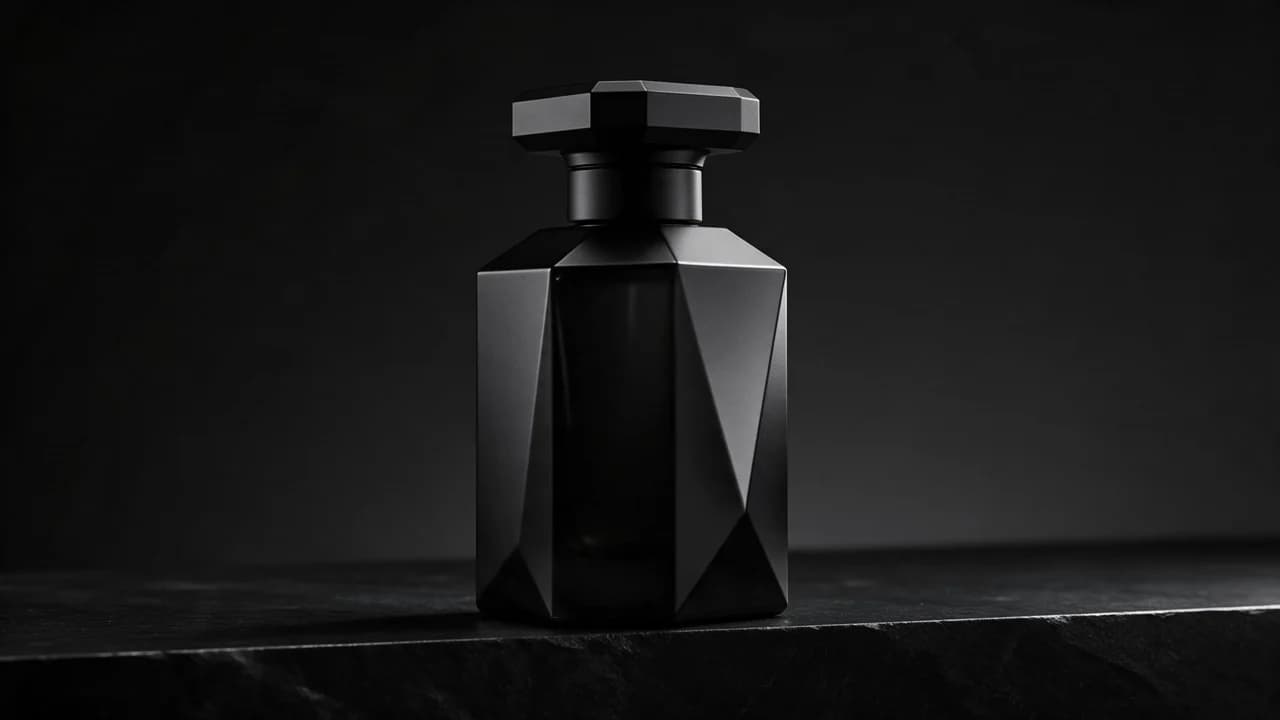
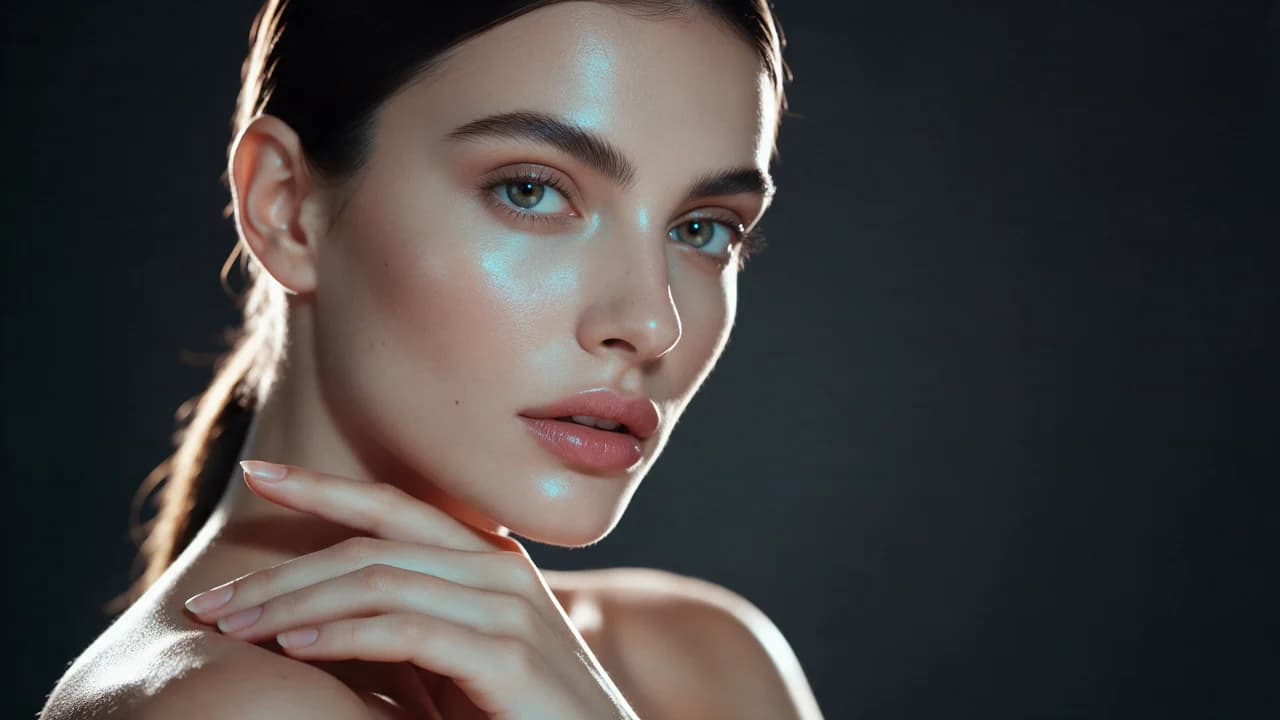
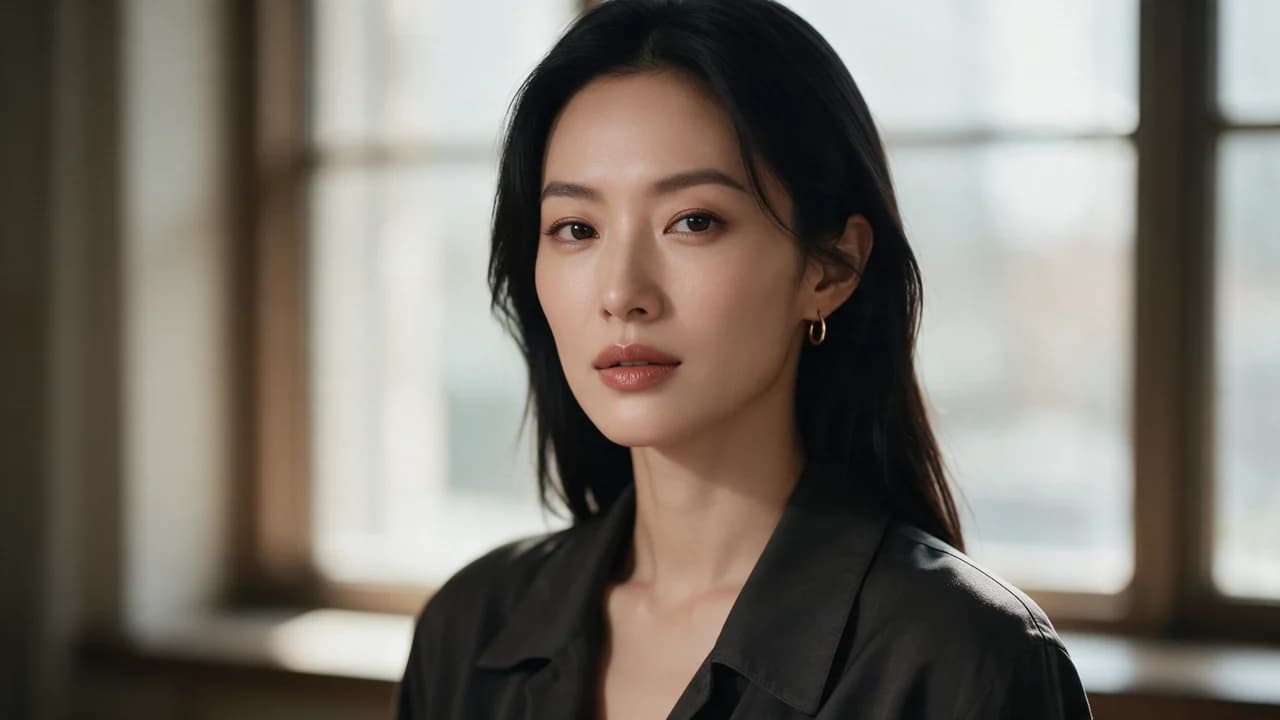
See the first output from each model on the same ten prompts, including a skincare packshot, a poster, and a portrait. The 2026-10-25 tests show side-by-side images, credit costs, and time from submission to result. Each prompt was run once per model at 1K.
FAQ
- Can I use Flux 2 Pro directly on this page?
- Yes. The creator above is the working Ofrai studio with Flux 2 Pro selected by default.
- Where are my finished results saved?
- Signed-in generations are kept in your Ofrai library so you can download or revisit them.
- Which prompts work best with Flux 2 Pro?
- Describe the subject, setting, visual style, lighting, and camera or motion clearly. The examples above provide practical starting points.
- Can I edit the example prompts before generating?
- Yes. Load any example, then change its wording, aspect ratio, references, or other supported settings in the creator.
Related models
Compare other Image models that can handle similar creative work to Flux 2 Pro.



Compare
Use cases
Related guides
Tools
Commercial use depends on the selected model and model terms.