Features
AI Animal Generator for Pet Photos and Wildlife
By Ofrai Editorial (Use Case Research)
Create a pet portrait or wildlife image in Ofrai Image Studio. Describe the species, coat markings, pose, and setting, or start from a photo with a model that accepts references. Check the estimated credit cost before generating and compare each result with the original if the animal needs to be recognizable.
New accounts include 1 free GPT Image 2.5 generation. Other models and video use credits.
Example prompts
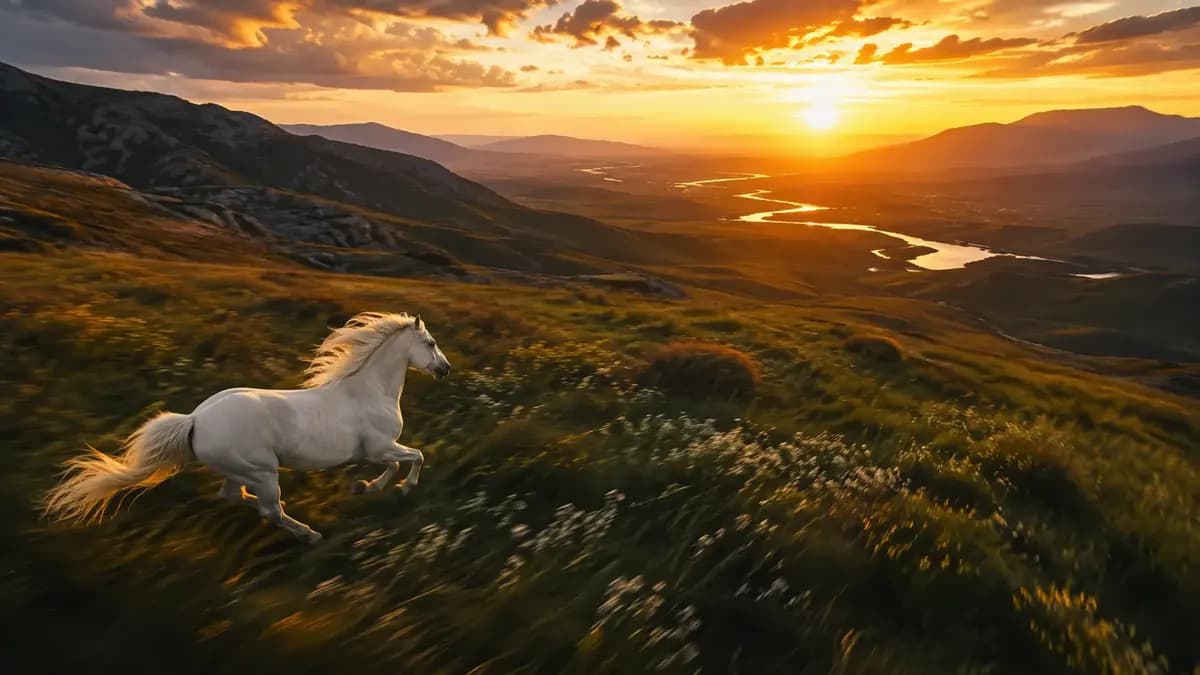
Animal in habitat, narrative setting
Naming a breed the model can actually render
Vague breed words produce generic dogs. Give the coat, the build, and one diagnostic feature: 'short-haired Staffordshire bull terrier, wide chest, rose ears, brindle with a white chest patch, three years old'. Reference engines respond even better — attach two photos of the same animal and say 'same animal as the reference, new pose'. If a breed reads wrong, describe its silhouette rather than its name: 'square muzzle, deep stop, muscular neck' fixes more cases than the breed label.
Posing animals without breaking anatomy
Four legs and a tail are the usual failure zone, and the fix is mechanical. Name the stance ('weight on the front left leg, rear haunches lowered, spine level'), count visible paws, and forbid the common errors: 'all four paws on the ground, no extra limbs, tail anatomically correct'. Side-profile walking shots are the safest; a full head-on front view is the hardest. Wide-angle shots distort muzzles badly, so specify 85 mm or longer before you generate.
Studio AI animal portraits versus habitat shots
These need opposite prompts. For a studio portrait: 'seamless grey backdrop, three-point softbox lighting, catchlight in both eyes, shallow depth of field, shot at 85 mm', portrait ratio 4:5. For habitat: 'golden hour backlight, atmospheric haze, foliage partially obscuring the edges, environmental context, wide 24 mm framing', landscape 16:9. Mixing the two — a 24 mm habitat request with catchlight and bokeh — is why results look flat and confusing.
Locking coat markings, eye colour, and age
Identity in animals is carried by small, high-contrast details. State them explicitly: 'blue left eye, amber right eye, white blaze down the muzzle, notched left ear, scar above the right eye'. Age reads through proportion rather than adjectives: say 'puppy, oversized paws, short muzzle, soft round belly' instead of cute, or 'senior, greying muzzle, sunken hips, cloudy eye'. Repeat the marking sentence at the end of the prompt; it is the detail models drop when the scene gets busy.
Which model renders fur and texture best
nano-banana-pro wins on reference adherence, which makes it the safest pick when your subject is a real pet whose markings must survive. gpt-image-2 is the strongest instruction follower — use it when the prompt carries the whole description and no reference exists. flux-2 gives fast, clean composition drafts at low credit cost. seedream-5 handles the illustrated side of the category: painterly wildlife plates, storybook farm scenes and stylised creature art.
Ratios for albums, wall art, and print
4:5 suits portrait prints and album pages. 3:2 or 2:3 matches the classic camera framing people expect from a pet photo and crops well to 8x10 print. 21:9 or 16:9 works for phone wallpapers and website headers, but you must name where the animal sits or the model centres it and leaves dead space. Generate one extra square version for social; cropping a 16:9 to a square usually cuts a paw.
Fixing melted muzzles, fur, and paws
Three failures dominate: smudged noses, fur that reads as painted plastic, and paws that merge into the ground. For the nose, ask for 'sharp wet nose leather, visible nostril separation, whiskers individually rendered'. For fur, replace 'fluffy' with 'individual guard hairs, visible undercoat at the edges' and shoot in raking light. For paws, state 'toes separated, contact shadow directly under each paw'. Add a contact shadow clause to most animal prompts — it fixes grounding instantly.
Beyond realism: stylised and hybrid creatures
The same four engines handle non-photographic animal work, and the prompt shape changes rather than the tools. Try 'watercolour storybook fox with visible paper grain', 'claymation-style woolly mammoth stop-motion look', or 'armour-plated desert fox, matte 3D render on a plain set'. Keep the anatomy rules from the pose section — these models still fuse limbs when the description gets ornate. Choose seedream-5 for painterly output and gpt-image-2 for clean 3D render look.
Four AI animal prompts for pets and wildlife
Studio portrait of a real pet: 'photograph of the cat in the reference, same coat pattern and same green left eye, sitting upright, looking at the lens, seamless grey backdrop, three-point softbox lighting, catchlight in both eyes, shot at 85mm, natural skin and fur texture, no collar tag text'.
Walking profile: 'same cat mid-step along a wooden floor, weight on the front left leg, tail counterbalancing, all four paws on the ground, lateral tracking composition at 50mm'.
Wildlife plate: 'red fox in deep snow at first light, side profile, breath visible in the cold air, low sun behind, long blue shadows, 200mm compressed'.
Album page: 'a tabby cat and a ginger cat asleep nose to nose on a knitted blanket, overhead camera, soft window light from camera left'.
Notice what stays constant in each: the identity clause repeats, the contact-shadow clause is present, and exactly one camera decision is named. That pattern is worth copying rather than the specific animals.
What you can set before generating
Choose a model and check the aspect ratios, resolutions, image counts, and reference options it supports in Image Studio. Start with one image. Try 4:5 for a portrait, 1:1 for a square post, or 16:9 for a landscape when available. For a real pet, use a clear reference photo and name one distinctive marking. Compare the output with your reference before trying a new pose. Matching details can take several attempts.
How to estimate the cost of a pet photo set
Image Studio shows an estimate before generation. It reflects the selected model, resolution, and image count. Start with one image to check the composition, then choose the resolution and count for the final set and review the updated estimate. Each new run has its own estimate, so check it before generating another pose or crop.
How this differs from pet portraits and illustration pages
A pet portrait page assumes one face, one mood, and a shallow depth of field, which is the right shape for a framed print. This page is wider: it also covers species the model has to be taught rather than recognised, which means build, silhouette, and habitat framing carry more of the load and facial expression carries less.
When the subject is a working animal rather than a companion — a horse, a racing pigeon, a herding dog — describe the job instead of the mood, and the pose becomes specific for free: 'weight shifted forward on the front legs, ears pricked toward the handler'. For painterly or storybook animal art, the chibi, crayon, or oil painting pages will serve you better, because their engines are tuned for illustrative output.
If the deliverable is a video clip rather than a still, start here for the frame and finish in Video Studio.
Breed accuracy for breeders, shelters, and vets
Professional users need the animal to be identifiable, which is a different bar from 'looks like a dog'. Write the breed, then add three landmarks that are visible in a single frame and easy to check: ear set, muzzle length, and coat pattern placement. 'Border collie, semi-erect ears with tipped ends, medium muzzle, white blaze up the muzzle and a white collar, black body' is verifiable from the render in a way that 'looks like a border collie' is not.
Never add health or temperament claims to the prompt, since the model has no concept of them and will produce confident nonsense. If the set documents several animals, generate one approved image per animal first and composite them into a shared frame afterwards, because generating a whole kennel in one job gives you one averaged animal repeated. Keep the same lighting sentence across the documentation set so the sheet reads as one shoot.
When the still is ready, use the AI animal video generator to plan a short clip around one movement.
If you already know the species, start with lion studies and turtle studies for prompts that focus on the right anatomy.
Examples
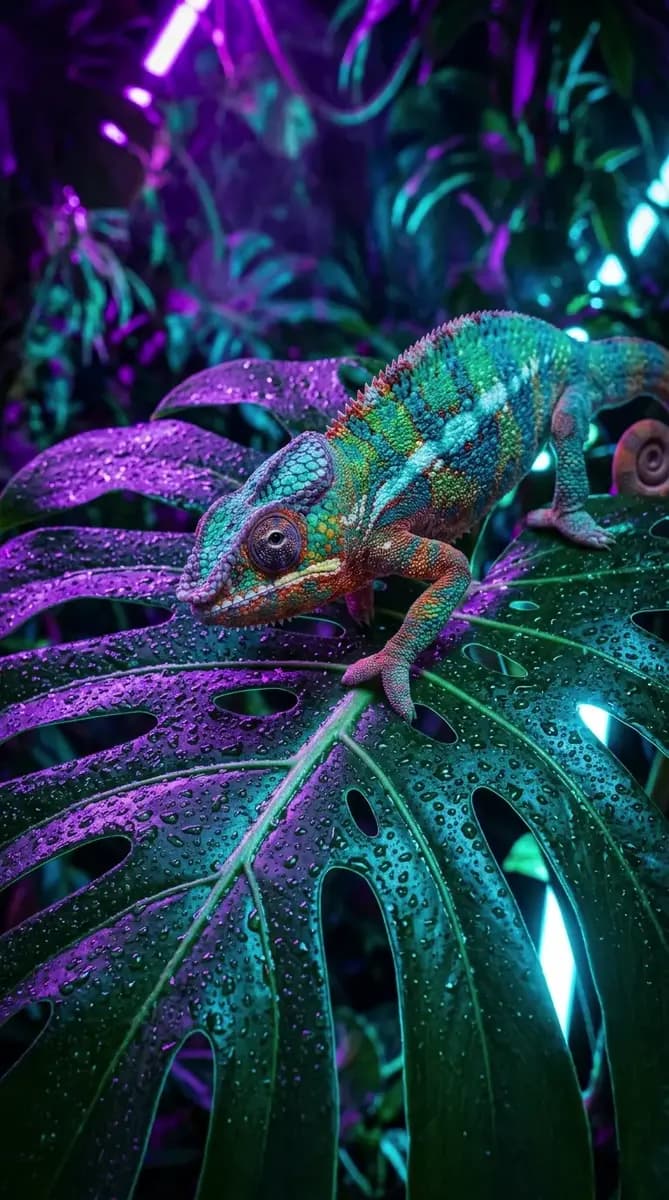
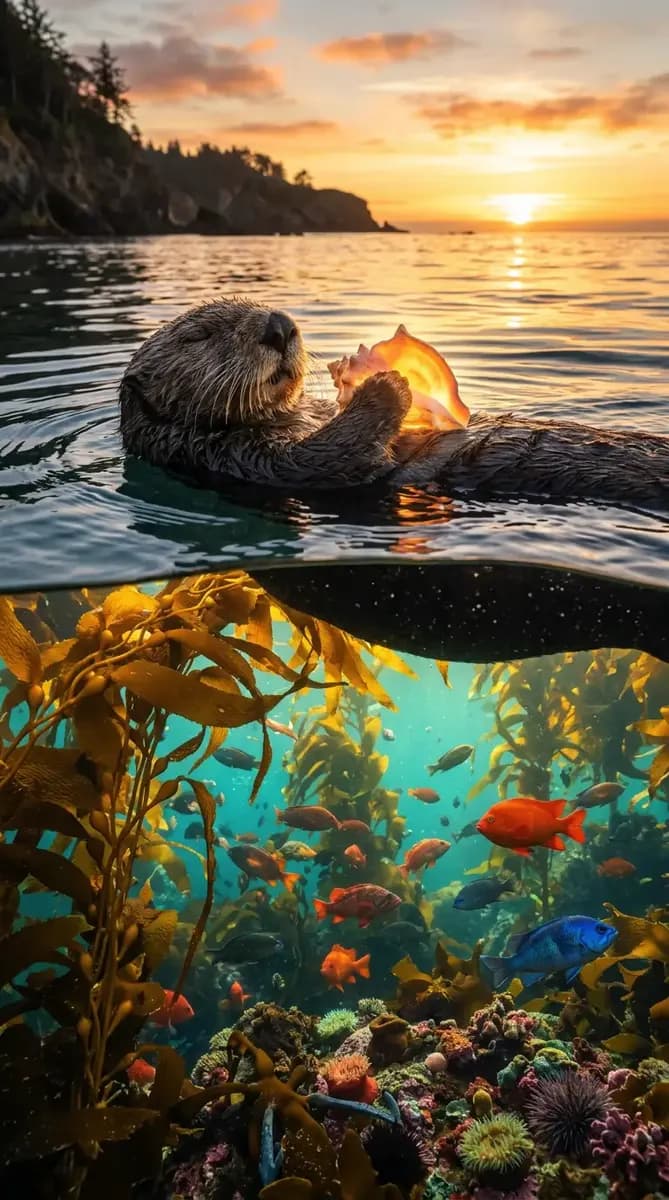
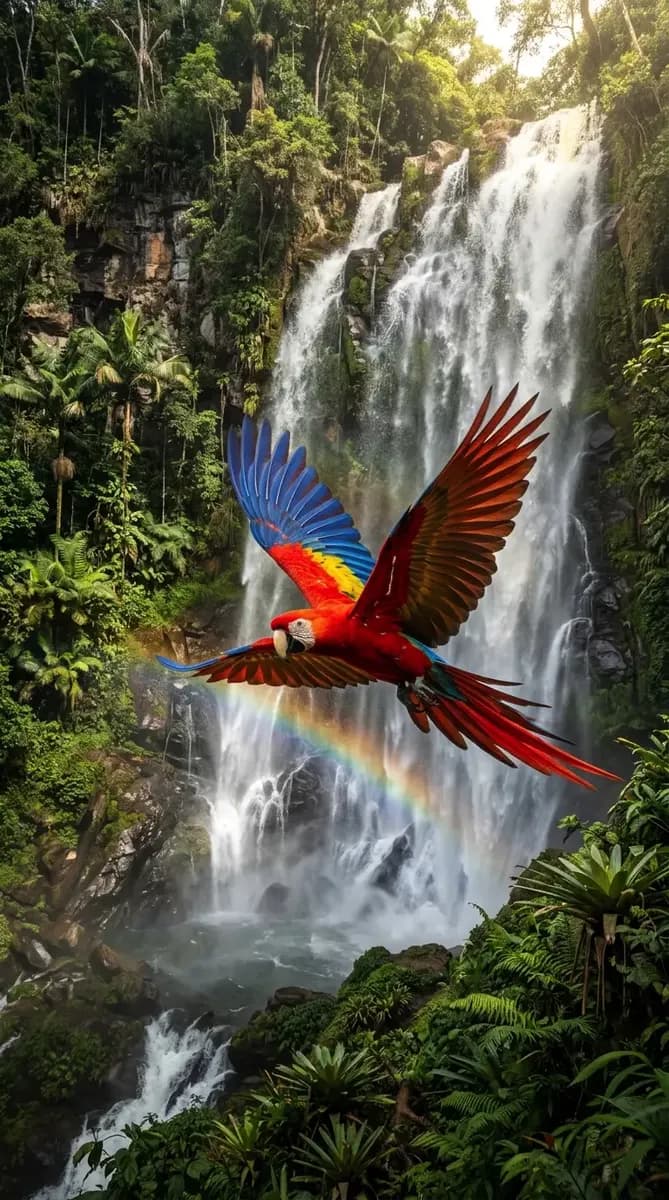
FAQ
- How do I get the same animal in every image?
- Upload two reference photos of the animal and repeat its markings in words — coat colour, blaze, ear notch, eye colour. The reference-aware engines on this page hold those features across poses and ratios far better than text-only prompts, which re-roll the markings each time.
- Why does my animal come out with extra limbs?
- Almost always an ambiguous stance. Count the paws in the prompt, fix a stance such as 'weight on the front left leg, spine level', and add 'all four paws visible and separated, no extra limbs'. Side-profile poses fail far less often than straight-on views.
- Can I generate a specific real dog breed accurately?
- Yes, if you describe coat, build, and one diagnostic feature instead of relying on the breed name alone. For difficult breeds, add silhouette cues such as square muzzle, deep stop or rose ears. A reference photo removes most of the guessing.
- Which ratio should I use for a pet portrait print?
- Use 4:5 for portrait prints and album layouts, or 2:3 to match conventional camera framing for an 8x10 print. Generate a separate square version for social rather than cropping a landscape render, because cropping usually cuts off a paw. Ask for the border in the prompt rather than adding it afterwards.
- How do I stop the fur looking like plastic?
- Replace 'fluffy' or 'realistic' with material cues: individual guard hairs, visible undercoat at the silhouette edge, and directional light such as low raking backlight. Also drop the depth-of-field to medium so the coat stays in focus across the body. Keep the subject large in frame so the coat stays in focus.
- Can I use generated animal images commercially?
- Rights follow the selected model's model terms and your plan. Check the model page before licensing work to a client, and keep the engine choice recorded for each final asset. This applies to pet photography clients and stock listings, so keep the engine name recorded for each final asset you deliver.
Related generators
- AI Avatar Generator — Consistent Faces
- AI Creature Wallpaper Generator
- AI Fantasy Creature Generator
- AI Image Enhancer
- AI Logo Generator
- AI Pet Portrait Generator
- AI Portrait Generator
- AI Thumbnail Generator
- AI Action Figure Generator
- AI Black And White Photo Generator
- AI Caricature Generator
- AI Character Sheet Generator