Video
Seedance 2
ByteDance Seedance 2 — text and image to video.
Available on Ofrai — chat, images, and video in one place with shared credits.
Example prompts
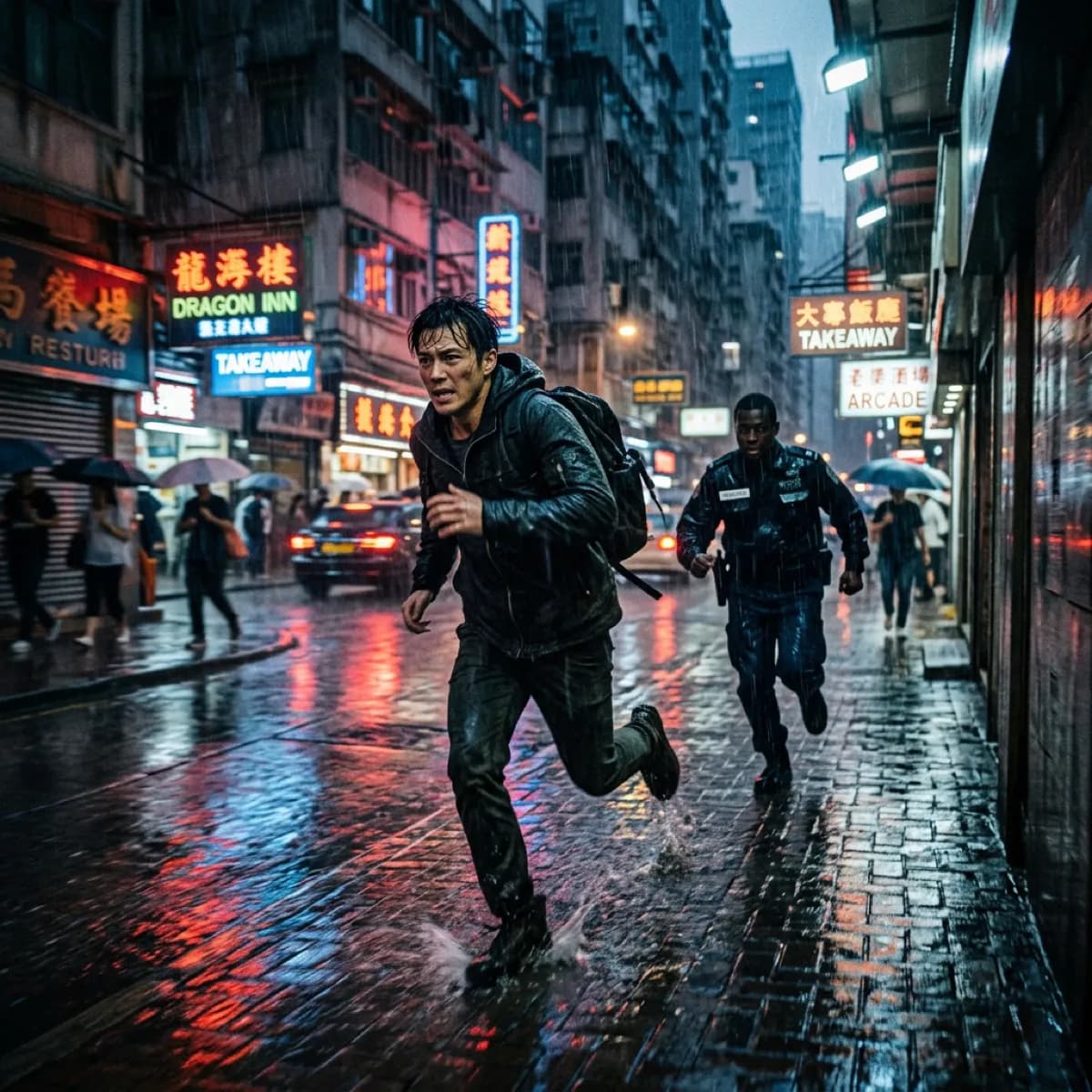
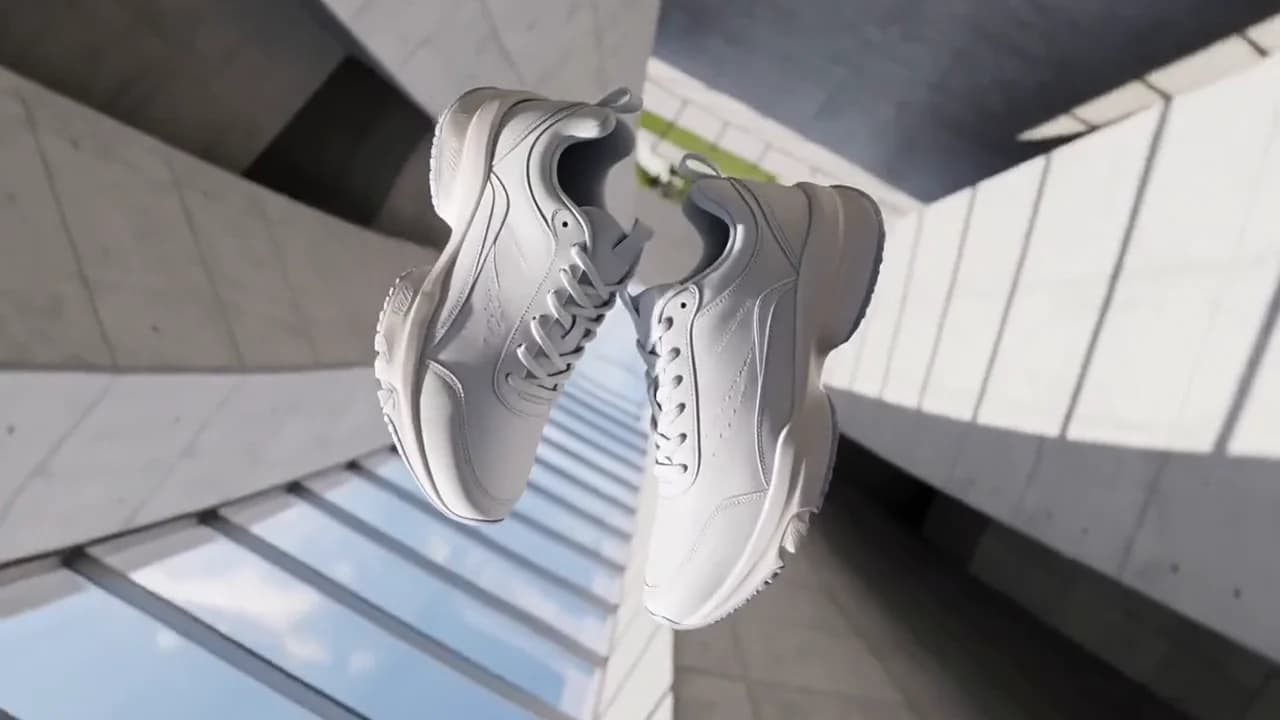
Choose an example to load its prompt and recommended settings into the Seedance 2 creator above.
How it works
Create with Seedance 2 in three steps
- 01
Choose your inputs
Keep Seedance 2 selected, then add a prompt and any supported reference assets.
- 02
Set the output
Choose the aspect ratio, resolution, and available Video options before generating.
- 03
Generate and refine
Review the result, adjust the prompt or settings, and generate another version from the same place.
Seedance 2 is not one model but one endpoint carrying three ids, and the capability split across them is the first thing to understand. seedance-2 is the base build and the only one that reaches 4k; seedance-2-fast is a faster tier whose ladder stops at 720p; seedance-2-mini is the smallest tier, capped at 480p and 720p and held to a documented media ceiling of nine images, three videos and three audio items.
Automatic duration exists too, but it is not a family-wide feature — both automatic modes are documented as available only on the base and fast ids, which means a mini job must be given a number from four to fifteen seconds. That asymmetry, rather than any claim about which build looks better, is what should decide the choice between them. The documentation does not rank the three on output quality, so this page argues from the ceilings, the ladders and the task types each id actually has.
Three ids on one endpoint, and where they diverge
The interface description names seedance-2, seedance-2-fast and seedance-2-mini together, so a single integration can reach all three and the request you send decides which one runs. The divergence is not subtle. On resolution, the base id accepts 480p, 720p, 1080p and 4k; the fast id accepts only 480p and 720p; the mini id accepts only 480p and 720p as well.
On media, the mini id is the one with a documented ceiling of nine images, three videos and three audio items, and its first-and-last-frame and audio-switch capabilities are documented as now open — which is worth noticing because it means the smallest tier is no longer restricted to plain text-to-video.
The practical read is that the family divides on capacity rather than on style: the base id is for deliverables that need resolution headroom, the fast id is for volume where 720p is the delivery format, and the mini id is for reference-rich jobs that do not need more than 720p and have to stay inside nine images, three videos and three audio items. Nothing in the reference says the fast or mini ids render differently in kind, only that they are offered as separate ids.
Automatic duration is a two-id privilege
The duration field is where the family splits in a way that catches people out. All three ids accept an explicit length from 4 to 15 seconds. Automatic duration appears twice in the value list — 0 and -1 — and the documentation restricts both of them to seedance-2 and seedance-2-fast. Seedance 2 mini cannot use either.
That means a pipeline which treats automatic duration as a family default will start failing on mini jobs specifically, and it will fail late: the value looks valid, the field is accepted, and only the id is wrong. Two additional consequences follow from the same restriction.
First, when you do want automatic length, you have to pick between two spellings on the base and fast ids, and the reference lists them as separate accepted values rather than as synonyms, so treat them as two documented options rather than collapsing them in your client.
Second, since the explicit window tops out at 15 seconds, anything longer belongs to a different generation of this family rather than to a different value of this field — which is the honest reason to look at Seedance 2.5 for a 30-second shot.
4k is a base-id decision, not a family decision
The base id is the only member of this endpoint whose resolution list includes 4k; fast and mini stop at 720p, and 720p is the documented default for the endpoint as a whole. That gives you a clean three-step decision rather than a subtle one. If the deliverable is a master that will be graded, cropped, or handed to another department, 4k exists and only on seedance-2, and that single fact is usually enough to choose the base id regardless of anything else.
If the deliverable is a social cut at 720p, the fast id is the natural fit and its lower ladder is not a limitation so much as a description of the job. If the job is reference-heavy but visually modest, mini's 480p and 720p ceiling is workable — and note that the endpoint default of 720p means a request that omits resolution lands in the middle rung rather than the bottom, so a genuine draft tier has to be named explicitly if you want one.
Never log a 4k intention and then send fast or mini: the two are different ids with different ladders, and the failure shows up in the file size rather than in an error.
image_with_roles, and the ambiguity you are avoiding
Image input on this endpoint comes in two shapes, and the documentation is unusually clear about which one to use. image_with_roles is the recommended form: you declare each image's purpose explicitly as first_frame, last_frame or reference_image, so there is nothing to infer. image_urls is the compatibility form, and it carries two rules you need to respect.
When a single image is passed it is normally handled as the first frame — a helpful default, and also the reason a one-image request can quietly become a first-frame anchor rather than a neutral reference. When several images are passed, the roles have to be inferred, and the documentation says plainly that this inference is ambiguous and should not be used for new integrations.
The third rule is the hard one: image_urls and image_with_roles must not be sent together, so a client that populates both because a wrapper library has both fields will produce an invalid request rather than a merged one. If your integration already emits the legacy field, the migration is a mapping exercise — decide per image whether it is an opening frame, a closing frame or a reference — not a search-and-replace.
Prompt budgets, and how to address your own references
The prompt accepts Chinese or English, with the documentation recommending that Chinese stay under 500 characters and English under 1000 words, and it asks for scene, camera movement, subject action, style and sound atmosphere — five categories rather than one. The two budgets are not equivalent in practice: 500 Chinese characters is a tight room for five categories, which means structure carries more weight in Chinese than the much larger English limit suggests.
Write the categories in a fixed order so that a failed render can be read as a failure of a specific part; an unstructured paragraph makes every retry a re-roll instead of an experiment.
When references are involved, address them by tag rather than by description: use image 1, video 1 and audio 1, following the order of the arrays you sent. This is the same trade as any reference-driven model — re-describing an asset in prose produces a competing description rather than a clearer one — and here it has an extra cost, because a tag that points at the wrong index does not fail loudly, it generates confidently from the wrong source.
Keep the array order fixed and treat it as part of the prompt text.
The async shape, and the virtual portrait asset form
Submitting a job returns a generation.task and the finished video is collected from the task-status endpoint, so every integration has to be built as a submit-and-poll flow rather than a request-response one.
That is ordinary, but it is worth designing for the parts that bite: store the task id before anything else, poll on an interval that backs off rather than one that hammers, and treat a job that never reaches a terminal state as a state your UI has to represent rather than an error to retry blindly. The reference also documents a virtual portrait material form written as asset://<ASSET_ID>, which is how a pre-existing asset identity can be fed to the model instead of a hosted URL.
That form matters for a specific workflow: a synthetic presenter or a recurring character whose identity should persist across many renders does not need a temporary public URL to exist at submission time, it needs a stable asset id. Handling it is a separate branch from the URL path in your upload layer, and mixing the two up produces requests that fail validation rather than requests that render badly.
FAQ
- Which Seedance 2 ids support automatic duration?
- Only the base and fast ids. Automatic duration appears as two accepted values, 0 and -1, and the documentation restricts both to seedance-2 and seedance-2-fast; seedance-2-mini must be given an explicit length from 4 to 15 seconds. The reference lists 0 and -1 as separate values rather than as synonyms.
- Which id can produce 4k?
- Only the base id, seedance-2, whose resolution list is 480p, 720p, 1080p and 4k. seedance-2-fast and seedance-2-mini are documented as 480p and 720p only, and the endpoint default is 720p. If a job needs a 4k master, the id is not a detail you can leave to a default.
- Should I send image_urls or image_with_roles?
- image_with_roles, for new integrations: it declares each image as first_frame, last_frame or reference_image explicitly. The compatibility field image_urls is documented as treating a single image as the first frame, as ambiguous when several images are passed, and as not usable together with image_with_roles — the two must never appear in one request.
- How many reference items does seedance-2-mini accept?
- The mini id is documented as supporting up to nine images, three videos and three audio items, with its first-and-last-frame and audio-switch capabilities now open. Those ceilings are documented for mini specifically and are not stated for the base and fast ids on this endpoint.
FAQ
- Can I use Seedance 2 directly on this page?
- Yes. The creator above is the working Ofrai studio with Seedance 2 selected by default.
- Where are my finished results saved?
- Signed-in generations are kept in your Ofrai library so you can download or revisit them.
- Which prompts work best with Seedance 2?
- Describe the subject, setting, visual style, lighting, and camera or motion clearly. The examples above provide practical starting points.
- Can I edit the example prompts before generating?
- Yes. Load any example, then change its wording, aspect ratio, references, or other supported settings in the creator.
Related models
Compare other Video models that can handle similar creative work to Seedance 2.




Compare
Use cases
Related guides
Tools
Commercial use depends on the selected model and model terms.