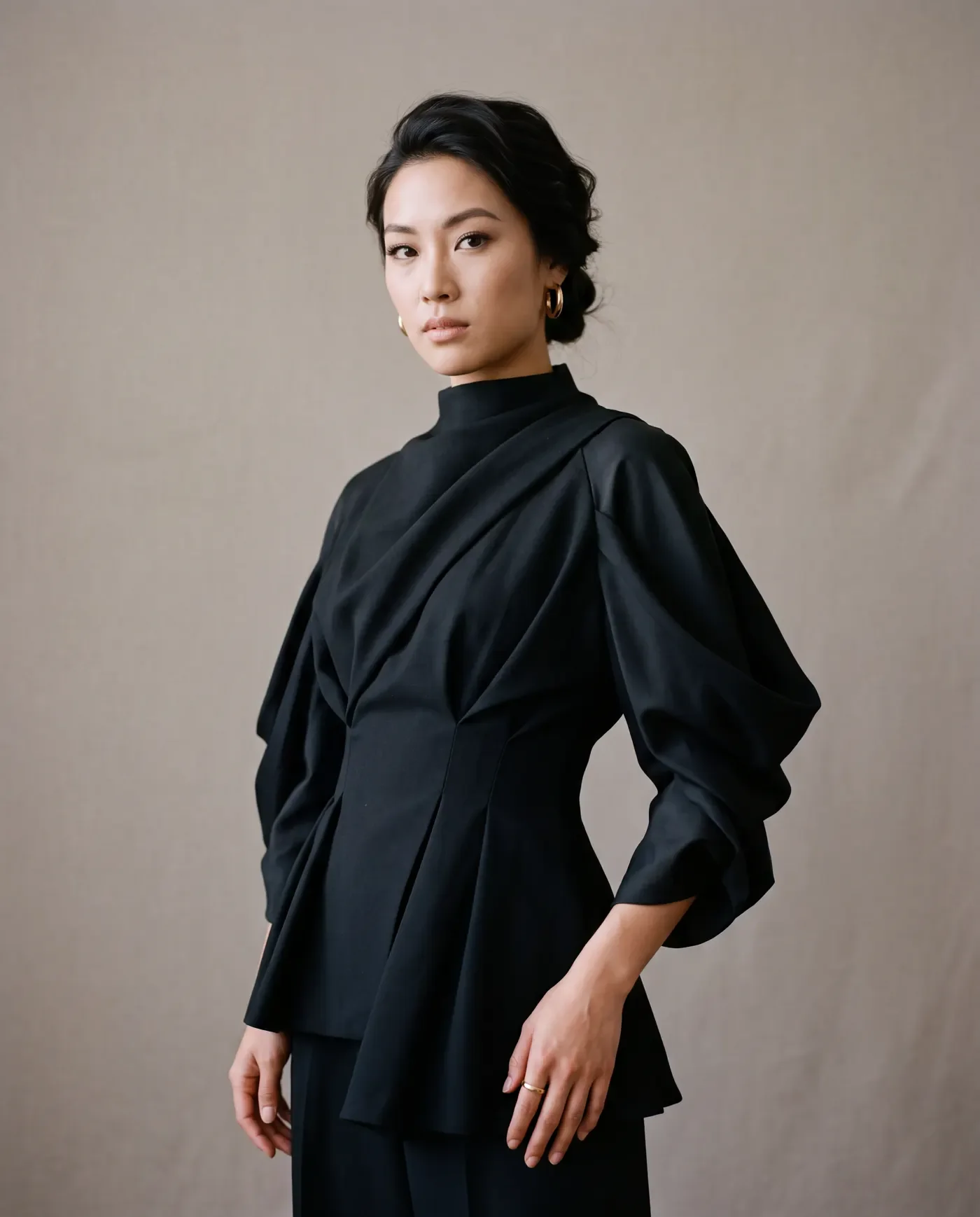
AI Portrait Generator
Upload a portrait and choose a new lighting style.
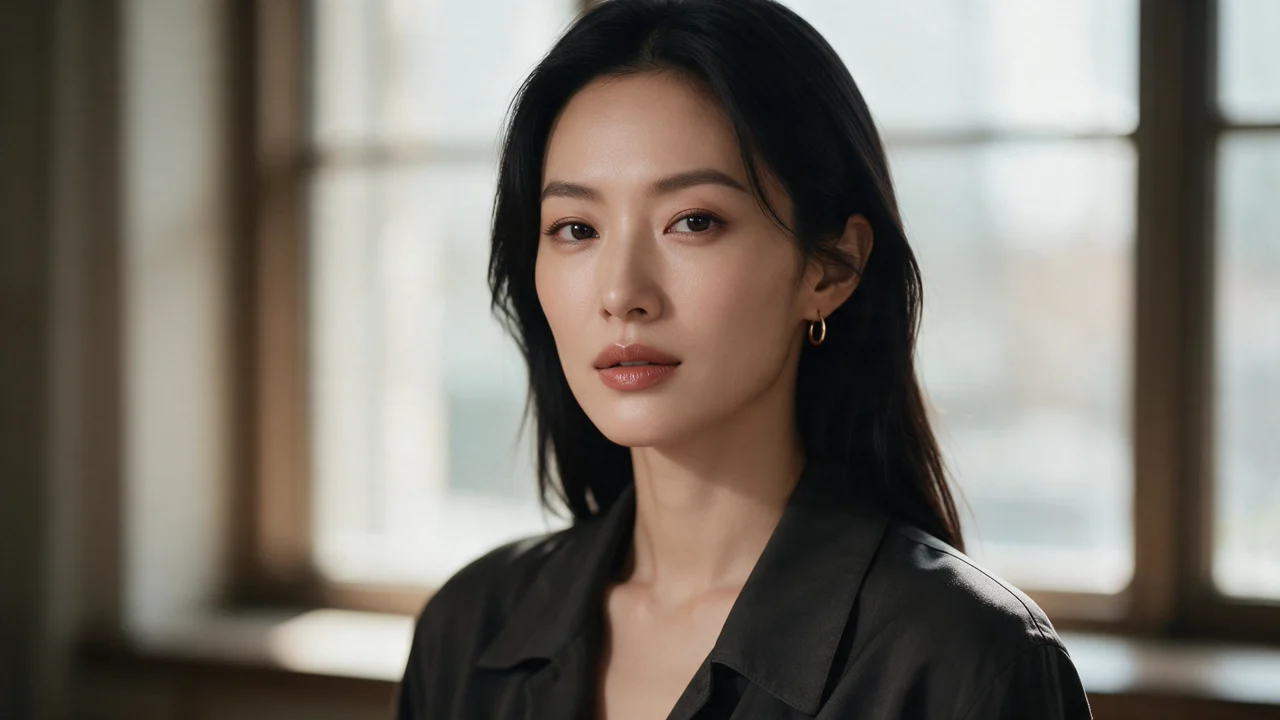
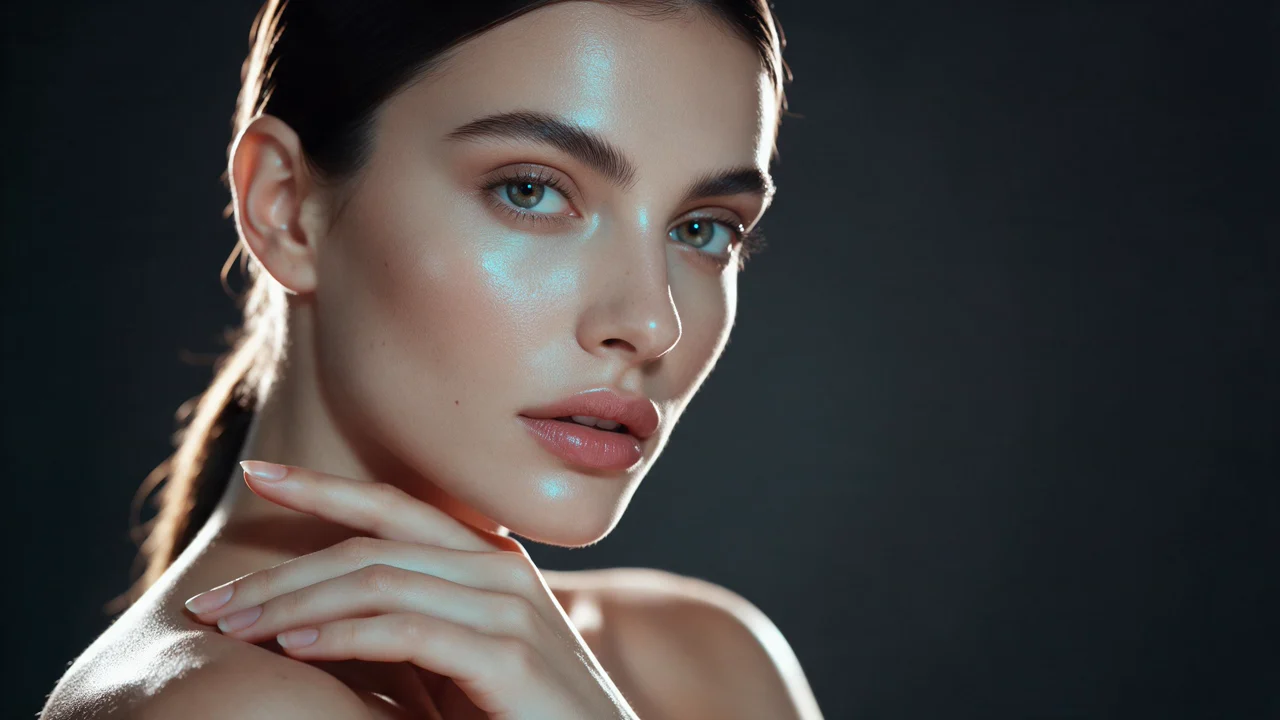
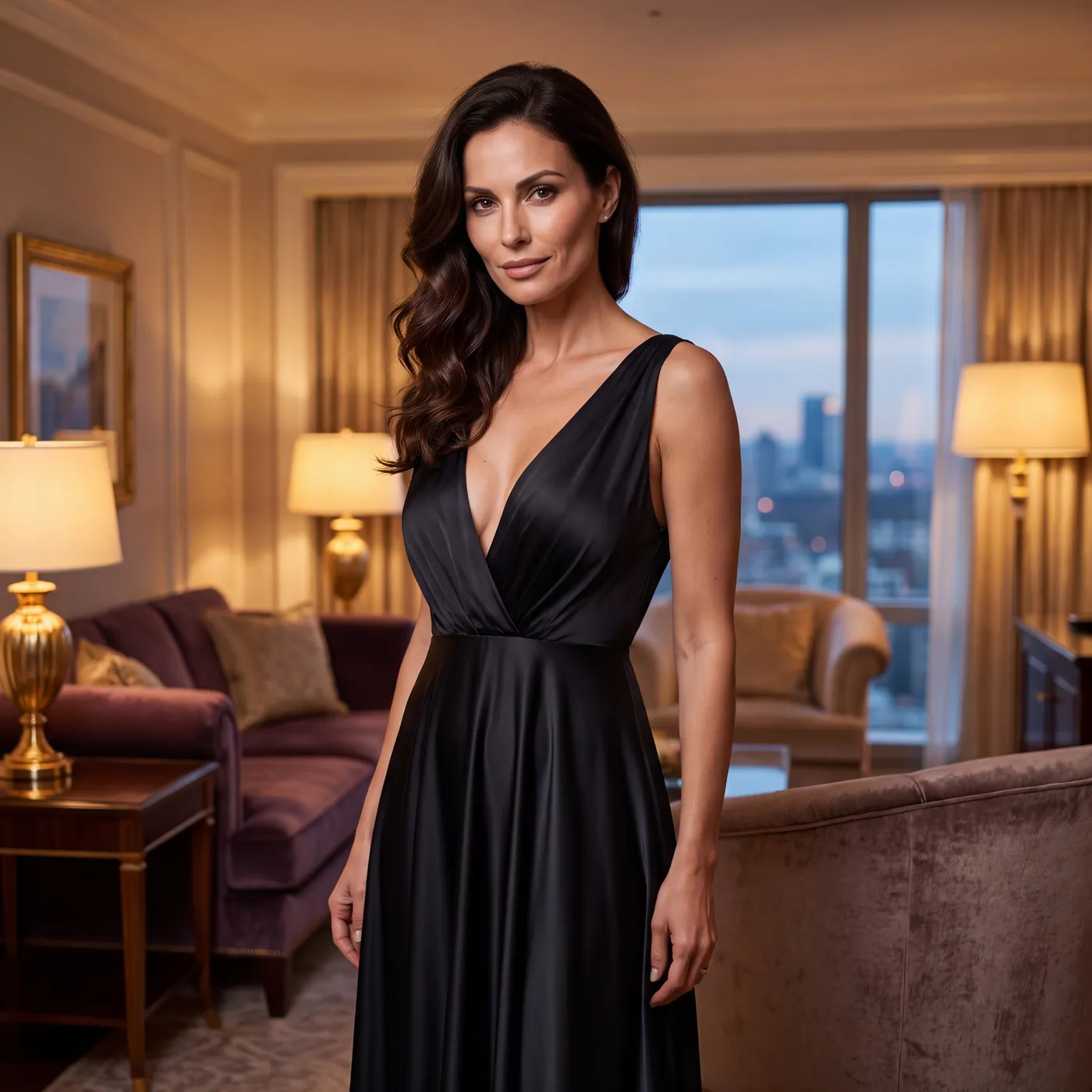
An AI portrait generator handles everything from a LinkedIn headshot to a cinematic character face, and the difference between a usable portrait and a strange one is mostly description quality. Open Image Studio on Ofrai, choose a live model, and describe the person, the lens, the light, and the expression separately. Age reads better than ethnicity does, emotion reads better than mood words, and lighting has more effect on perceived quality than resolution does.
Headshot, half-body, and full-length ratios
Match the ratio to the job. Professional headshot: 1:1 or 4:5 at 'shoulder-up, eye-level camera, subject slightly off-centre'. Half-body for a profile or speaking headshot: 4:5 with 'medium shot from the waist up, hands visible'. Full-length or character sheet: 2:3 or 9:16 with 'full body, feet visible, plain floor'. Editorial portrait: 3:2 or 4:5 with deliberate negative space.
Choosing the ratio before you write the crop description prevents the classic mistake of a composition designed for 4:5 that gets cropped square and looks accidental.
Describing a face with age, features, and structure
Generators respond to age and structure better than to identity labels. Try 'a woman in her early thirties, oval face, high cheekbones, dark hair cut to the jaw, faint laugh lines' rather than naming a celebrity or an ethnicity. Add one unusual feature to break the default: 'freckles across the nose', 'a small scar above the left eyebrow', 'grey at the temples'. Skin should be described by light response — 'skin catching soft window light, visible natural texture' — because 'flawless' and 'perfect skin' produce plastic results that read instantly as generated.
Studio lighting setups worth knowing by name
Four setups cover most portrait work. Rembrandt: 'single key light 45 degrees above and to the side, triangle of light on the shadow cheek, dark background, deep falloff'. Butterfly: 'clamshell light directly in front and above, small shadow under the nose, smooth even skin, grey background'. Split: 'hard light on half the face, other half in shadow, high contrast, black background'. Natural window: 'large soft window light from the side, subtle falloff, plain wall behind'.
Name the setup rather than saying 'dramatic lighting', and you can reproduce it across a series of portraits.
Editorial and cinematic portrait moods
For work that needs a mood, write the production rather than the adjective. Cinematic: 'anamorphic feel, low-key lighting with a single hard source, deep shadows, slight lens flare, teal and amber grade, 2.39 framing cues'. Editorial: 'high-key studio, seamless white background, sharp focus across the whole frame, bold clothing, magazine cover composition with space at the top for a masthead'. Environmental: 'photographed on location, ambient light plus a small reflector, background readable but secondary, 35mm lens, shallow depth of field'.
Each of these is a set of concrete instructions the model can act on.
Character portraits that must stay consistent
For a recurring character, consistency is a workflow problem. Generate one approved face, then write it down in a fixed block: age, face shape, hair colour and cut, distinguishing marks, and clothing. Reuse that block verbatim for every pose and setting, changing only camera and lighting. If the face drifts across runs, the cause is usually a reworded description — paraphrase breaks the embedding. When a set must be identical, prefer gpt-image-2 for its batch consistency over a more flexible model.
Prompt recipes for four portrait types
Corporate: 'Woman in her early forties, short dark hair, navy blazer over a cream shirt, shoulder-up, eye-level camera, large soft window light from the left, plain pale wall, calm confident expression, 1:1'. Character sheet: 'Young man, angular face, black hair with grey at the temples, a small scar above the right eyebrow, worn grey coat, three-quarter view, Rembrandt lighting, dark background, 4:5'.
Cinematic: 'Woman in her fifties in a rain-soaked coat at night, neon reflections, teal and amber grade, hard key light, anamorphic feel, 3:2'. Editorial: 'Bold red blazer on a woman in her thirties, high-key studio, seamless white background, sharp throughout, space at top of frame, 4:5'.
Consistency versus character freedom per model
Choose by what the deliverable needs. For a set where one face must stay recognisable across ten frames, gpt-image-2 is the safest engine. For a single hero portrait where facial detail and skin quality carry the image, nano-banana-pro renders texture and small features best. flux-2 gives you the fastest and cheapest way to explore age, lens, and lighting before you commit. seedream-5 produces illustrated and stylised portraits, which suits book covers and game marketing art rather than photographic work.
Where portrait generation fails visibly
Five failures account for most rework. Eyes drift in size or direction — fix with 'both eyes looking directly at the camera, equal catchlights'. Teeth appear only in smiles and look wrong — fix with 'lips closed, relaxed mouth' for most portraits. Hair merges into the background — fix by separating them tonally: 'dark hair against a pale background'. Ears disappear or sit too high, and hands appear where they should not — fix by omitting them from the crop or asking for 'hands out of frame'.
Skin goes plastic — fix with 'visible natural texture, no retouching'.
Six portrait prompts across three intents
Corporate headshot: "woman in her early forties, short dark hair, navy blazer over a cream shirt, shoulder-up, eye-level camera, large soft window light from the left, pale wall, composed confident expression, 1:1."
Editorial: "woman in her thirties, dark hair pulled back, minimal jewellery, three-quarter view, low-key single hard source from the right, deep shadow side, plain dark background, 3:2."
Character sheet: "young man, angular face, black hair greying at the temples, a small scar above the right eyebrow, worn grey hoodie, flat even lighting, neutral expression, plain grey background, 4:5."
Senior portrait: "woman in her early sixties, short silver hair, fine lines, deep green blouse, head-and-shoulders, soft Rembrandt light, blurred interior, calm unsmiling expression, 4:5."
Beauty close-up: "woman in her late twenties, freckles across the nose and cheeks, glossy skin, hair pulled back, tight head-and-shoulders crop, soft ring flash, 1:1."
Full length: "woman in her thirties, cream trousersuit, standing, full body with feet visible, 85mm, plain seamless background, natural stance, 2:3."
Each describes age, structure, wardrobe, light, and camera separately, which is why the results are usable rather than merely striking.
Settings that decide whether a face holds up
Four settings matter most. Resolution: render faces large — a 512-pixel face is the single most common reason a portrait looks soft, and no amount of prompt work recovers it. Depth of field: keep it shallow but not extreme, because hair dissolving into background at hairline level is the most common portrait defect. Guidance or detail strength: raise it slightly for skin texture, since too little produces the plastic look and too much produces visible pores everywhere including the forehead.
And fix the ratio before you start — 1:1 for a headshot, 4:5 for a half body, 2:3 for full length — because changing it later recomposes the head in the frame and forces a re-roll.
Consent, likeness, and where this page should stop
This page is built for invented people and for generic professional representation, and both are legitimate uses. It is not the right tool for producing a likeness of a real, identifiable person without their participation, for a dating or social profile implying a real individual, for identity-document imagery, or for any context where a viewer would assume the person pictured is real and specific.
Generative output also cannot promise likeness fidelity: a face that resembles a named individual closely enough to be mistaken for them is a liability, not a feature. If a brief needs a specific real person, the answer is a photographer with a signed model release, and this page is most useful beforehand — generating the compositions, wardrobe, and lighting direction to brief that shoot properly.
What a six-portrait set costs in credits
Portraits are cheap to explore and expensive to finish, so sequence them. Scout: ten flux-2 frames across age, wardrobe, and light, because the useful discovery is which combination the model renders cleanly. Lock: two gpt-image-2 frames at your chosen settings, where eye direction, teeth, and skin texture are decided. Produce: six nano-banana-pro finals at the final ratio and resolution. Roughly eighteen renders covers six finished portraits. On Ofrai they all draw from one credit balance.
Two habits reduce waste further: test at low resolution to settle age, lens, and light before paying for a high-resolution face, and if a set needs one recognisable face across many frames, approve that face once and use the approved frame as a reference image for the rest rather than re-describing it in words.
How this differs from a character sheet or a headshot generator
A headshot generator optimises for a single job: a professional frame suitable for a profile page, cropped tight, evenly and flatteringly lit, with the background removed from consideration. A character sheet generator optimises for identity across camera angles on a neutral background, which means flat even light and no environmental storytelling. This page sits between them and above both in one respect: it treats the face as something being described rather than something being borrowed, so it spends its guidance on age, structure, and light instead of on stylisation.
Use a headshot page for a single profile frame, a character sheet when the face must survive turnaround views, and this page when you need a range of portraits — editorial, senior, editorial-adjacent, full length — that still read as one person.
For a different crop or subject, try full-body portrait compositions, men’s portrait lighting, and athletic character concepts.
For fictional editorial briefs, explore red-carpet portraits of original characters and maternity portrait concepts.
Examples
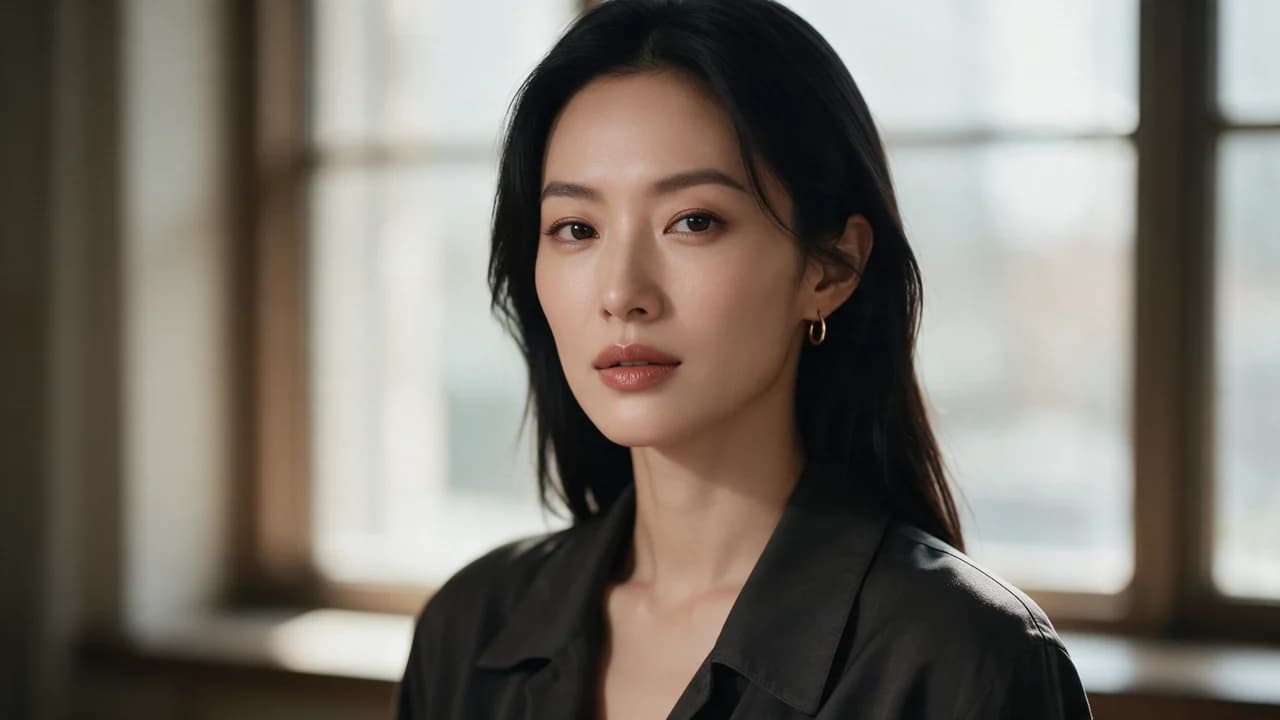
Example prompts
Window-side three-quarter portrait, dark shirt and thin gold hoop, soft window light, magazine shallow DOF
FAQ
- What aspect ratio should I use for a professional headshot?
- Use 1:1 or 4:5 with a shoulder-up crop and an eye-level camera, and place the subject slightly off-centre. Half-body profile and speaking-headshot shots work at 4:5 with the framing described as a medium shot from the waist up. Full-length character work needs 2:3 or 9:16 with feet visible and a plain floor.
- How do I describe a face so it looks like a real person?
- Describe age and structure rather than naming a celebrity or an ethnicity. Write 'a woman in her early thirties, oval face, high cheekbones, dark hair cut to the jaw, faint laugh lines' and add one distinguishing detail such as freckles or a small scar. Describe skin by light response, for example 'visible natural texture', because words like flawless produce plastic results.
- How do I keep the same character face across many images?
- Write one approved face down as a fixed block — age, face shape, hair colour and cut, distinguishing marks, clothing — then reuse that block verbatim for every pose and setting, changing only camera and lighting. Paraphrasing breaks consistency because it changes the embedding. For a large set, gpt-image-2 is more reliable across batches than a more flexible model.
- Which lighting setups should I know for portraits?
- Four cover most needs. Rembrandt is a single key 45 degrees above and to the side, leaving a triangle of light on the shadow cheek. Butterfly is a clamshell light in front and above. Split is hard light on half the face against a dark background. Natural window is a large soft side source against a plain wall. Naming the setup is far more reproducible than saying dramatic lighting.
- Why do my generated faces look uncanny?
- Most often it is eyes, teeth, or skin. Fix eyes with 'both eyes looking directly at the camera, equal catchlights'. Fix teeth with 'lips closed, relaxed mouth' for portraits that do not need a smile. Fix skin with 'visible natural texture, no retouching'. Another common cause is a background tonally close to the hair, so add 'dark hair against a pale background' to separate them.
- Do I need a separate portrait app to use this page?
- No. The page deep-links into Ofrai Image Studio, where you choose a live model, write the portrait prompt, and generate using the same credits as text and video. Results are saved to your library, so an approved face can be reused as the base for every follow-up portrait in a series.
Related generators
- AI Avatar Generator — Consistent Faces
- AI Fashion Model Generator
- AI Flight Attendant Generator
- AI Friendship Photo Generator for Two Friends
- AI Funny Photo Generator
- AI Girl Generator
- AI Group Photo Generator
- AI Influencer Generator
- AI Office Lady Generator
- AI Soft Girl Portrait Generator
- AI Action Figure Generator
- AI Animal Generator for Pet Photos and Wildlife