Features
AI Handsome Man Generator
Create an original adult male character portrait in Ofrai Image Studio. Describe the styling, expression, setting and light you want instead of asking for a copy of a real person. Use the result for a moodboard or fictional character concept after checking the details.
New accounts include 1 free GPT Image 2.5 generation. Other models and video use credits.
Example prompts
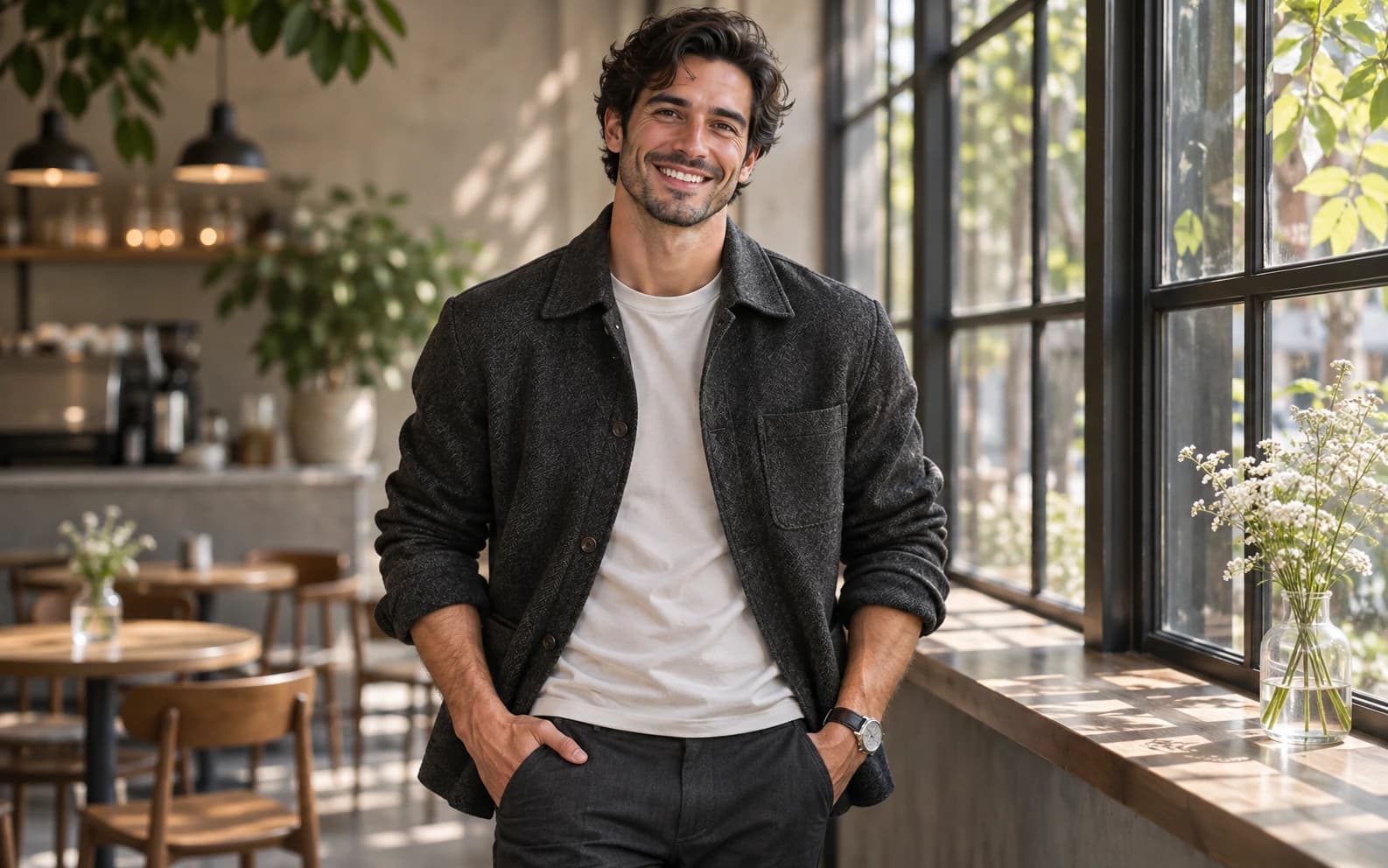
Editorial portrait of an original adult man with wavy dark hair and a warm smile, wearing a textured charcoal jacket over a plain shirt, standing by a sunlit cafe window, natural skin texture, realistic hands, no logos or text.
Define the look beyond a vague adjective
Choose a portrait direction such as relaxed daylight, formal studio or illustrated adventure. Give the character an age range that is clearly adult, a hairstyle, one outfit and an expression. A specific setting, like a cafe window at noon, makes the light and mood more reliable than the word handsome on its own.
Control the camera and wardrobe
For a profile image, request a chest-up crop and a simple background. For a fashion concept, ask for a full-body frame and name the fabric and fit of the outfit. Inspect hands, collar edges and eye direction before using the image; polished portraits can still contain small visual errors.
Keep the identity original
Describe a fictional person rather than naming an actor, musician or private individual. If you edit a photo of yourself or someone who has agreed, compare the face with the original and avoid implying the generated picture is an unaltered photograph. Image Studio creates a new image; it cannot promise exact likeness.
Compare two deliberate portrait directions
Try the same original character in soft window light and in a clean studio setup. Keep the hairstyle and outfit description fixed so you can judge the background and light rather than a completely different face. A saved reference can help, but no model guarantees an identical identity across generations.
Check the crop at its real size
A face that looks convincing full-screen may lose expression in a small avatar. Review eyes, hair edges and jacket details at the display size you need. For a poster, generate more space around the subject; for a profile image, keep the face large and the background quiet.
FAQ
- Can I use my own photo as a reference?
- Yes. Upload an authorized photo and specify the outfit or setting you want to change, then check whether the face still resembles the source.
- Is this a photo of a real person?
- A text-generated portrait is a fictional image. Do not present it as an unedited photograph or use it to impersonate someone.
- Can I keep one fictional character across several portraits?
- Reuse the chosen image as a reference and repeat a short character description. Review each new result because identity can still drift.