Image
Seedream 5
Seedream AI image generator for photoreal portraits and editorial lighting.
Available on Ofrai — chat, images, and video in one place with shared credits.
Example prompts
Choose an example to load its prompt and recommended settings into the Seedream 5 creator above.
How it works
Create with Seedream 5 in three steps
- 01
Choose your inputs
Keep Seedream 5 selected, then add a prompt and any supported reference assets.
- 02
Set the output
Choose the aspect ratio, resolution, and available Image options before generating.
- 03
Generate and refine
Review the result, adjust the prompt or settings, and generate another version from the same place.
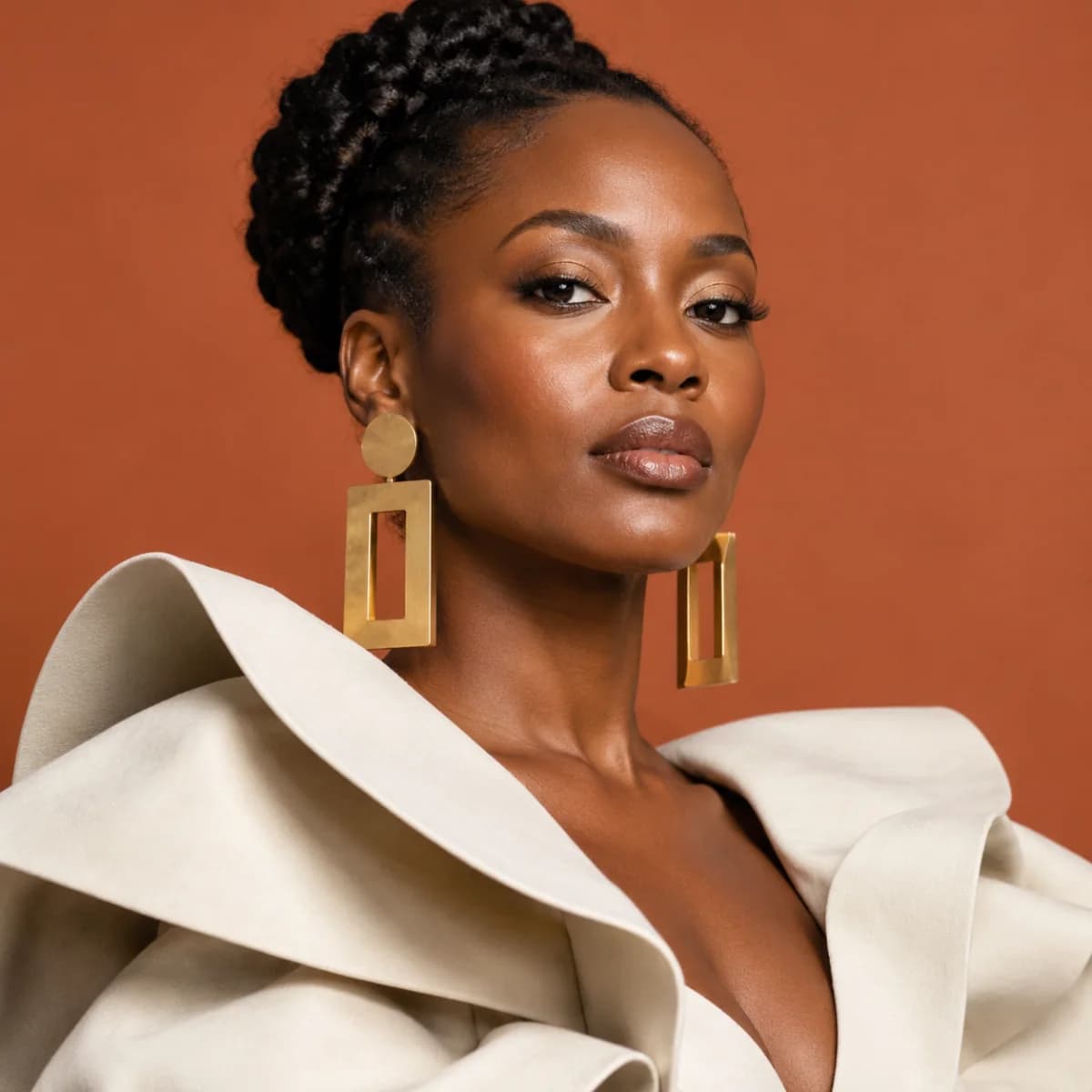
Seedream 5 is the engine for the frame that has to look photographed. Its strength is photographic realism rather than instruction-following: a face that reads as skin rather than render, hair that catches light the way hair does, fabric with weight in it, and a lighting setup that looks like a place rather than a description.
That class of image — a portrait, a product still life, an editorial frame — is where the difference between a plausible synthetic image and a convincing one is decided, and it is the difference a commissioning photographer would notice first. The trade is that it wants a lighting brief rather than a list of contents.
What photographic realism is made of
Three things, in order of how much they matter. Skin first: it has subsurface scattering, it has pores at a scale you notice when the light is hard, and it changes colour where it turns away from the light. Then light: direction, quality, and the relationship between the source and the subject, which together decide whether a frame reads as lit or as flat. Then material: cloth that folds, metal that reflects a source rather than a colour, hair that is many strands rather than a shape.
Write the brief in that order and you are describing the same things a photographer sets up, which is why the output lands where you expected it.
Portrait work and the variables that decide it
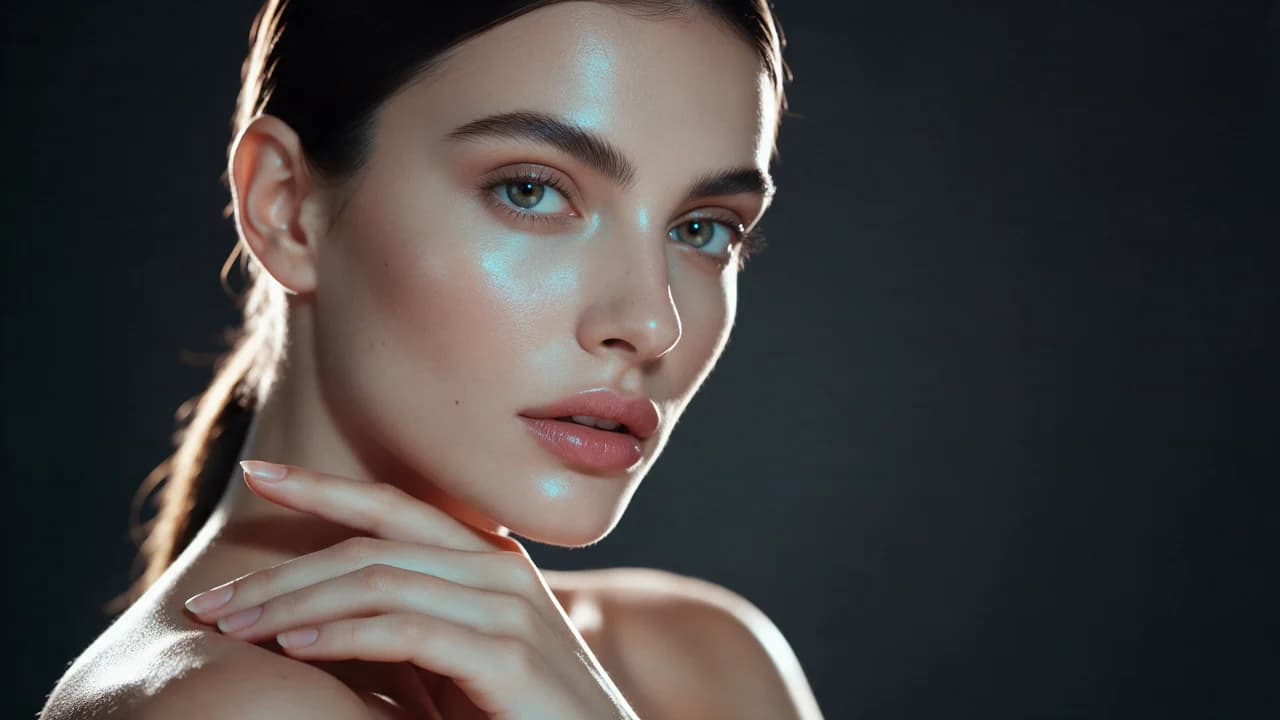
For a portrait the decisions are fewer than they look and they are all about light. Direction first — one side lit, the other in shadow, is what gives a face structure. Then the quality of that light: large and soft versus small and hard decides whether skin shows texture or is smoothed away. Then time of day, which sets the colour temperature and the mood of the whole frame.
Camera settings matter far less to the result than people expect, and chasing them in the prompt costs you the words you needed for the light. A portrait brief that spends its words on lighting rather than on lens will beat one that does the opposite.
Editorial framing versus product framing
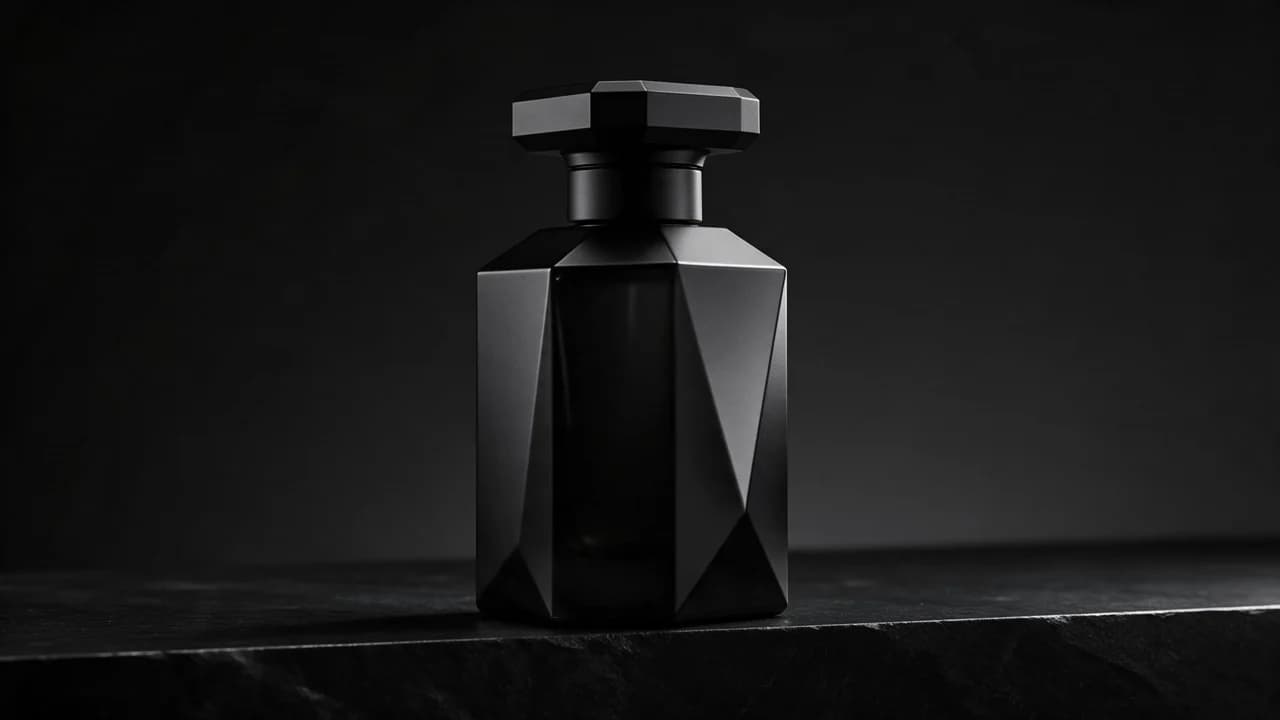
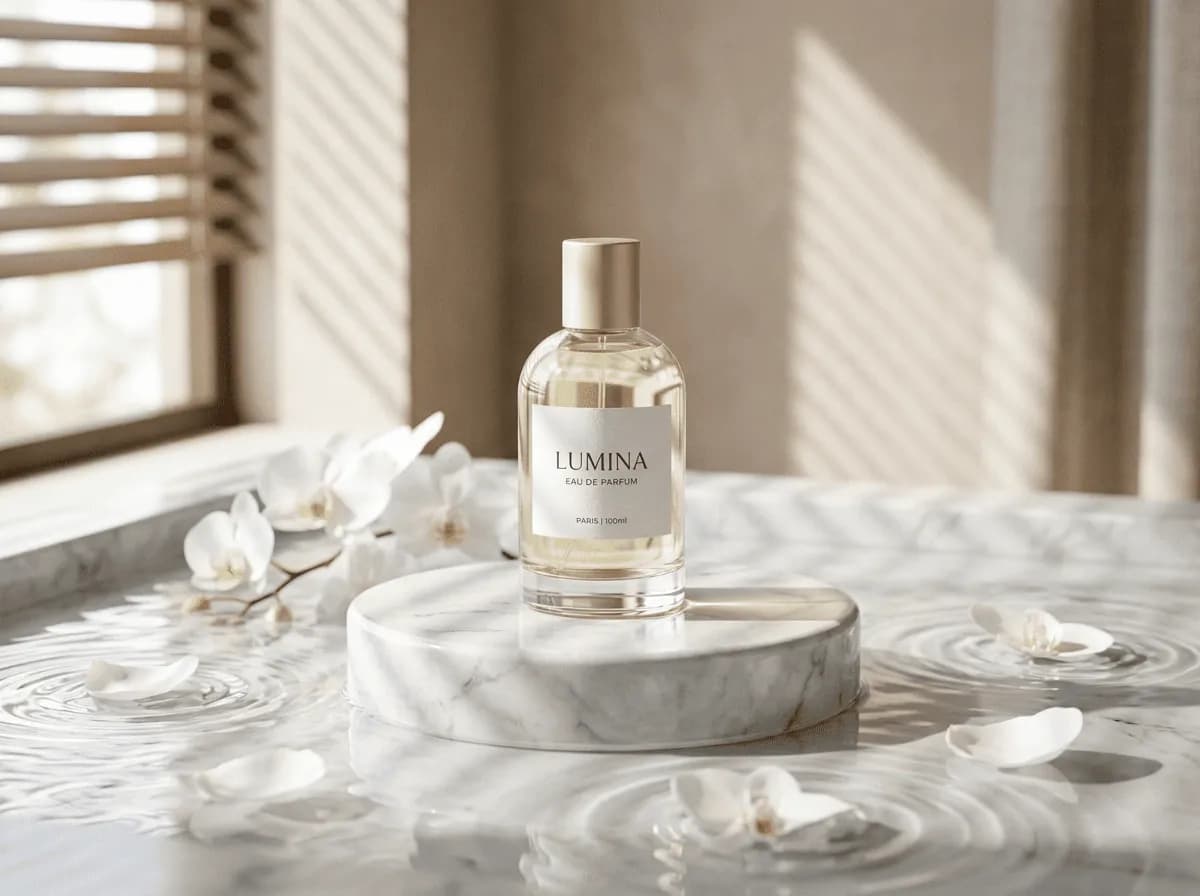
The two jobs look different on the surface and share a discipline underneath. A product still life is about the object reading correctly: the material must be identifiable, the highlights must describe the surface, and the background has to give the object room without competing with it. An editorial frame is about a person in a place: the lighting has a source the viewer can locate, the styling is deliberate, and the frame crops in a way that implies a decision rather than an accident.
In both, the background is a participant. Most weak images in this category fail on the background — a gradient that competes, a texture that fights the subject, a horizon line that cuts through the thing you meant to be showing.
Getting a series to look like one shoot
When several frames have to look like they came from the same afternoon, the consistency has to come from the brief, because the lighting setup is the thing that varies most between prompts. Write the light once, in one paragraph, and reuse it verbatim across the set, changing only what the brief is meant to change. Vary the subject, the wardrobe, the angle; hold the light, the background treatment, and the framing language.
When frames from a set do not match, the cause is nearly always that the light paragraph drifted between passes rather than that the model lost the subject — so the first thing to check is whether the lighting sentence is actually identical every time.
When a different engine is the right call
Two cases stand out. First, any brief where the deliverable contains words inside the frame — a poster, a packaging shot, a diagram. An engine built around typography will set the wording and hold the layout; this one treats text as texture, the same trade-off every photographic engine makes. Second, a series where one subject must be identical across many frames. Identity consistency is a different specialisation, and the model family built for it will hold the subject more reliably.
Neither case is a comment on overall quality; both are cases where your brief is scored on an axis this engine is not optimised for.
Prompting for a photographic result
Lead with the light, then the subject, then the camera position, then the material of the things in the frame. "Portrait, studio, soft key from camera left" is a worse brief than "studio portrait lit by one large soft source at forty-five degrees to camera left, falling off to shadow on the far cheek; black background; natural skin texture". The second one gives the model a setup to realise rather than a category to fill.
Then hold the light constant across a series, check the result at the size it will be seen rather than zoomed in, and resist adding adjectives after the setup is right — extra style words at that point loosen an image that was already working.
FAQ
- Is Seedream 5 good for portraits?
- That is the strongest case for it. It is built for photographic realism, so skin, hair and fabric read as photographed rather than rendered. The brief should spend most of its words on the lighting setup rather than on the subject.
- Can it render text inside an image?
- Not well. Text inside a frame is a typographic job, and an engine built around typography holds the wording and sets it into the layout. If the deliverable contains words, use one of those engines instead.
- How do I make several Seedream 5 images look like one shoot?
- Write the lighting paragraph once and reuse it verbatim for every frame in the set, then vary only the subject, wardrobe and angle. Most sets that look inconsistent have drifted in the lighting description rather than in the subject.
Same-prompt image comparisons
See the first output from each model on the same ten prompts, including a skincare packshot, a poster, and a portrait. The 2026-10-25 tests show side-by-side images, credit costs, and time from submission to result. Each prompt was run once per model at 1K.
FAQ
- Can I use Seedream 5 directly on this page?
- Yes. The creator above is the working Ofrai studio with Seedream 5 selected by default.
- Where are my finished results saved?
- Signed-in generations are kept in your Ofrai library so you can download or revisit them.
- Which prompts work best with Seedream 5?
- Describe the subject, setting, visual style, lighting, and camera or motion clearly. The examples above provide practical starting points.
- Can I edit the example prompts before generating?
- Yes. Load any example, then change its wording, aspect ratio, references, or other supported settings in the creator.
Related models
Compare other Image models that can handle similar creative work to Seedream 5.

Compare
Use cases
Related guides
Tools
Commercial use depends on the selected model and model terms.