Image
Nano Banana 2
Image
Available on Ofrai — chat, images, and video in one place with shared credits.
Example prompts
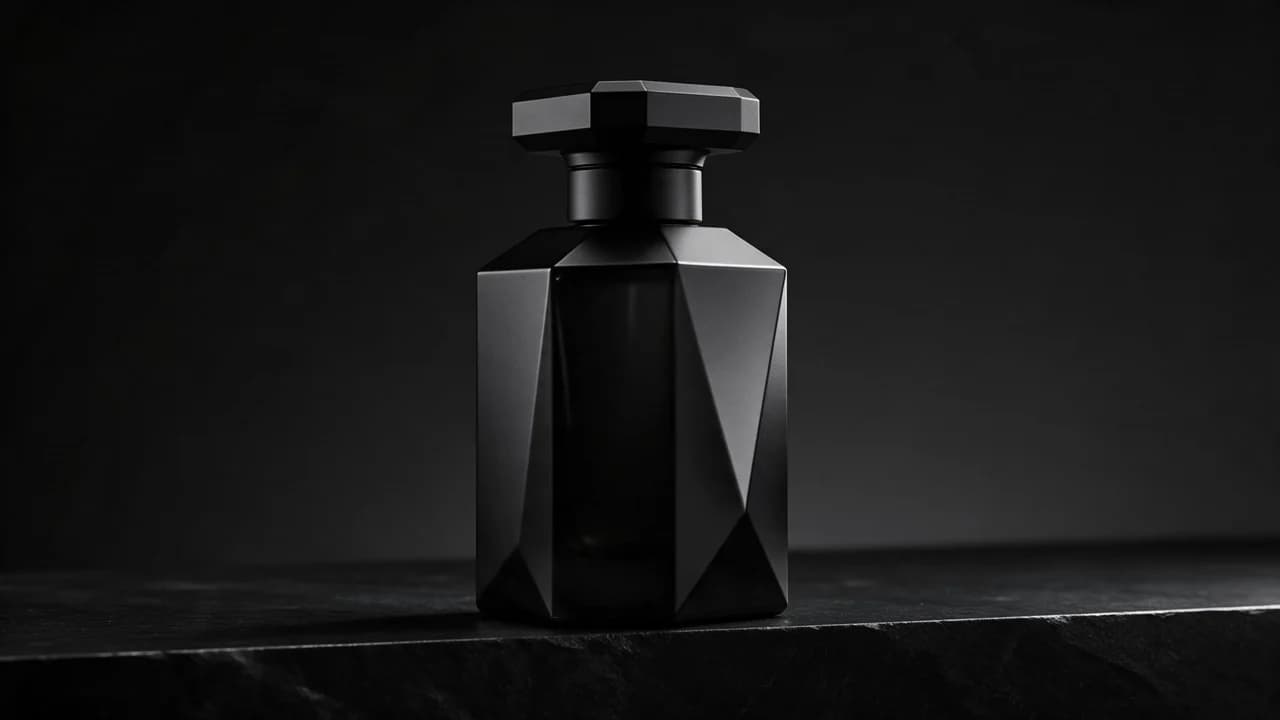
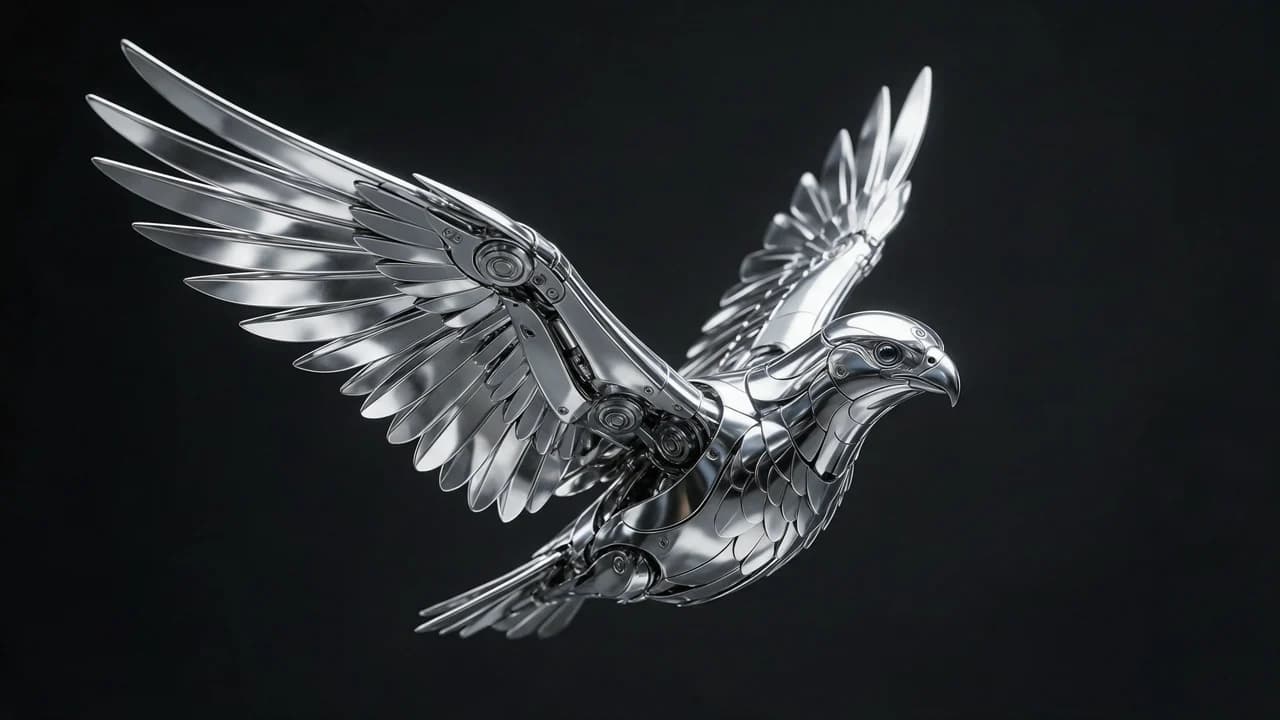
Choose an example to load its prompt and recommended settings into the Nano Banana 2 creator above.
How it works
Create with Nano Banana 2 in three steps
- 01
Choose your inputs
Keep Nano Banana 2 selected, then add a prompt and any supported reference assets.
- 02
Set the output
Choose the aspect ratio, resolution, and available Image options before generating.
- 03
Generate and refine
Review the result, adjust the prompt or settings, and generate another version from the same place.
Nano Banana 2 sits in the middle of the Nano Banana family, and the middle of a family is where a lot of real work happens. The Pro tier is for the frame that carries the outcome; this is the one for the frames around it, and for the second generation's improvement in exactly the property the family is known for — a subject that holds its shape across a run.
If a brief is a set, most of that set is not the hero, and the tier you put the other frames on is a budget decision with a quality floor attached.
Where the second generation actually improved
The family built its reputation on identity: a face, a product or a character that looks like the same thing in every frame of a set. The second generation improves that directly — it holds a subject across a run with less intervention than its predecessor needed. The practical effect is on the batch arithmetic rather than on the single frame. You can keep the eight that work out of a twelve and re-roll only the four that did not, instead of re-rolling the whole run to recover two.
That difference is invisible on a hero frame and decisive across a catalogue.
How to decide between the three tiers
Ask which frames get examined. The frame on the product page, in the crop, next to the price, is the one that gets examined — that is the Pro tier's job. The angles, the colourway variants, the social variants, the set that exists to be scrolled past: those are volume, and the middle tier is built for them. And when a brief is one image that has to be excellent, the tier below this one is not an option at all.
The mistake is running the whole catalogue at the top because the hero deserves it, which is the same error as running the whole catalogue at the bottom because the hero does not.
The set-consistency workflow
Write the subject once, in a sentence you can paste every time: the person, the product, the character, with the material, the colour, the shape and the finish. Keep it byte-identical. Let the per-frame prompt carry only what the frame is for — the camera position, the background, the action, the crop.
Then review the set side by side, because a frame that looks fine alone and wrong next to its siblings is the failure this family exists to avoid and the one a per-frame review will not catch. A set this family produces is not eleven lucky frames; it is one shoot, and the review should look like one.
What it gives up against the tier above
Fine detail and the last fraction of polish. Skin at a close crop, fabric weave, jewellery edges, glass — these are where the top of the family pulls away, and they matter exactly when the frame is printed, cropped hard, or compared against a physical product. It also obeys a described layout less literally, so a brief that dictates a composition will be interpreted rather than executed. Neither is a problem for a supporting frame; both are for the one that has to hold the page.
When a second-generation model is the wrong reason to switch
Adopting a new generation because it is new is how a catalogue ends up paying twice for the same frame. The upgrade is worth making when the thing you were fighting — the drift across a set, the frame that would not obey the layout, the retakes that ate the budget — is the thing the new generation fixes. If the old one was already holding the set together and the frames were shipping, the new one buys a cleaner hero and nothing else.
Switch the frame that had a problem, not the whole run.
Running it inside Ofrai
Open Image Studio, paste the brief, and the Ofrai prompt router picks the cheapest engine that matches the image brief — for a set-heavy job, often this one. Pin it once you have confirmed it against your own prompts, because the router optimises per render and cannot know that this particular job is a set.
The same prompt runs on the Pro tier with the seed and aspect ratio preserved, so promoting the frames that survived the cut is a comparison you can run rather than a swap you have to trust.
FAQ
- What is Nano Banana 2 good for?
- Sets — product catalogues, lifestyle series, social content where the same subject appears repeatedly. Its second generation holds a subject across a run with less hand-holding, which changes the cost of a batch job more than it changes any single frame.
- Should I use Nano Banana 2 or Nano Banana Pro for ecommerce?
- Pro for the hero that carries the product on the page; this one for the angles, colourways and variants around it. Running the whole catalogue on Pro is the expensive version of the same decision.
- How do I keep a set consistent on Nano Banana 2?
- Paste an identical subject sentence every time — material, colour, shape, finish — and let each frame's prompt carry only camera, background, action and crop. Then review the set side by side rather than frame by frame.
FAQ
- Can I use Nano Banana 2 directly on this page?
- Yes. The creator above is the working Ofrai studio with Nano Banana 2 selected by default.
- Where are my finished results saved?
- Signed-in generations are kept in your Ofrai library so you can download or revisit them.
- Which prompts work best with Nano Banana 2?
- Describe the subject, setting, visual style, lighting, and camera or motion clearly. The examples above provide practical starting points.
- Can I edit the example prompts before generating?
- Yes. Load any example, then change its wording, aspect ratio, references, or other supported settings in the creator.
Related models
Compare other Image models that can handle similar creative work to Nano Banana 2.




Compare
Use cases
Related guides
Tools
Commercial use depends on the selected model and model terms.