Video
Veo 3.1
Video
Available on Ofrai — chat, images, and video in one place with shared credits.
128 creditsModel details
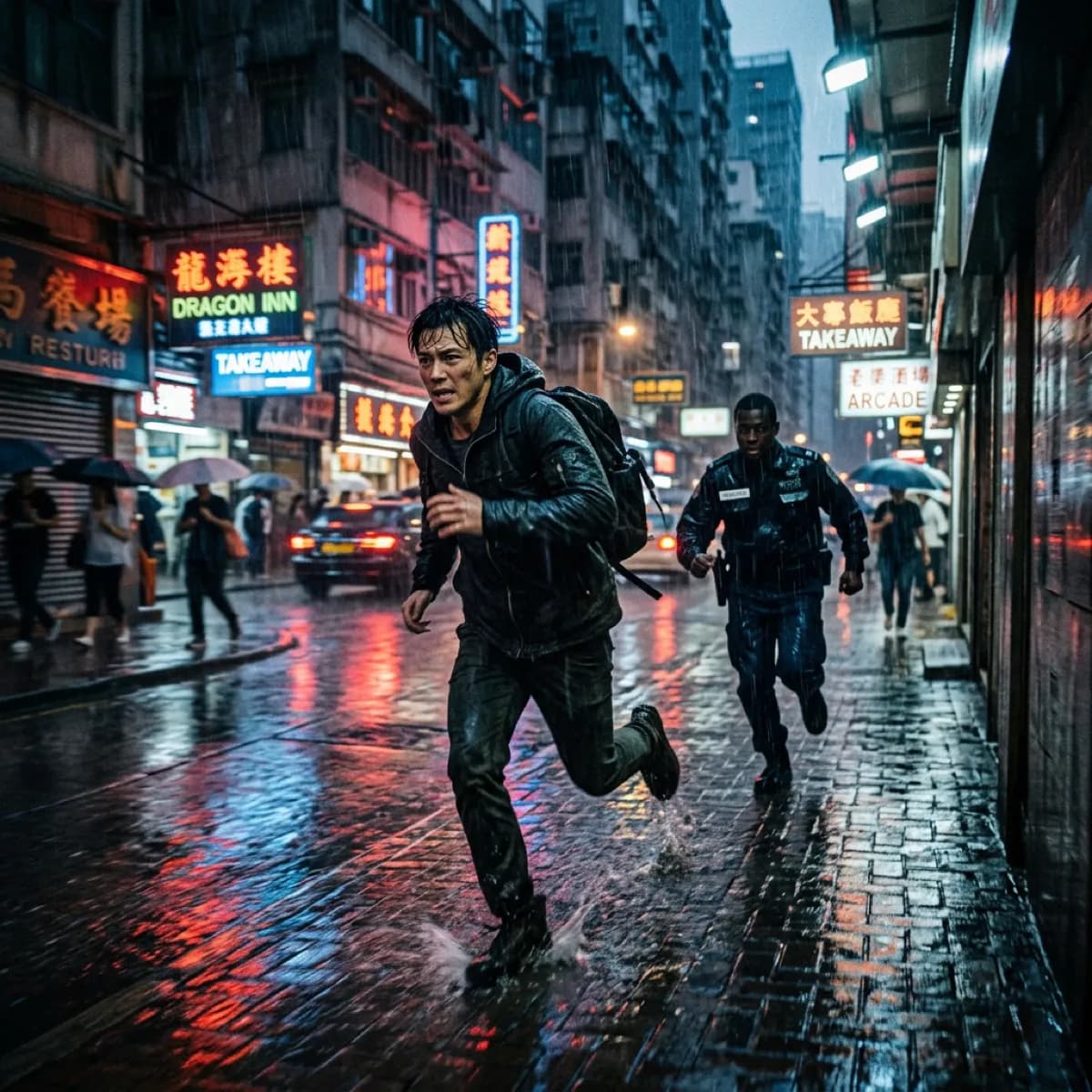
Example prompts
Choose an example to load its prompt and recommended settings into the Veo 3.1 creator above.
How it works
Create with Veo 3.1 in three steps
- 01
Choose your inputs
Keep Veo 3.1 selected, then add a prompt and any supported reference assets.
- 02
Set the output
Choose the aspect ratio, resolution, and available Video options before generating.
- 03
Generate and refine
Review the result, adjust the prompt or settings, and generate another version from the same place.
FAQ
- Can I use Veo 3.1 directly on this page?
- Yes. The creator above is the working Ofrai studio with Veo 3.1 selected by default.
- Where are my finished results saved?
- Signed-in generations are kept in your Ofrai library so you can download or revisit them.
- Which prompts work best with Veo 3.1?
- Describe the subject, setting, visual style, lighting, and camera or motion clearly. The examples above provide practical starting points.
- Can I edit the example prompts before generating?
- Yes. Load any example, then change its wording, aspect ratio, references, or other supported settings in the creator.
Related models
Compare other Video models that can handle similar creative work to Veo 3.1.





Compare
Use cases
Related guides
Tools
Commercial use depends on the selected model and model terms.