Photo to video
Upload a photo, describe the movement, and create a short video.
Generated in Ofrai · GPT Image 2.5 → Seedance 1.0 Pro Fast · 5 seconds
From an idea to a moving story
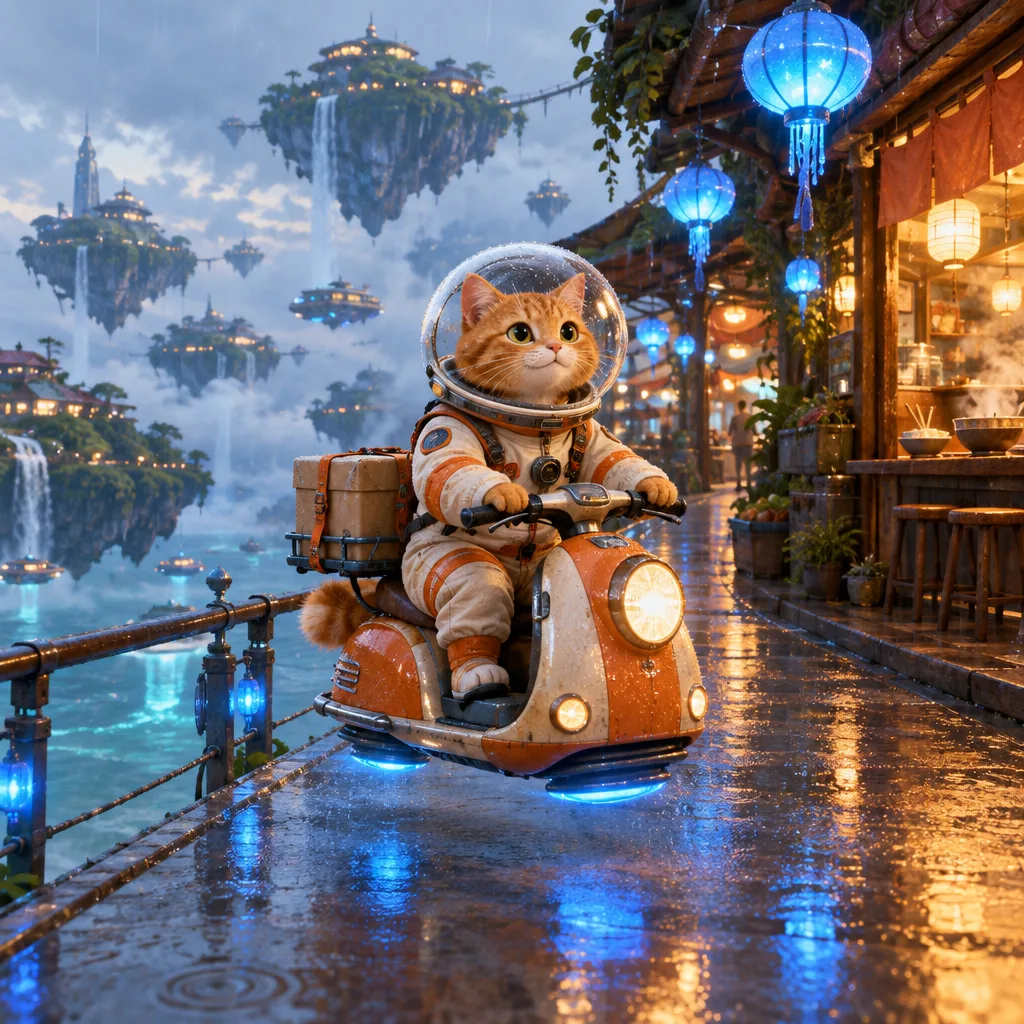
Original fictional character. This example used 21 image credits and 41 video credits. Current prices appear before generation.
Watch the helmet, orange hover scooter, and headlight. All three stay recognizable for five seconds. Road reflections and the shifting background carry much of the motion. For your own photo, choose one thing to move and two details to check.
A new story from one photo
Explore an idea, then make it your own.
Step into a paper moonlit city
A garden dress in motion
Jellyfish beyond the rain window
Creative demos. Results vary with your inputs and settings.
How could your photo move?
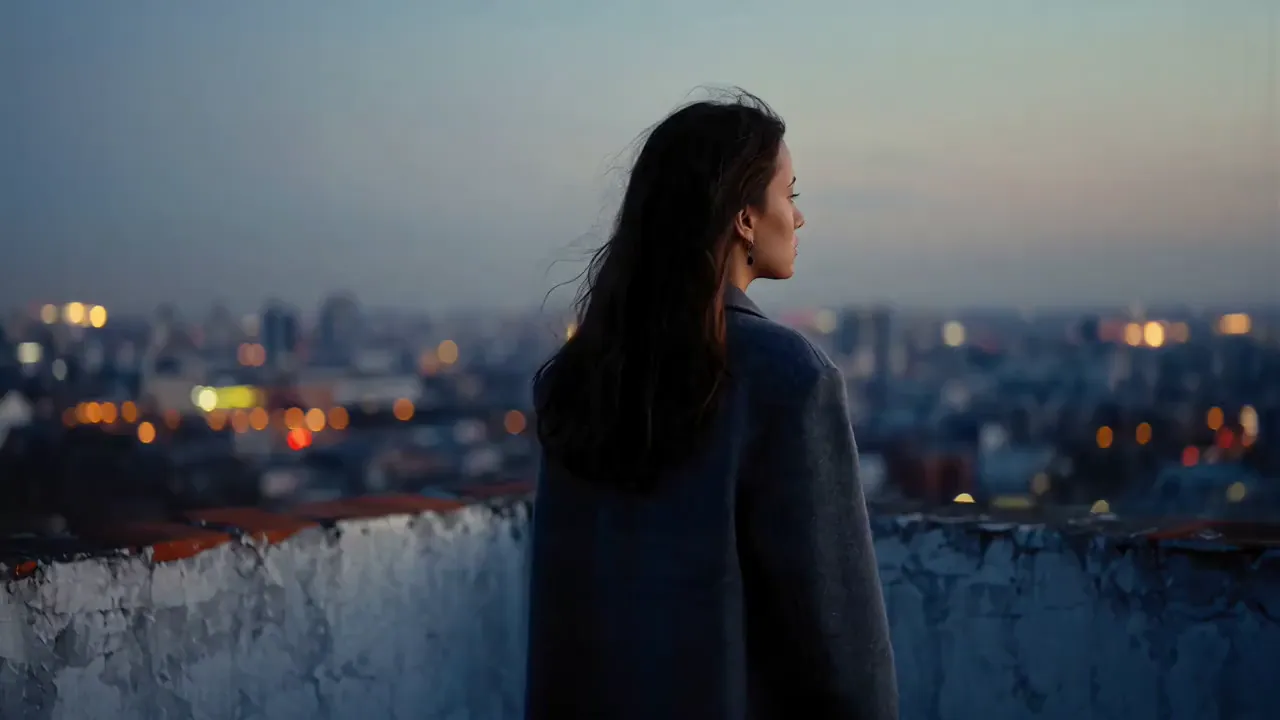
Bring a portrait to life
Gentle hair and fabric movement for an atmospheric portrait clip.
Try this camera move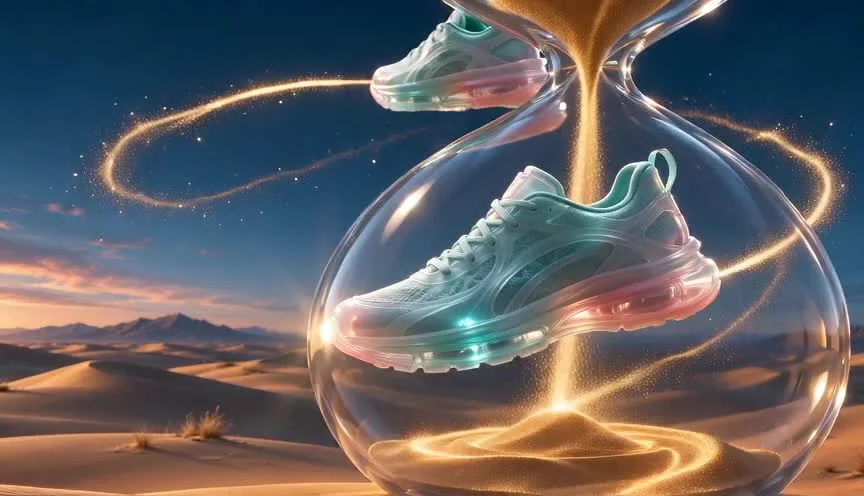
Give a product its own shot
Slow camera movement and changing light for showcases and launch teasers.
Try this camera move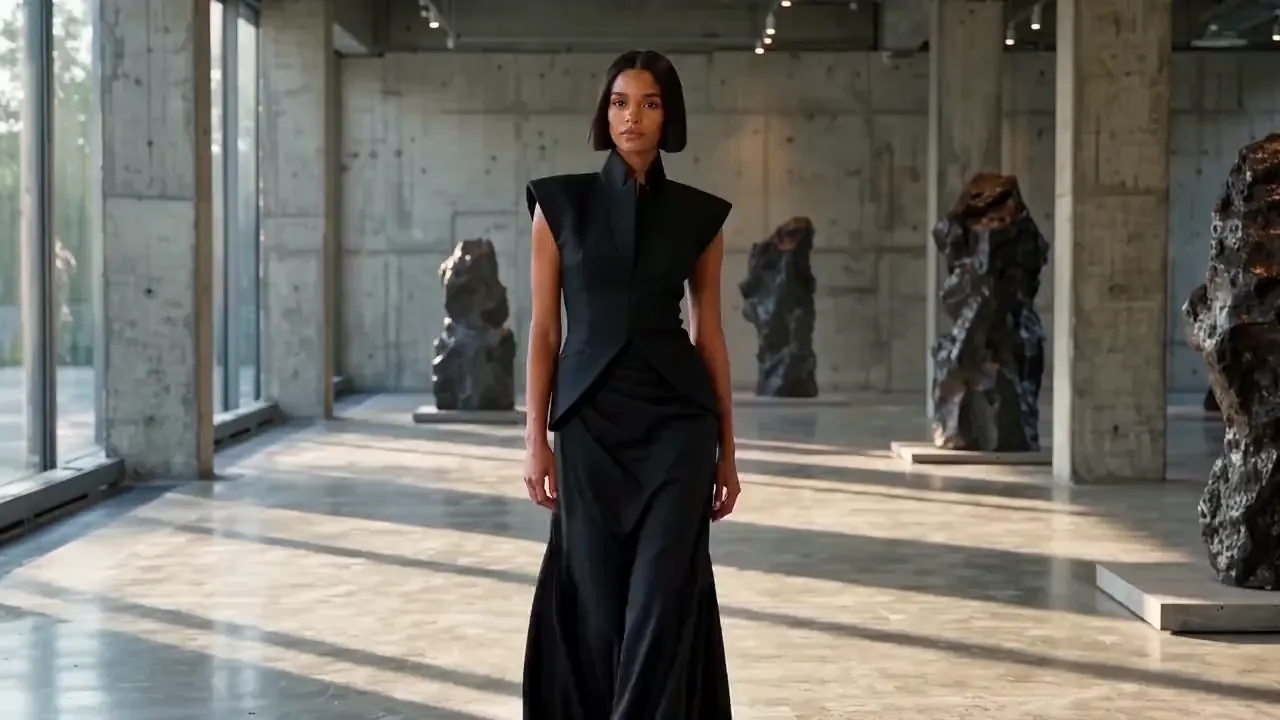
Put an outfit in motion
Try a slow walk for fashion content and outfit presentations.
Try this camera moveClips are motion references, not verified Ofrai test results. Output varies with your photo, model, and prompt.
From photo to video in three steps
Upload your photo
Start with a clear, well-lit portrait or product photo with an easy-to-read subject.
Describe the motion
Edit the prompt directly, or start with a camera preset. Describe one action at a time.
Review and generate
Check the duration and credit estimate before submitting. Preview and download the completed clip.
See the cost before you commit
With Seedance 2.5, one photo and a 5-second 16:9 clip at 480p is quoted at 528 credits. Budget 1,056 credits for two attempts at those settings.
Start with a 5-second, 16:9 clip by default. The generation panel shows the credit estimate for the current model and settings. Each regeneration is a new job.
Keep your first move simple
Try gentle movement or a slow camera move first. Large head turns, fast walking, and occlusion can change faces, product geometry, or text. Review the full clip before publishing.
Before you start
- Do I need to generate an AI image first?
- No. Upload an existing photo, write a motion prompt, and submit a video job directly on this page.
- Can I write my own prompt?
- Yes. Edit the prompt field directly. Presets are starting points: describe the subject's action, the camera movement, and what should stay unchanged.
- Will faces and product details stay identical?
- Exact fidelity is not guaranteed. Begin with a sharp photo and small movements. Check faces, hands, labels, and backgrounds; simplify the action if you need to try again.
- Do the reference videos show the result I will get?
- No. They illustrate motion directions and are not verified Ofrai outputs of the selected model. Your result depends on your photo, model, and prompt.
Let the jellyfish move while the portrait stays still
The jellyfish and window reflections carry the motion. For a first attempt with your own portrait, ask for a small change in gaze, then check whether the window frame and shoulder line drift.
See how to break down the rain-window shotGive your first clip a stronger start
Learn to choose a photo, adapt motion prompts, and troubleshoot changing faces or sliding backgrounds.
Related generators
- AI Dance Transfer For Choreography Reuse
- AI Motion Transfer Video Generator
- AI Object Replacement Video
- AI Outfit Swap Video
- AI Photo Dance Video Generator
- AI Product Swap Video
- AI Virtual Try-On Video
- AI Animal Video Generator
- AI Anime Video Generator
- AI Furry Video Generator
- AI Realistic Video Generator
- AI Short Video Generator