Compare the source, failed attempt and retry
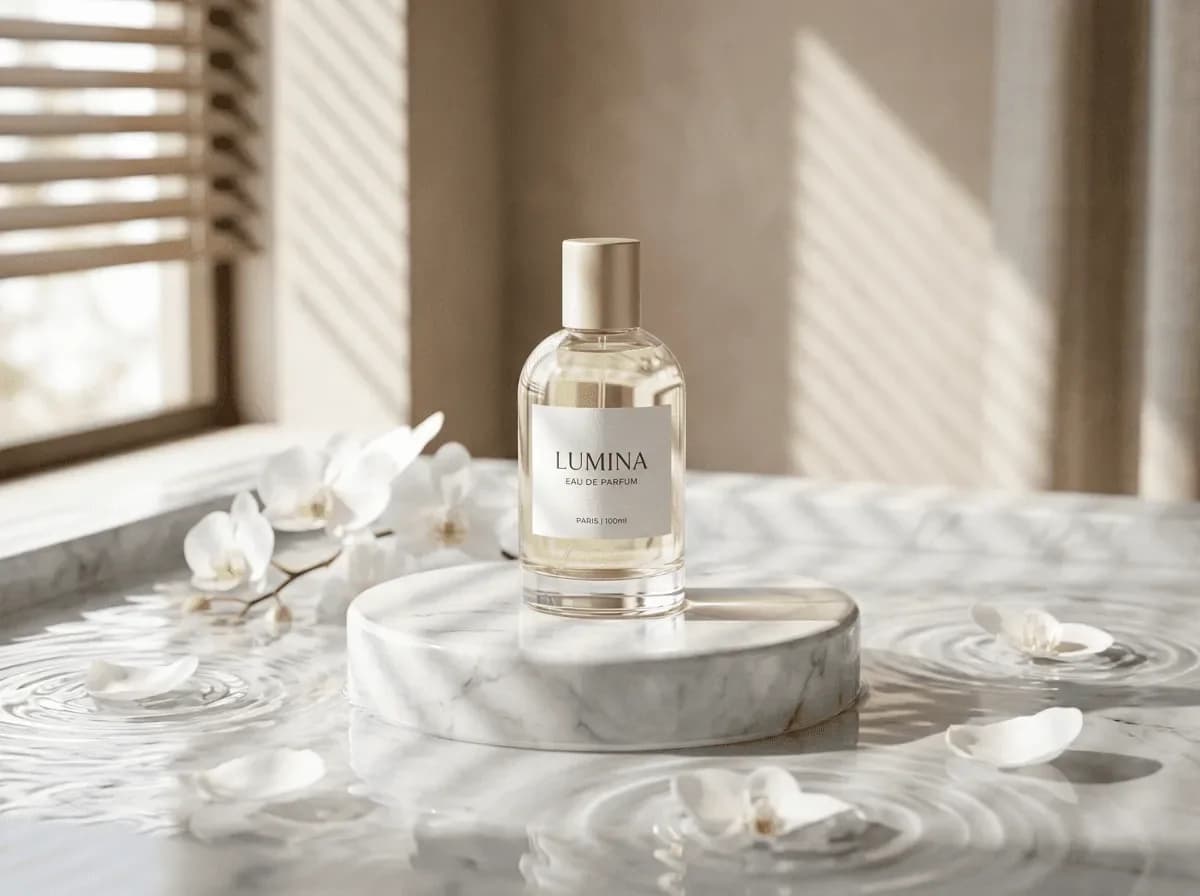
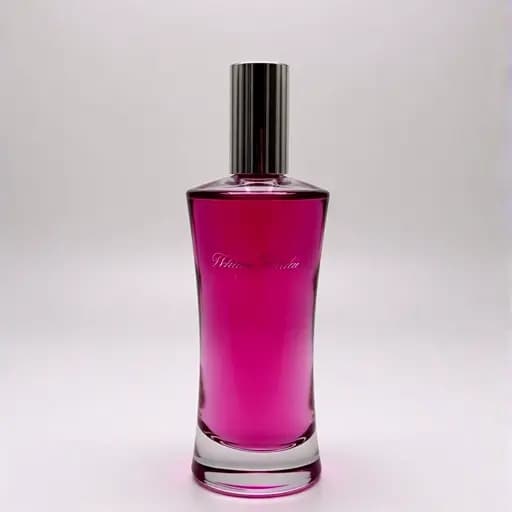
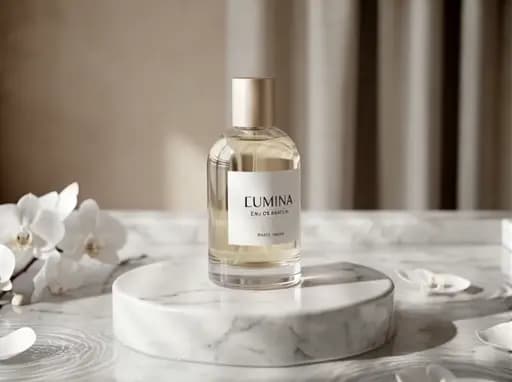
Both runs used the same source image. We changed the first-frame field and the prompt together, so either change could have contributed to the result.
Upload a product photo to make a short showcase clip for your store or social posts. Choose an orbit, push-in or light sweep and check the estimated credits before generating.
Watch the product photo-to-video test2026-11-14 · one starting image · 5 seconds · 720p setting · audio track included · output 1110 × 828 · about 78 seconds to complete. Provider charge $0.357144. Current Ofrai quote: 327 credits.
The first attempt replaced the bottle. We used the provider’s first-frame field and named the LUMINA label, clear glass and gold cap in the next request. The push-in kept the bottle and set recognizable, while small print changed later in the shot. Use a separate verified shot when the packaging copy must be readable.
Both runs used the same source image. We changed the first-frame field and the prompt together, so either change could have contributed to the result.
One continuous five-second product shot. Use the supplied LUMINA perfume image as the starting frame. Slowly push in toward the bottle. Keep the original clear cylindrical glass, gold cap, white label, and LUMINA lettering. Preserve the original scene, shadows and color. No rotation, cuts or new objects.
Start with one movement in a short clip. Add captions, prices and a branded end card later in a video editor.
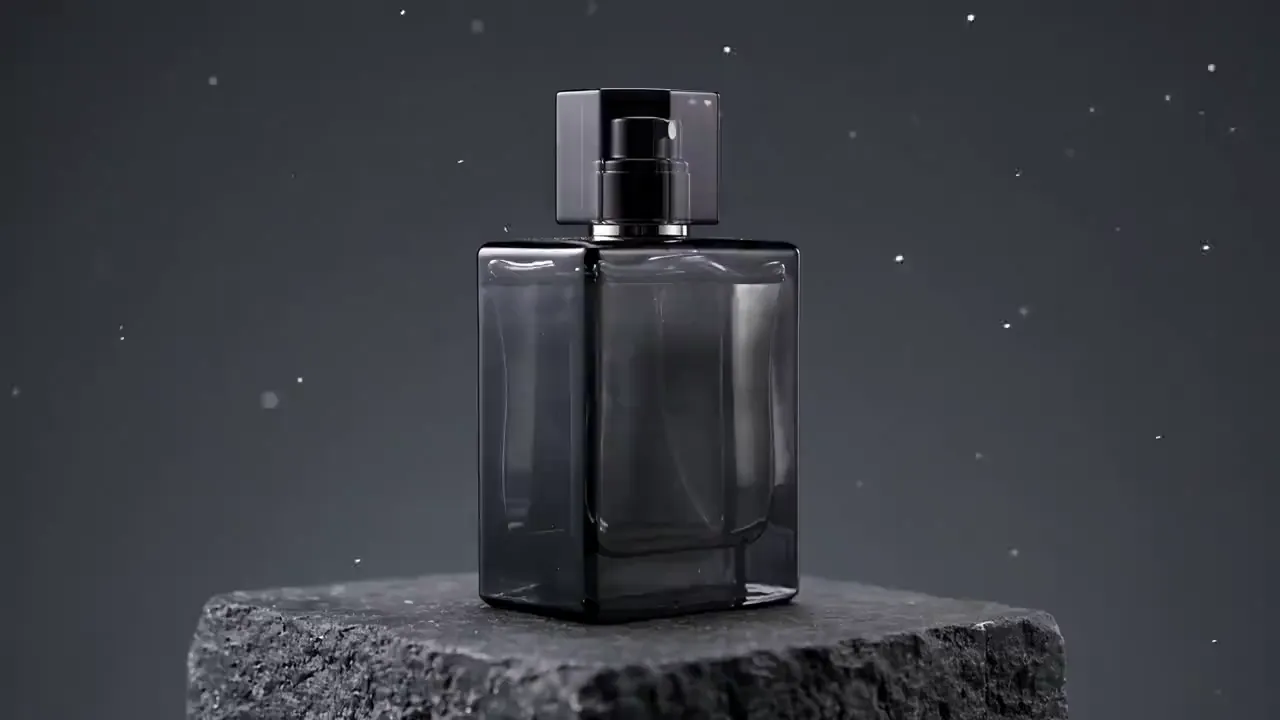
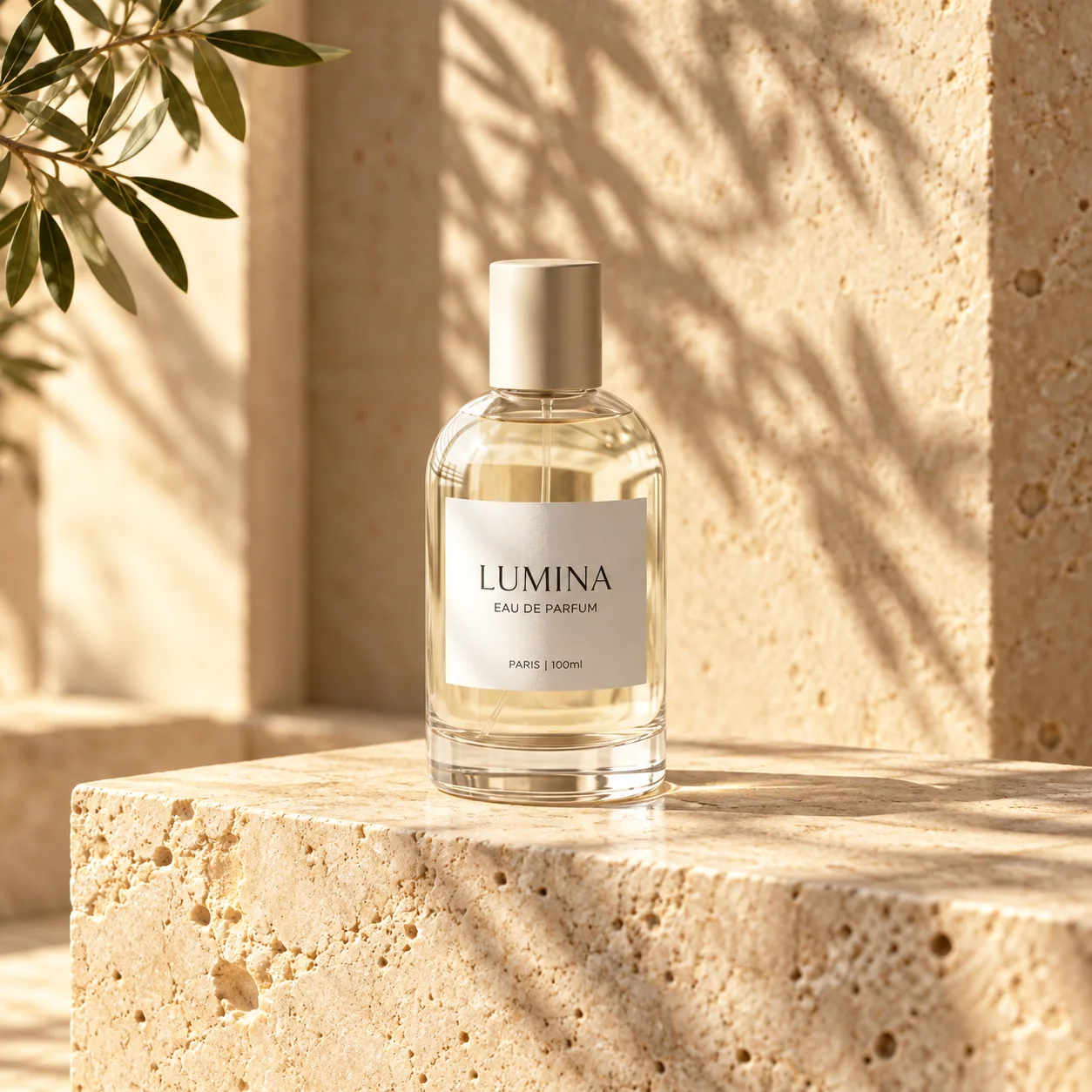
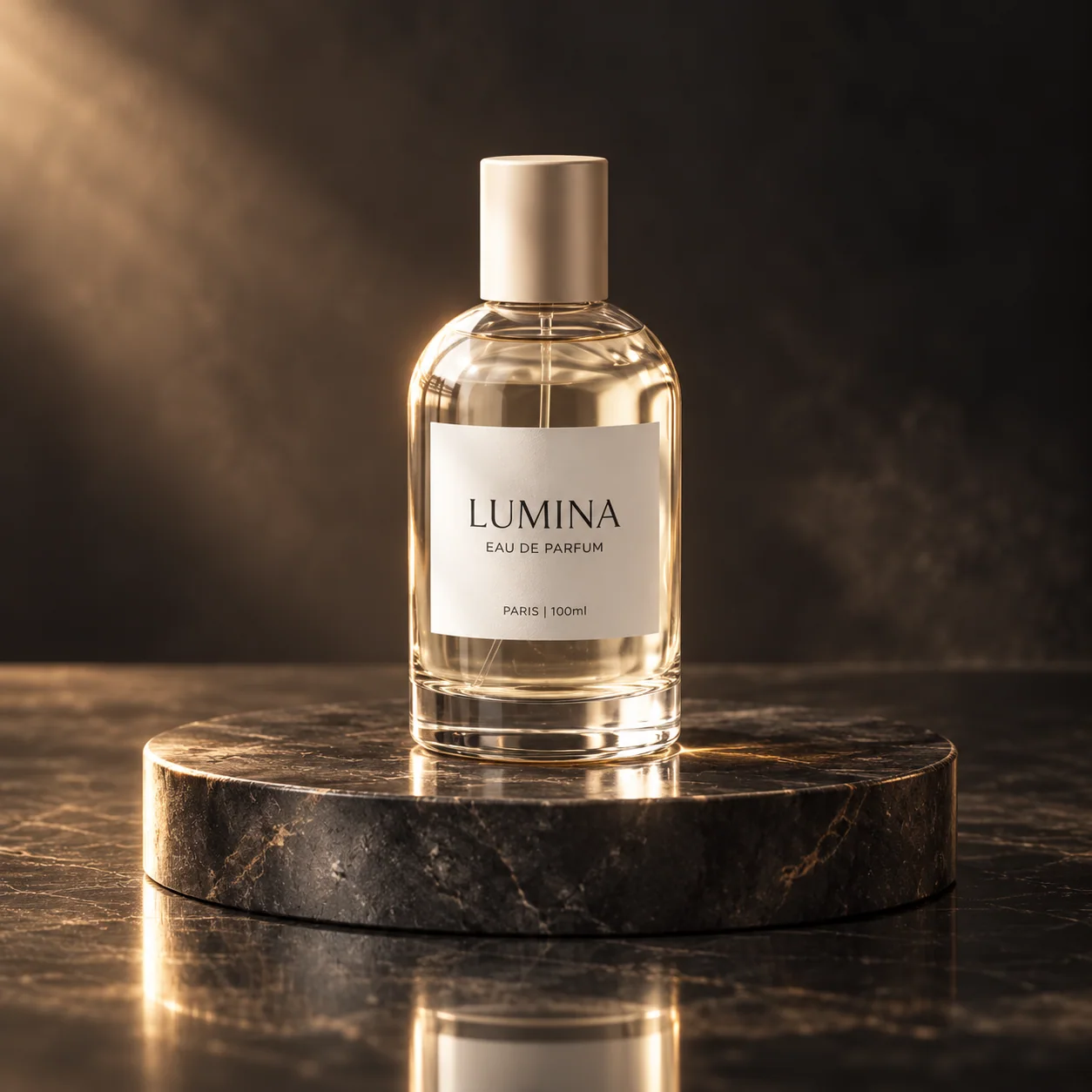
Upload a clear photo of your own product above. The illustrations are not submitted as your reference.
Style and motion illustrations, not verified Ofrai results from the same product. Review shape, color and labels in every output.
Explore an idea, then make it your own.
Creative demos. Results vary with your inputs and settings.
Marketplace and shop listing videos, social ads, website hero loops, launch teasers and product pages. Short, single-movement clips work best: the product stays recognisable and the motion reads clearly at small sizes.
Upload a clean packshot as the starting frame in Video Studio. A reference gives the model a specific shape, colour and label to start from, but details can still change during the clip. A neutral background and even studio light give the model the least to invent. If you only have a phone photo, clean it up first with the background generator.
Pick one: the product rotates on a turntable; the camera pushes in slowly; liquid splashes around it; the lid opens; light sweeps across the surface. Say what the camera does — holds still, orbits, pushes in — and the pace. Asking for several actions in five seconds is the most common reason product clips fall apart.
Check the beginning, middle and end against your source photo. In the Vidu Q3 Pro test, the perfume bottle stayed recognizable during the push-in, while the label’s small print changed. Keep an original still for listings that need accurate packaging text. The Kling turntable clip below shows a separate text-only generation.
Use the same product photo and one move, such as a slow push-in. Try Seedance 2.5 and Kling 3.0 when both are available. Match the duration, aspect ratio, and resolution where the models offer the same settings. Note each credit estimate before submitting. Review both clips for label readability, product shape, and smooth movement before you choose a model for the rest of the set.
The panel shows the credit estimate for the selected model, duration and resolution before generation. Each new attempt is charged separately. This page creates a clip; assemble a longer ad and add prices, captions, licensed music or a branded end card in your video editor. Video needs a paid plan or top-up credits.
For a turntable shot, follow the product video workflow and speaker prompt to prepare your first frame and check details that come into view.
For another way to choose a model, watch Kling 3.0 and Seedance 2.5 examples with the recorded prompts and settings.
For a single product photo, review Vidu Q3 Pro’s first-frame test and retry cost before deciding how many takes to budget.
Text to video · Product turntable
Ofrai test · Kling 3.0 · 5s · 720p · 2026-10-25
A matte black wireless headphone rotates slowly on a white turntable, soft studio light, the camera holds still, clean product commercial.
Video studio
The camera moves around a stationary product.
Design illustrations for comparing styles; not measured outputs from the models on Ofrai.