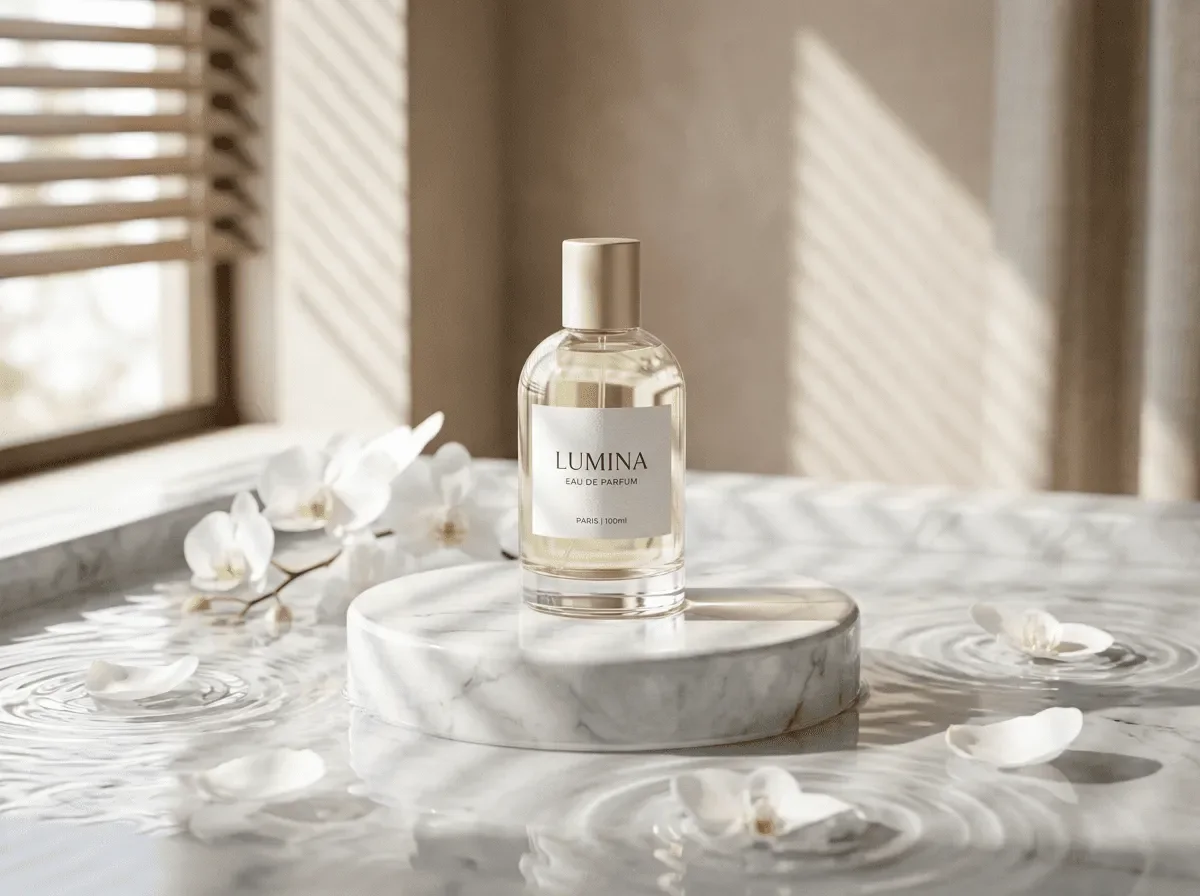
Plan a marketplace gallery with a main image, colour variants, a scale reference, and detail shots. Start from a real product photo, then review each generated image for accurate colour, proportions, and current marketplace requirements.
New accounts include 1 free GPT Image 2.5 generation. Other models and video use credits.
Example prompts
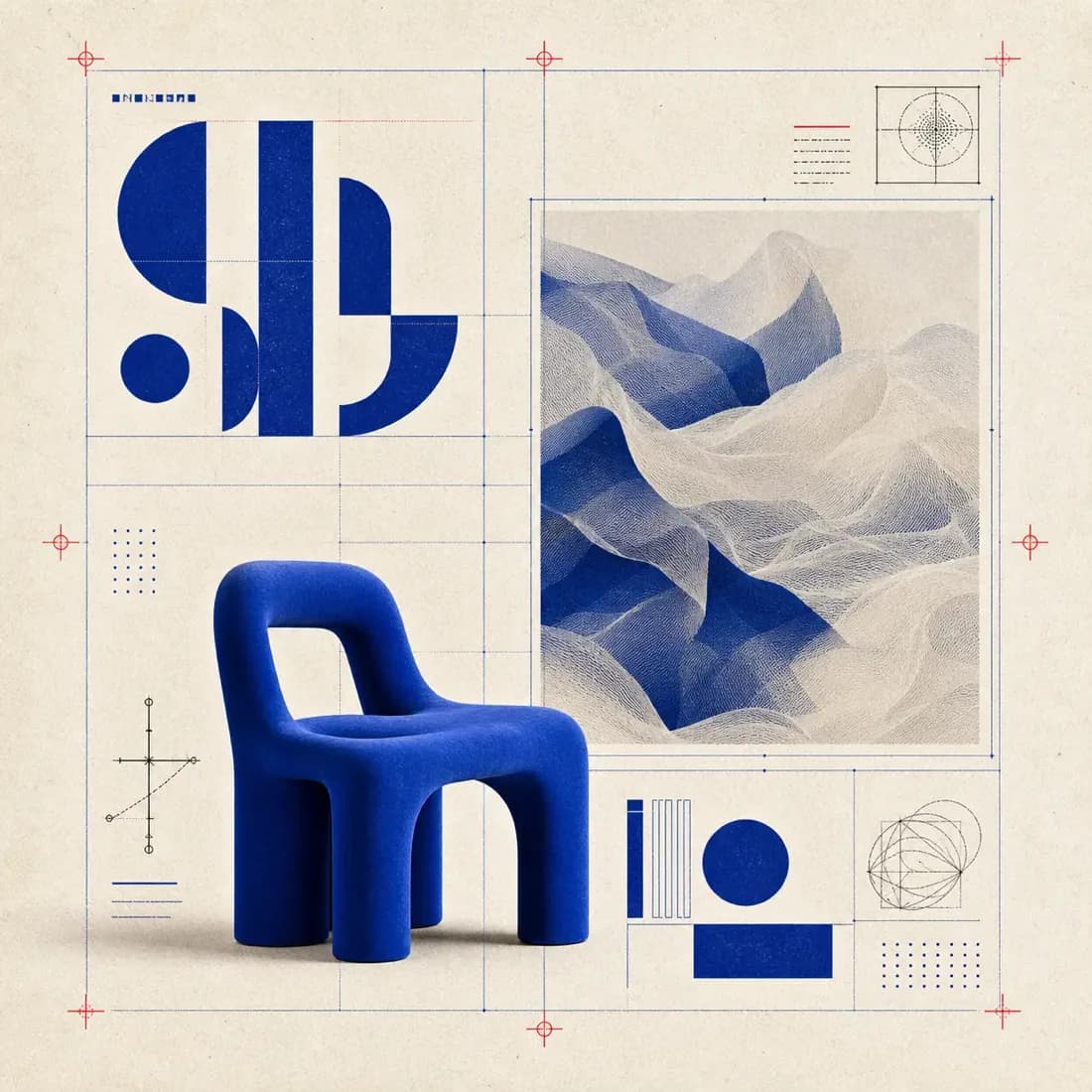
E-commerce hero: cobalt lounge chair, geometric layout with blueprint overlay, studio product shot
What AI ecommerce listing images actually require
Most major marketplaces require the first image to show the product alone on pure white or near-white, filling roughly 85% of the frame, with no text, badges, borders, props, or watermarks. Everything else — lifestyle shots, infographics, dimension callouts — belongs in images two onward. Plan for that split before generating: write one product definition block, then produce the hero frame first and check it against the rules. Editing a compliant main image afterwards is far easier than regenerating a scene that already contains props.
Pure white backgrounds without the grey haze
The most common defect is a background that looks white in the prompt but renders as light grey, or a grey vignette behind the product. Ask explicitly: 'seamless pure white background, RGB 255-255-255, no gradient, no vignette, no colour cast, soft shadow only'. One shadow contact under the base is desirable — it grounds the product and is usually tolerated — but state 'single soft contact shadow directly beneath the base, fading to nothing'.
If haze persists, regenerate rather than editing: it usually comes from the studio setting in the prompt, not the background clause.
Scale, contact shadow, and honest proportion
Proportion errors are the fastest way to lose a customer. State real dimensions and let the model place the object accordingly: 'a 24 cm tall ceramic diffuser, roughly the size of a coffee mug, product occupying 80% of frame height'. Include a reference object only in the scale shot, never the hero. If your category is size-sensitive — furniture, bags, bikes — add a size line to every prompt, because a single width hint will not survive six separate generations. Proportion drifts most when the product is unfamiliar to the model.
Writing product prompts that keep the brief
Define the product once, in a reusable block: material, finish, dimensions, colour name and hex-ish description, and any feature that must survive — a two-spout lid, a stitched seam, a hinge, a cable. Then each shot prompt is that block plus one new clause. Example hero: 'matte stainless steel insulated bottle, 750 ml, screw cap, brushed finish, standing upright, three-quarter view, pure white background'.
If the product is unusual or you have a photo of it, upload that photo as a reference — reference-driven engines reproduce unfamiliar shapes far more faithfully than text alone.
Variant shots: colourways, scale, packaging, and detail
A listing that sells usually needs six to eight images beyond the hero. The set that works: the hero, one shot per colourway, a scale shot with a familiar object, a close-up of the detail that justifies the price, the packaging or what arrives in the box, one in-use lifestyle frame, and one flat-lay grouping of everything included. Generate colourways by changing only the colour clause in the same prompt; everything else stays byte-identical, which keeps lighting and camera consistent across the gallery.
Engine choice, labels, and readable text
For product accuracy from a reference image, use nano-banana-pro — it holds structure through heavy prompts and keeps branding shapes intact. When the frame must contain readable text, such as a logo on a box or an engraved wordmark, use gpt-image-2; loose type is the known weak spot of stylised engines. flux-2 is the cheapest way to test layout and angle. seedream-5 is useful for lifestyle scenes where the product has to sit convincingly inside a room rather than float on white.
A repeatable seven-shot listing workflow
Fix the pipeline so future listings are fast. Step one: shoot or export one real reference photo of the product. Step two: build the product definition block and reuse it verbatim. Step three: draft all seven shots at low resolution on a cheap engine to confirm framing. Step four: rerun the approved prompts at full resolution on nano-banana-pro or gpt-image-2, one product per job.
Step five: assemble, check the main image against marketplace rules, and archive prompts with the SKU so the set can be regenerated when you add a colourway.
Copy-paste prompts for each of the seven AI ecommerce listing images
Hero: 'matte stainless steel insulated bottle, 750 ml, screw cap, brushed finish, standing upright, three-quarter view, product occupying 85% of frame height, seamless pure white background, single soft contact shadow beneath the base'. Colourway: same prompt with only the colour clause changed to 'matte sage green'. Scale: same bottle with 'beside a standard 330 ml coffee can for scale, both standing on a white surface'. Detail: 'macro close-up of the screw cap threads and the silicone seal, shallow depth of field, white background'.
Packaging: 'the retail box beside the bottle, box front blank with no text, three-quarter view, white background'. Lifestyle: 'the bottle on a wooden kitchen counter beside a morning coffee cup, warm window light, out-of-focus background, product clearly the subject'. Flat lay: 'bottle, cap, cleaning brush, and manual arranged in a row on a white surface, overhead camera, evenly spaced'. Change one clause at a time between shots and never touch the product definition block, which is what keeps the gallery looking like one shoot.
Ratio, batch, and reference settings for a catalogue
Marketplace galleries are square by convention, so generate 1:1 for everything unless the platform specifies otherwise, and leave a small margin so nothing touches the edge. Run the whole seven-shot list as a batch on a cheap engine at low resolution first, because the purpose of that pass is only to confirm framing and angle, not finish. Batch is also what makes the set consistent: generating shots weeks apart invites drift in lighting and camera.
Never mix engines across one gallery: different engines have different colour science, and a customer scrolling sees it immediately.
Credits and turnaround for a full listing
Budget one listing as roughly twenty to forty generations, not seven. A new product with an unfamiliar shape needs several attempts to get the proportions right, and each colourway or detail shot re-tests the product definition. The cheap path is a full low-resolution draft pass on the cheap engine to confirm all seven framings, then final renders only on the approved shots at delivery resolution on nano-banana-pro or gpt-image-2.
Before generating, use the estimate in Studio to compare the cost of the draft and the final settings. Turnaround follows the same logic: the draft pass takes minutes, so a listing skeleton can be reviewed with the client before any real credit is spent. If a product line needs the same treatment repeated across dozens of SKUs, generate one SKU properly, save the prompt block, and adapt it — the second product should cost a fraction of the first.
AI ecommerce listing images versus packshots and product photography
A listing image is a sales asset with rules: the main image must be compliant, the set must show variants and scale, and every image has to describe the product rather than decorate it. A packshot page is a cleaner, more technical job, usually a single isolated product on transparent or pure white for catalogues and 3D pipelines. Live product photography still wins on anything where material truth matters — a fabric's weave, a metal's brushed grain, a glass edge — because a photograph cannot be faked and a render can.
Use this page for small consumer goods, furniture, bundles and lifestyle variants, where the set has to tell a story. Use a packshot page when you need one perfect isolated asset. Use real photography when the category is judged on material accuracy, and use generation for the lifestyle and variant frames that are expensive to shoot.
Auditing a generated set before it goes live
Run a five-point check before the set ships, and it catches most rejections. First, the main image against the platform's rules: pure white, product alone, no text, no props, no borders, filling the frame. Second, proportion: compare the scale shot against something you know the real size of. Third, consistency across the gallery: same camera height, same shadow direction, same colour balance in every frame. Fourth, detail integrity at full resolution: check seams, zips, hinges, logos, and the count of any repeated feature like buttons or spokes.
Fifth, claims: nothing in the image should imply a feature the product does not have, because that is the one problem a marketplace can remove the listing for. Regenerate a failed shot rather than editing around it, and keep the product definition block and prompts archived with the SKU so a new colourway next season is a copy-paste job.
One perfume reference, two listing images
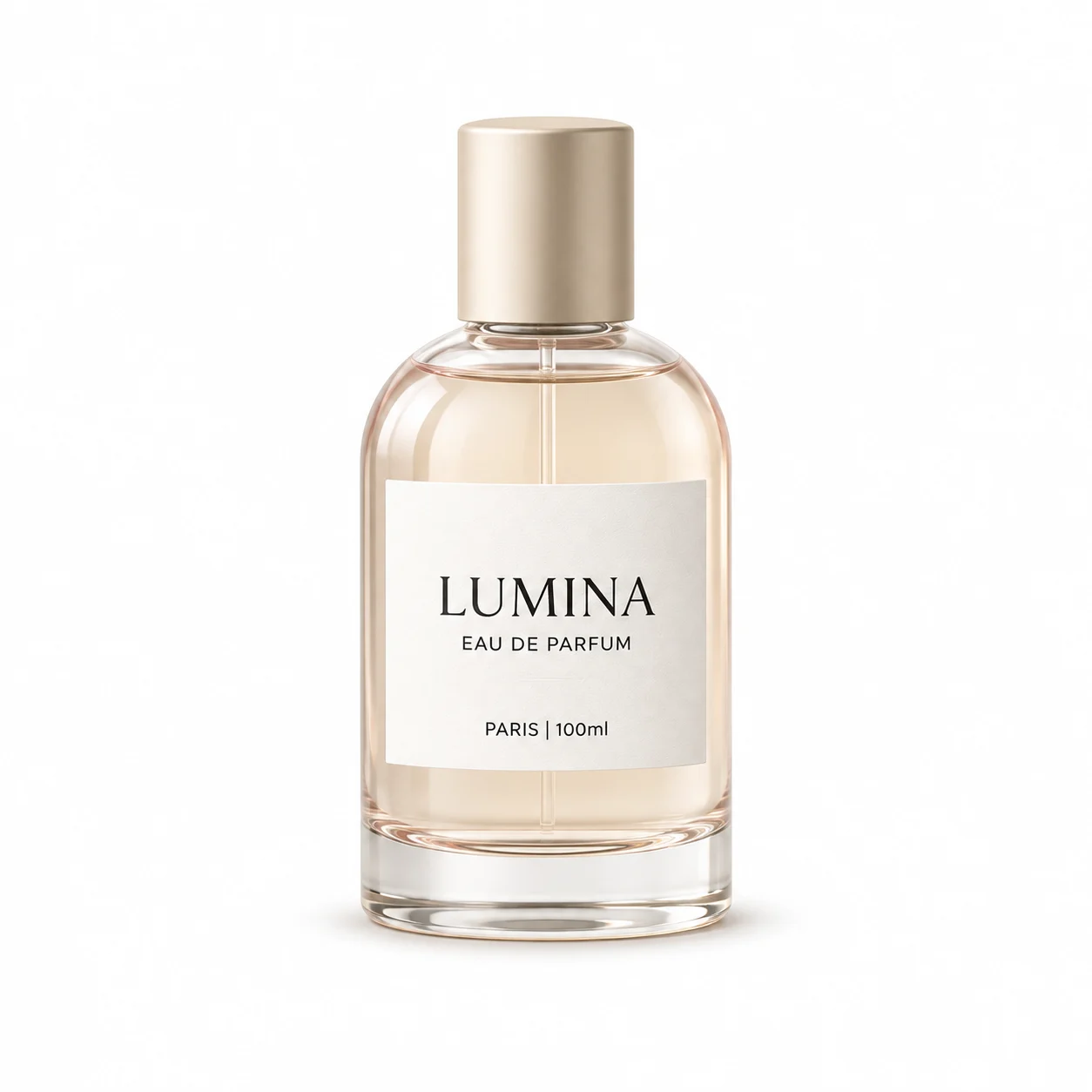
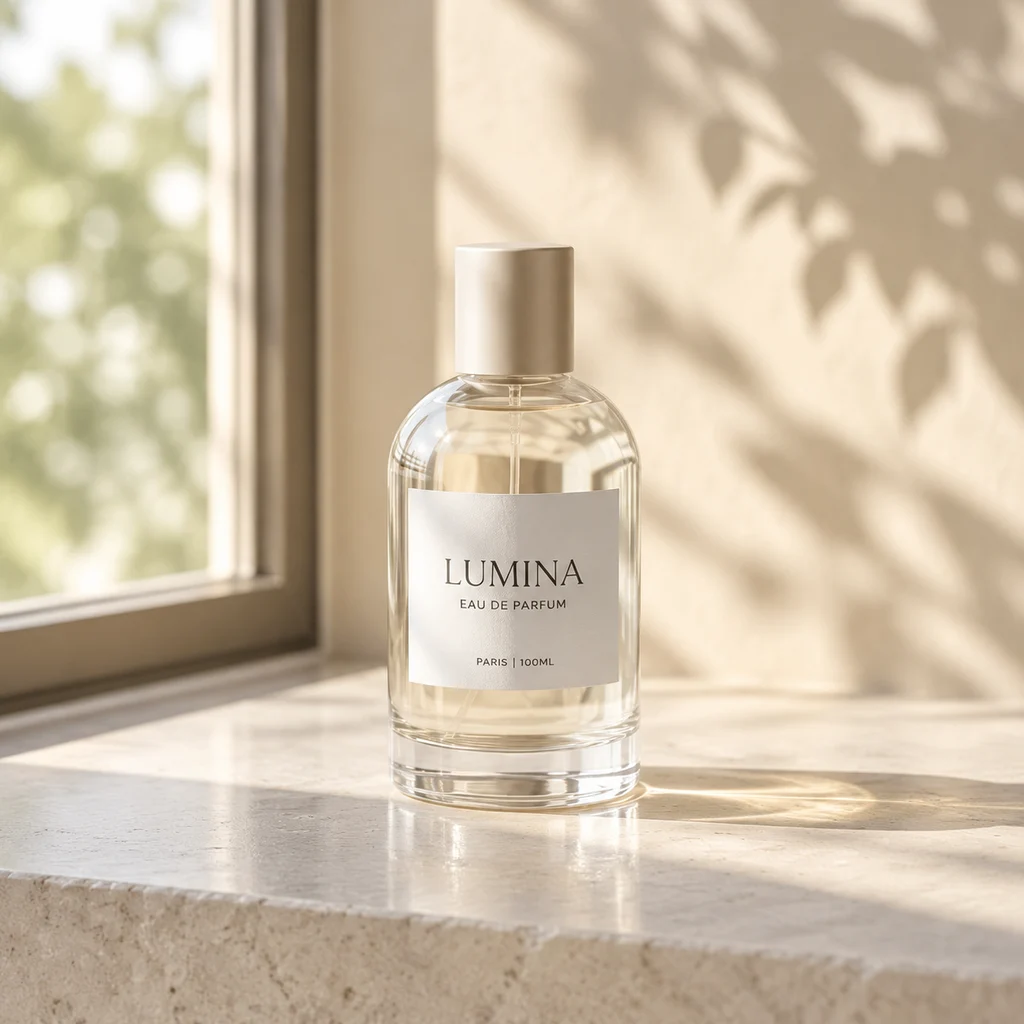
2026-11-14 GPT Image 2.5 test. Each request used the same reference to generate one square image at the 1K setting. The provider billed $0.0225 per image. The current standard Ofrai quote is 21 credits per image.
Reference used for both runsWhite-background main image · 1254 × 1254 · 164 sWindow-light listing image · 1024 × 1024 · 90 s
Both prompts described the glass as pink, although it is clear in the reference. The white-background shot kept the LUMINA name and gold cap, with warmer glass and a larger label. The window-light shot stayed closer to the reference bottle shape. Check the small print at full size and compare the color and packaging against the actual product before listing.
Read the exact prompts
White-background main image. Use the uploaded perfume bottle as the only product. Preserve the exact bottle shape, pink glass, cap, label design and existing text. Place the same bottle upright in the center on a white studio background with a soft, short contact shadow. Square ecommerce main image. No extra text, props, or products.
Window-light listing image. Use the uploaded perfume bottle as the only product. Preserve the exact bottle shape, pink glass, cap, label design and existing text. Place the same bottle upright on pale limestone beside a window, with soft afternoon sunlight and a faint leaf shadow on the background. Square lifestyle listing image. No extra text, props, or products.
Are AI-generated product images allowed on Amazon and Etsy?
Both platforms accept AI imagery when it accurately represents the product being sold, is not misleading, and does not imitate a copyrighted photograph of a real product. Rules differ by category and change often, so read the current listing policy for your marketplace before uploading. Upload a real reference photo of your own item — accuracy, not technique, is what gets listings approved.
How do I get a pure white background with no grey haze?
State it as a technical requirement: 'seamless pure white background, no gradient, no vignette, no colour cast, soft contact shadow only'. Keep the prompt free of studio words like softbox or daylight, which bring a grey gradient with them. If haze persists after two attempts, regenerate rather than editing, and check that your product definition block is not specifying a surface tone.
Will the product look accurate if I only describe it in text?
For common objects, yes. For unusual shapes, proprietary hardware, or anything with a distinctive silhouette, upload a real reference photo. Reference-driven engines such as nano-banana-pro reproduce unfamiliar forms far more faithfully than a text description, which is where most listing-accuracy problems come from.
How many images should an ecommerce listing have?
Seven or eight is the practical target: hero, one shot per colourway, a scale reference, a detail close-up, the packaging or box contents, one lifestyle frame, and one flat-lay of everything included. Beyond that, conversion data usually flattens out. Generate them from one product definition block so lighting and camera stay consistent across the gallery.
Which Ofrai model should I use for product photos?
Use nano-banana-pro for accuracy from a reference image, gpt-image-2 when the shot must contain readable text or a logo, flux-2 for cheap low-resolution layout drafts, and seedream-5 for lifestyle scenes where the product sits inside a real environment. All four run on the same credit balance, so switching engines does not mean switching accounts.
Can I use generated listing images for paid ads?
Usage rights follow the model you choose and its model terms, so check the model page and your plan before running paid campaigns. Advertising platforms also impose their own rules about synthetic imagery and altered product appearance. Never use a generation to change what the product actually is — retouching a real photo is the safer route for anything that needs to match the shipped item.