Image
Nano Banana Pro
Versatile stills for marketing and social.
Available on Ofrai — chat, images, and video in one place with shared credits.
Example prompts
Choose an example to load its prompt and recommended settings into the Nano Banana Pro creator above.
How it works
Create with Nano Banana Pro in three steps
- 01
Choose your inputs
Keep Nano Banana Pro selected, then add a prompt and any supported reference assets.
- 02
Set the output
Choose the aspect ratio, resolution, and available Image options before generating.
- 03
Generate and refine
Review the result, adjust the prompt or settings, and generate another version from the same place.
Nano Banana Pro is the engine for a series rather than a single frame. The hard problem in production stills is not making one good image; it is making the second one match the first, and the twentieth match the nineteenth, while the brief changes underneath. A model that regenerates a plausible face each time produces twenty attractive and mutually inconsistent results, and the retouching cost of reconciling them exceeds the cost of the generation.
This model is built around the opposite objective: keep a subject recognisable across a set, so a shoot can be planned as a shoot rather than assembled afterwards.
What the model is actually optimised for
Identity across a set, with the light and the camera free to change between frames. That combination is what makes a campaign possible. A product line where the packaging changes but the bottle stays the same. A lookbook where the garment changes and the model does not. A character sheet where the costume changes and the face does not.
The alternative — generating each frame fresh and accepting drift — is not cheaper in practice, because the reconciliation is manual and manual reconciliation of twenty frames is a day of work that nobody budgets for. Treat the model as a session with a persistent subject rather than as a prompt box, and the way you write the prompt changes with it.
Why consistency has to be planned, not requested
Consistency is usually asked for as a property of the model, and it is actually a property of the prompt. The reliable way to hold a subject is to describe the invariant parts the same way every time — the same age range, the same facial description, the same hair statement, the same wardrobe line — and to vary only what the brief is meant to vary. When a series drifts, the cause is almost never that the model forgot the subject.
It is that the prompt described the subject in slightly different words on the second pass, so the model was given a new specification to satisfy. Write the subject block once and reuse it verbatim, then change one paragraph per frame.
Reference images: what to supply and what to leave out
A reference is worth more than a paragraph of description, but only if it is unambiguous. Supply one clean image that shows the subject clearly, from an angle close to the one you need, lit plainly enough that the model is not also trying to guess a lighting setup from it. Supplying three references of the same subject from different angles looks like more information and is usually less, because the model has to reconcile them and the result is a compromise on all three.
And when the reference already carries something you do not want — a specific background, a garment, a prop — say so explicitly, because a reference image is a stronger instruction than any sentence you write about it.
Photographic realism and the variables that decide it
Light does most of the work in deciding whether a frame reads as a photograph. Direction is the first variable and the one most often left unstated: a single soft source from one side, bounced from a large surface, produces skin that looks photographed, while a generic even wash produces the flat, rendered look. Then time of day, then the softness of the source relative to how close it is to the subject.
Lens and camera settings matter far less to the result than people expect, and chasing them in the prompt tends to cost you the words you needed for the light. Write the lighting sentence first, and let the rest of the prompt be about the subject and the shot.
What to do when the series still drifts
When frames in a set do not match, the instinct is to regenerate, which usually produces a different drift rather than a fix. Work through the order of what varies. First, check that the subject block was identical across every frame — a paraphrase is enough to cause a visible change. Second, check that you are not describing the subject twice, once in the subject block and once in the scene description, with slightly different wording.
Third, check the lighting: the same subject under two light directions is two different photographs, and if a frame drifted because the sun moved in your description, that is a prompt problem, not a model one. Only after those three are identical is it worth suspecting the model itself.
How this compares to the rest of the catalogue
Against the text-in-image engines, this one is the better choice for a campaign where the frame is a photograph and the words live outside it in the layout. Against the fast-draft engines, it is the better choice when the output has to be a set rather than a single frame, because the draft engines optimise for turnaround and give you a different subject every time.
Where it is not the best choice is a single hero image where you only need one good frame — there the fastest engine at that quality level is the cheaper route. The decision is about the deliverable's shape, not about which model is newest.
FAQ
- How do I keep the same character across multiple images?
- Describe the subject identically in every prompt of the set — same age range, same facial description, same hair, same wardrobe line — and vary only the part the brief is meant to change. Most drift comes from paraphrasing the subject between prompts rather than from the model losing track of it.
- How many reference images should I upload?
- One clean image that shows the subject clearly, at an angle close to the one you need. Three references of the same subject look like more information but usually produce a compromise on all three, because the model has to reconcile them.
- Is Nano Banana Pro the cheapest way to make stills?
- Not for a single image, where a faster engine at a comparable quality level is cheaper. It earns its cost when the deliverable is a set — a campaign, a lookbook, a character series — because the alternative is manual reconciliation of frames that do not match.
Same-prompt image comparisons
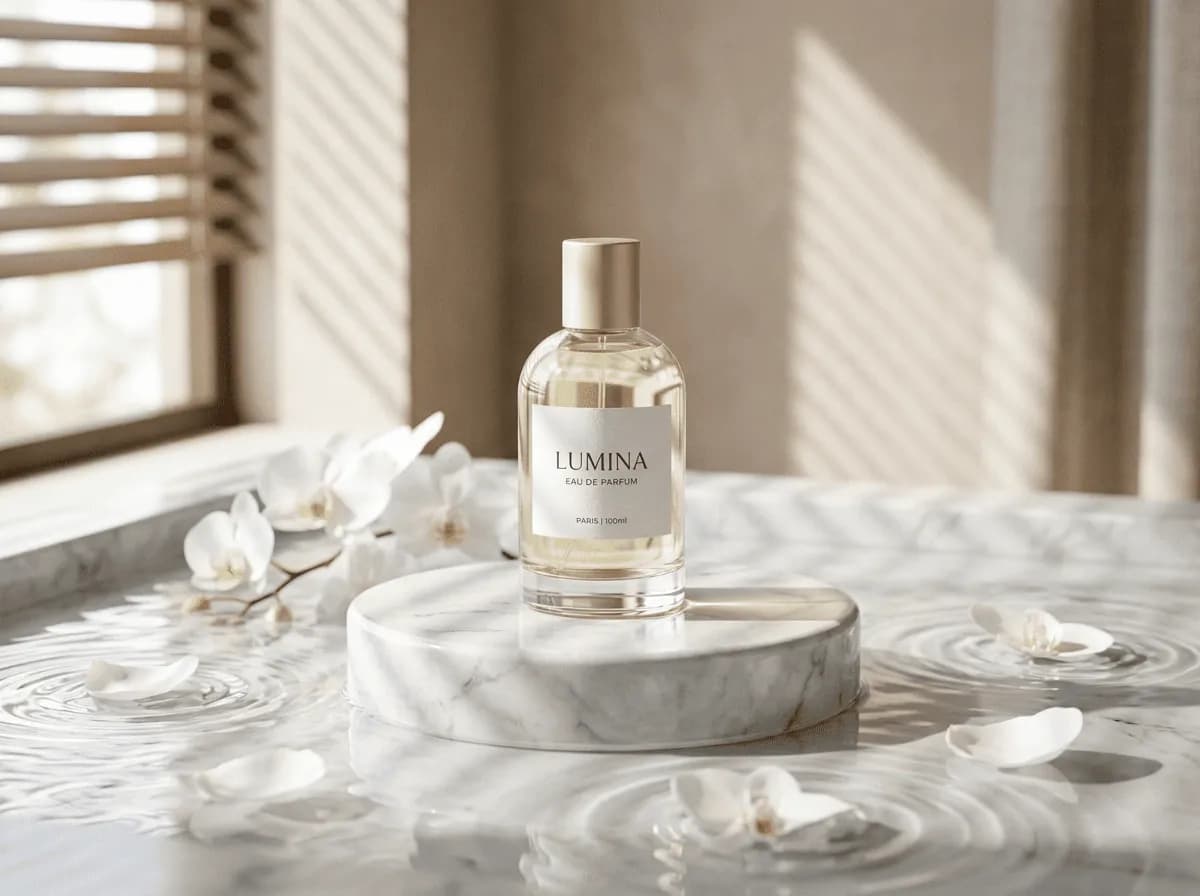
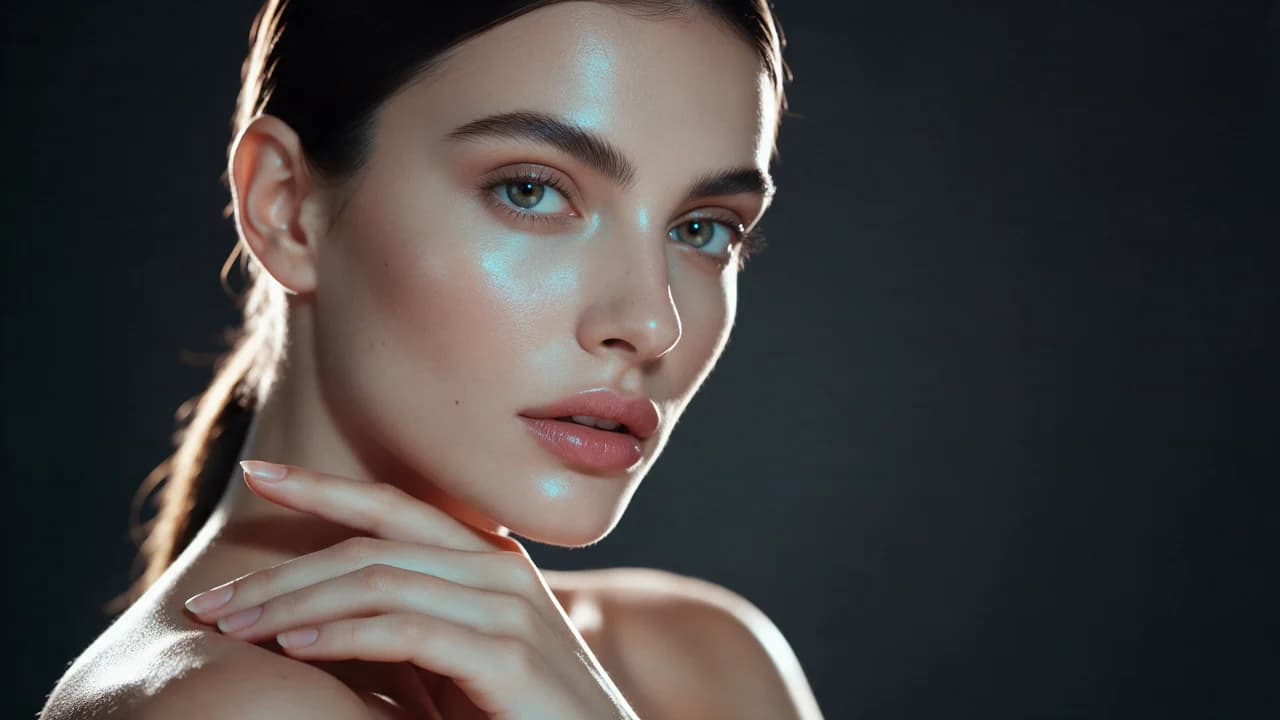
See the first output from each model on the same ten prompts, including a skincare packshot, a poster, and a portrait. The 2026-10-25 tests show side-by-side images, credit costs, and time from submission to result. Each prompt was run once per model at 1K.
FAQ
- Can I use Nano Banana Pro directly on this page?
- Yes. The creator above is the working Ofrai studio with Nano Banana Pro selected by default.
- Where are my finished results saved?
- Signed-in generations are kept in your Ofrai library so you can download or revisit them.
- Which prompts work best with Nano Banana Pro?
- Describe the subject, setting, visual style, lighting, and camera or motion clearly. The examples above provide practical starting points.
- Can I edit the example prompts before generating?
- Yes. Load any example, then change its wording, aspect ratio, references, or other supported settings in the creator.
Related models
Compare other Image models that can handle similar creative work to Nano Banana Pro.
Compare
Use cases
Related guides
Tools
Commercial use depends on the selected model and model terms.