Image
GPT Image 2.5
Create online with example prompts, typography-ready layouts, and shared Ofrai credits.
Available on Ofrai — chat, images, and video in one place with shared credits.
Example prompts
Choose an example to load its prompt and recommended settings into the GPT Image 2.5 creator above.
How it works
Create with GPT Image 2.5 in three steps
- 01
Choose your inputs
Keep GPT Image 2.5 selected, then add a prompt and any supported reference assets.
- 02
Set the output
Choose the aspect ratio, resolution, and available Image options before generating.
- 03
Generate and refine
Review the result, adjust the prompt or settings, and generate another version from the same place.
GPT Image 2.5 is the engine to reach for when the image has to contain words. Posters, packaging mockups, slides, diagrams, and any layout where a headline has to land inside the picture rather than beside it — that is the class of work this model was moved up the ladder for. The previous generation was already good enough to set type; this one does it while holding the rest of the composition together, which is the harder half.
A generated layout that has convincing lighting and a broken kerning pair is still a broken layout, and that is the specific failure this version was moved up the ladder to fix.
What separates this from the previous GPT Image generation
The upgrade is not that the pictures got prettier. It is that the model stops trading the picture away for the text. Earlier generations would produce a striking image and place a word in it that was close enough to read but not close enough to ship, and the usual fix was to generate more variations until one happened to spell correctly — a process that burns credits and still lands on a lucky frame.
This version takes the instruction literally, so the cost of a typographic mistake drops from a batch of retries to a single revision. The practical consequence is that a layout you can approve becomes a layout you can ship, which changes the planning: you can design the type into the brief instead of bolting it on afterwards.
Typography is the reason this model is worth switching to
Generated text fails in ways that are easy to diagnose and hard to prevent. Letterforms drift off the baseline, spacing collapses between pairs, and a word that appeared correctly in one render appears differently in the next because the model was not treating the string as a string. This model handles a headline as a headline: it holds the wording you gave it, sets it in a coherent relationship to the shape behind it, and leaves you a mark you can crop into a layout.
That capability changes which briefs are worth attempting. A product hero with a price, a poster with a date and a venue, a packaging concept with a claim on it — these stop being things to add in a design tool afterwards and become things you ask for directly.
Instruction following is the skill this model rewards
The quality of the output tracks the specificity of the brief far more closely here than with engines that favour atmosphere over compliance. A prompt that says a stylish product shot with text gets a stylish product shot with text, in an arrangement the model chose. A prompt that says where the words sit, what they say, how large they are relative to the frame, what the background is doing behind them, and what should not appear at all gets a layout that was designed rather than discovered.
The two failures to avoid are vagueness and over-specification at once: too few words and the model fills the space with its own composition, too many and it starts averaging contradictory instructions into something bland. Three or four concrete constraints, each about something visible, is the shape that works.
Editing an existing frame beats regenerating from scratch
Once a frame is close, the cheapest next step is to change that frame rather than to re-roll. Supply the image you want to keep and state the change: move the headline, change the colour of the background, drop the object on the right, keep everything else. Because the model edits in place, the parts you did not ask about stay put — which is exactly what makes it usable for a real asset rather than a starting point.
It also means iteration is a conversation rather than a search: each revision starts from the current image, so you are converging on a target instead of sampling around it. The discipline that pays off is changing one thing at a time and looking at what moved, because a brief with three simultaneous changes tells you nothing when the result is wrong.
Where this model is the wrong choice
It is not the fastest way to explore, and it is not the cheapest per iteration. If the job is a hundred rough thumbnails where you only need one of them to be right, the cost of a model that thinks carefully about every frame is the wrong shape of spend — an engine built for quick drafts will find the usable option faster.
Nor is it the tool for a pure photographic study with no text at all, where the brief is entirely about light and skin and the model you want is the one whose training pushed hardest on those. Choosing by deliverable rather than by which model is newest is the whole decision. Reaching for this engine because its name is the most recent one is the most common way to overpay for it.
A prompt shape that gets consistent results
Put the subject first, then the layout, then the words, then what must not appear. Subject: what the camera is pointed at. Layout: where things sit in the frame and what the camera angle is. Words: the exact string, in quotes, with the size relative to the frame. Exclusions: what you do not want, stated plainly.
Keeping the string in quotes and separate from the rest of the brief matters more than it looks — a line break between the words and the instructions is the cheapest way to stop the model from paraphrasing your headline into something that reads well and says something else. Then read the result as a layout, not as a picture: is the hierarchy right, is the contrast right, is the text legible at the size it will actually be seen.
FAQ
- Can I put text in images generated with GPT Image 2.5?
- Yes, and it is the main reason to choose this engine over a general image model. Give the exact wording in quotes, state where it sits and how large it is relative to the frame, and the model will set it inside the composition rather than placing a decorative squiggle where the words should be.
- Is it worth using GPT Image 2.5 for images without any text?
- It can be, but that is not where its advantage sits. If the brief is purely photographic, an engine tuned for photographic output will usually get you a better frame for the same credit. This model earns its cost on layouts, posters, packaging, and anything else where words are part of the deliverable.
- How should I revise a result that is nearly right?
- Supply the current image and name one change. Because it edits in place, everything you did not ask about stays as it is, so a single-change revision is legible — you can see what your instruction actually did. Changing three things at once and judging the result tells you nothing about which one caused the problem.
Same-prompt image comparisons
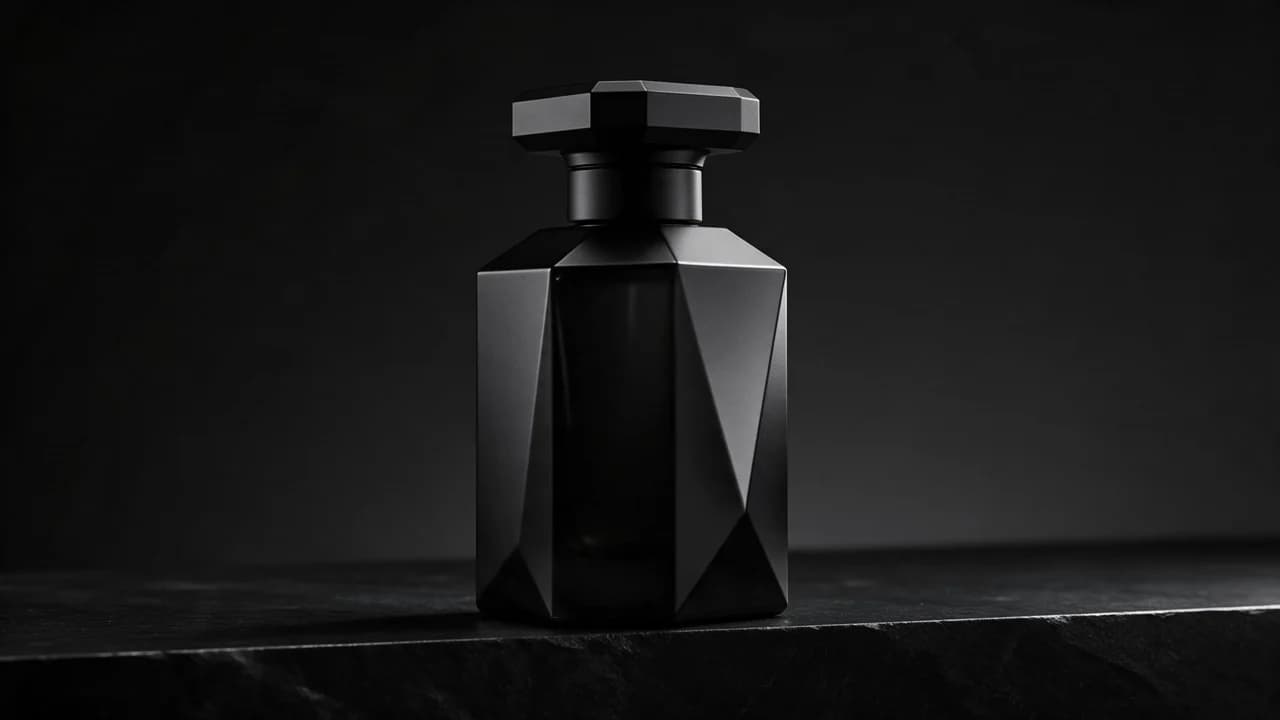
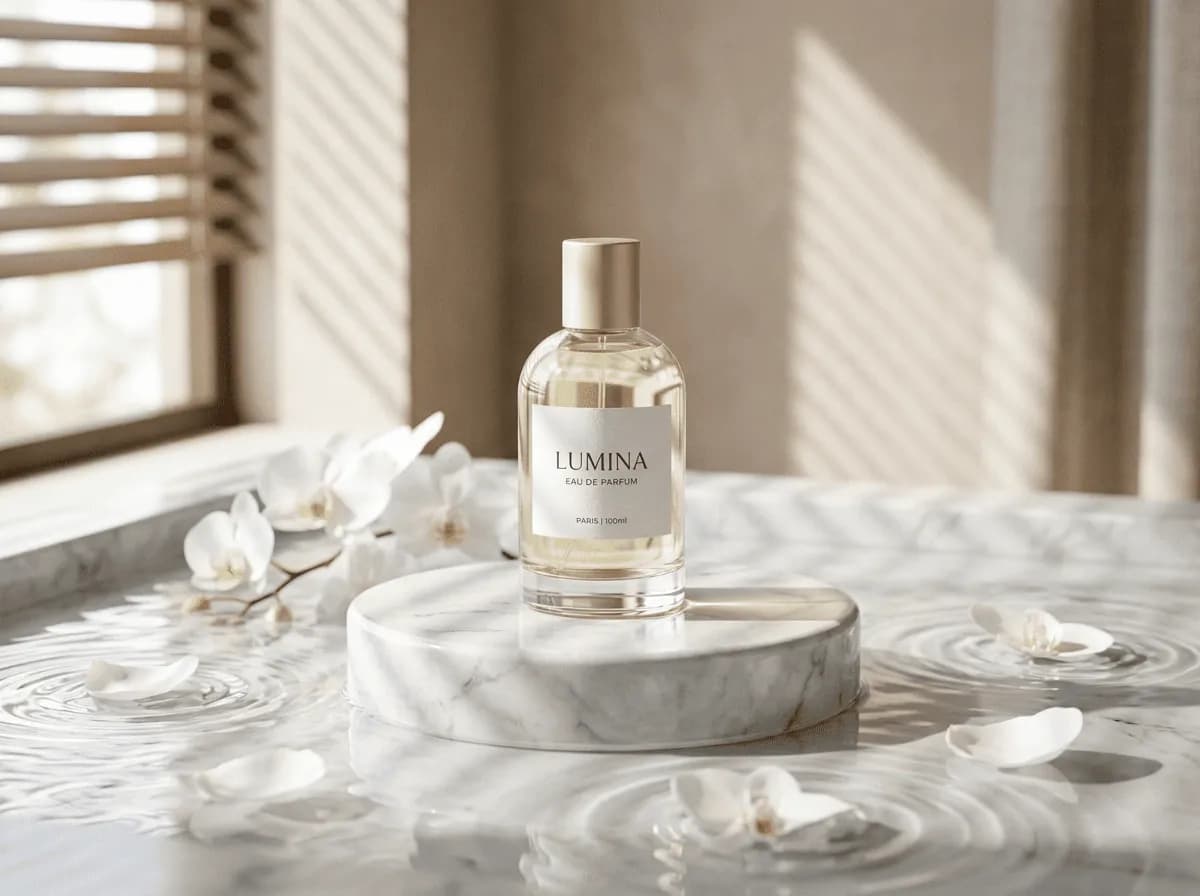
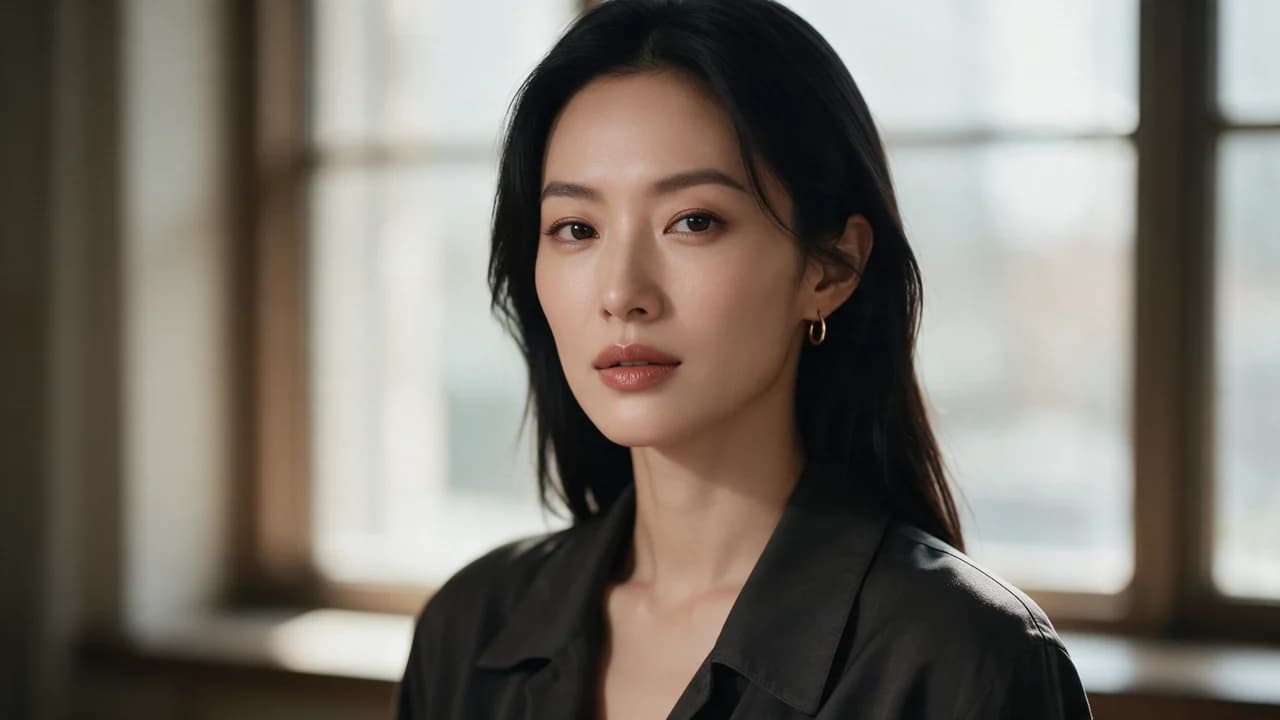
See the first output from each model on the same ten prompts, including a skincare packshot, a poster, and a portrait. The 2026-10-25 tests show side-by-side images, credit costs, and time from submission to result. Each prompt was run once per model at 1K.
FAQ
- Can I use GPT Image 2.5 directly on this page?
- Yes. The creator above is the working Ofrai studio with GPT Image 2.5 selected by default.
- Where are my finished results saved?
- Signed-in generations are kept in your Ofrai library so you can download or revisit them.
- Which prompts work best with GPT Image 2.5?
- Describe the subject, setting, visual style, lighting, and camera or motion clearly. The examples above provide practical starting points.
- Can I edit the example prompts before generating?
- Yes. Load any example, then change its wording, aspect ratio, references, or other supported settings in the creator.
Related models
Compare other Image models that can handle similar creative work to GPT Image 2.5.

Compare
Use cases
Related guides
Tools
Commercial use depends on the selected model and model terms.