Image
Seedream 5 Pro
Image
Available on Ofrai — chat, images, and video in one place with shared credits.
Example prompts
Choose an example to load its prompt and recommended settings into the Seedream 5 Pro creator above.
How it works
Create with Seedream 5 Pro in three steps
- 01
Choose your inputs
Keep Seedream 5 Pro selected, then add a prompt and any supported reference assets.
- 02
Set the output
Choose the aspect ratio, resolution, and available Image options before generating.
- 03
Generate and refine
Review the result, adjust the prompt or settings, and generate another version from the same place.
Seedream 5 Pro is the top of the Seedream line, and it is the version to reach for when a frame is going to be examined rather than merely published. The commercial-stills instincts of the family are still there — a set that looks like one production is still the goal — but the fidelity has moved up to where you can put a frame in front of a client without a second opinion.
The interesting decision is not Pro versus the rest of the line; it is knowing which part of a brief actually needs the top of the line, because using it for everything is the most expensive way to be comfortable.
What the Pro tier changes
Detail under pressure, and the confidence that a specified layout survives. The family has always been good at commercial plausibility; the Pro tier adds the fidelity that lets you stop worrying about the close crop — fabric weave at a distance, a hand on a product, skin that has texture rather than the waxy look that gives generative skin away first.
It also obeys a described layout more literally, which is what makes it usable for a poster, a spec sheet, or a frame that has to carry a block of copy. Neither of those is a small thing, but both are narrow, and a frame with neither in it does not need them.
The batch-and-hero split
A catalogue has two kinds of frame and they should not cost the same. The supporting set — angles, colourways, secondary lifestyle shots — is volume work, and the middle of the line is built for it. The hero — the one frame that carries the product on the page, in a crop, at a size, next to a price — is where the Pro tier earns its difference, because that frame is judged.
A practical split is to draft the set on the mid tier, then re-render the frames that survived the cut on the Pro tier, keeping the same prompt so the composition does not move. That is cheaper than generating everything upstairs, and the frames it upgrades are exactly the frames that carry the outcome.
When it earns its price
Three situations. A hero frame that will be printed or cropped large enough that skin or fabric texture is visible. A layout with copy in it, where the copy has to land in a specific place. And a set whose subject has to be indistinguishable across the frames — a model, a hand, a product with a recognisable finish — where the mid tier's drift would show.
In each of those, the cost of a rejected frame is high enough that the Pro tier's hit rate matters more than its per-frame price.
How to prompt it
This model will take a more literal brief, so spend the words. Say what is in the frame, where each thing sits, what the light is doing, what the surface texture is, and what must not appear. Because it obeys layout instructions more literally, you can now specify the composition instead of describing the mood and hoping — and specifying is what turns a set into a designed set.
Still keep the subject paragraph byte-identical across a set; the model holds a subject better, but it holds the wording you gave it, not the one you meant.
Where the cheaper tier is the better buy
Any brief whose output is a number rather than a frame. Thumbnails, secondary angles, variant colourways, the twenty images in a carousel that nobody scrubs past the third. A set of those does not need photoreal skin; it needs to be cheap and to agree with itself. It is also worth saying that the Pro tier does not make a bad brief good — a vague brief produces a confident, well-lit, badly composed frame, which is harder to fix than an obviously wrong one because you notice it later.
Running it inside Ofrai
Open Image Studio, paste the brief, and the Ofrai prompt router picks the cheapest engine that matches the image brief. For a hero frame it will usually not pick this one, because the router is cost-aware and does not know that this frame is the one that will be examined. Pin it for the frames that need it.
The same prompt runs on the mid tiers with the seed and aspect ratio preserved, which is how you find out whether the mid tier really was good enough — and it often is.
FAQ
- What does the Seedream 5 Pro tier add over Seedream 5?
- Detail under pressure — fabric, skin, finish at close crop — and more literal obedience to a described layout. Both matter for a frame that will be examined. Neither matters for a supporting frame in a volume set.
- Should I generate a whole catalogue on Seedream 5 Pro?
- No. Draft the set on the mid tier, then re-render the frames that survived the cut on Pro with the same prompt so the composition holds. That upgrades exactly the frames that carry the outcome and costs far less than running everything upstairs.
- Does Seedream 5 Pro fix a vague brief?
- It does not. It will turn a vague brief into a confident, well-lit, badly composed frame, which is harder to catch than an obviously wrong one. The Pro tier rewards a specific brief; it does not substitute for one.
Same-prompt image comparisons
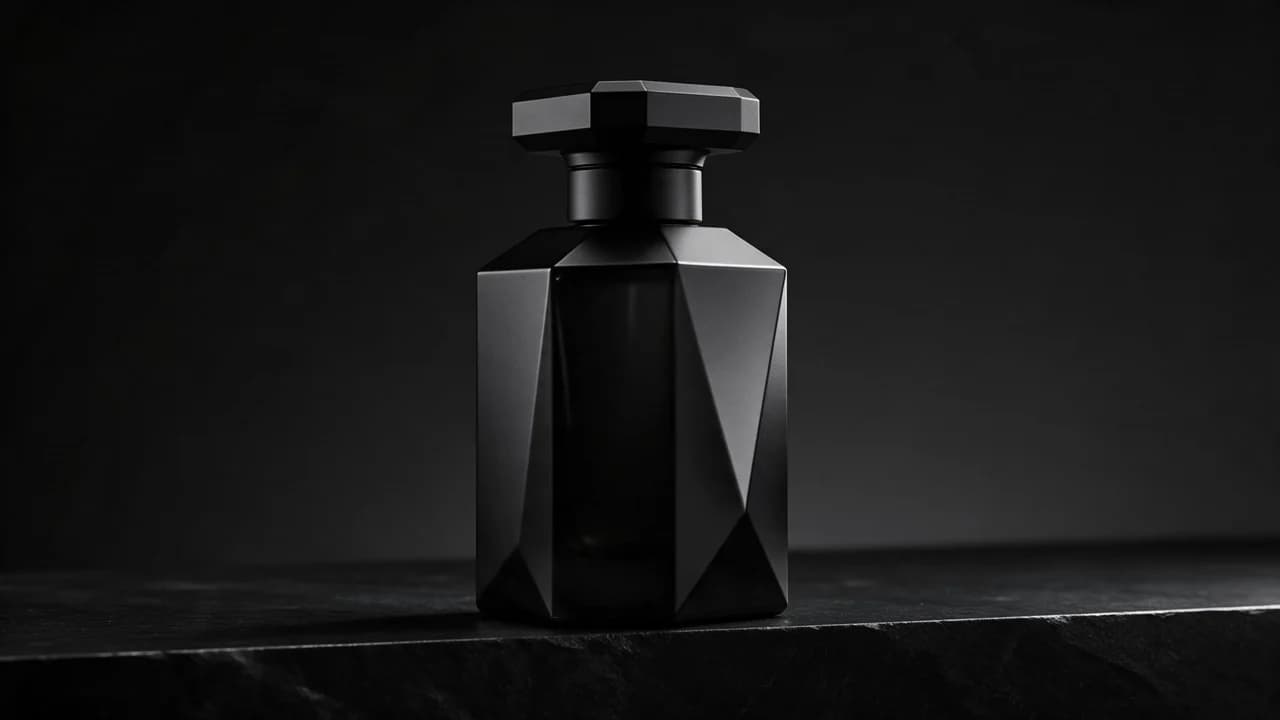
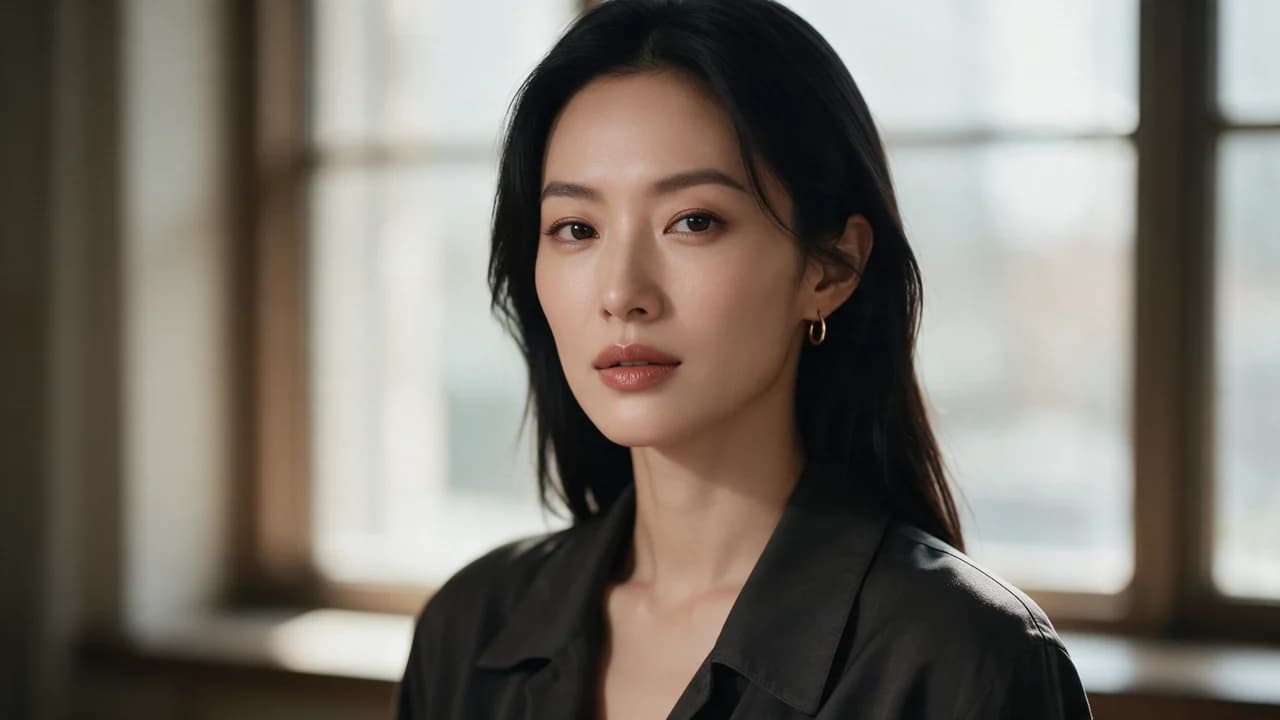
See the first output from each model on the same ten prompts, including a skincare packshot, a poster, and a portrait. The 2026-10-25 tests show side-by-side images, credit costs, and time from submission to result. Each prompt was run once per model at 1K.
FAQ
- Can I use Seedream 5 Pro directly on this page?
- Yes. The creator above is the working Ofrai studio with Seedream 5 Pro selected by default.
- Where are my finished results saved?
- Signed-in generations are kept in your Ofrai library so you can download or revisit them.
- Which prompts work best with Seedream 5 Pro?
- Describe the subject, setting, visual style, lighting, and camera or motion clearly. The examples above provide practical starting points.
- Can I edit the example prompts before generating?
- Yes. Load any example, then change its wording, aspect ratio, references, or other supported settings in the creator.
Related models
Compare other Image models that can handle similar creative work to Seedream 5 Pro.



Compare
Use cases
Related guides
Tools
Commercial use depends on the selected model and model terms.