Image
GPT Image 2
Create online with example prompts, typography-ready layouts, and shared Ofrai credits.
Available on Ofrai — chat, images, and video in one place with shared credits.
Example prompts
Choose an example to load its prompt and recommended settings into the GPT Image 2 creator above.
How it works
Create with GPT Image 2 in three steps
- 01
Choose your inputs
Keep GPT Image 2 selected, then add a prompt and any supported reference assets.
- 02
Set the output
Choose the aspect ratio, resolution, and available Image options before generating.
- 03
Generate and refine
Review the result, adjust the prompt or settings, and generate another version from the same place.
GPT Image 2 is the general-purpose engine on this list, and its strength is compliance rather than atmosphere. Give it a specification — what is in the frame, where things sit, what the words say — and it will build the layout to that specification instead of proposing one of its own. That makes it the right default for briefs that have a right answer: a diagram, a product arrangement, a set of panels, a mockup where the mockup has to be of a specific object in a specific arrangement.
It is less obviously the right choice for a frame whose value is entirely in how it feels, where an engine trained toward photographic rendering will usually get closer on the first attempt.
Where its reliability actually comes from
The model follows structure, which means the more of your brief is structural, the more of the output is yours. This is the opposite of an engine that adds atmosphere first and accepts your instructions as decoration. The practical consequence is that you can hand the same brief to two people and get two versions of the same design rather than two interpretations of it, which is what makes the output usable in a workflow where someone else has to pick it up.
It also means the cost of a vague brief is higher here than elsewhere: an engine that will infer your intent from atmosphere can rescue a thin brief, and this one cannot. It will faithfully produce the thin brief you gave it.
Text inside the frame
This is the capability that makes the model worth a dedicated landing rather than a mention in a list. Given the exact wording, in quotes, with a stated position and a stated size relative to the frame, it sets the text into the composition as a designed element — aligned, scaled, and given enough contrast to be read.
It is not a guarantee, and treating it as one wastes credits, but the failure rate is low enough that the workflow changes: type can be specified in the brief and revised in place, rather than being requested in a batch and cherry-picked. Every layout brief with a headline, a caption, a label or a number on it is a brief this model can take on directly.
Building layouts that hold together
The difference between a good generated layout and a broken one is usually hierarchy, not polish. Hierarchy is decided by three things: what is largest, what is brightest, and what sits where the eye lands first. State those explicitly and the model has a brief it can execute.
A composition where the product is the subject, the headline sits in the upper third, the supporting copy is small and low, and the background stays quiet will hold together far more often than one where the prompt lists everything the image could contain. The instinct to include every element is what produces the cluttered frames that then need rescuing in another tool.
Editing beats regenerating
Once a frame exists, the cheapest improvement is to revise that frame, and the second-cheapest is to regenerate from a better brief. Revision wins whenever the composition is right and one element is wrong, because everything you did not ask about stays where it was. That makes it possible to fix a headline, change a colour, or remove an object without risking the parts you had already approved.
Regeneration wins when the failure is structural — the framing is wrong, the subject is in the wrong place, the aspect ratio does not suit the slot. Diagnosing which kind of failure you are looking at is the whole skill here, and it is a faster read than it sounds: a structural failure looks wrong everywhere, a local failure looks wrong in one place.
Where another engine is the better pick
Two cases, both clear. First, a purely photographic frame with no text and no layout — a portrait, a still life, a landscape — where the deciding factor is skin, light and material rather than instruction-following; an engine trained toward photographic output will get there on the first try and this one may take several. Second, a subject that must stay identical across a long series; consistency is not what this engine optimises for. Neither case is a judgement call about quality.
They are cases where a different axis of strength is the one your brief is actually scored on, and reaching for the wrong axis is the expensive mistake.
A prompt structure that suits this model
Order the brief by what it constrains, not by what you thought of first. Subject and action, then composition and camera, then the literal words, then material and light, then what must not appear. Keep each part on its own line, because the model reads the structure you give it and separate lines keep separate instructions separate. Put the exact string in quotes on its own line, with its position and its size relative to the frame.
Then read the result as a design rather than a picture: is the hierarchy right, is the text legible at the size it will actually be seen, and does the frame still work if you crop it. Three or four constraints beat a paragraph every time with this model.
FAQ
- What is GPT Image 2 best at?
- Briefs that have a right answer: layouts, diagrams, product arrangements, panels, and mockups of a specific object in a specific arrangement. It follows structure closely, so the output tends to match the specification rather than reinterpret it.
- Can GPT Image 2 render text inside the image?
- Yes, and it is the main reason to choose this engine. Give the exact wording in quotes with its position and size, and it sets the text into the composition as a designed element. Revising the wording later is a re-render rather than a fresh search.
- Is GPT Image 2 the best model for portraits?
- Not when the whole value of the frame is photographic. For a portrait, a still life or a landscape, an engine trained toward photographic rendering usually reaches the look on the first attempt. GPT Image 2 is the pick when there is text or a layout in the brief.
Same-prompt image comparisons
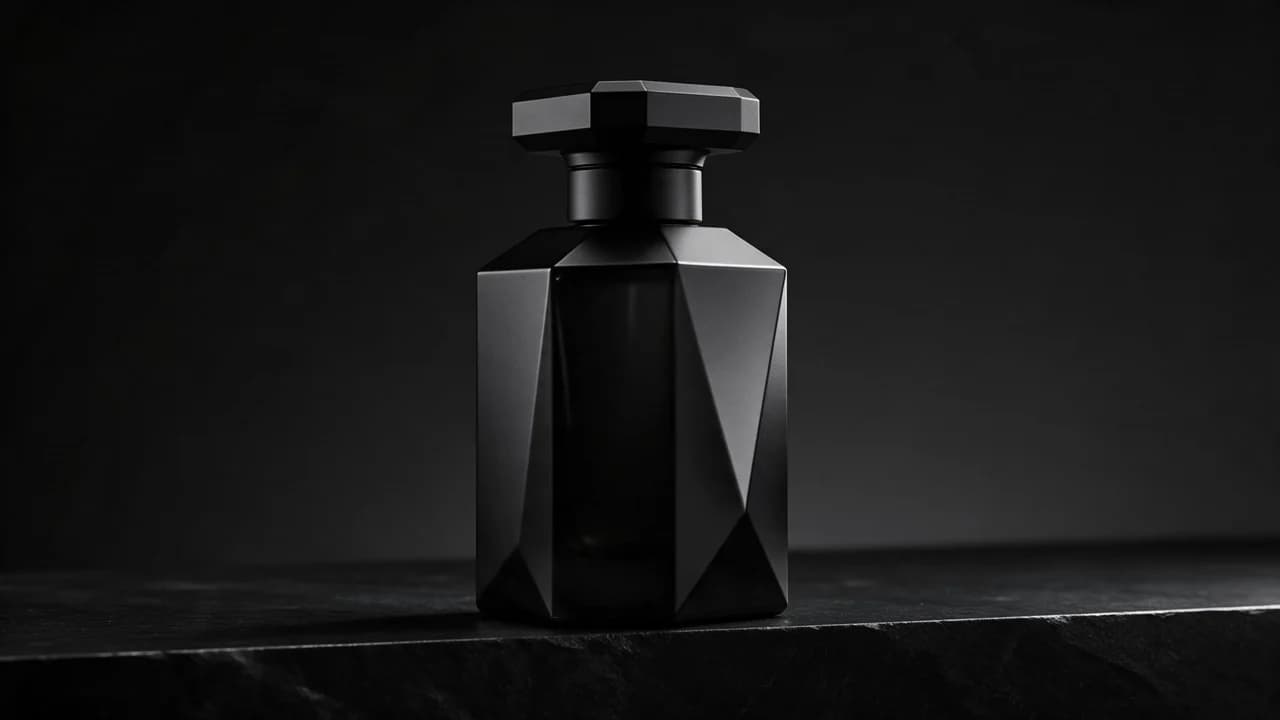
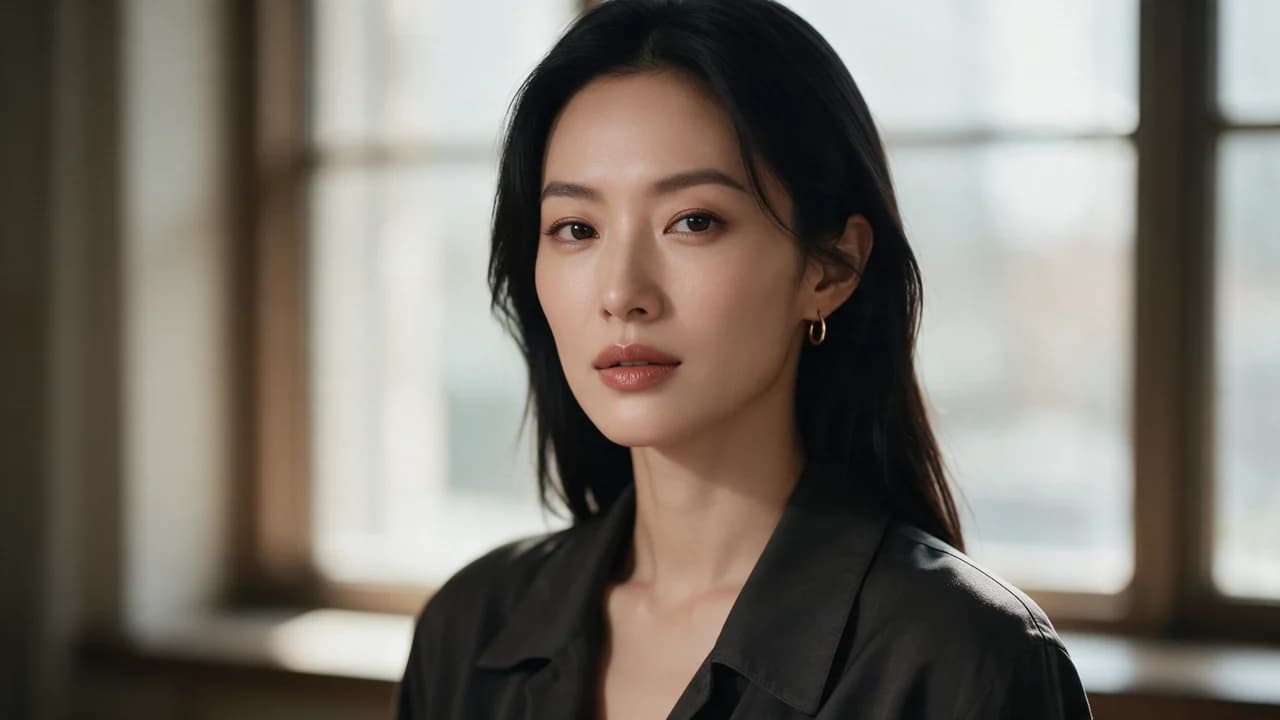
See the first output from each model on the same ten prompts, including a skincare packshot, a poster, and a portrait. The 2026-10-25 tests show side-by-side images, credit costs, and time from submission to result. Each prompt was run once per model at 1K.
FAQ
- Can I use GPT Image 2 directly on this page?
- Yes. The creator above is the working Ofrai studio with GPT Image 2 selected by default.
- Where are my finished results saved?
- Signed-in generations are kept in your Ofrai library so you can download or revisit them.
- Which prompts work best with GPT Image 2?
- Describe the subject, setting, visual style, lighting, and camera or motion clearly. The examples above provide practical starting points.
- Can I edit the example prompts before generating?
- Yes. Load any example, then change its wording, aspect ratio, references, or other supported settings in the creator.
Related models
Compare other Image models that can handle similar creative work to GPT Image 2.



Compare
Use cases
Related guides
Tools
Commercial use depends on the selected model and model terms.