Features
AI 3D Sexy Woman Generator
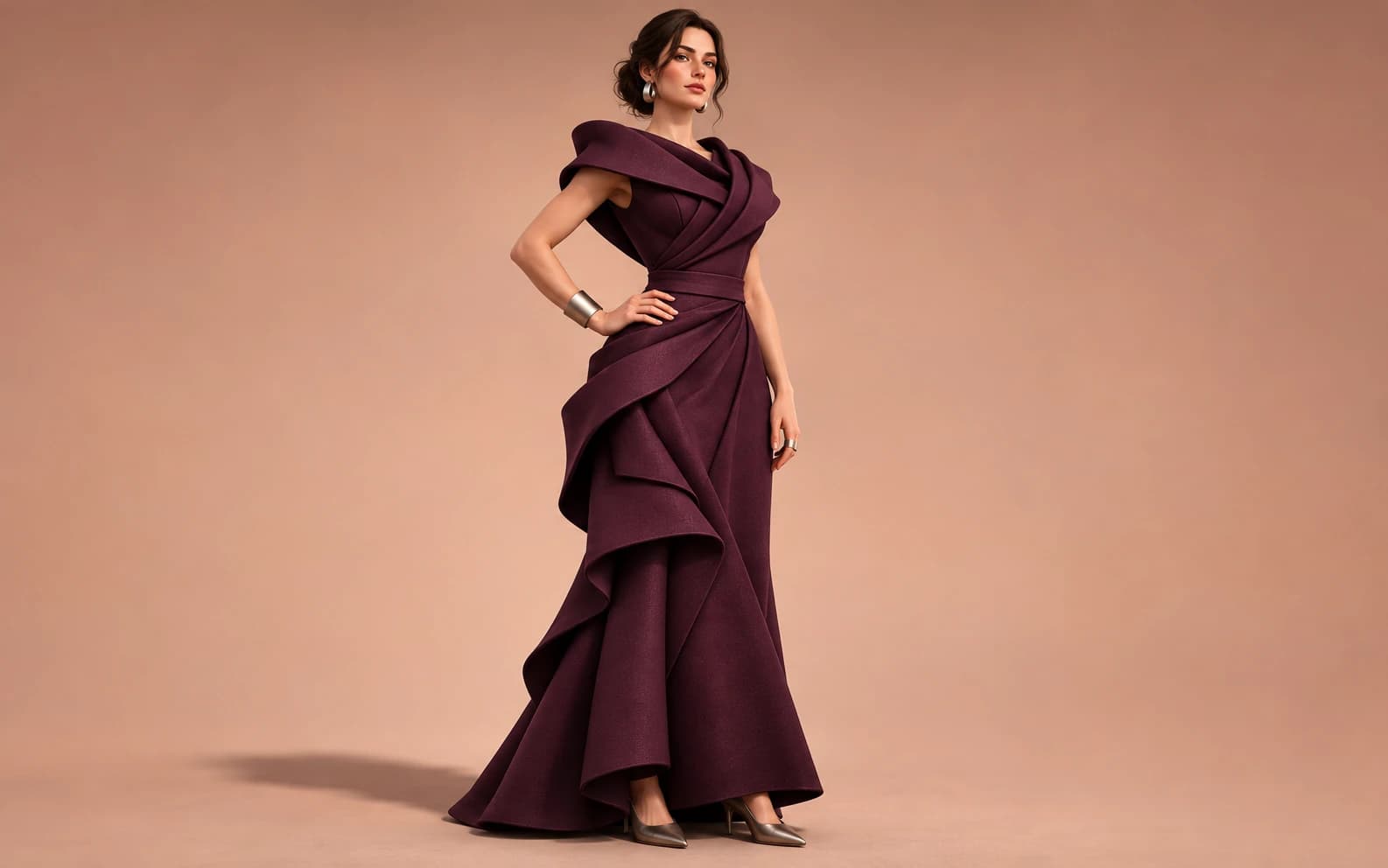
Create a 3D-looking still of a fictional adult fashion character. In Ofrai Image Studio, direct the outfit, material, pose and lighting, then compare the rendered image with your brief. The result is a flat image with a sculpted look, not a rigged 3D model or an explicit scene.
New accounts include 1 free GPT Image 2.5 generation. Other models and video use credits.
Example prompts
Original fictional adult woman in a fully clothed sculptural evening outfit, stylized 3D editorial still, brushed-metal accessories, soft studio key light, three-quarter standing pose, clean background, no nudity or text.
Build a three-dimensional look in a flat image
Name the visual cues that make the render feel sculpted: a clear key light, a softer fill, visible fabric thickness and a contact shadow under the shoes. Ask for one full-body figure against a simple set before adding props. A crowded background can hide the silhouette and make the result read like an ordinary photograph instead of a deliberate 3D editorial render.
Direct wardrobe rather than anatomy
Use a fully clothed adult character and specify one garment with a readable shape, such as a structured coat or a floor-length evening dress. Add a material and a single accessory. This gives the model concrete surfaces to light while keeping the page focused on fashion art. Check hands, garment closures and the distance between limbs after each generation; those are common places where the sculpted look breaks.
Choose the right deliverable
Download the approved image for a moodboard, poster draft or character reference. A raster image cannot be rotated, animated as a rig or imported as a mesh. If a production pipeline needs geometry, use the generated frame as concept art and rebuild the character in a 3D application.
Keep the character original
Describe a fictional adult rather than a named person, celebrity or recognisable avatar. If you use a reference photograph, use only one you have rights and consent to edit. Keep the final image fully clothed and non-explicit, and review the chosen model's terms before commercial publication.
Review the image at its destination size
A metallic accessory that looks detailed at full resolution may disappear in a profile crop. Test the final still at the size of a social tile or poster mockup, then simplify the outfit or increase contrast where the form stops reading. Save the prompt alongside the approved image so a later variant starts from the same art direction.
FAQ
- Does Ofrai export an editable 3D character?
- No. This workflow creates a 2D image with 3D-style lighting and materials. It does not export a mesh, rig or animation file.
- Can I use a real person's face?
- Only use a reference you have the rights and consent to edit. For a new concept, describe a fictional adult and avoid celebrity likenesses.
- Why does the image look like a photo instead of 3D art?
- Add visible material thickness, deliberate studio lighting and a simple contact shadow, then remove distracting background detail.