Features
AI Family Crest Generator
Create an original, heraldic-style emblem for an invitation, reunion or personal project. Describe a shield, a small set of symbols and a colour palette, then generate and refine a concept in Ofrai Image Studio. This page designs new artwork; it does not research your ancestry or identify a historical coat of arms.
New accounts include 1 free GPT Image 2.5 generation. Other models and video use credits.
Example prompts
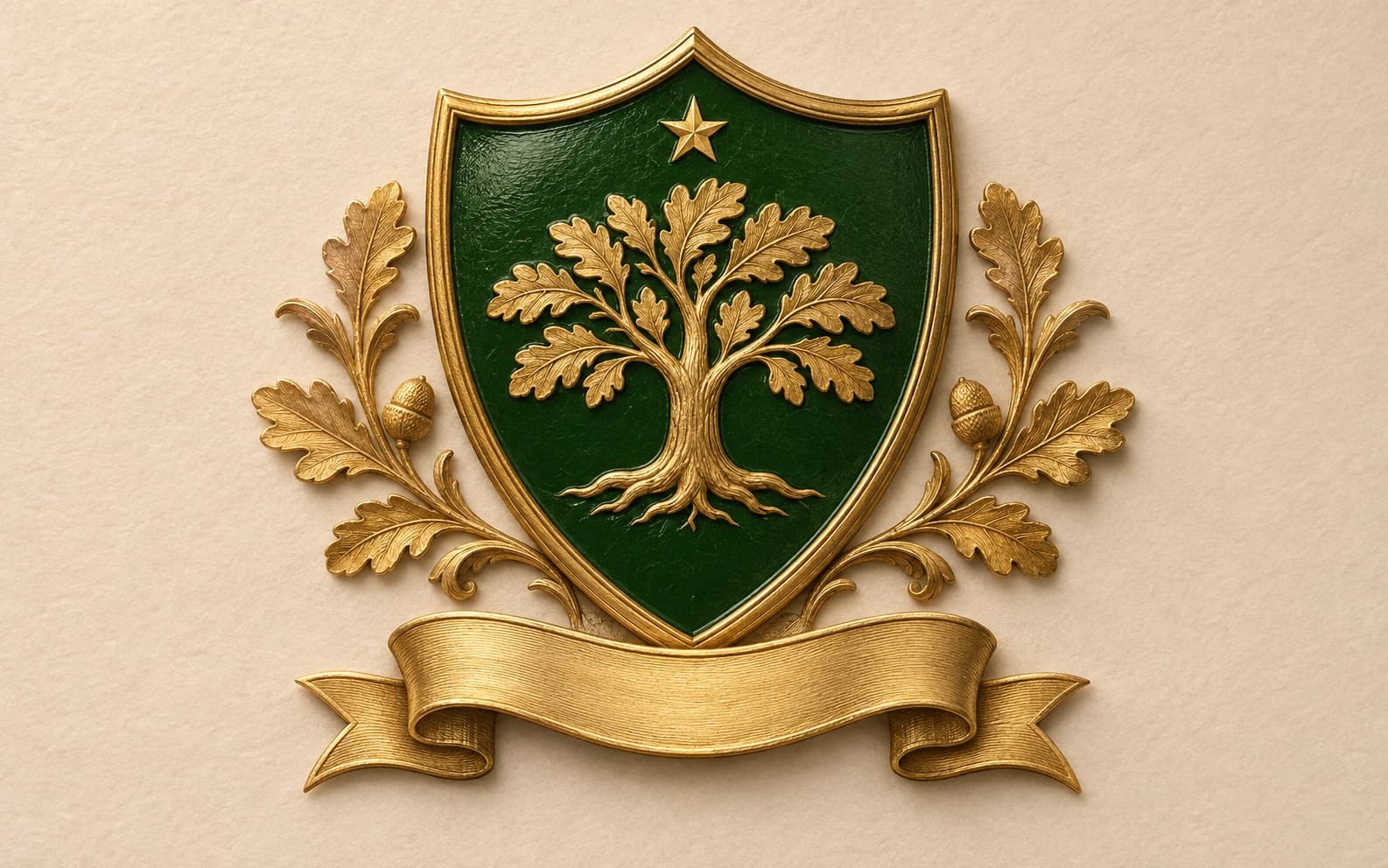
An original decorative family crest concept: simple shield, oak tree and small star, deep green and warm gold, clean engraved lines, balanced symmetry, plain background, blank banner with no words, no copied historical arms.
Begin with meaning, not a surname lookup
Pick two or three ideas that matter to your family or event: an oak for a shared place, a star for a milestone, a river for a hometown. Translate those ideas into simple shapes and colours. A prompt such as ‘original shield emblem with an oak tree, one small star, deep green and gold, clean engraved lines’ gives the image model a coherent design brief. A surname alone does not identify a legally or historically authentic coat of arms.
Keep the shield readable at small sizes
Use one main charge and one supporting mark. Ask for a clear silhouette, balanced spacing and a plain background. Too many animals, crowns and flourishes become noise on a wedding card or profile icon. Generate a square concept first, then test it at thumbnail size. If the mark disappears, simplify the prompt before asking for more detail.
Handle names and mottos separately
Image models can misspell names and Latin mottos. Request a blank banner in the first image, choose the emblem, then add exact wording in a design tool. If you ask the model to draw lettering, proofread every character. The image is also raster artwork, so a print designer may need to redraw clean vector edges for embroidery, engraving or large-format printing.
Make the design your own
Do not upload a crest belonging to another person or institution and ask for a near copy. Use your own symbols and references, and compare the result with any mark you plan to use publicly. Image generation does not grant trademark clearance or heraldic rights. For a business logo or registered mark, have a designer and the appropriate rights professional review the final artwork.
Generate and refine in Image Studio
Open Image Studio, choose an available model and paste the starter prompt. Review the shield outline and symbol placement before adding ornament. If a result is close, use it as a reference and describe one change at a time. The studio shows the credit estimate for your model and settings before you generate.
FAQ
- Will this find my family's real historical crest?
- No. It creates a new decorative concept. Historical arms require separate genealogical and heraldic research.
- Can the crest include our name?
- You can ask for it, but image-model text can be wrong. A blank banner with lettering added afterwards is more reliable.
- Can I use the result as a logo?
- You can use it as a concept. Check distinctiveness and rights before using or registering a final business mark.