Features
AI Gay Video Generator
Create a short LGBTQ+ story or celebration scene featuring original adult characters in Ofrai Video Studio. Describe one shared moment, the setting and a simple camera move. The result is a generated clip, so review faces and continuity before sharing it.
Chat and video use credits from your Ofrai balance.
Example prompts
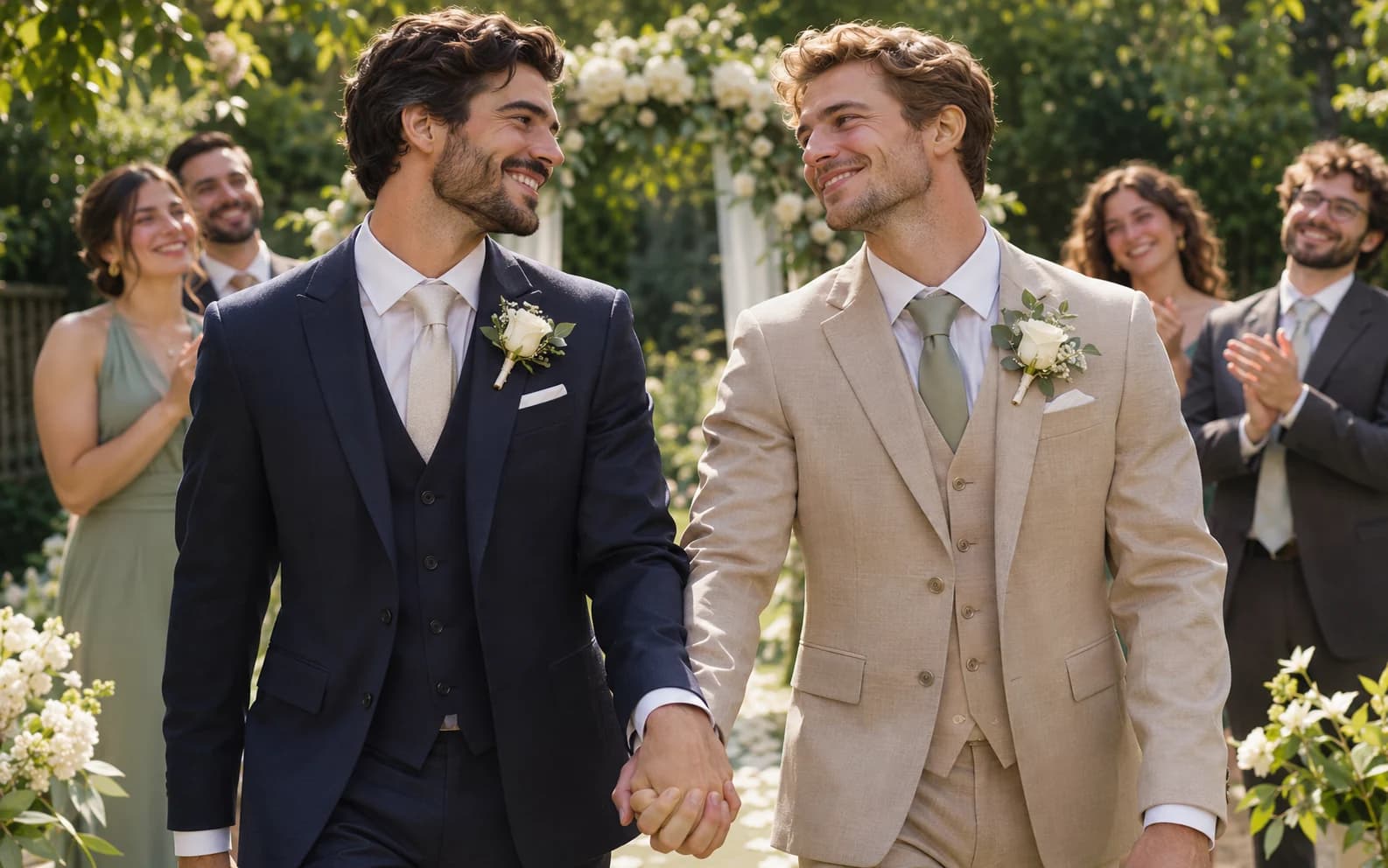
Two original adult men in formal suits exchange a warm smile and hold hands after their wedding ceremony in a sunlit garden, friends softly out of focus behind them, one gentle camera push-in, fully clothed, tender and non-graphic, no text.
Choose a moment worth filming
A couple exchanging a smile at a wedding, friends celebrating Pride or partners meeting at a station gives a short clip a clear emotional center. Describe the characters as adults, their clothing and one action. Keep the scene respectful and specific rather than reducing the people to a label or asking the model to imitate a real couple.
Keep motion simple and readable
Choose a slow push-in, a gentle walk or a single embrace. Put the camera move and framing in the prompt, then select a duration and aspect ratio that the available model supports. Review both people throughout the clip: hands, faces and clothing can shift when they interact.
Use references with permission
For a personal memory, upload a reference image only if you have the rights and the pictured adults agree. The output may change their appearance, so compare it carefully. For exact names, vows, speech or captions, add verified text and audio in a video editor after generating the visual clip.
Choose a format before generating
A vertical crop keeps a couple close in a phone feed, while a wider frame leaves room for the guests and setting. Pick the format the selected model supports and describe where the people should sit in the frame. Check that both faces remain visible at the beginning and end rather than relying on the first preview frame.
Review the scene for dignity and accuracy
Check that gestures, expressions and clothing tell the story you intended. A generated Pride or wedding scene may accidentally add inaccurate symbols or change a couple between frames. Correct the brief and regenerate instead of presenting a flawed scene as a record of a real event.
FAQ
- Does this create an explicit scene?
- No. This page is for non-graphic adult romance, celebrations and everyday stories with fully clothed characters.
- Can I animate our wedding photo?
- You can use an authorized photo as a starting image when the chosen model supports it. Review the result because faces and clothing may change.
- Can I add accurate vows or captions?
- Add and verify the exact words in a video editor. Generated speech and lettering can be unreliable and options vary by model.