Features
AI Cake Generator
Use Ofrai Image Studio to turn a cake brief into a visual reference. Describe the occasion, shape, tiers, frosting and decorations; then compare a few images before you discuss the design with a baker. The result is a concept image, not a recipe or a guarantee that the cake can be built exactly as shown.
New accounts include 1 free GPT Image 2.5 generation. Other models and video use credits.
Example prompts
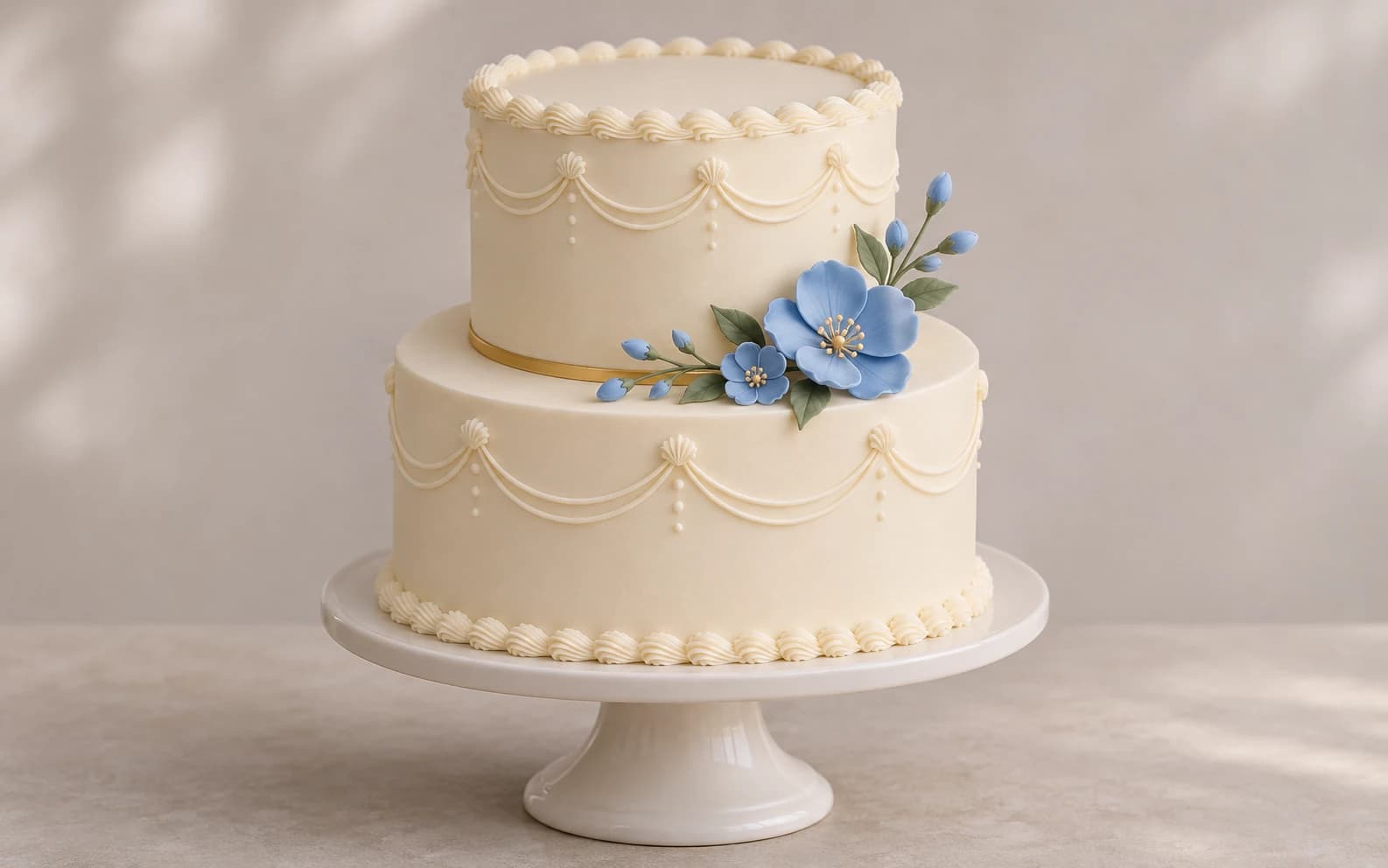
A two-tier birthday cake concept on a plain cake stand, ivory buttercream, small blue sugar flowers, one thin gold accent, soft studio light, front three-quarter view, no writing, realistic bakery presentation.
Write the brief like a baker would
Start with the occasion and number of tiers, then add the shape, finish and two or three decorations. ‘Two-tier round wedding cake, smooth ivory buttercream, small pressed flowers and a thin gold band’ gives the model a clearer structure than ‘elegant cake’. If the design has to fit a venue or invitation, name the palette and background too. Leave serving size and ingredients for the baker to determine.
Create variations without losing the structure
Generate a first concept, save the closest one, and revise one feature at a time. Change the flower colour, the top tier or the finish while keeping the tier count and overall shape in the prompt. If you already have a reference photo, upload it and say which details should remain. Inspect every variation: image models can change the number of tiers or place decorations where they would be hard to support.
Keep lettering out of the first image
AI-generated names and short messages can contain spelling errors. Ask for a blank plaque or undecorated topper area, then add the exact wording in a design tool or discuss it with the baker. If you include text in a prompt, read it at full size before sharing the image. A polished cake picture with a misspelled name is a poor order reference.
Turn the image into a useful order conversation
Share the chosen image together with a short written brief: occasion, servings, tier sizes, flavour, dietary requirements, delivery date and budget. Ask the baker which flowers, supports and finishes are practical. The picture communicates colour and composition; it cannot confirm food safety, structural stability, ingredients or price.
Where to create it on Ofrai
Open Image Studio, select an available image model, paste the starter prompt and adjust the colours and decorations. The studio shows the credit estimate for the selected model and settings before generation. Save the result you want to discuss, and make a second version only when you know what to change.
FAQ
- Will the generated cake be possible to bake?
- Not necessarily. Treat it as a visual brief and ask a baker to confirm supports, materials, serving size and cost.
- Can I use a photo of a cake I like?
- You can upload a reference and describe the changes you want. Check the output carefully and avoid presenting someone else's design as your own original work.
- Does this make a recipe?
- No. Image Studio generates a cake image. It does not calculate ingredients, portions or baking instructions.