Features
AI Clothes Changer
By Ofrai Editorial (Model Testing Team)
Upload a full-body or half-body photo and describe a different outfit. An editing model keeps the face, pose and background and redraws the clothes — useful for styling ideas, lookbooks and trying a product on a model before a shoot.
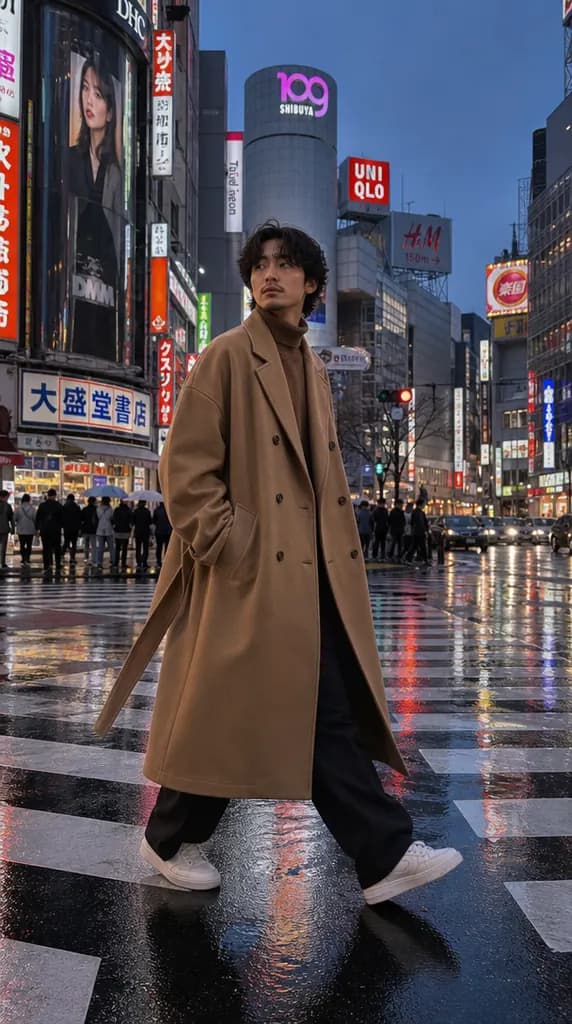
New accounts include 1 free GPT Image 2.5 generation. Other models and video use credits.
Example prompts
Keep the person's face, hair, pose and the background exactly the same. Change only the outfit to a tailored navy wool suit with a white shirt and brown leather shoes.
What it is for
Showing one model in several outfits for a lookbook, previewing a garment on a person before a shoot, trying style directions for a brand, and personal "what would this look like" experiments. For moving footage, use the outfit swap video tool instead; this page is for stills.
How it works
In Image Studio, choose an editing model and upload the photo as a reference. Write two things: what must not change (face, hair, pose, background) and what the new outfit is. Describe the garment the way a shop listing would — fabric, colour, fit, length, shoes. The model returns the same scene with the new clothes.
Using a garment photo as the target
If you have a picture of the exact garment, upload it as a second reference on a model that accepts several images, and say “dress the person in the jacket from the second image”. Results are closest when the garment photo is flat-lay or on a mannequin with good light. Patterns and logos are the hardest part to keep exact; check them closely.
Which model to use
Nano Banana Pro gave the most natural people in our portrait tests and keeps skin and light believable around the new clothes. Flux Kontext is an editing specialist that tends to leave the rest of the image alone. Seedream 5 is a faster, cheaper option for quick style exploration.
Consent and rules
Only edit photos of yourself or of people who have agreed. Do not create images that undress someone or show a real person in a way they would not consent to; provider filters block such requests and they break the Terms.
Cost
Each edit is one generation on the model you pick. On the test date a 1K image cost 33 credits on Nano Banana Pro, 21 on Seedream 5 and 14 on Flux Kontext Pro.
FAQ
- Will the face change?
- It can shift slightly. Ask to keep the face unchanged, start from a sharp photo, and compare with the original.
- Can I change clothes in a video?
- Yes, with the outfit swap video tool in Video Studio. This page covers still images.
- Can I see a real product on a model?
- As a preview, yes. For product listings, check that colour, pattern and logo match the real item before publishing.