Features
Free AI Image Generator
Describe an original image and create it in Ofrai Image Studio. Eligible accounts may receive a welcome voucher for one GPT Image 2.5 still at no credit cost. The studio shows whether your selected model and settings qualify before you generate; other images use credits.
New accounts include 1 free GPT Image 2.5 generation. Other models and video use credits.
Example prompts
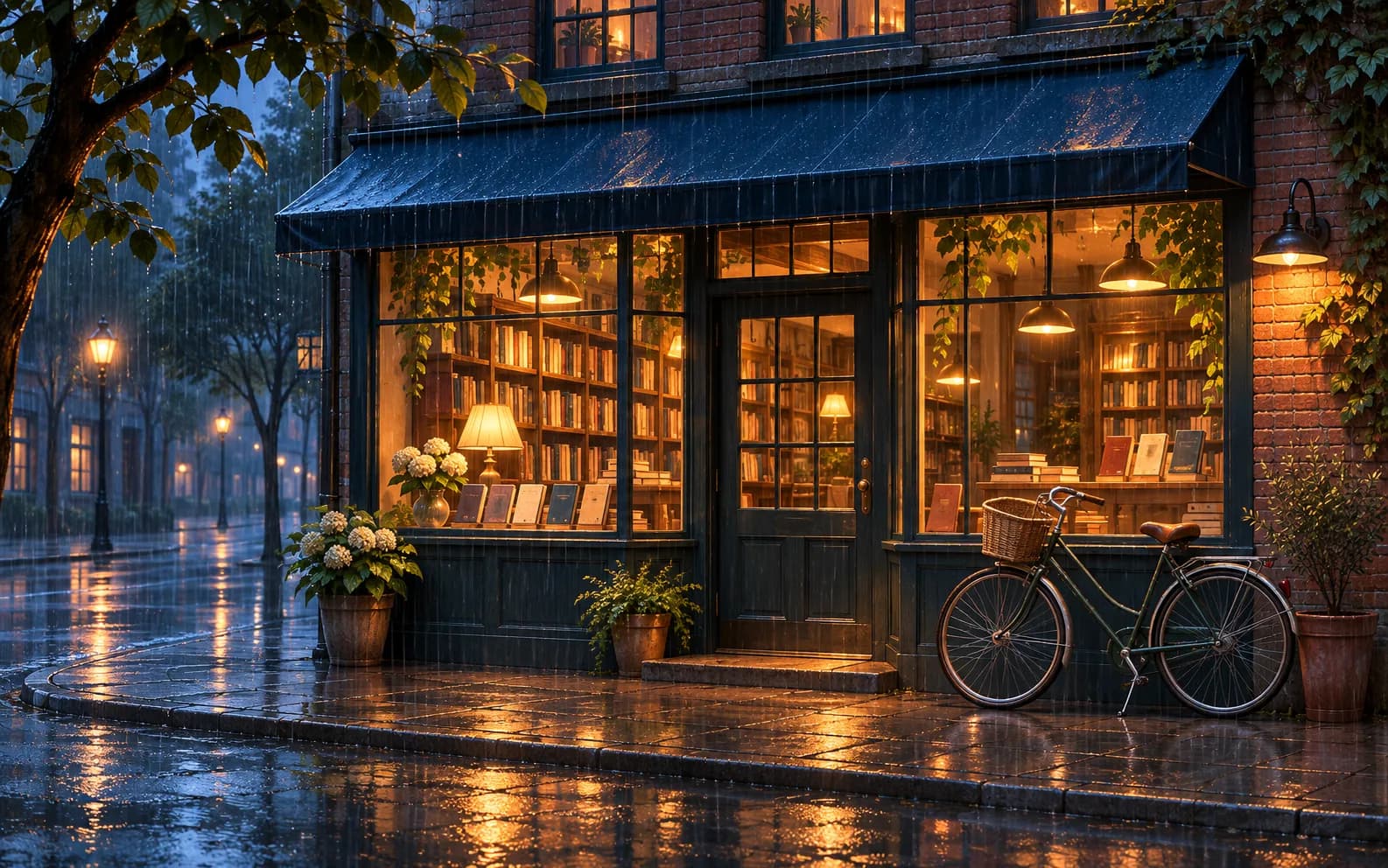
An original small bookstore on a rainy evening, warm light spilling through the windows, a bicycle parked outside, cinematic illustration, deep blue and amber palette, no signs or readable text.
Check what is free for your account
A welcome image voucher applies only when your account has one available, you select an eligible GPT Image 2.5 model and request a single still. The Image Studio cost display changes to Free when those conditions are met. Do not assume a different model, multiple outputs or later attempts are free; read the cost beside the Generate button each time.
Write one clear first prompt
For the trial image, choose one subject, a setting, a visual style and a light direction. The bookstore example combines a place, rainy evening, cinematic illustration and a two-colour palette. Avoid adding five unrelated subjects to a single small image. Generate once, inspect what worked, and use a more specific prompt only if you want another attempt.
Pick the output shape before generation
A square image is useful for a profile tile or concept card; portrait suits a poster; landscape fits a presentation. Set the ratio in Image Studio before submitting because a later crop may remove the main subject. If the image includes writing, check every character and add exact copy in a design tool when accuracy matters.
Use references only when you have rights
You can upload an authorized image to guide a later edit, but the output may redraw details rather than preserve them exactly. Use your own photos or material you have permission to edit. For a first free voucher run, check the studio's eligibility display after changing the model or output count; the voucher only covers a qualifying GPT Image 2.5 single still.
Continue with credits when the trial ends
After an eligible voucher is used, Image Studio shows the credit estimate for the chosen model and settings. Compare the preview cost before starting another generation. The page is a way to begin with one eligible image, not a promise of unlimited free images or free access to every model.
FAQ
- Is every image model free on Ofrai?
- No. An eligible welcome voucher covers one qualifying GPT Image 2.5 still. Other models and later generations use credits shown in the studio.
- Why does the button show credits instead of Free?
- Your account may have no voucher, or the selected model or output count may not qualify. Check the model, request one still and review your account's voucher status.
- Can I use the first image for a poster?
- You can use it as a visual draft. Check the model's terms and your rights, verify all details, and add exact text in a design tool if the poster needs reliable lettering.