Features
AI Scribble Drawing Generator
By Ofrai Editorial (Use Case Research)
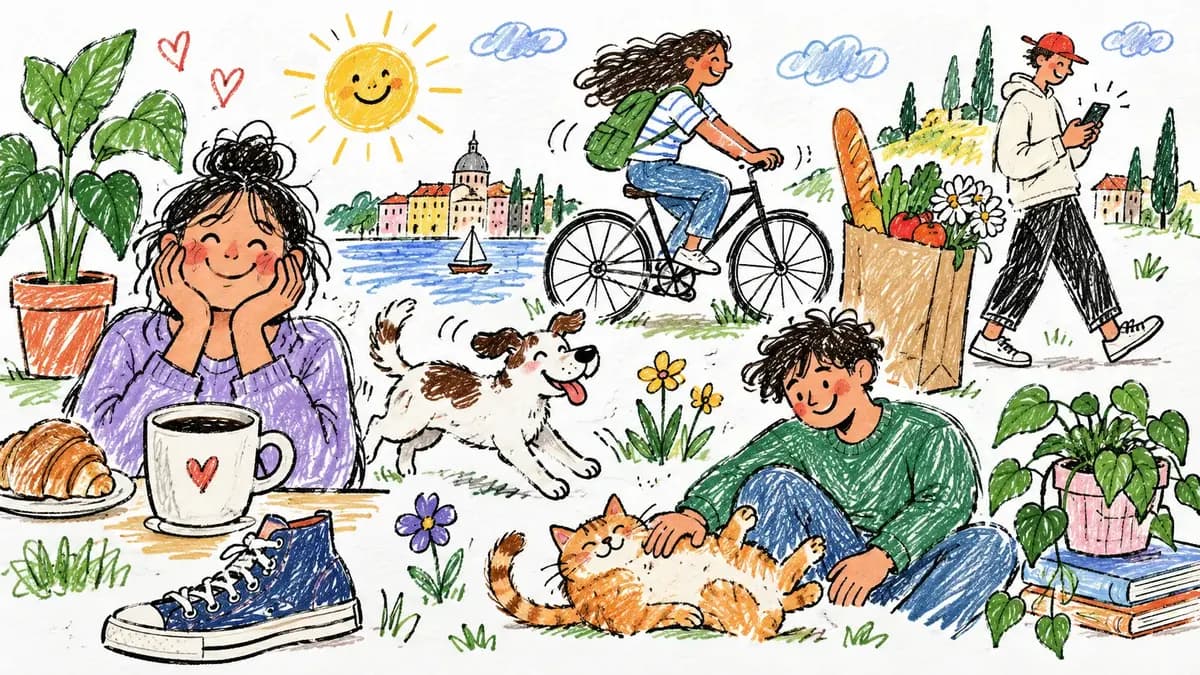
An AI scribble drawing generator takes a rough hand sketch — a napkin doodle, a child’s drawing, a phone note — and returns the same composition as finished art, keeping the shapes and layout you actually made. In Ofrai you upload or describe the sketch, choose how literal the output should be, and generate variants without learning a drawing tool.
New accounts include 1 free GPT Image 2.5 generation. Other models and video use credits.
Example prompts
Scribble line-art style, loose strokes
What a scribble needs to contain
Models follow strokes and shapes, not intention, so the sketch has to carry the composition. Include the main subject, its position, and any relationships — who is in front, what the background holds. A scribble with three clean shapes beats a dense drawing with thirty half-defined ones, because ambiguous lines get resolved arbitrarily. If a hand drawing is very small, redraw it larger or photograph it flat and evenly lit before uploading.
Getting the model to follow your line
Upload the sketch, then state the constraint explicitly: “keep the exact line placement and proportions of the uploaded sketch, only replace the rendering”. Reference-led editing models such as nano-banana-pro and gpt-image-2 honour this far better than text-only generation, which will reinterpret your drawing and hand back something with the right mood but the wrong shapes. Add “do not add or remove objects” whenever the count matters, and describe what the finished version is for so the model can choose an appropriate level of detail.
Directing line weight and finish
Style instructions work because the render stage is separate from the layout stage: uniform marker outline, varying weight ink line with cross-hatching, soft graphite with visible tooth, bold flat vector with no gradients, loose watercolour with paper texture. Specify paper too — clean cold-press, aged sketchbook, torn edge — because it changes the whole perceived finish. One style instruction per pass; stacking three makes results muddy. If the style feels close but not right, change the paper or the medium rather than the mood adjectives, which the model interprets loosely.
Choosing the model for a doodle translation
Use nano-banana-pro when the uploaded sketch must be preserved closely and the style is the only thing changing — it is the most faithful editor of the four. Use gpt-image-2 for sketch-to-finished-illustration jobs with written requirements, such as adding a background or a title area. Use flux-2 for fast exploration of palettes and styles. Use seedream-5 when the result needs to carry legible words or a poster-like layout.
If the sketch is very rough, run the cheap engine first and move to an editor only once the composition is right.
Preserving a child’s drawing
For children’s work, do not describe what the drawing is meant to be — a four-legged figure may be a dog, a table, or a person sitting. Upload it, ask for a faithful version, and describe only the craft: “keep every shape exactly as drawn, render as soft watercolour with visible paper grain, add nothing new”. Inventing the missing legs into a dog is the fastest way to lose the personal value of the original.
One scribble into several directions
Fix the sketch and vary only the style phrase to build a coherent series: colour pencil, gouache, flat vector, risograph, embroidered patch, laser-etched acrylic. Because the layout is locked by the input, styles vary without drifting — which is what makes this reliable for album covers, stickers and merchandise. Export each approved style separately rather than as one sheet, so a single weak render does not hold back the set.
Where the original shape gets lost
Expect trouble with three cases: scribbles that rely on the artist’s knowledge to be readable, layered sketches with dozens of overlapping strokes, and handwriting that must stay legible. In each, the model has to guess, and it guesses differently every time. If fidelity matters, trace or redraw the key shapes in a vector tool first, then hand that clean file to the generator for rendering. Expect two or three attempts per style on any of these, and decide the acceptable tolerance before you start.
Turning a photo into a one-line doodle
A doodle conversion is a two-input job: the reference photograph supplies the subject, and the prompt supplies the drawing language. Upload the photo, then write something like “reduce this photograph to a continuous single-line ink drawing on white paper, one unbroken contour that captures the silhouette plus only three interior detail marks, no shading, no crosshatching, no colour, slight wobble in the line as if drawn by hand, generous white space around the subject, centred.”
The phrase “one unbroken contour” is doing the real work, because it forbids the model from breaking the outline into separate strokes, which is the difference between a doodle and a sketch. If you want a specific object rather than a photograph, skip the reference entirely, describe the subject plainly, and keep the same line constraints.
Three prompt strings you can paste directly
Marker doodle: “minimal black marker doodle of a cactus in a pot, single confident stroke weight, no fill, no outline variation, plain white background, centred, generous margins, hand-drawn but clean.” Loose watercolour: “loose watercolour sketch of the same subject, wet-on-wet washes bleeding at the edges, one or two areas of concentrated pigment, visible paper texture, unpainted white paper left at the edges of the form, no black outlines.”
Graphite notebook: “graphite pencil sketch on slightly cream sketchbook paper, crosshatched shadow across the lower third, construction lines faintly visible, no colour, no ink.” Each of those is a complete brief on its own, and each should be tested against the same subject so that you are comparing styles rather than subjects.
Settings that keep the line from wandering
Aspect ratio sets the amount of white space, and doodles need it: 1:1 gives the tightest margins and reads most like an icon, 4:5 and 3:4 look like a notebook page, and 16:9 only suits a border or a banner. Use the approved source image again in a mode that accepts references, and state what should stay unchanged. Resolution matters less than in photography, because a doodle is mostly white space, but never go below the size you will actually print at.
What a doodle pack costs in credits
Cheap style exploration first is the right order, because style is the expensive part of any doodle project and none of it needs to happen on a premium engine. Run the first pass on flux-2 at low resolution until one style and one line weight feel right, then move the approved prompt to gpt-image-2 or nano-banana-pro for the final frames.
Most packs need a dozen frames, so the arithmetic matters: exploring six styles at four candidates each is twenty-four cheap renders, while rendering four styles at six candidates directly on a premium engine is the same generation count at several times the price. Each run shows its Ofrai credit cost before it starts.
Why scribble prompts fail in predictable ways
Four failures account for almost every disappointing result. The model draws a finished illustration because the prompt never said it had to be simple, so add “no rendering, no gradients, no realistic shading, unfinished on purpose.” The line breaks into multiple strokes because “single line” was ambiguous, so specify “one continuous contour, not overlapping strokes.” The background fills with colour because you never named the paper, so name the paper colour and add “no background objects.”
And the doodle drifts from the reference because you described the subject while also uploading it, which lets the model average the two; when a reference exists, describe only the drawing style, not the content.
Who should trace this by hand instead
Doodle generation fits children’s activity sheets, brand illustration sets, sticker and icon families, storyboard thumbnails, classroom worksheets, and any job where twenty related drawings matter more than one perfect drawing.
Trace by hand, or open a vector tool, when the output must be perfectly consistent across many frames, when the line has to stay editable later, when the piece will be embroidered or laser-cut and needs mathematically clean curves, or when the work is a child’s drawing whose value is emotional rather than visual — reproducing it flawlessly can work against the very feeling that made it worth keeping. Fidelity and automation pull in opposite directions here, so decide which one you are optimising before you start rather than after.
If you already have a reference to simplify, try reference-based line art.
Examples
FAQ
- Can I turn a photo of a hand sketch into artwork?
- Yes. Photograph the sketch flat and evenly lit, upload it to Image Studio, and tell the model to keep the exact line placement and proportions while changing only the rendering style. Reference-led editing models follow uploaded line work far more closely than text-only models, which tend to redraw your composition.
- What style prompt works best for a scribble?
- Name the medium and its surface: soft watercolour on cold-press paper, bold flat vector with no gradients, black ink with cross-hatching, or embroidered patch style. Include a paper or texture description, because it drives most of the perceived finish. Keep one style instruction per generation and change it only after you have the composition right.
- Will it add things my drawing does not have?
- It can, especially when strokes are ambiguous. Add an explicit lock line — do not add or remove objects, keep the exact number of shapes — and prefer an editing model such as nano-banana-pro or gpt-image-2 over pure text-to-image generation. If extra elements keep appearing, simplify the sketch rather than fighting it with more instructions.
- Can I keep my child’s drawing exactly as they made it?
- Yes, and you should describe the craft rather than the subject. Ask to keep every shape exactly as drawn and to add nothing, then specify the medium. Describing what the drawing represents causes the model to correct it into a more conventional version, which usually removes the detail that made it personal.
- How do I make several versions that match?
- Because the input sketch locks the layout, the output varies in rendering without drifting in composition, which makes the set usable for stickers, album covers or merchandise. Once a style wins, reuse that exact phrase for the rest of the series.
- Does Ofrai have a built-in drawing canvas?
- Ofrai is a generation studio rather than a drawing app: you supply the sketch by upload, by scanning an existing file, or by describing simple shapes in text, and the image models do the rendering. If your sketch is very rough, cleaning it up in a vector tool first usually produces a better final image than generating straight from the rough scan.
Related generators
- AI Caricature Generator
- AI Crayon Drawing Generator
- AI Black And White Photo Generator
- AI Chibi Character Generator
- AI Classical Portrait Generator
- AI Cozy Anime Art Generator
- AI Cozy Winter Wallpaper Generator
- AI Instant Film Photo Generator
- AI Liminal Space Image Generator
- AI Luxury Photo Generator
- AI Minimalist Photo Generator
- AI Oil Painting Generator