Features
AI Banner Generator
By Ofrai Editorial (Model Testing Team)
Describe the product, the message and where the text goes, and get a wide banner image back — a website hero, a sale banner, a channel header. Ofrai's text-capable image models can set a short headline in the image for you.
New accounts include 1 free GPT Image 2.5 generation. Other models and video use credits.
Example prompts
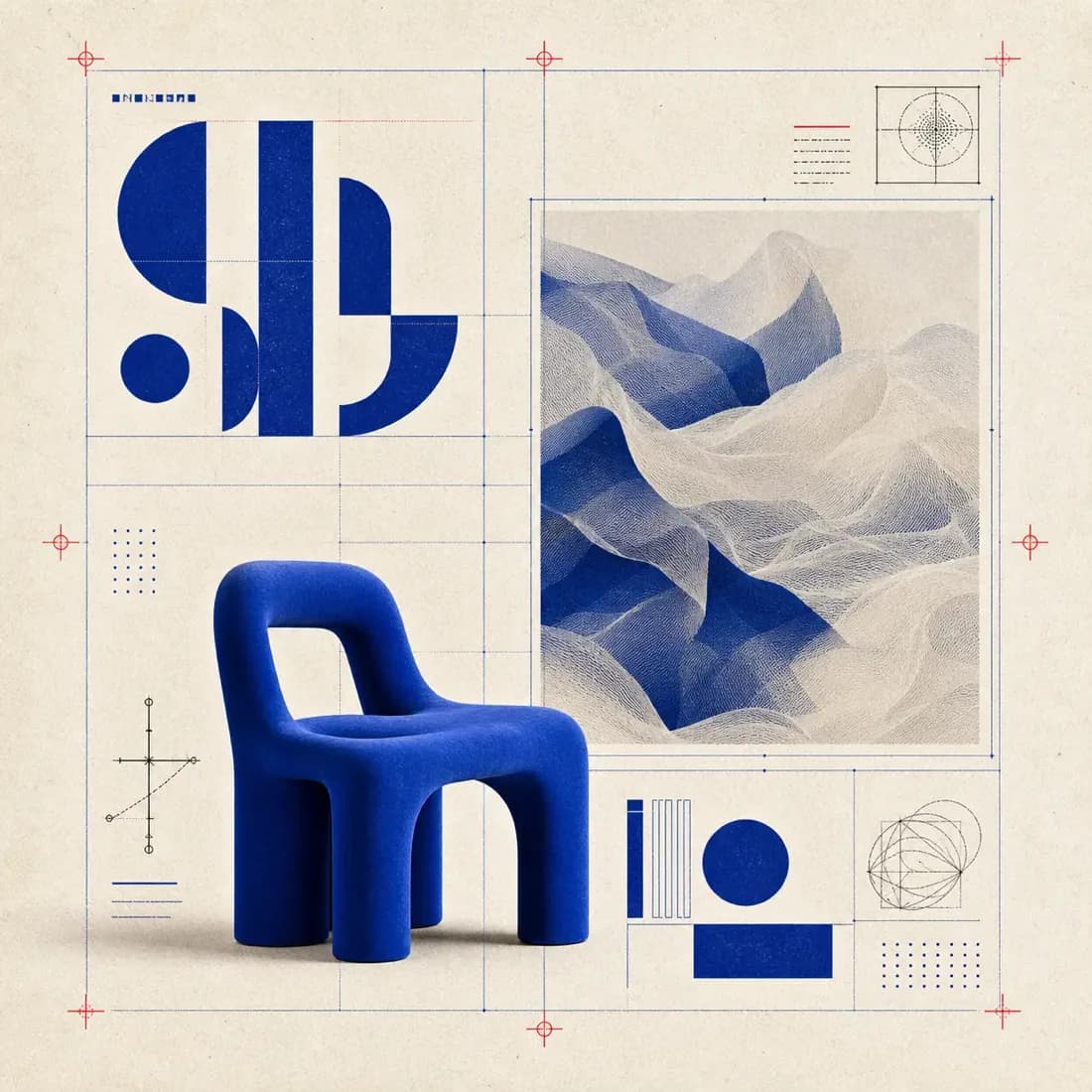
Wide website hero banner for a furniture brand: a cobalt blue sculptural chair on the right third, warm off-white background with faint technical line drawings, the headline "Made to Sit Bold" in large navy sans-serif on the left, generous empty space around the text.
What it is for
Homepage hero images, seasonal sale banners, email headers, ad creatives, YouTube channel art, X and LinkedIn header images, and event banners. Anything wide, with one message and one visual focus.
Getting the size right
Image Studio generates fixed aspect ratios, the widest being 16:9. Many banner slots are wider — a LinkedIn header is about 4:1, a website hero is often 3:1. Generate at 16:9, ask for the subject on one side and plain space at the top and bottom, then crop to the exact size in your design tool or site builder. Planning the crop in the prompt is what makes this work.
Prompt structure
Write it in this order: the banner's job (website hero for a furniture brand), the visual subject and its position (cobalt chair on the right third), the background (warm off-white, faint line drawings), the text and its position, and how much empty space to leave. Ending with “generous empty space around the text” stops models from filling every corner.
Cost
On the test date a 1K image cost 10 credits on GPT Image 2, 15 on GPT Image 2.5 and 21 on Seedream 5. Banners usually need several drafts to get the layout right, so a cheaper model for drafts saves the most here.
FAQ
- Can it make a 3:1 or 4:1 banner?
- Not directly. Generate at 16:9 with empty space above and below the subject, then crop to the size you need.
- Will the text be spelled correctly?
- Short headlines usually are on GPT Image models. Always proofread, and add long or exact copy in a design tool.
- Can I put my own product in the banner?
- Yes. Upload a product photo as a reference image and describe the banner around it.