Features
AI Headshot Generator
By Ofrai Editorial (Model Testing Team)
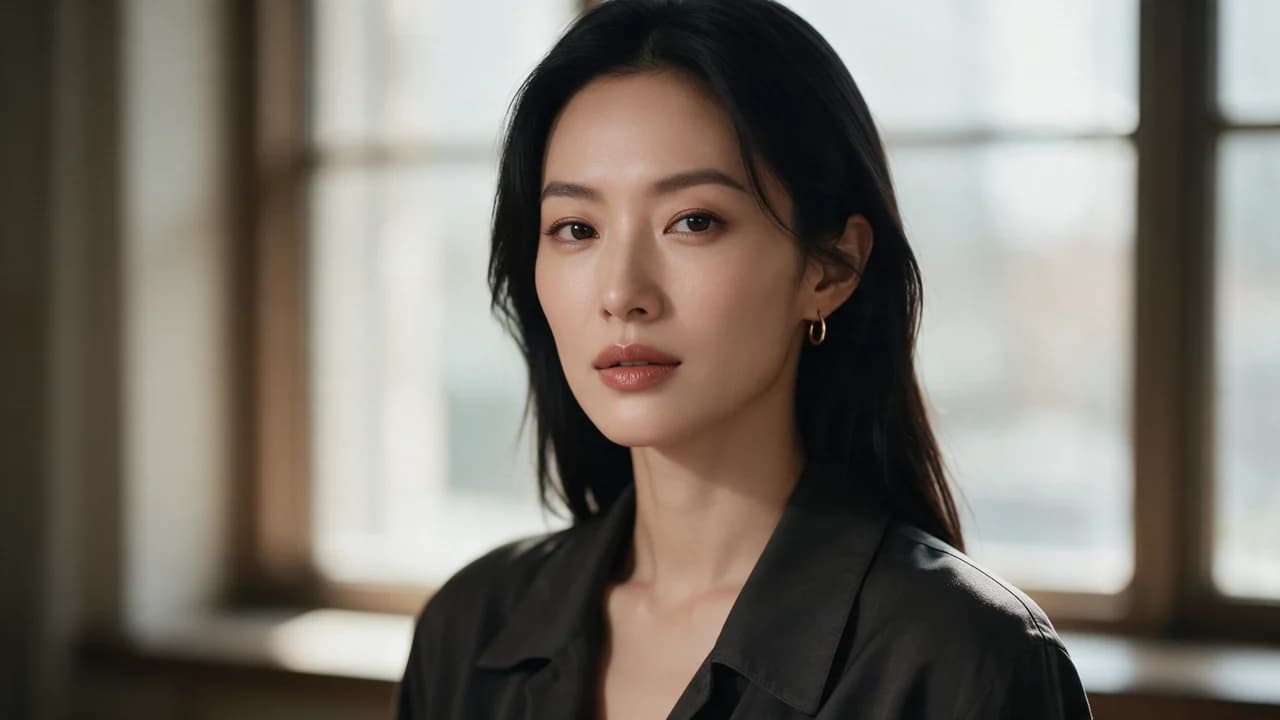
Upload a clear selfie and get a studio-style headshot back: neutral background, business clothing, soft light, head and shoulders. It is a quick way to a professional profile photo when a photographer is not an option.
New accounts include 1 free GPT Image 2.5 generation. Other models and video use credits.
Example prompts
Edit the uploaded photo into a professional headshot. Preserve the person's face shape, hairline, skin tone and any glasses already present. Navy blazer over a dark top, neutral grey studio background, soft key light from the left, head and shoulders, sharp focus on the eyes. Compare the result with the original before using it.
What it is for
LinkedIn and other profile photos, company team pages, speaker bios, CVs in countries that use photos, and consistent headshots for a whole team. For artistic portraits rather than business photos, the portrait generator is the better fit.
How it works
In Image Studio, pick an editing model and upload your selfie as a reference. Ask it to keep your face and hair, and describe the headshot: clothing, background colour, lighting and framing. The model returns a new photo built around your face. Generate a few and keep the one that looks most like you.
The photo you start from matters most
Use a sharp photo facing the camera, in daylight or even light, with no sunglasses, heavy filters or hands near the face. A plain wall behind you helps. Low-resolution or angled selfies give the model less to keep, and the result drifts further from how you look.
Choosing a style
Corporate: navy or charcoal blazer, grey or white backdrop, soft front light. Creative industries: open collar or knitwear, warm backdrop, slightly more contrast. Medical and legal: white coat or dark suit, very plain background. Keep the same style text for everyone on a team so the photos match on the page.
Likeness and honesty
An editing model may change facial details even when you ask it to preserve them. Compare the result with the original at full size, including the eyes, mouth, jawline, hairline and any glasses. Do not use a headshot that no longer looks like you. Only upload your own photo or one you have permission to use.
Cost
A completed attempt can use credits even if you do not keep the result. Check the estimate beside the Generate button for your selected model, resolution and number of images before submitting. Start with one edit, inspect the face against the source photo, then decide whether another attempt is worthwhile.
FAQ
- Do I need several photos?
- No. One clear, front-facing selfie is enough. You can upload a second angle as an extra reference on models that accept several images.
- Can I use it on LinkedIn?
- Yes. Make sure it still looks like you; check each platform's own rules on edited photos.
- Is my photo kept private?
- Your uploads and results are kept in your library, not published as public examples. Ofrai does not use your prompts or outputs to train its own foundation models; third-party model providers may apply their own data policies. You can delete library items, which starts the applicable media-deletion process. Storage, CDN caches and backups may retain copies during deletion or rotation. See the Privacy Policy for details.