Features
AI Love Image Generator
Make a romantic illustration, anniversary card concept or quiet scene featuring original adult characters. Ofrai Image Studio lets you describe the people, setting and mood, then refine the composition. Add any exact names or messages in a design tool after generating the image.
New accounts include 1 free GPT Image 2.5 generation. Other models and video use credits.
Example prompts
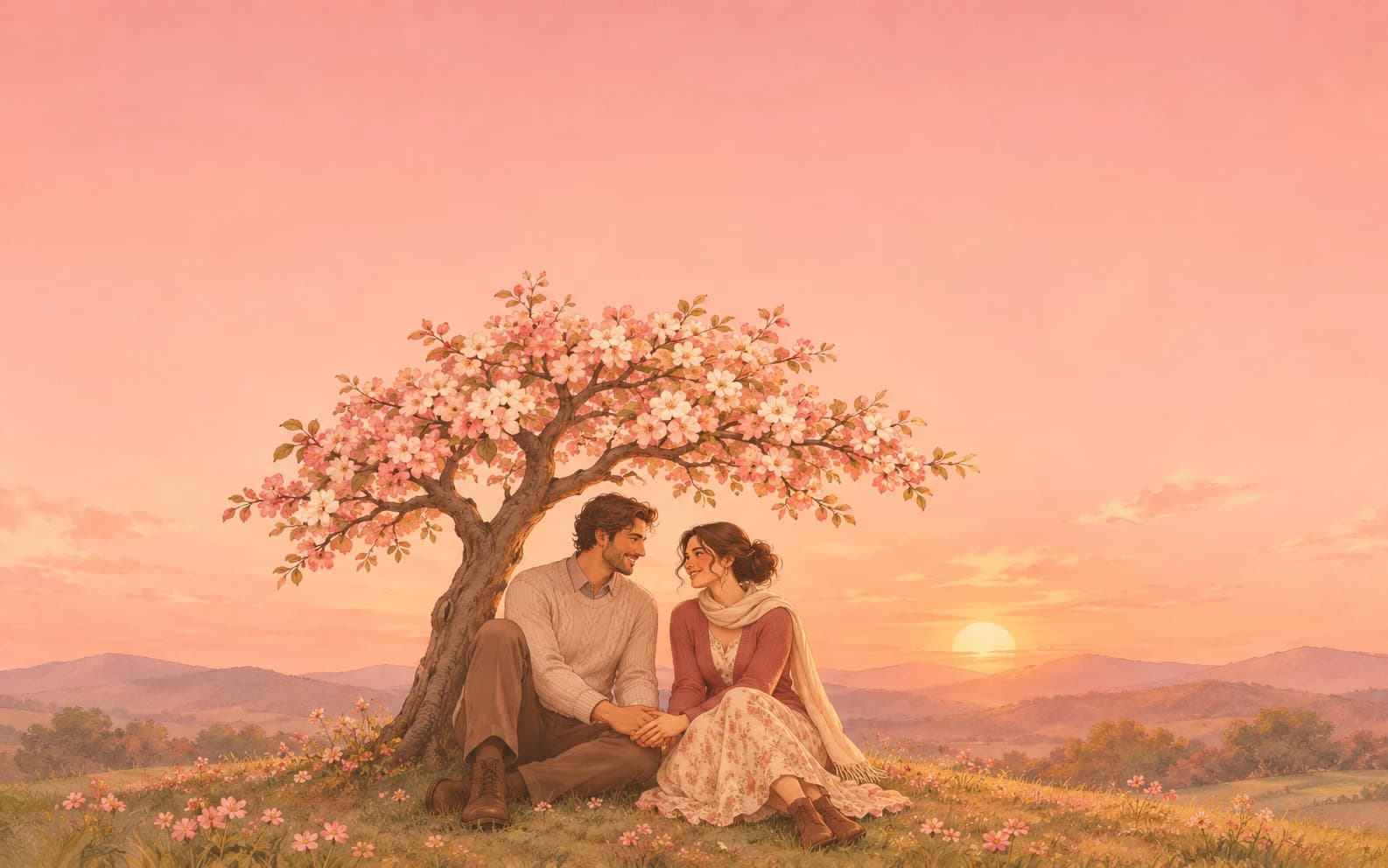
Warm illustrated anniversary card scene: two original adult characters holding hands beneath a flowering tree at sunset, soft coral and cream palette, generous blank space at the top for a message to add later, no lettering or logos.
Choose one kind of moment
A walk in the rain, a shared coffee or a sunset reunion each gives the image a clear story. Name the relationship and mood through gestures and setting rather than asking for a generic love picture. If the image is for a card, leave uncluttered space where you will place the message later.
Use color and framing to set the tone
Warm coral and cream can feel celebratory; blue-hour light can make a scene reflective. Choose a wide composition for a banner or a portrait crop for a printed card. Review faces and hands carefully when two people interact, because small anatomy mistakes stand out in close scenes.
Finish the message yourself
Generated lettering may be misspelled or distorted. Ask for no text, save the closest image and add the exact date, names or dedication separately. If using a real couple's photograph as a reference, get their permission and compare the generated identities with the source before sharing.
Vary the relationship through setting
A long-distance message, anniversary picnic and quiet homecoming call for different environments and gestures. Choose one story at a time, then keep the wardrobe and palette consistent if you want a coordinated set. A small shared object can communicate affection without forcing a complicated pose.
FAQ
- Can I add a name or date in the prompt?
- You can, but image models often distort text. For exact wording, generate the artwork with blank space and add lettering afterwards.
- Can I turn our photo into an illustration?
- Upload an authorized photo as a reference and describe the art style. Check the faces and details before sharing the result.
- Can I use the image for a greeting card?
- Yes, as artwork. Add exact wording separately and review any reference-photo rights before printing or sharing.