Features
AI Storyboard Generator
By Ofrai Editorial (Model Testing Team)
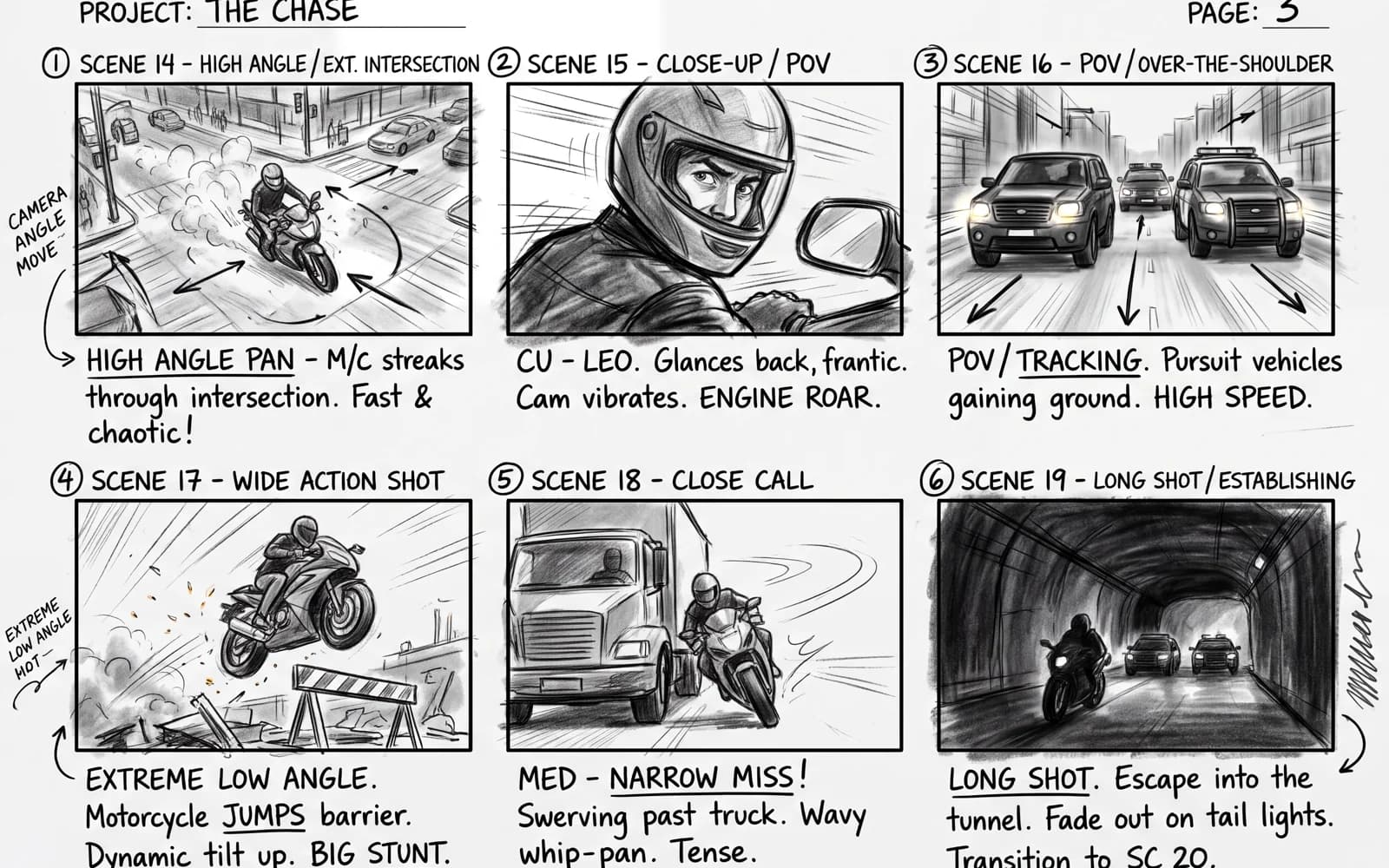
Plan a video before you spend on it. Generate one image per shot — wide, medium, close-up — with the same characters and location, review the sequence, and send the approved frames to Video Studio as starting images.
New accounts include 1 free GPT Image 2.5 generation. Other models and video use credits.
Example prompts
Storyboard frame 1 of 6, cinematic wide shot: a vintage teal convertible parked on a grassy ridge above a mountain lake, hot-air balloons in the sky, golden side light, 16:9 film still.
What it is for
Ads and product videos, short films, music videos, explainers and social content. A storyboard lets a team agree on the shots before generating expensive video, and the frames themselves become the starting images for each clip.
How the workflow runs on Ofrai
There is no special storyboard canvas: you generate each frame in Image Studio, one prompt per shot, and arrange them yourself in your library or a slide deck. Number the shots in the prompt (frame 1 of 6) and describe the shot size and camera angle. When the sequence works, open each approved frame in Video Studio and describe its movement.
Keeping characters and locations consistent
Write a fixed description of each character and location and paste it unchanged into every frame. Better still, generate the first frame, then upload it as a reference for the next ones and ask for the same character in the new shot. Nano Banana Pro and Flux Kontext both edit from references well, which keeps faces and costumes from drifting between frames.
Shot language
Use film terms the models understand: establishing wide shot, medium shot, over-the-shoulder, close-up, insert shot of the product, low angle, top-down. Add lighting and time of day to every frame so the sequence matches. Use 16:9 for film and YouTube, 9:16 for vertical social video.
From frames to video
Each approved frame becomes the first frame of an image-to-video clip. Generating clips from approved stills wastes far fewer video credits than generating from text and hoping. Edit the clips together in a video editor; Ofrai does not assemble multi-shot sequences for you.
Cost
A six-frame storyboard on GPT Image 2.5 costs about 90 credits at 1K on the test date, or about 200 on Nano Banana Pro — a fraction of one premium video clip, which is why storyboarding first saves money.
FAQ
- Is there a storyboard template or grid?
- No. Generate one frame per prompt and arrange them in your library, a deck or a design tool.
- How do I keep the same actor in every frame?
- Use the first frame as a reference image for the next ones and repeat the same character description.
- Can the frames become video?
- Yes. Open each frame in Video Studio as the starting image. Video needs a paid plan or top-up credits.