Features
AI Tamil Video Generator
Develop a short visual scene for a Tamil-language story, campaign or music concept in Ofrai Video Studio. Describe the place, people, action and camera rather than relying on a generic cultural label. Add and verify Tamil speech or subtitles separately; this page does not promise automatic language-accurate audio.
Chat and video use credits from your Ofrai balance.
Example prompts
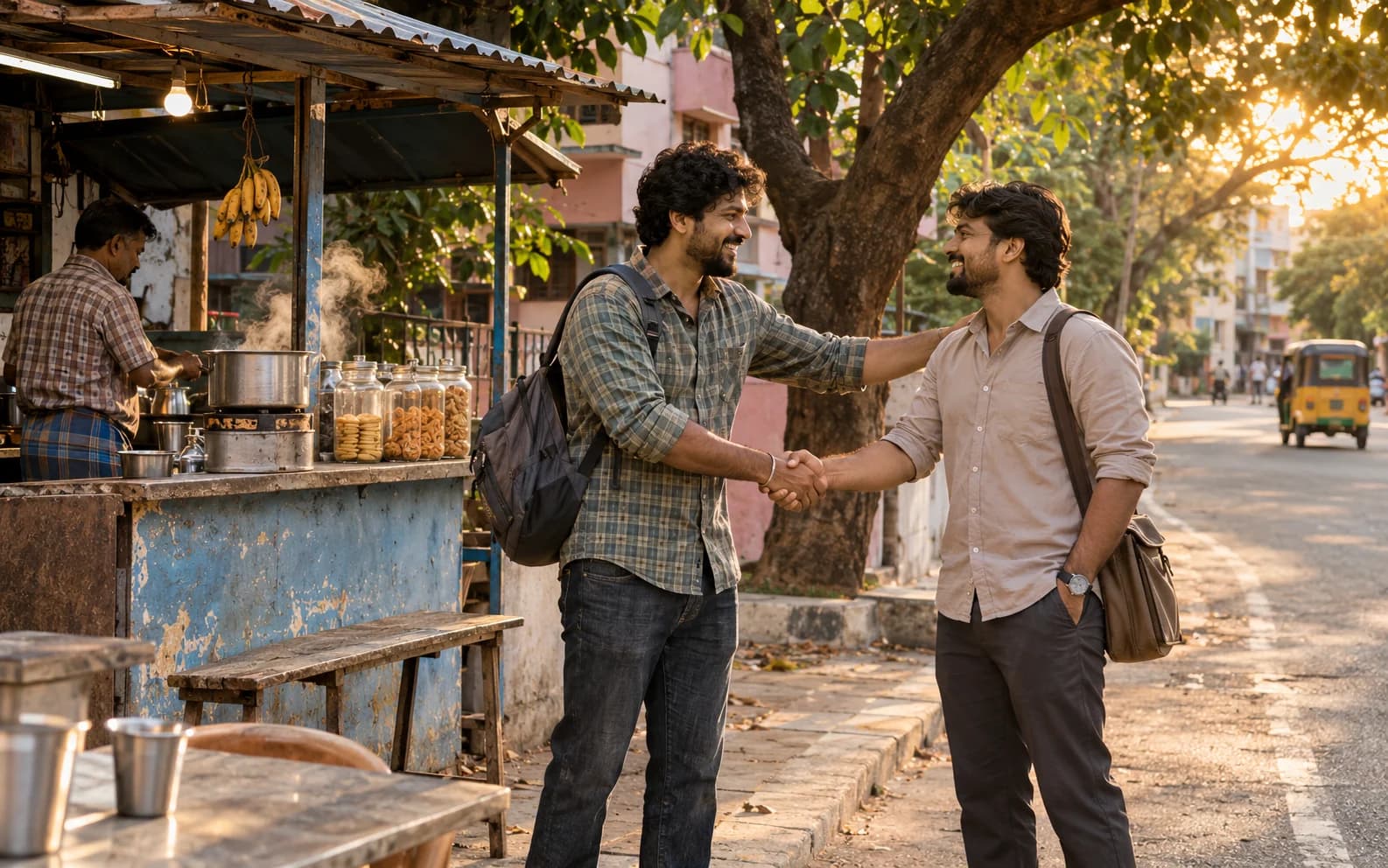
Original short film scene at a neighborhood tea stall in Chennai at golden hour: two adult friends greet each other, colorful auto-rickshaw passes in the distance, warm natural light, one steady wide camera shot, no generated lettering or dialogue.
Write the scene with local detail
Pick a setting you know, such as a Chennai tea stall at dusk, a coastal street or a family courtyard. Name the time of day, clothing and one action. Avoid treating every Tamil story as the same festival or costume; a specific brief gives the clip more useful detail and helps you review it for authenticity.
Make one clean visual shot
Choose a single wide, medium or close shot and a short camera move. Generated signs and written words can be misspelled, so ask for no readable lettering if exact text matters. Review architecture, clothing and gestures frame by frame, especially before using the clip to represent a real community or location.
Handle language in post-production
Record or source authorized Tamil dialogue, captions and music separately, then add them in a video editor. Have a fluent speaker check wording and timing. Audio capabilities vary by model, and a video generated from this English prompt should not be assumed to contain correct Tamil speech or subtitles.
Storyboard a sequence before spending credits
For a longer story, sketch an opening place, one interaction and a closing image as separate shots. Generate one short clip at a time and repeat the same character and wardrobe descriptions. The studio outputs clips, so you will still need to arrange them and check continuity in an editor.
Check the cultural details with people who know them
A generated street, sign or garment may look plausible while being inaccurate. Review references and ask a knowledgeable collaborator to check the setting before publishing. If accuracy matters, use authorized real-world footage or photographs for details the model cannot verify.
FAQ
- Will it automatically create accurate Tamil subtitles?
- No. Add subtitles in an editor and have a fluent speaker check the text and timing.
- Can I start from a photo of a real place?
- Yes, with an authorized image and a model that accepts a starting frame. Review the output because landmarks and signs can change.
- Can it make a whole Tamil-language film?
- No. This page helps generate short visuals. Script, dialogue, captions, editing and cultural review remain separate steps.