Video
Kling 3.0 Omni
Video
Available on Ofrai — chat, images, and video in one place with shared credits.
Example prompts
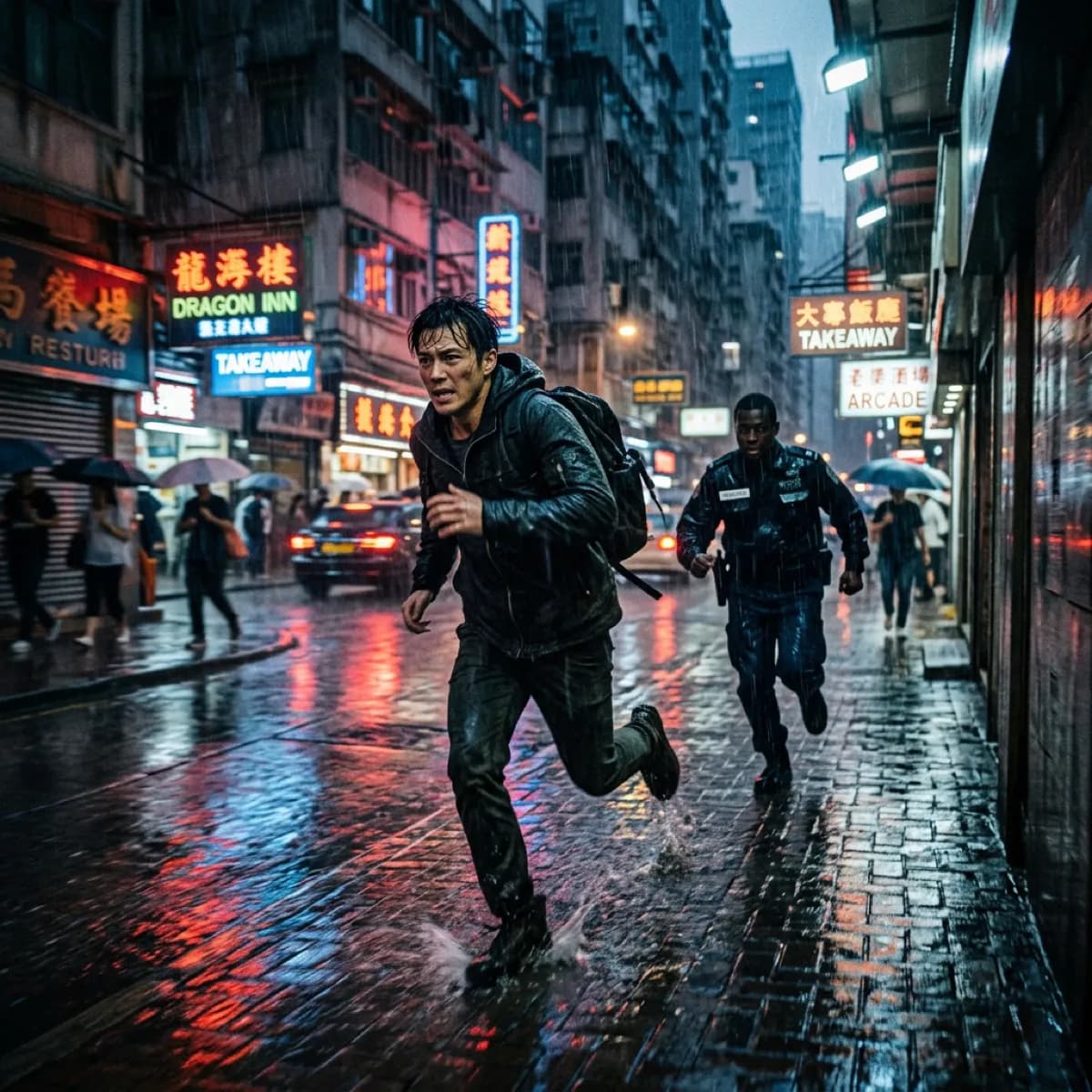
Choose an example to load its prompt and recommended settings into the Kling 3.0 Omni creator above.
How it works
Create with Kling 3.0 Omni in three steps
- 01
Choose your inputs
Keep Kling 3.0 Omni selected, then add a prompt and any supported reference assets.
- 02
Set the output
Choose the aspect ratio, resolution, and available Video options before generating.
- 03
Generate and refine
Review the result, adjust the prompt or settings, and generate another version from the same place.
Kling 3.0 Omni is the variant of the Kling 3.0 line built for jobs where a specific subject has to survive from the reference file all the way into the finished clip. Instead of describing a character in words and hoping the model invents a consistent one, you hand it the character as an input and refer to that exact input from inside the prompt.
The same channel also carries a reference video and named elements, which is why this is the entry to reach for when the brief says "use this product, this actor, this movement" rather than "show me something plausible". It is a precision tool, and the cost of that precision is paid in setup: slots have to be numbered correctly and the optional inputs cannot all be used at once.
What the Omni reference channel actually changes
Three separate input lists feed the same prompt: images, a video, and elements. You address them by index with the official placeholder syntax — an image slot, a video slot, and an element slot, numbered from 1. The prompt is written against those slots rather than against a description, so the model is resolving a reference you supplied instead of reconstructing one from text. Two rules account for most failed Omni jobs, and neither of them is a quality problem.
First, the order of the input lists must match the order you reference them in the prompt; if you cite the third image first, that image has to be third in the list. Second, nothing is filled in for you. A missing first frame stays missing — the model will not quietly invent a start frame or insert a placeholder you did not write. When a generation comes back with the wrong subject, or with the right subject behaving oddly, the cause is almost always one of those two.
Resolution is a mode, not a dropdown
Output resolution is selected with the mode field rather than a separate resolution parameter. Standard mode renders at 720p, professional mode at 1080p, and the mode also decides what you are billed at. In practice this couples two decisions you would normally separate: you are choosing the quality tier and the cost tier together. Standard is the sensible default for iterating — it is the mode to stay in while you are still moving the camera or rewriting the prompt.
Switch to professional once the shot is settled, because re-rendering a finished take at the higher tier is where the cost concentrates. Aspect ratio sits separately and takes the common set: widescreen, vertical, and square. Vertical is not a crop of a widescreen render here; it is requested at generation time, which is the difference between a composition that was built for 9:16 and one that is merely centre-cut.
Audio and reference video cannot both be on
Audio generation is a boolean that defaults to off. Turning it on produces a video with sound and moves the job onto the sound billing line. Passing a reference video does the same thing on the video line. The two are mutually exclusive — requesting both in one call fails rather than picking a winner. That constraint decides the shape of the workflow, and it is worth planning for rather than discovering.
If you need the visual to follow an existing motion, you send the reference video and accept a silent result. If you need dialogue or ambience, you generate audio natively and give up the motion reference. There is no third option on this endpoint that does both, so the choice has to be made before the first render, and it is usually the choice that should drive which model you reach for in the first place.
How long a clip you can ask for
Duration runs from 3 to 15 seconds and defaults to 5. Every whole second in that range is available, so you are not restricted to the coarse buckets that shorter-duration models offer. This is worth planning around rather than reacting to.
A six-shot sequence that will not hold together should be built as separate clips rather than as one fifteen-second request, because a single continuous take and a sequence of short takes fail in different ways, and fifteen seconds is firmly in the territory where the second kind wins. If you are planning a sequence, decide the cut points in the brief, render each one, and assemble them afterwards.
Asking one long generation to cover a sequence is the most reliable way to end up with a shot that is fine for the first half and drifts after it.
Prompt structure that this model responds to
Because the prompt addresses inputs by reference, it reads differently from a free-text description, and the difference matters more than it sounds. State what the slot contains first, then the action in the smallest number of words that still pin it down — a person in the first image raising a hand toward the lens is enough to work with.
The model resolves the slot; it does not need you to re-describe the face, the wardrobe or the lighting, and doing so is actively counterproductive, because the prose becomes a second and conflicting description of an input you already supplied. Put the shot language separately from the subject reference, so that when a render fails you can tell whether the problem was the reference or the camera move. That separation is what makes a second attempt a real experiment rather than a reroll.
When to reach for a different model instead
Omni is built for reference fidelity, and that focus costs you somewhere else. If you have no reference to supply and want the model to originate a subject, the plain Kling 3.0 entry does the same job without the slot bookkeeping and is the cheaper route. If you need a single fast clip with no identity to protect, the Turbo variant in the same family exists precisely for that and will beat Omni on turnaround.
And if the deliverable needs simultaneous sound and motion reference, this endpoint will refuse the request, so the decision has to move to a tool that supports both. Choosing Omni because it carries the newest name in the family is the most common way to overpay for it; choosing it because the brief actually contains a reference asset is the reason it earns its price.
FAQ
- How do I reference an input image inside the prompt?
- Each entry in the image list gets an index starting at 1, and you cite that index with the official image placeholder in the prompt text. The list order and the order you reference must agree, and the system never inserts a placeholder or a start frame you did not write yourself.
- What does standard versus professional mode change?
- Mode selects both the output resolution and the billing tier: standard renders at 720p, professional at 1080p. Stay in standard while you are still changing the prompt or the camera, then move to professional once the shot is settled.
- Can I request audio together with a reference video?
- No. Audio generation and reference video input are mutually exclusive on this endpoint. Passing a reference video moves the job to video billing, setting audio to true moves it to sound billing, and asking for both fails.
- How long can a single generation be?
- Between 3 and 15 seconds, defaulting to 5, with every whole second in between available. For a sequence, render separate clips and assemble them rather than asking one long generation to cover several shots.
FAQ
- Can I use Kling 3.0 Omni directly on this page?
- Yes. The creator above is the working Ofrai studio with Kling 3.0 Omni selected by default.
- Where are my finished results saved?
- Signed-in generations are kept in your Ofrai library so you can download or revisit them.
- Which prompts work best with Kling 3.0 Omni?
- Describe the subject, setting, visual style, lighting, and camera or motion clearly. The examples above provide practical starting points.
- Can I edit the example prompts before generating?
- Yes. Load any example, then change its wording, aspect ratio, references, or other supported settings in the creator.
Related models
Compare other Video models that can handle similar creative work to Kling 3.0 Omni.





Compare
Use cases
Related guides
Tools
Commercial use depends on the selected model and model terms.