Image
Vidu Image
Image
Available on Ofrai — chat, images, and video in one place with shared credits.
Example prompts
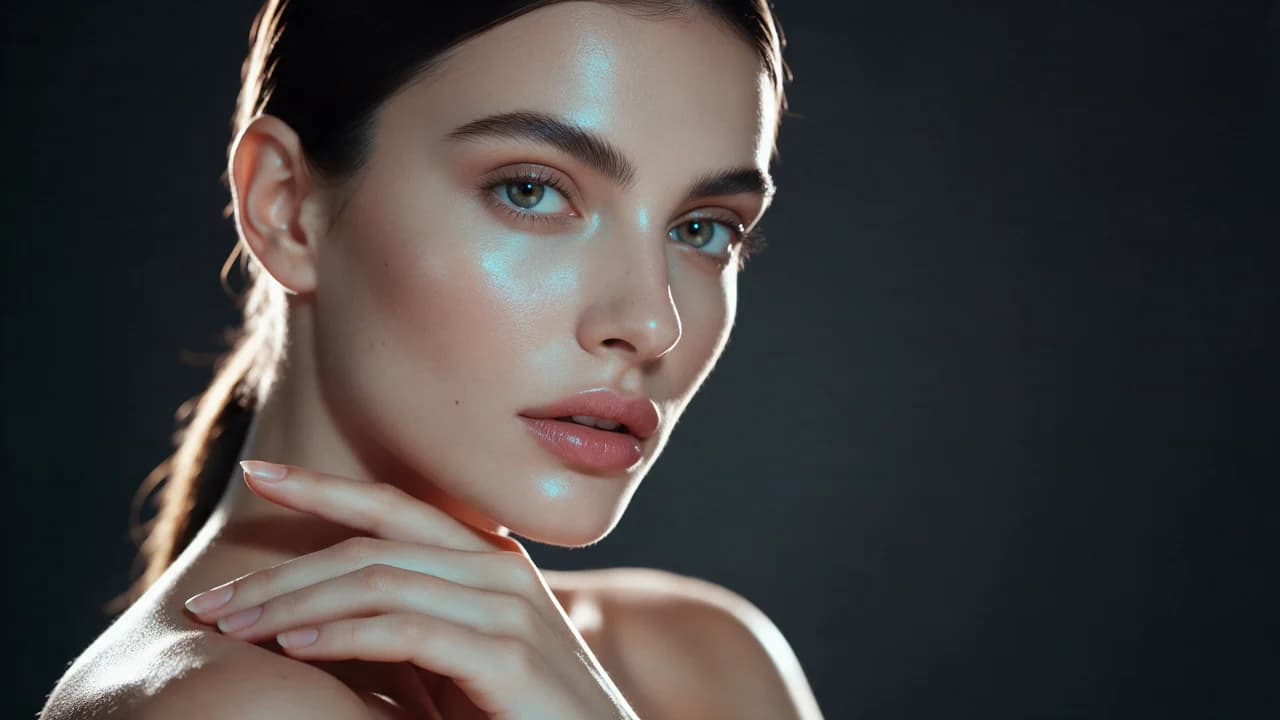
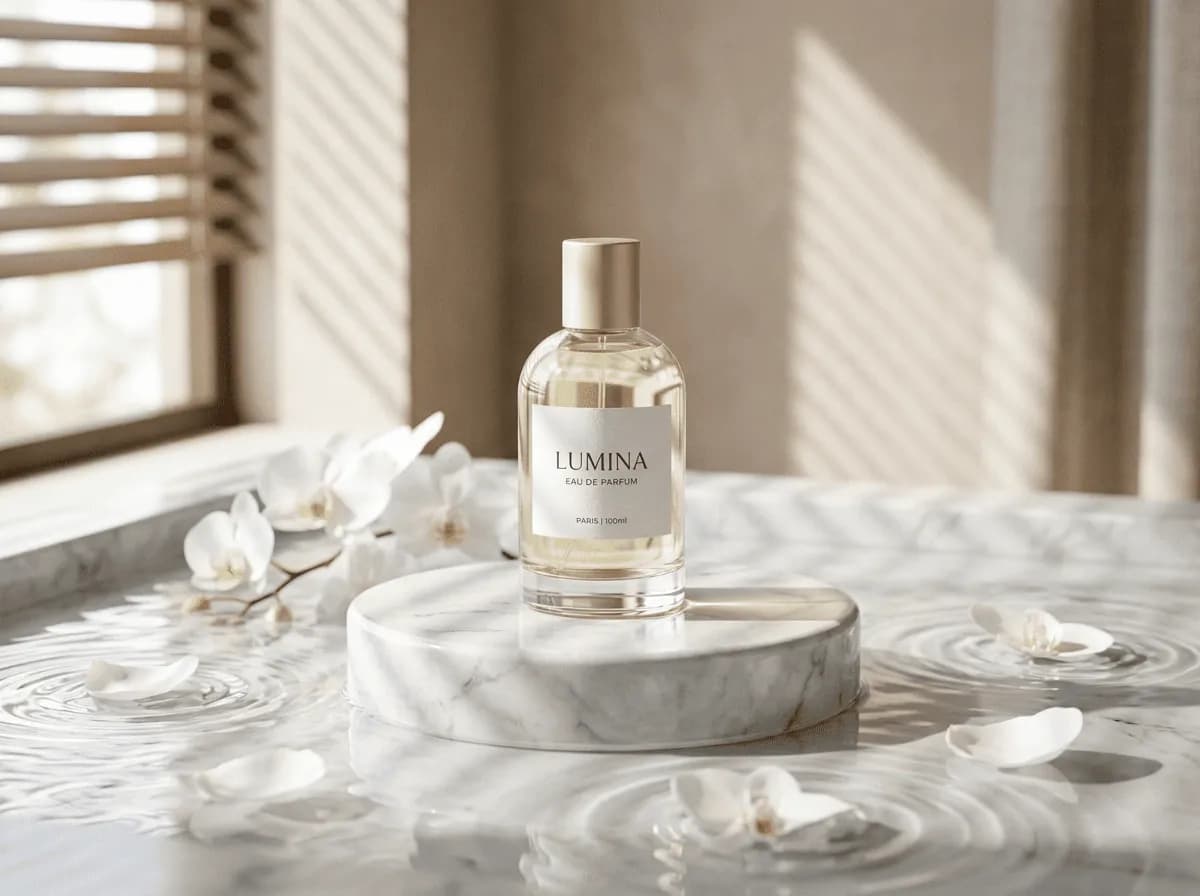
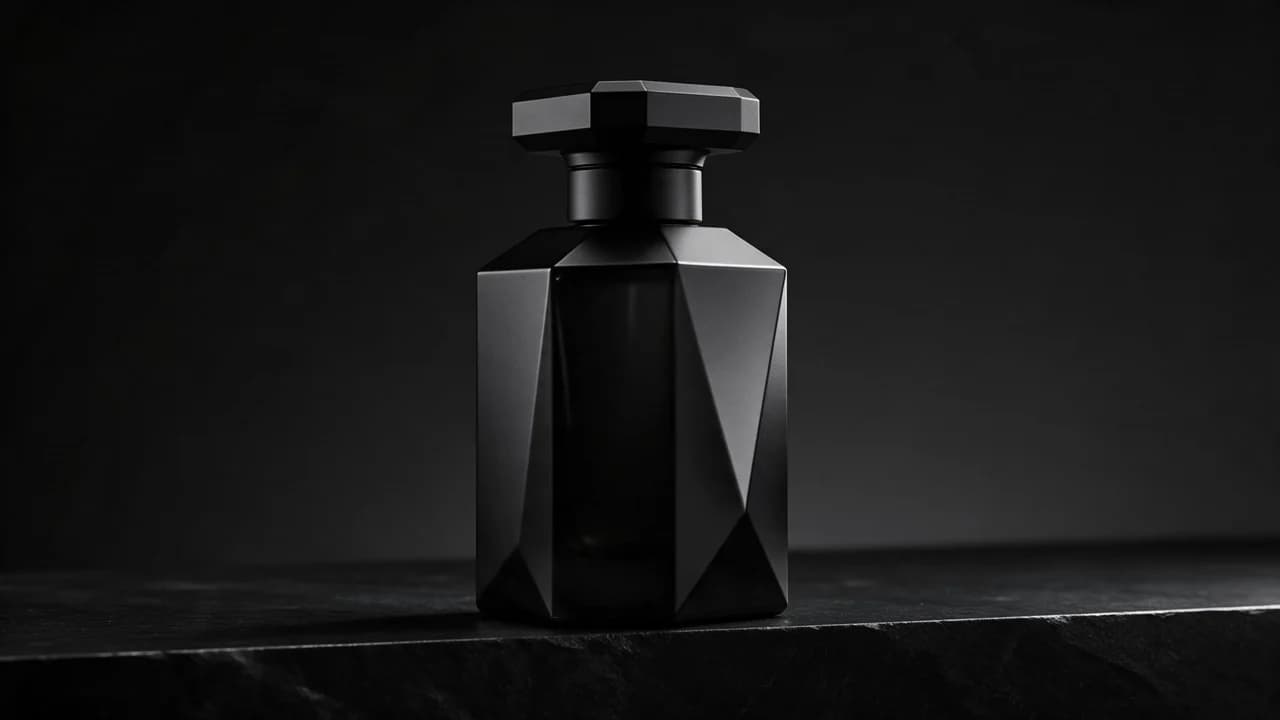
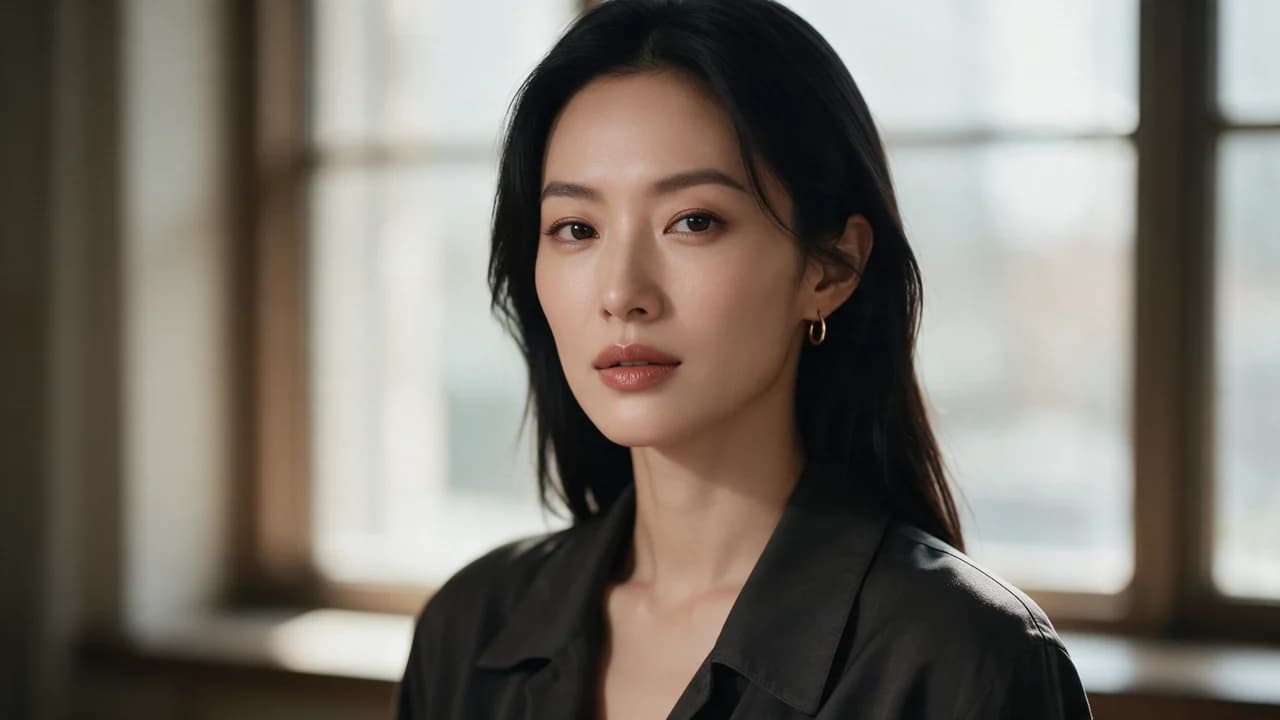
Choose an example to load its prompt and recommended settings into the Vidu Image creator above.
How it works
Create with Vidu Image in three steps
- 01
Choose your inputs
Keep Vidu Image selected, then add a prompt and any supported reference assets.
- 02
Set the output
Choose the aspect ratio, resolution, and available Image options before generating.
- 03
Generate and refine
Review the result, adjust the prompt or settings, and generate another version from the same place.
Vidu Image is the still-image engine from a family better known for video, and that is the whole story of what it is good at. The Q line is built for motion; the image model inherits the instincts that come with it — subject continuity across frames, a preference for a clean staged look, and a workflow that assumes you are producing a sequence rather than a single picture. That is a different brief from the one most catalogues bring, and when it fits it fits well.
What a video family contributes to a still image
Two things, both of which come from the same problem the video work solves. The first is continuity: a subject that holds across a run, which is the property every product set needs and which most still engines leave you to enforce by hand. The second is a sense of a staged scene — the model is used to composing for a frame that sits inside a sequence, so it tends to place a subject in a readable relationship with its environment rather than floating it in a void.
If your images are going into a feed, a story, or a set that moves, that is an advantage rather than a quirk.
The brief it wants
A brief with a sequence in it, even if the sequence is only three frames. Say what the subject is doing, not just what it is; say where the camera is; say what changes between frames. This model reads motion cues, so a prompt that describes a static object in detail but says nothing about what is happening is leaving most of the model unused.
A brief that describes a subject mid-action, with a clear camera position, gives it something to work with — and it is also a better brief for any engine, because motion and placement are what make an image read as a photograph rather than a render.
Where it sits against the rest of the catalogue
It is not the photoreal still specialist, and it is not the layout engine. What it is, is an engine that has been pushed hard on keeping a subject consistent and on staging a readable frame, which makes it a good fit for sequential work: a brand set, a story series, a set of images that belong to a campaign rather than a category. For a single still where the only requirement is that it look expensive, an engine trained specifically on product photography will reach it faster.
What it gives up
The two axes it is not the specialist on. Photorealism at close crop — skin, fabric, jewellery — is where a still-first engine pulls ahead, and it is why a hero frame is usually better made elsewhere. And instruction compliance: when a brief dictates a precise layout, an engine that composes for a sequence will interpret the instruction in service of the scene rather than obey it literally.
Both are the price of the continuity and staging this model is optimised for, and both are worth paying when the frames have to agree with each other.
Working with the Q line alongside it
The Q video engines and this image engine share a family, which is convenient: a set of stills and a set of clips can be produced from the same brief, with the same subject description and the same staging, and they will look related rather than merely adjacent. That is worth a lot for a brand with a visual system. The practical rhythm is to settle the look in stills first, because stills are cheaper to iterate, and then carry the decision into motion.
Running it inside Ofrai
Open Image Studio, paste the brief, and the Ofrai prompt router picks the cheapest engine that matches the image brief. For a sequential job the router has no way of knowing that is what you want, so pin it deliberately.
The same prompt runs on the rest of the catalogue with the seed and aspect ratio preserved, and the Q video engines are one tab away in the same workspace — so a still set and a clip set for the same brief cost the same credit balance and stay in the same visual system.
FAQ
- What is Vidu Image best at?
- Sequential work — a brand set, a story series, a campaign where the frames have to belong together. It comes from a video family, so it is strong on subject continuity across a run and on staging a subject readably in its environment.
- How should I prompt Vidu Image?
- Give it motion and placement, not just an object. Say what the subject is doing, where the camera is, and what changes between frames. A brief about a static object leaves most of this model unused.
- Is Vidu Image better than a dedicated product-photography engine for a hero image?
- No. For a single still that has to look expensive, a still-first engine reaches that faster and holds closer detail. Use this one for the frames that have to agree with each other.
FAQ
- Can I use Vidu Image directly on this page?
- Yes. The creator above is the working Ofrai studio with Vidu Image selected by default.
- Where are my finished results saved?
- Signed-in generations are kept in your Ofrai library so you can download or revisit them.
- Which prompts work best with Vidu Image?
- Describe the subject, setting, visual style, lighting, and camera or motion clearly. The examples above provide practical starting points.
- Can I edit the example prompts before generating?
- Yes. Load any example, then change its wording, aspect ratio, references, or other supported settings in the creator.
Related models
Compare other Image models that can handle similar creative work to Vidu Image.

Related guides
Tools
Commercial use depends on the selected model and model terms.