Image
Qwen Image Pro
Image
Available on Ofrai — chat, images, and video in one place with shared credits.
Example prompts
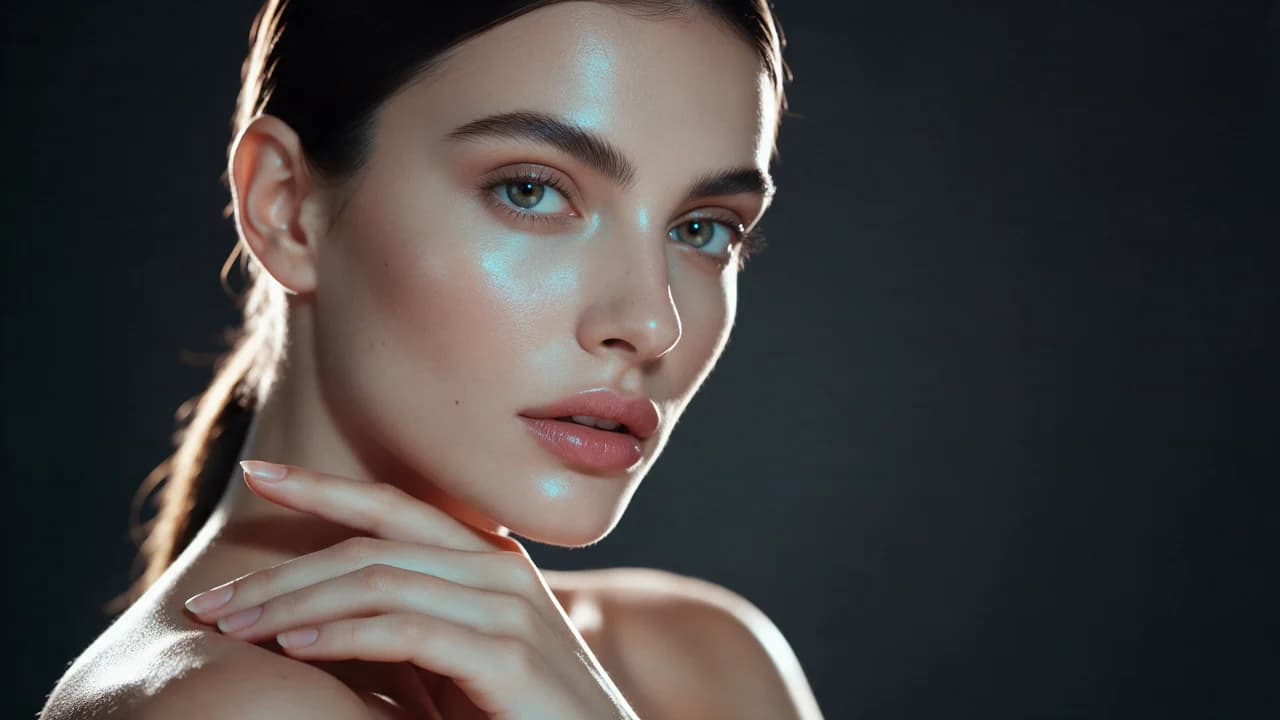
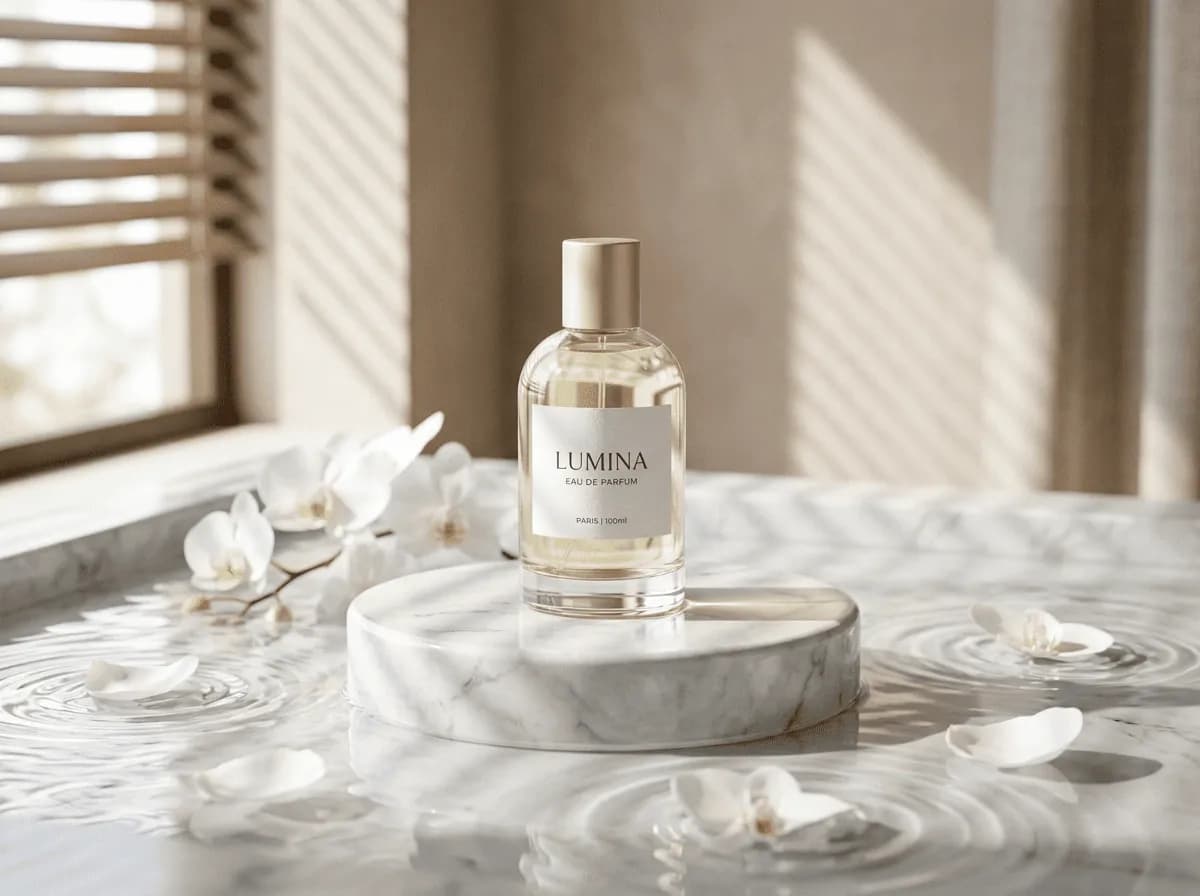
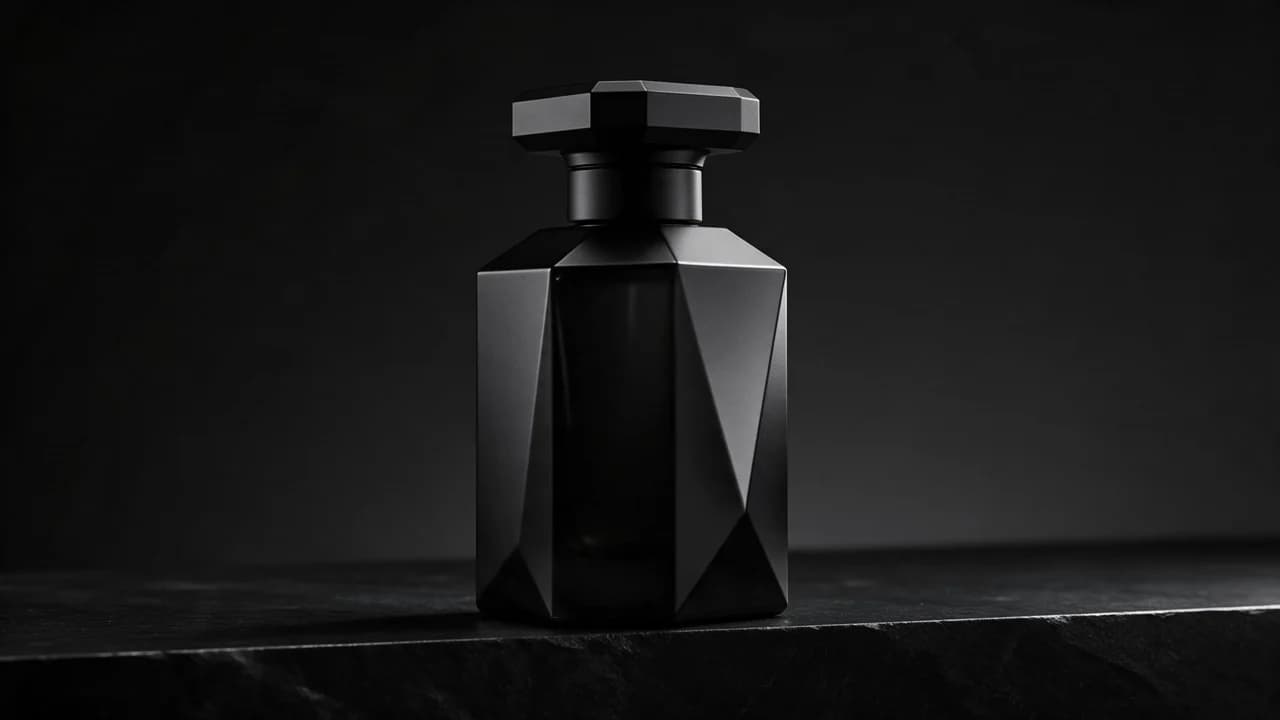
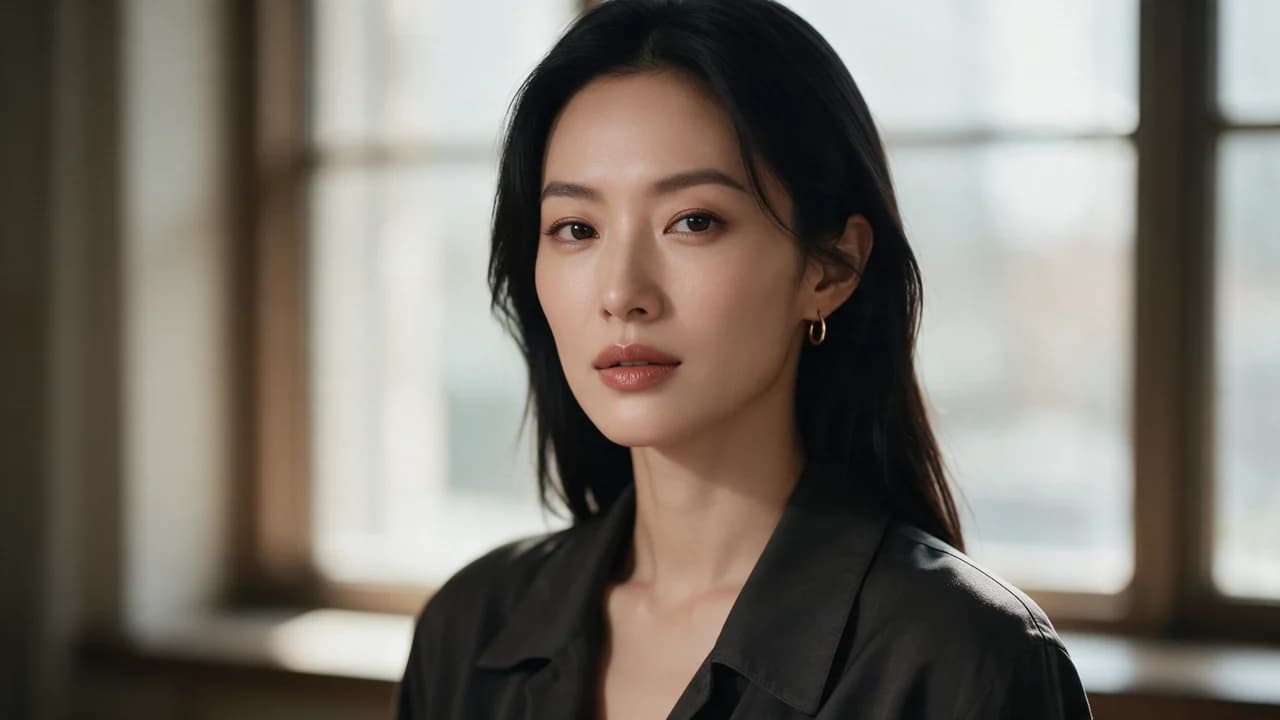
Choose an example to load its prompt and recommended settings into the Qwen Image Pro creator above.
How it works
Create with Qwen Image Pro in three steps
- 01
Choose your inputs
Keep Qwen Image Pro selected, then add a prompt and any supported reference assets.
- 02
Set the output
Choose the aspect ratio, resolution, and available Image options before generating.
- 03
Generate and refine
Review the result, adjust the prompt or settings, and generate another version from the same place.
Qwen Image 3.0 Pro is the top of a family with a different lineage from the two that dominate this catalogue, and that combination is worth a moment of thought before you buy it. The quality tier of a model is usually discussed as fidelity — skin, fabric, small props, hard crops. Those are real, and they are what the tier is for.
But the lineage is the part that decides whether any of it helps you, because this model was not trained on the same body of commercial photography as the engines beside it, and a different prior shows up in the frame before any resolution does.
What the Pro tier adds
Fidelity, in the ordinary sense. Texture that survives a close crop, finish that reads as a material rather than a rendering, edges on jewellery and glass that hold, skin with pores instead of the smooth waxy look that gives generated skin away. And more literal obedience to a described layout, so a brief that specifies a composition gets a composition rather than a suggestion.
These are the ordinary reasons a Pro tier costs more, and they matter when the frame is printed, cropped hard, or put next to the physical product it is selling.
The lineage question, which is the real one
Before the fidelity, there is the default. This family was shaped by a different body of commercial work, and it assumes a different finished look — cleaner product staging, brighter and flatter light, a more explicit call to action, a different idea of how much retouching a beauty frame should have. None of that is wrong; it is a different market's answer. If you are making for that market, the default is an advantage you get for free.
If you are not, every frame starts from a position you have to argue with, and the Pro tier's extra fidelity is spent making an argument win.
Choosing between this Pro and the other Pros
There is no technical winner here, which is why the SERP for these terms is full of listicles rather than a single answer. The choice is about which default matches the work, and the only reliable way to find out is to run one settled brief — a frame you already know what good looks like — through both and look at which one you would have shipped. If one of them is the answer you already had, use the other one for the frames where you want to differ.
That is a two-hour exercise and it settles the question permanently.
How to prompt it
Treat the brief as a specification rather than a mood. Subject, placement, light, finish, exclusions, each on its own line. The model's priors will fill in anything you leave vague, and those priors are the ones you may not want. Concretely: if you want soft editorial light, say what the light does rather than naming a genre; if the product should be on white, say so, because the family's default is a considered surface rather than a plain one.
The more you specify, the more of the result is yours and the less is the lineage's.
Where it is the wrong buy
A long, precise layout that has to land exactly — that is a text-in-image engine's job, and the Pro tier here will interpret rather than obey. A single frame that has to match a brand's established look, when the brand's look came from another lineage. And any brief where a set of frames is the deliverable and the frames will each be seen once: the tier's cost is per frame, and the set's value is not in any one frame.
Spending the Pro price on the one frame that carries the result is a different decision from spending it on the run.
Running it inside Ofrai
Open Image Studio, paste the brief, and the Ofrai prompt router picks the cheapest engine that matches the image brief. For a model whose default differs from your brief, the router has nothing to go on, so pin it and A/B it deliberately. The same prompt runs on the base tier and on the other families' Pro tiers with the seed and aspect ratio preserved, so the comparison you make is the comparison the customer will see.
FAQ
- What does Qwen Image 3.0 Pro add over Qwen Image 3.0?
- Fidelity — texture, finish, small props, hard crops — and more literal obedience to a described layout. The base tier is for the frames nobody examines closely.
- Should I use this Pro tier or the other Pro tiers in the catalogue?
- There is no technical winner. Run one settled brief through both and see which one you would have shipped. A model with a different lineage is the right choice when you want a different look, not a better one.
- How do I stop the model's defaults taking over?
- Specify rather than suggest: subject, placement, light, finish and exclusions, each on its own line. The model fills in whatever you leave vague, and what it fills in comes from its training tradition — which may not be the look you want.
FAQ
- Can I use Qwen Image Pro directly on this page?
- Yes. The creator above is the working Ofrai studio with Qwen Image Pro selected by default.
- Where are my finished results saved?
- Signed-in generations are kept in your Ofrai library so you can download or revisit them.
- Which prompts work best with Qwen Image Pro?
- Describe the subject, setting, visual style, lighting, and camera or motion clearly. The examples above provide practical starting points.
- Can I edit the example prompts before generating?
- Yes. Load any example, then change its wording, aspect ratio, references, or other supported settings in the creator.
Related models
Compare other Image models that can handle similar creative work to Qwen Image Pro.

Related guides
Tools
Commercial use depends on the selected model and model terms.