Image
Qwen Image 3.0
Image
Available on Ofrai — chat, images, and video in one place with shared credits.
Example prompts
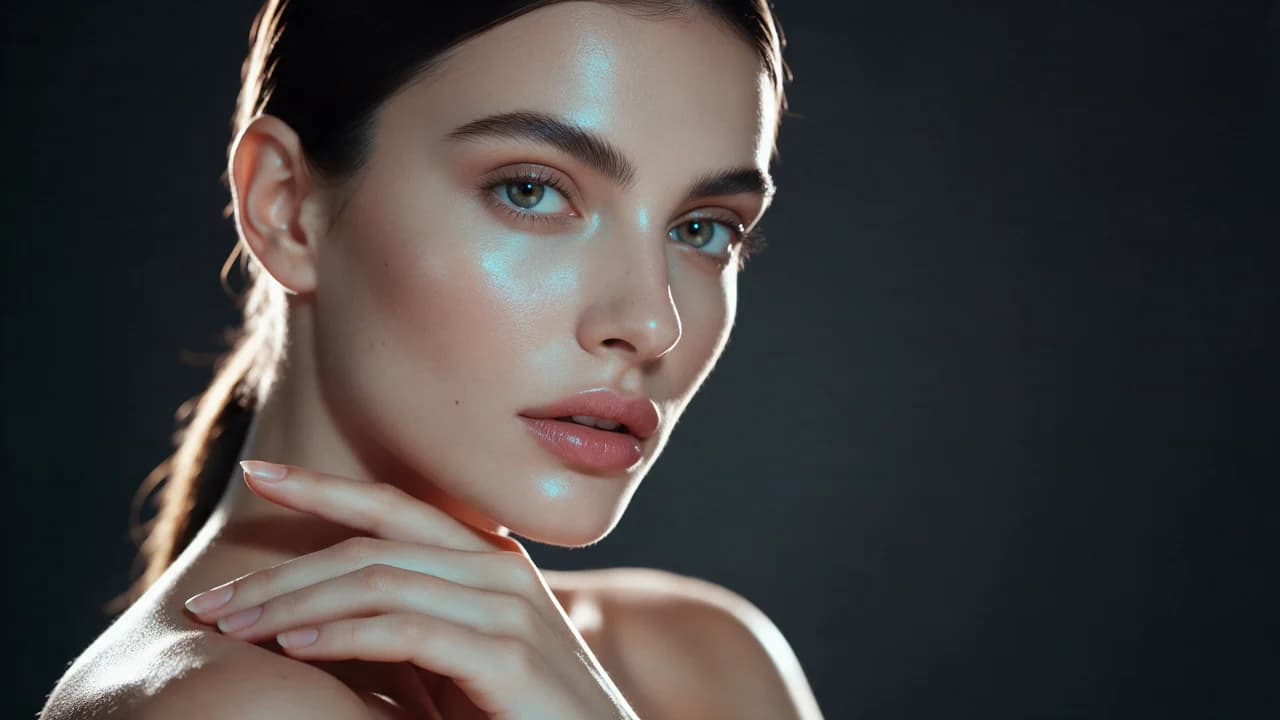
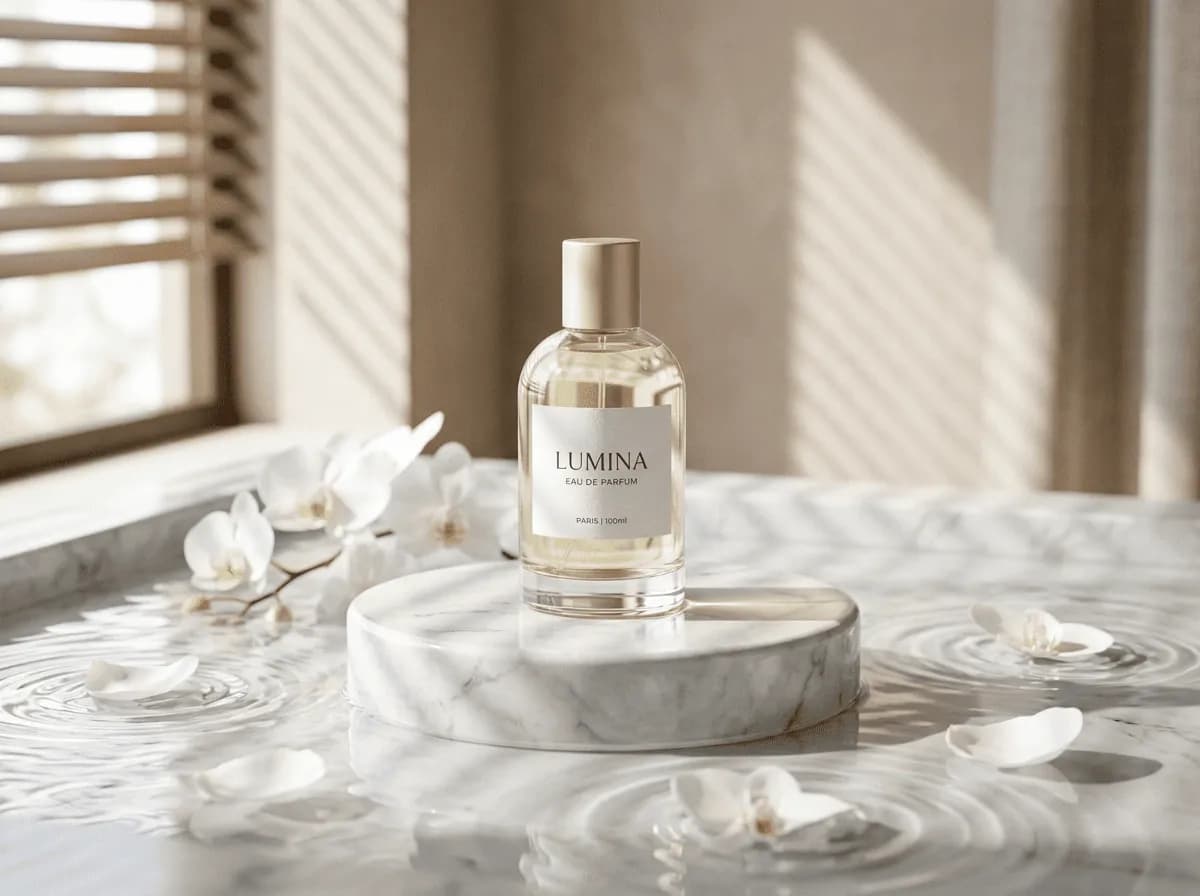
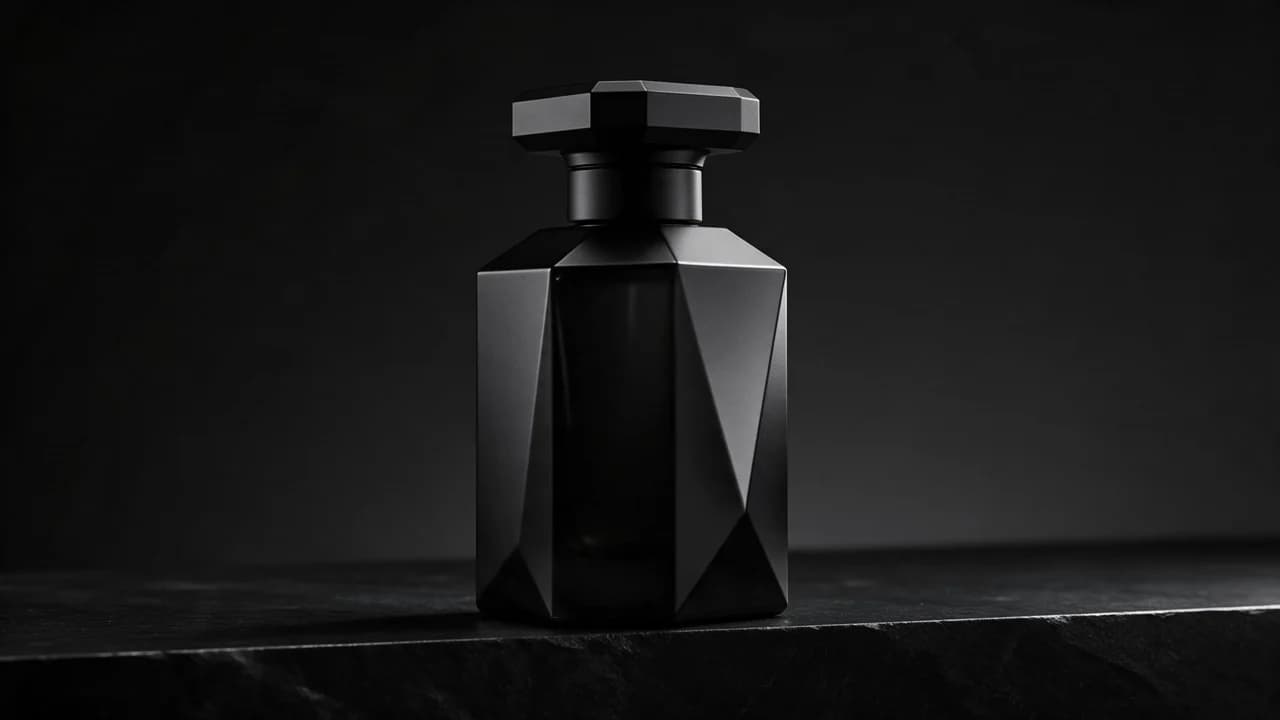
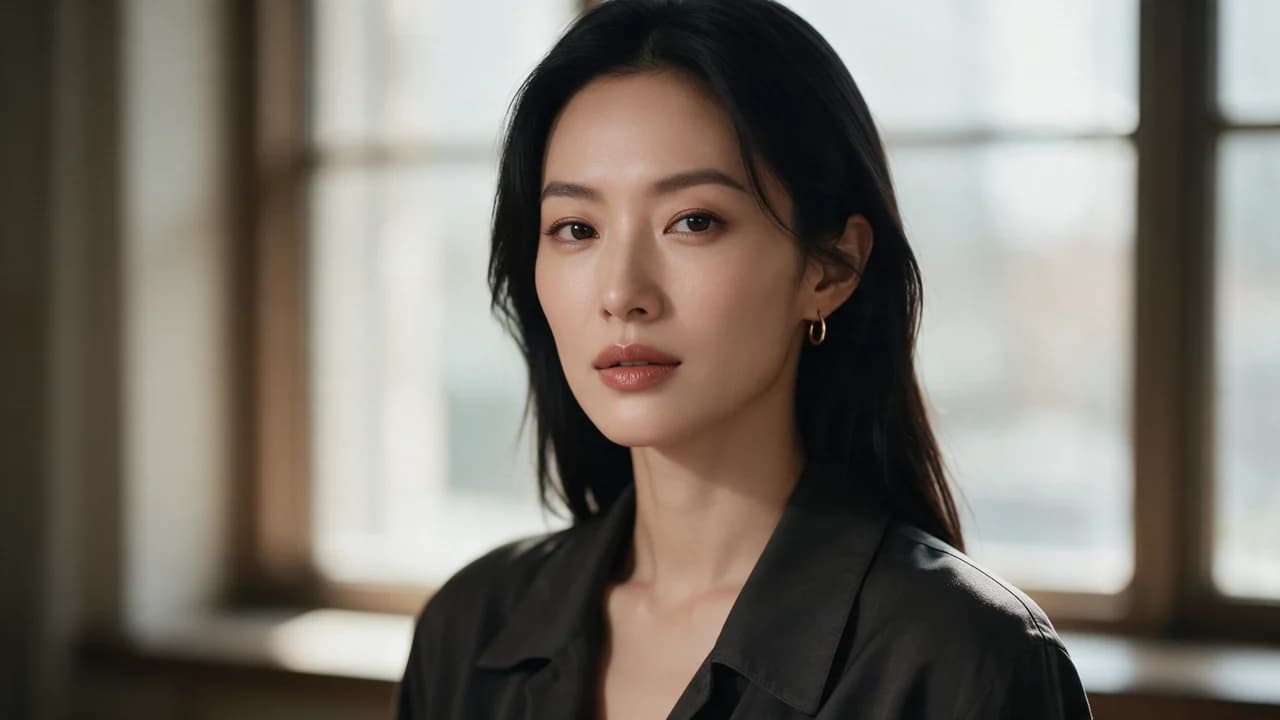
Choose an example to load its prompt and recommended settings into the Qwen Image 3.0 creator above.
How it works
Create with Qwen Image 3.0 in three steps
- 01
Choose your inputs
Keep Qwen Image 3.0 selected, then add a prompt and any supported reference assets.
- 02
Set the output
Choose the aspect ratio, resolution, and available Image options before generating.
- 03
Generate and refine
Review the result, adjust the prompt or settings, and generate another version from the same place.
Qwen Image 3.0 is a family outside the two that dominate this catalogue, and arriving from a different lineage is the interesting part of it. The mainstream engines here were all shaped by Western product photography and social conventions; this one comes from a different training tradition, and that shows up less in what it renders than in what it assumes — the aesthetics, the retouching habits, the sense of what a finished commercial image looks like.
That is an asset when your audience expects something different, and a mismatch when it does not.
What a different lineage changes
Every image model carries a prior about what a good commercial image is: which lighting reads as expensive, how skin should be retouched, how much empty space a layout wants, whether a product should float or sit. Those priors are learned, and they differ across lineages. A model trained closer to East Asian e-commerce catalogues tends to prefer cleaner product staging, brighter, flatter, more even light and a more explicit call to action than a Western-trained model of comparable technical quality.
If your audience is that market, the priors are the product. If it is not, you are fighting a default you did not choose.
Where it fits next to the other engines
In a catalogue that already has a photoreal engine and a layout engine, this is a third opinion with a different bias, which makes it a good candidate for the frames where the default look is not the one you want.
It is also worth testing on a brief you have already solved elsewhere, because a model that changes the answer on a settled brief is telling you its default differs — and that is exactly the kind of difference you want to know about before a campaign rather than during one. The comparison is cheap: the same prompt on four engines in one afternoon is worth more than a page of speculation.
The prompting difference that matters
Because its priors differ, the same prompt will not do for every engine, and copying a prompt that worked on a different lineage is the most common way to conclude the model is bad. A prompt written for a Western-trained model tends to lean on photographic terms — soft window light, shallow depth, editorial. Here, the more reliable brief is the explicit one: state the subject, the placement, the light, the finish, and the exclusions.
Concrete instructions travel across lineages better than adjectives, because a model can only apply an adjective through the prior it already has.
Where it is the wrong tool
When the brief is specifically a Western product-photography look — a beauty campaign with a particular soft, editorial quality, a fashion story with a specific retouching standard. Those briefs are tuned to a lineage, and this engine will read them through a different set of expectations. It is also the wrong pick for a long, precise layout, which is what a text-in-image engine exists for.
And if the deliverable is one frame that has to match an existing brand's established look, a model whose priors differ from that look is an uphill task, whatever its technical quality.
The tier question
The Pro variant of the same generation exists for the same reason every family here has one: a frame that will be examined needs more fidelity, and a frame that will be scrolled past does not. The split works the same way it does for the other families — draft the volume on the base tier, re-render the frames that carry the outcome on Pro.
The one thing worth adding for this family is that the base tier is also the fastest way to find out whether the lineage suits your market at all, because the prior difference shows up fastest on the frames you do not examine.
Running it inside Ofrai
Open Image Studio, paste the brief, and the Ofrai prompt router picks the cheapest engine that matches the image brief. A model with a different prior is exactly the case where the router cannot know what you want, so pin it deliberately and A/B it against the engine you already use. The same prompt runs on every other engine in the catalogue with the seed and aspect ratio preserved, so the comparison is one afternoon of work rather than an argument.
FAQ
- How is Qwen Image 3.0 different from GPT Image 2 or Nano Banana Pro?
- Mostly in its priors rather than its technique: a different training tradition carries a different idea of what a finished commercial image looks like. That is an advantage when your audience expects that look and a mismatch when it does not.
- Can I reuse a prompt that worked on another model?
- Partly. A prompt leaning on photographic adjectives travels less well across lineages than concrete instructions. State the subject, placement, light, finish and exclusions — a model can only apply an adjective through a prior it already has.
- Should I use Qwen Image 3.0 Pro for everything?
- No. Draft volume on the base tier and re-render the frames that carry the outcome on Pro, the same split as the other families. The base tier is also the fastest way to learn whether this lineage suits your market.
FAQ
- Can I use Qwen Image 3.0 directly on this page?
- Yes. The creator above is the working Ofrai studio with Qwen Image 3.0 selected by default.
- Where are my finished results saved?
- Signed-in generations are kept in your Ofrai library so you can download or revisit them.
- Which prompts work best with Qwen Image 3.0?
- Describe the subject, setting, visual style, lighting, and camera or motion clearly. The examples above provide practical starting points.
- Can I edit the example prompts before generating?
- Yes. Load any example, then change its wording, aspect ratio, references, or other supported settings in the creator.
Related models
Compare other Image models that can handle similar creative work to Qwen Image 3.0.


Related guides
Tools
Commercial use depends on the selected model and model terms.